Motion Graphics: from script to animated visuals, no design expertise needed
Create branded, animated infographics — timelines, flows, charts, and more — right inside Synthesia. No separate design tool, no design tickets.
See what Synthesia can do for you
Today, we're giving Motion Graphics a proper introduction — and introducing the model behind it. Motion Graphics is the first capability powered by SyRen, Synthesia's own AI rendering model for generating video scenes. It's built so anyone can create engaging video, with no design expertise required. And over time it will power much more of what you see on screen.
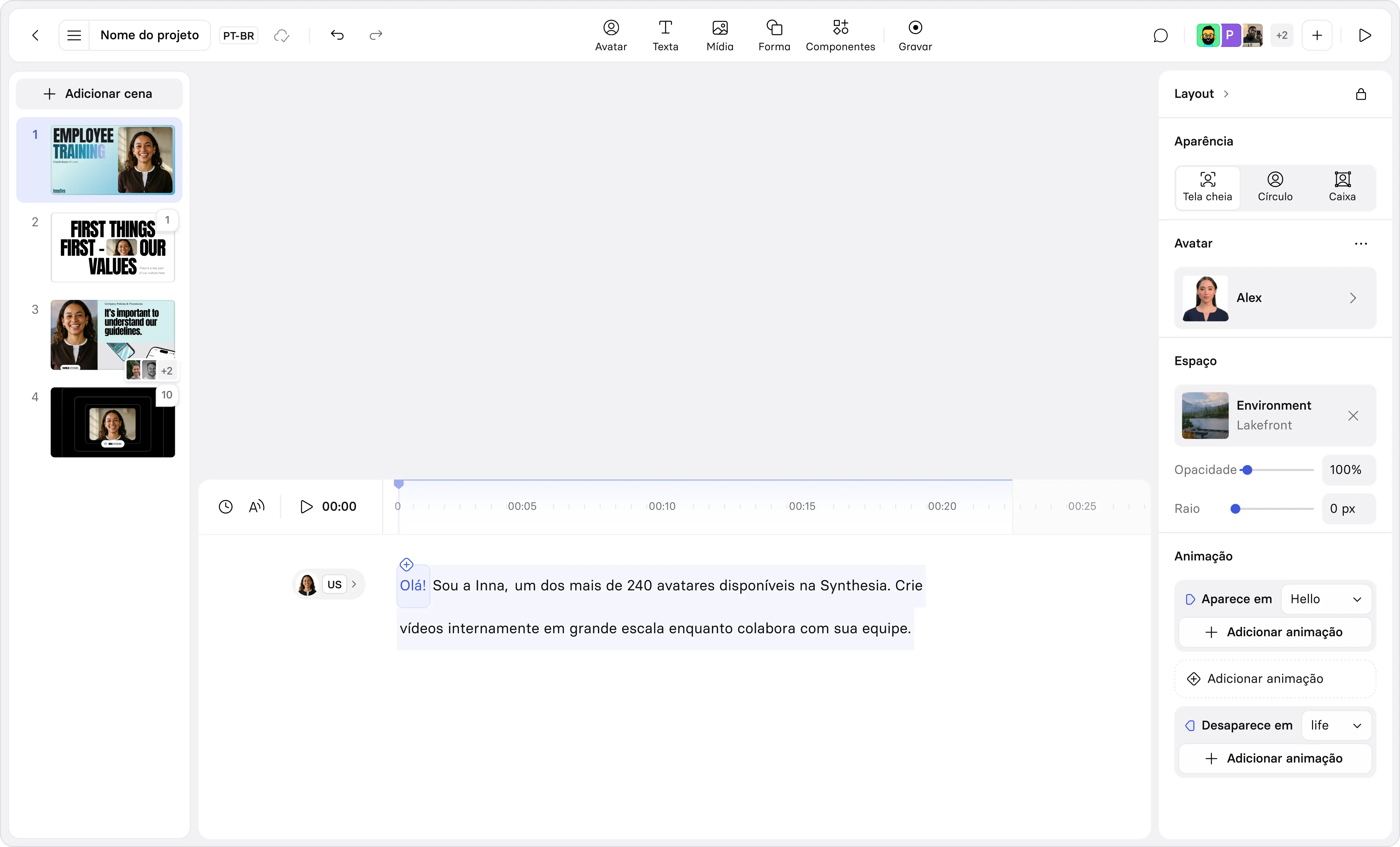
Now you can create professional animated scenes directly in the Synthesia Editor or with Assistant — generated from your script, in your brand, in just a few clicks. Explaining a process? Comparing options? Highlighting growth that matters? Pick from a library of templates or prompt something fully custom to bring your content to life. Already one of the fastest adopted capabilities we've ever shipped, and available now on all plans.
Why we built it
Showing complex information in video like steps, decisions, timelines, and processes has always required custom design work. That means design tickets, weeks of back-and-forth, or stock visuals that don't match what you're actually saying. Most teams just give up and fall back to bullet points, and the result is videos that look like narrated slide decks.
We believe creating visually engaging video shouldn't require design expertise. So we built motion graphics directly into Synthesia — animated, on-brand, with sound effects included.
What's new
- Your Brand Kit, applied automatically. Fonts and colors from your Brand Kit are applied to every motion graphic, so the output is on-brand and ready to publish. Not on an Enterprise plan? Choose from a selection of built-in styles instead.
- A growing library of templates. Timelines, checklists, process flows, charts, stat callouts, and more, covering the most common business communication formats. Generate motion graphics in any scene from the new entry point in the Editor.
.png)
- Edit the text, no regenerating. Once a motion graphic is generated, fine-tune the copy inside it directly in the Editor side panel, so you can get the wording exactly right without starting over.
- Polished by default. Run a motion graphic full screen or alongside your avatar at half size, with matching sound effects included automatically. And when you create a video with Assistant, motion graphics are generated for you wherever your content fits: numbers become a chart, options become cards, a process becomes a flow.
- Prompt for fully custom motion. Describe what you want, or upload a rough sketch or existing diagram and turn it into motion. It's your go-to when templates won't cut it.
.png)
What's next
This is the first of much more to come from SyRen. Over the next year, SyRen is going to change the way you create video in Synthesia. It's the engine that will power layouts, scenes, and almost everything you see on screen, and we'll keep investing in it so you can create rich, engaging video without needing to be an expert designer.
We can't wait to see what you create. To learn more about how to use motion graphics, check out our documentation.
More updates
Introducing Syren: our breakthrough in AI video
Describe the video, attach links or docs, and Syren directs the whole thing. Then refine it by chatting.
Get the skills, insights, and support to help you scale