
Free AI Blog to Video Converter
Turn a blog post into an engaging video complete with visuals, music, realistic AI presenters, subtitles and voiceovers in any language. All for free.
0/500 characters
Need inspiration? Try one of these ideas
0/1500 characters
Please try a different script!
Need inspiration? Try one of these ideas
With it, staying connected with your clients becomes effortless and consistent. Let me explain. We automatically schedule and personalize messages whenever you log an interaction.
Calls, meetings… every touchpoint counts! Now no lead goes unnoticed!
Join Connectly today and turn your everyday conversations into lasting relationships.
First, why we're here: we turn big ideas into simple, helpful products always for the customer.
On day one, just focus on three things: Meet your squad. Slack, wave, or say hi in person. Set up your tools. Email, chat, and our project hub.
Pick a tiny task and ship it. Nothing builds confidence like a quick win.
We are so glad you are here. Ping your buddy or me if you have any questions. That's it. Let's make awesome stuff together!
With Synergy Flow you can track tasks, analyze performance, collaborate in real-time.
Let's look at our plans: We have Pro plan for small teams and startups. Also — we have Pro plus plan for growing companies.
And enterprise for those companies that need robust security. If you can't find the right plan, let us know.
Strong password is key to your security. Make it at least 12 characters, and use a mix of uppercase, lowercase, numbers, and symbols. Avoid common words or names.
We don't recommend you to use same passwords for work and personal accounts. Also always use multi-factor authentication to avoid extra risks.
Stay cautious, never share your password and don't hesitate to ask questions. That's it for today. Thanks for watching.
Add URL
Add only public links you’re authorized to use and content must be under 4,500 words.
We don’t support this type of link. Try a public article or blog post instead.

Upload a PDF
Max 50MB
Video settings





By using this service, you confirm that you have all necessary rights, licenses, and permissions to upload or generate content, and that your use of any generated videos will comply with the Acceptable Use Policy and applicable regulations related to intellectual property and data privacy.
Trusted by over 90% of Fortune 100 companies.








Why should you convert blog posts into videos?
Your brain processes information faster than text. In fact, 90% of information transmitted to the brain is visual, and visuals are processed 60,000X faster than text.

Video is memorable
Viewers retain 95% of a video’s message as compared to 10% if reading text.

Video grabs attention
78% of people watch online videos weekly, and 55% watch videos daily.

Video drives action
Including videos on your website can increase conversion rates by 80%.
Turn blog posts into videos with these 6 unique features
Yes, you can convert blog posts into videos with Synthesia. But you can also do so much more.

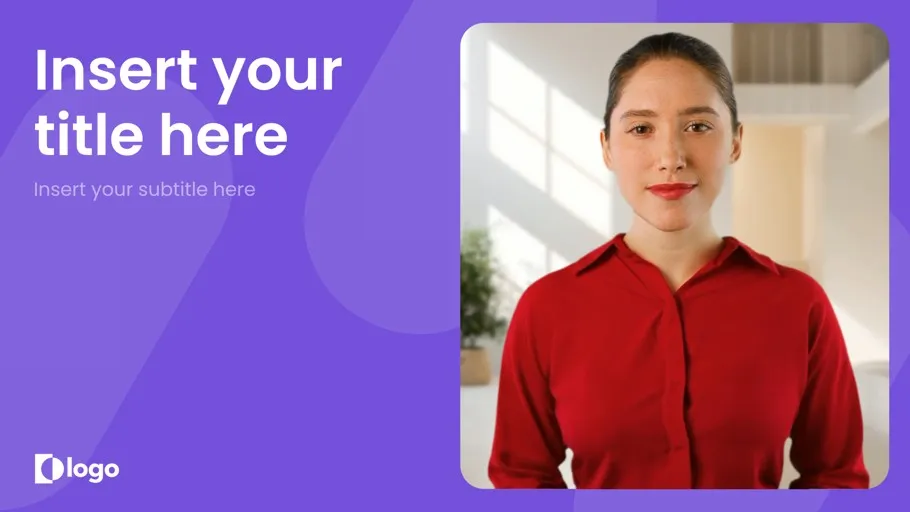
60+ video templates
Don't know where to start? Select a video template from our large selection. Customize as you wish.

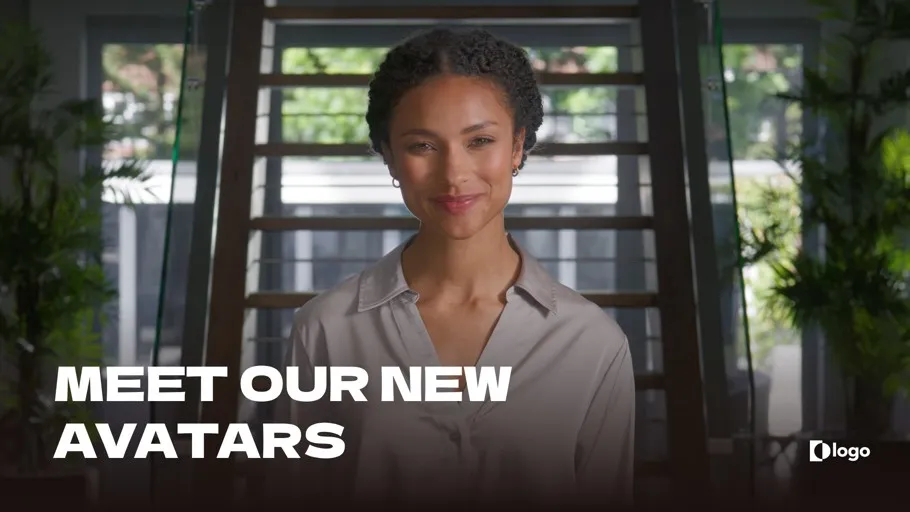
240+ realistic AI avatars
Use human-like AI presenters to narrate your blog post turned video. You can even create an AI avatar of yourself here.


Scale your video marketing
Creating video content is difficult and costly. With Synthesia you can transform blog posts into professional videos at the fraction of the cost and time.
Increase engagement and drive traffic
Video is 2.6 times more engaging for your audience than text. Diversify your content and traffic sources by quickly turning blog posts and other written content into videos.

Create video content with no experience
You don't need to be a videographer or use expensive video tools to create stunning videos from blog articles. Our video tool is intuitive and easy to use.
How to turn a blog post into a video in 5 minutes
See how you can turn your blog posts into captivating videos effortlessly.
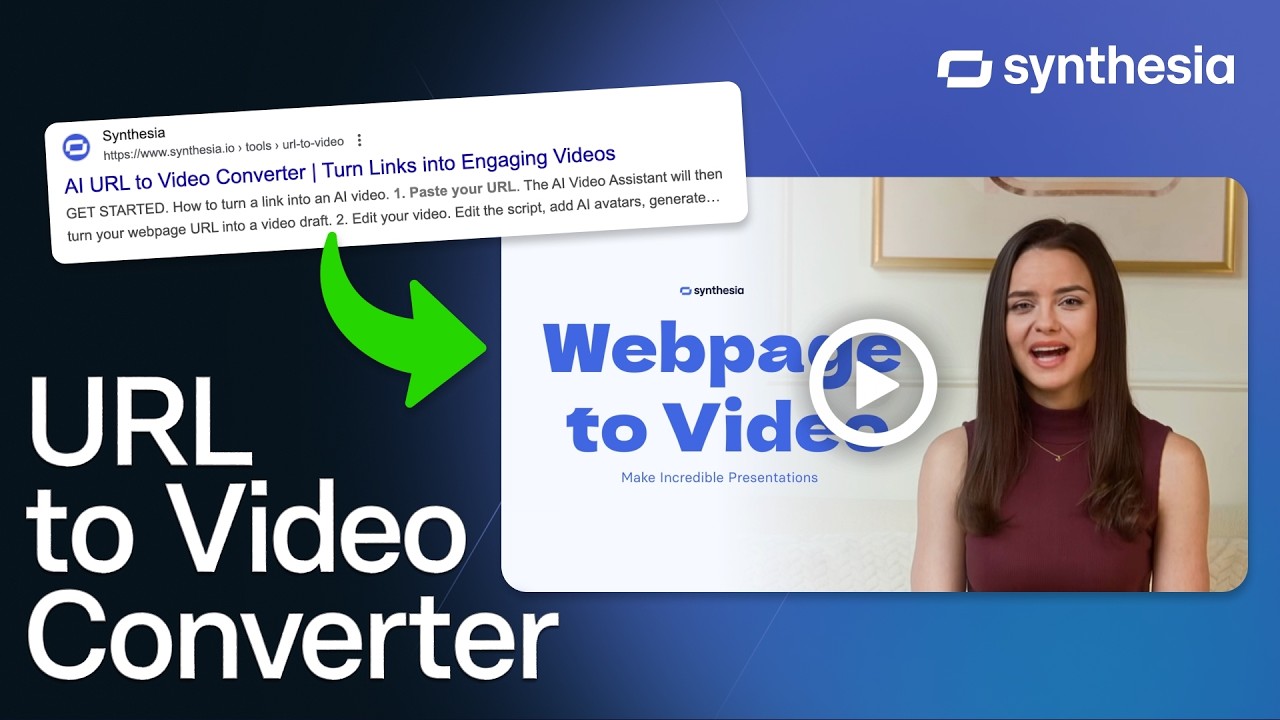
Copy and paste blog post link
Go to Synthesia's AI video assistant, and paste the link to your blog post. Or upload your it in a .pdf, .doc, .docx, or .txt format.
Convert blog to video
Select a video template, and choose the desired tone, objective and language for your video blog.
Edit video
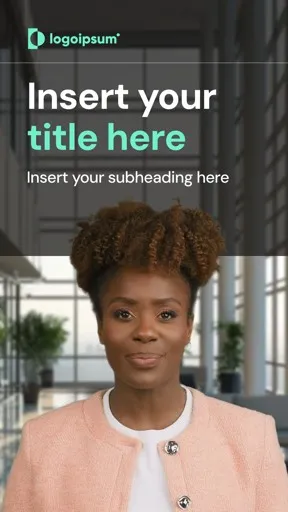
Customize your new video. Add images, voiceovers, avatars, animation, background music, or own footage, and choose from different aspect ratios.
Generate and download video
Now all you need to do is generate the video. You can download it and upload to your favorite streaming service, or embed it anywhere.


Ready to try our video platform?
Join professionals from 50,000+ leading companies.


Faster video creation
"Synthesia’s AI voiceovers sold me instantly. They give us the ability to pivot and create video content much faster than before"

No actors - no costs
"Relying on external agencies and hiring voiceover actors in multiple language was extremely costly. So it would either mean stretching the budget or no video at all."

Speed, simplicity and ease
"We can record anytime and anywhere with greater speed, simplicity, and ease. It not only optimizes work schedules but also increases productivity and benefits the quality of our educational materials."


Blog to video FAQ
Can a blog be a video?
Yes, a blog in a video format is called a vlog.
What are the benefits of transforming a blog to video?
A blog page can be a great informational resource. However, a long post can be quite difficult to read, which leads to increased bounce rates and less engagement with the blog.
On average, people spend 2.6x more time on blog pages with video than those without. It simply makes sense to create video materials to accompany your post.
Besides, doing just that with Synthesia only takes a few minutes.
Which AI converts blog to video?
Synthesia converts blog to video by allowing users to paste the link to their blog post, and press ‘Generate’. Synthesia will turn the blog post into a video script, and then an AI video.
How do you turn a blog into a YouTube video?
If you're looking to take your blog to the next level, why not try turning it into a YouTube video? It's a great way to reach a wider audience and engage with your followers in a new and exciting way. Plus, with a few simple tips, it's easy to get started.
First, decide what kind of video you want to create. Are you looking to simply share your thoughts and ideas, or do you want to create something more interactive, like a tutorial or Q&A? Once you know what kind of video you want to make, convert your blog post into a video script.
Finally, once you have your content planned out, it's time to start creating the video. You can choose the traditional route with cameras and microphones, or create your YouTube video with an AI video maker.


