8 nice improvements and fixes in the Editor
We've made several improvements in the Editor and we know that details matter. The best way to check all improvements is to watch our interactive video.
See what Synthesia can do for you
We've shipped several improvements in the Editor — check out the interactive video above, or read below.
New Issues Panel: catch problems before you generate
A dedicated Issues section now helps you identify and resolve video generation problems faster. Previously, you had to click "Generate" to see an error notification, then hunt through your scenes to find the problem. Now all issues are visible upfront. Jump directly to any problem scene and fix everything in seconds, saving you time and frustration.

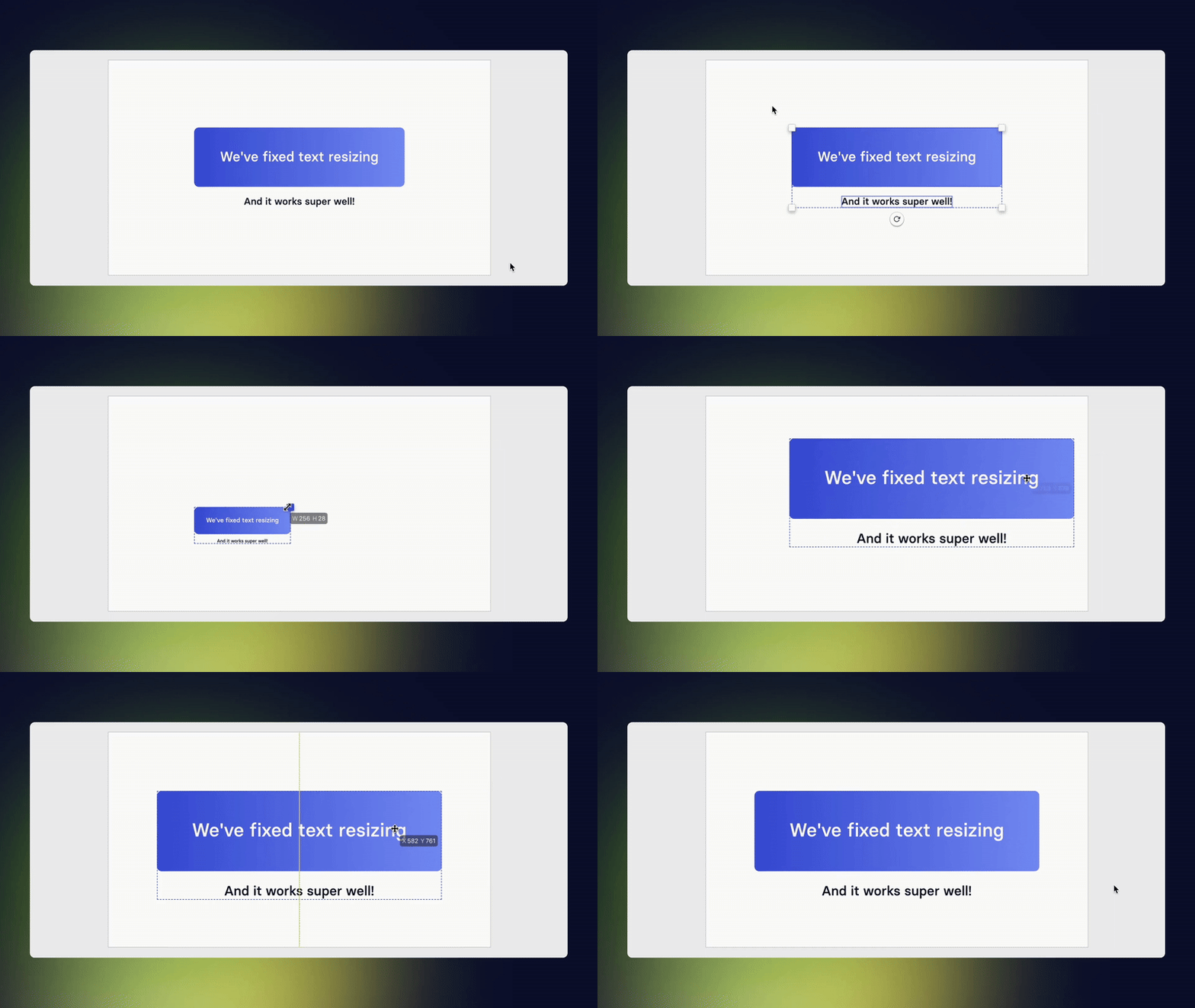
Fixed text Resizing: resize everything together
Text inside shapes now resizes proportionally when you adjust the shape size - no more awkwardly sized text!
Smoother Comments: scroll through feedback with no issues
Fixed the double-scroll issue, making it much easier to navigate through feedback and discussions.

Details Fixed:
Improved Collaboration
Profile picture borders now show who's actively editing with a colorful border, eliminating confusion with the previous colored dots that looked like online/offline status indicators.
Better AI Prompting
The AI Video Assistant in the Editor now prompts "Describe the edit you'd like" instead of defaulting to "Rewrite," making it clear you can request any type of edit.
Clearer Upload Actions
The "Upload media" button now uses primary color styling to stand out from "Upload media to library," so you always know which action you're taking.
Improved Search Layout
Better title spacing in search panels across Media, Veo3 Generation, and Music makes everything easier to scan.
Visual Polish
Fixed a visual bug in the top-right corner of "Add media" and "Add music" modals.

Create on-brand videos with Brand Kit 2.0
Set a default Brand Kit, and we'll apply your colors, fonts, logos, and avatars automatically—so every new video starts on brand.
Get the skills, insights, and support to help you scale





