Free AI Image Generator
Turn text prompts into high-quality images in seconds. Create custom visuals with the latest AI models.
0/1500 characters
Please try a different script!

Choose your input method and let AI create your video.
By using this service, you confirm that you have all necessary rights, licenses, and permissions to upload or generate content, and that your use of any generated videos will comply with the Acceptable Use Policy and applicable regulations related to intellectual property and data privacy.

Create and use AI images in one seamless workflow

Generate images from simple text prompts
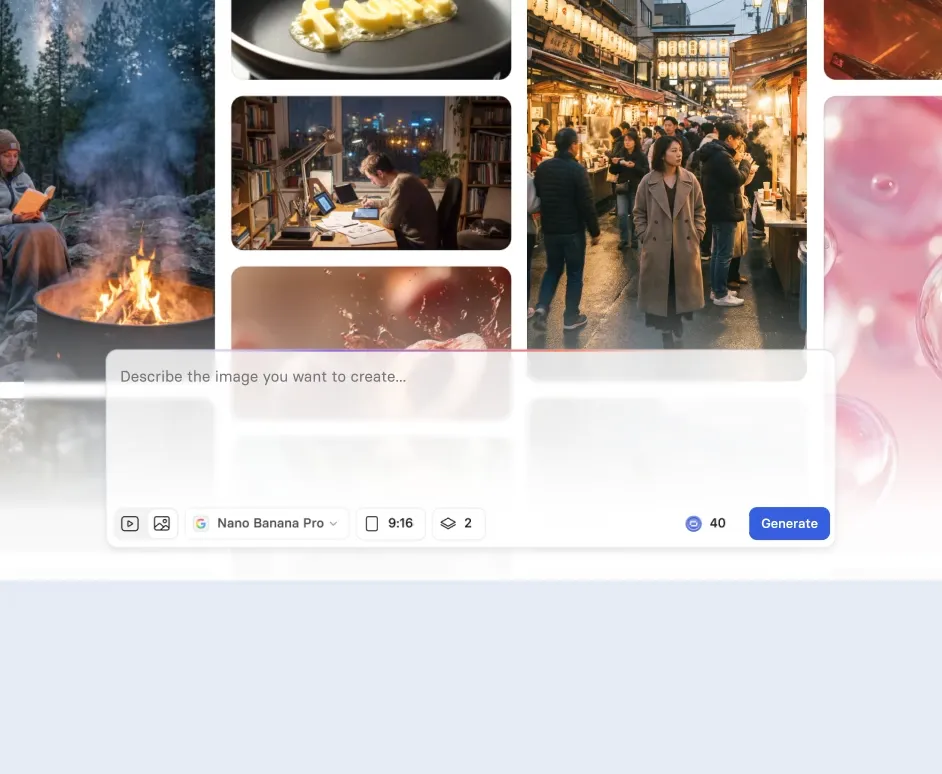
Describe what you need and get high quality images in seconds.
- Create AI images from text prompts using the latest models like GPT Image 2, Nano Banana Pro, and FLUX.2
- Refine outputs with detailed prompts to match your brand, style, and use case
- Generate multiple assets from a single prompt to compare and choose the best fit

Download and reuse your AI images
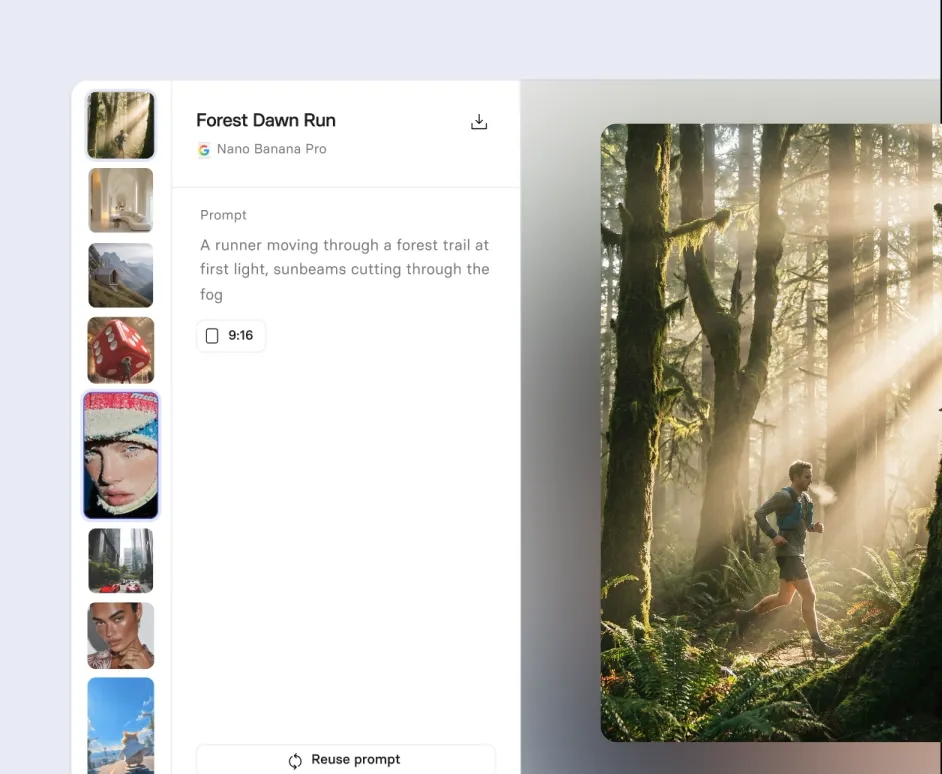
Export high-quality visuals and use them wherever you need.
- Download full resolution PNG files for free
- Use images in presentations, websites, marketing, or social media
- Reuse assets across multiple creative projects

Turn AI images into engaging video scenes
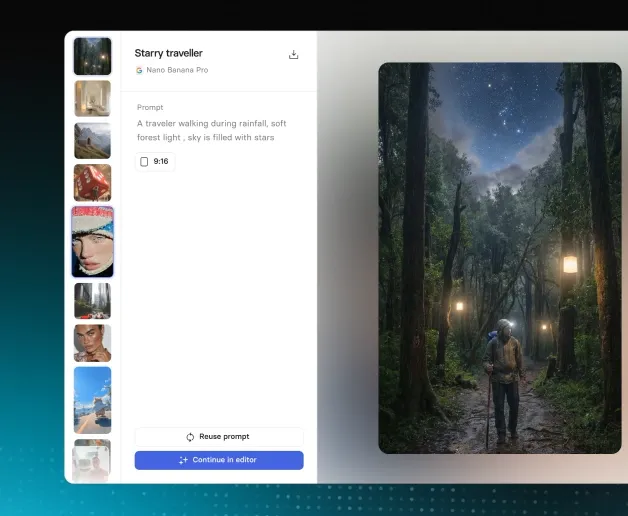
Start with an image and finish with a ready to share video.
- Use AI images as b-roll to enhance explainers, training, marketing, or social media videos
- Add voiceovers, AI presenters, and scenes to build a complete narrative
- Publish commercially ready videos without needing separate tools
How to generate AI images
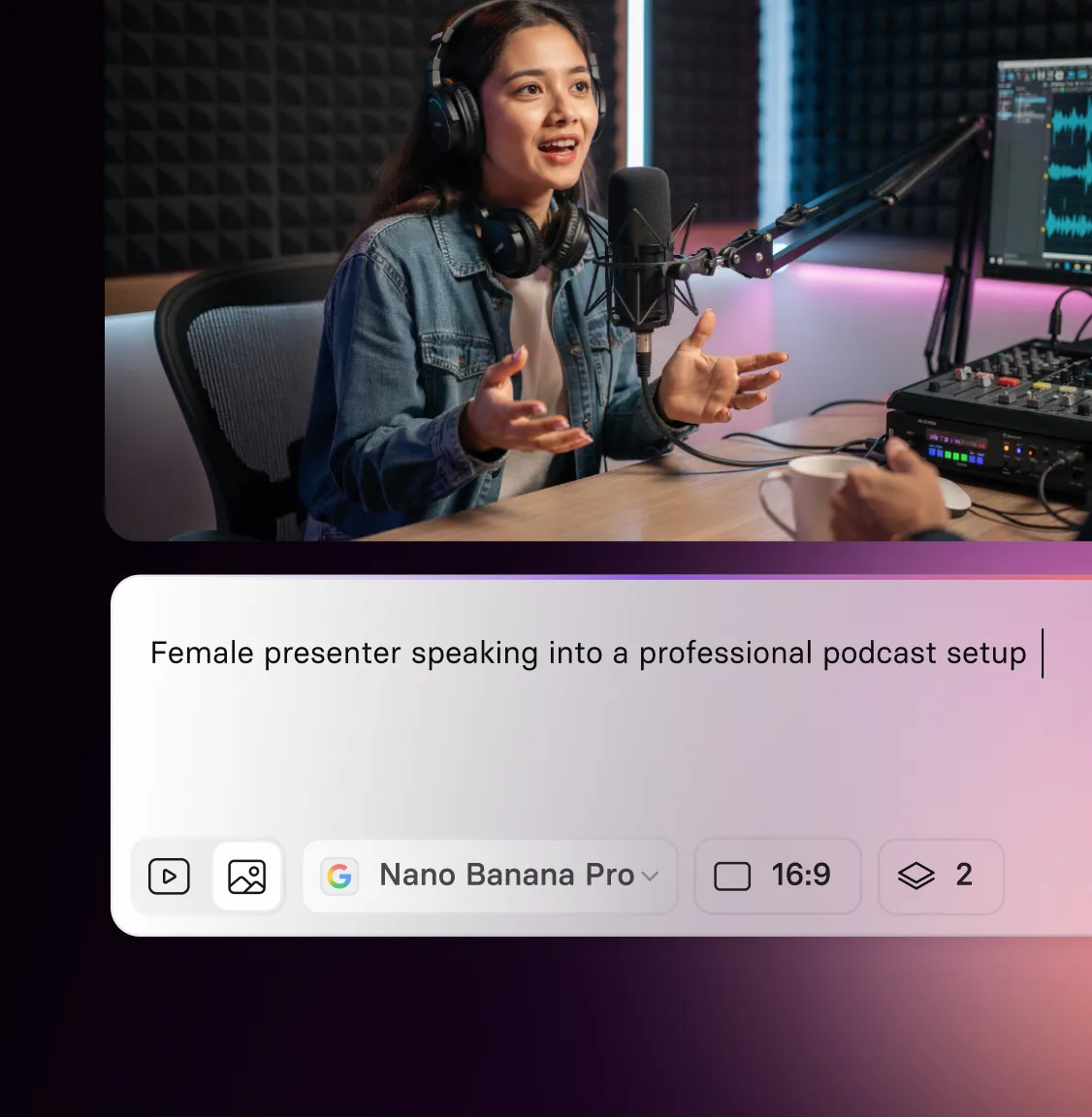
1. Enter a prompt
Describe the image you want in plain language and generate visuals in seconds.
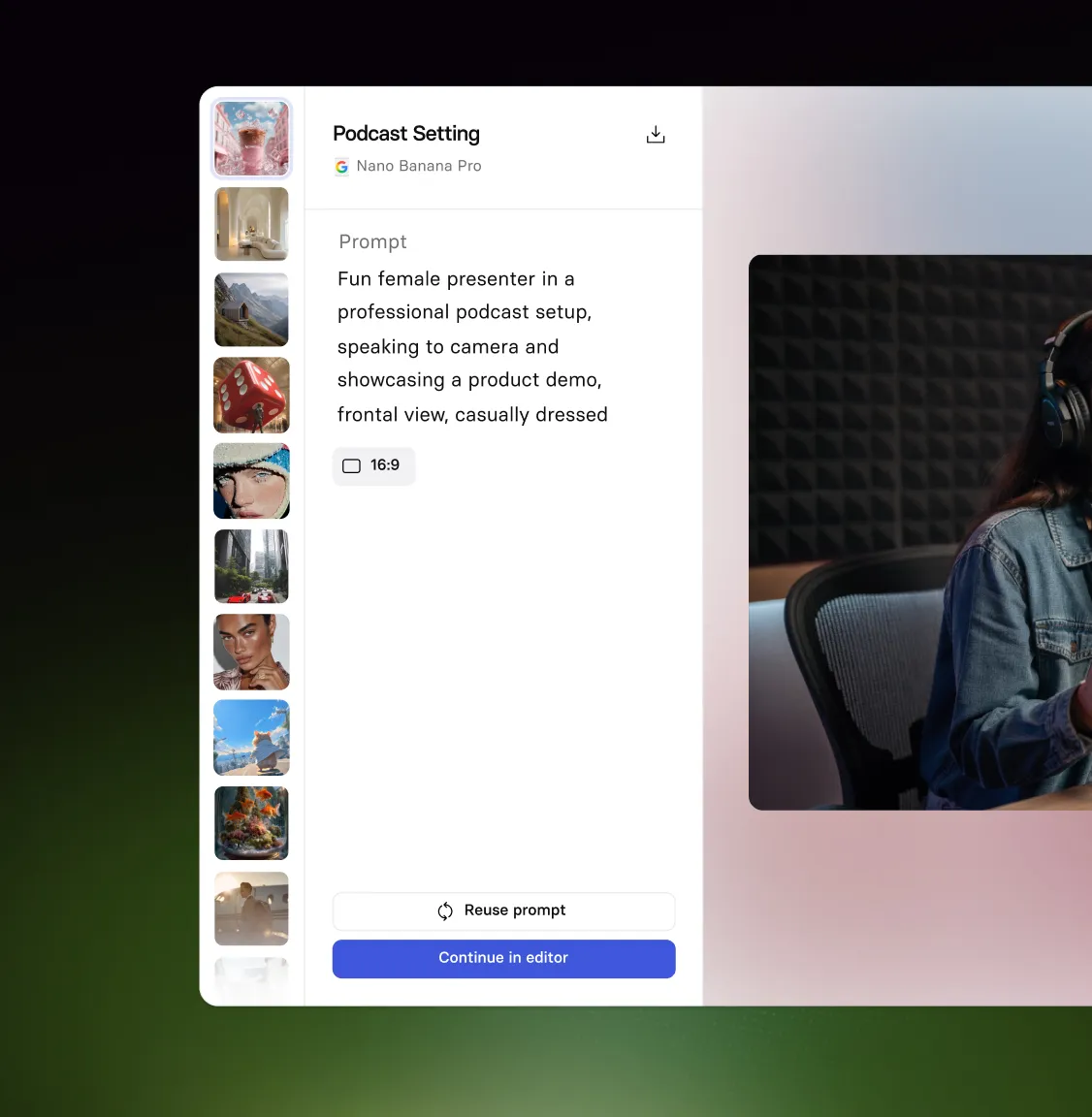
2. Refine and regenerate
Tweak your prompt, explore variations, and generate multiple options until it looks right.
3. Share and use
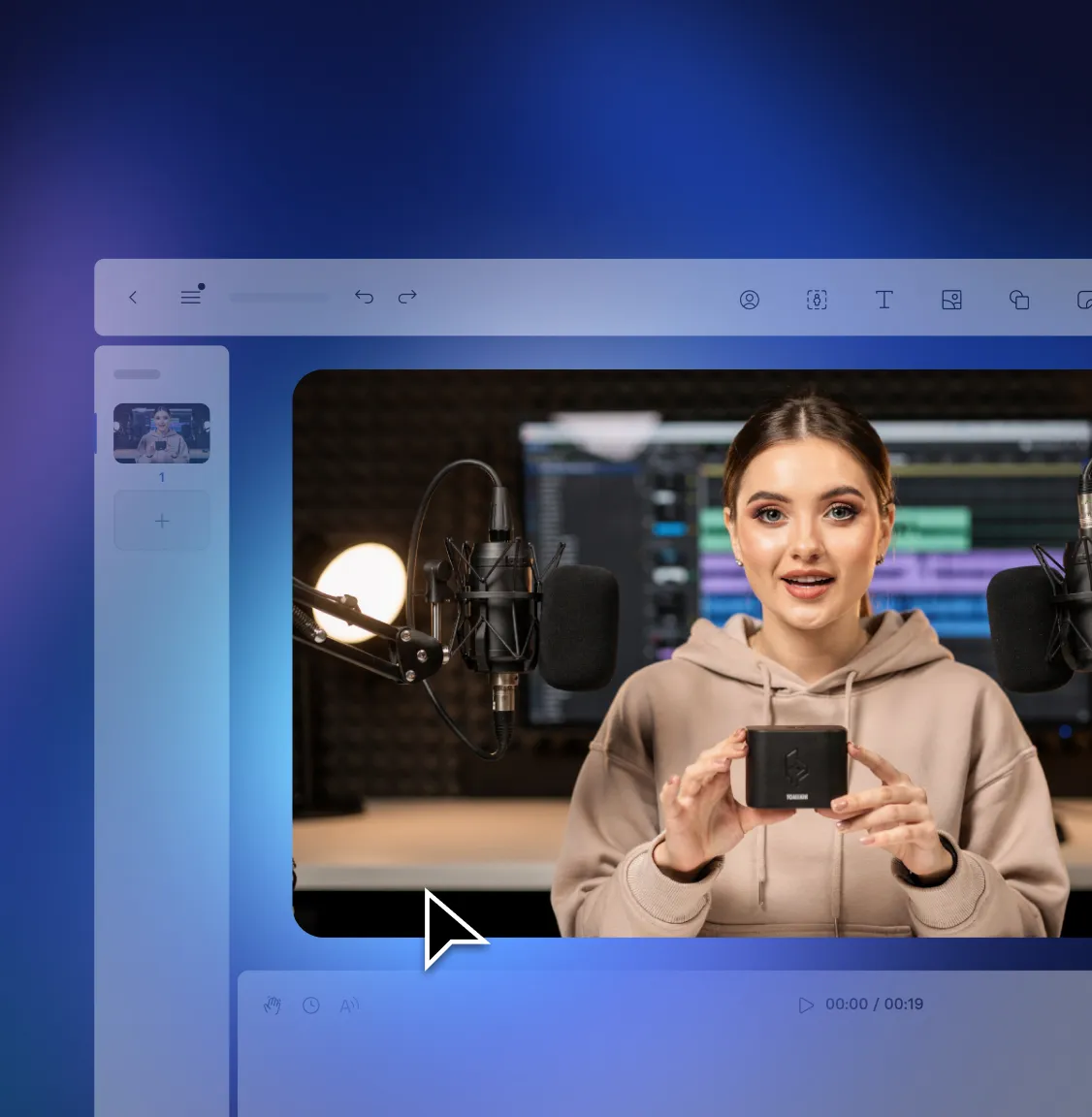
Download your image, share it with your team, or add it directly to a Synthesia video.
Create images. Build videos. Scale with your team.
Generate custom AI images, turn them into professional videos, and collaborate in one powerful platform.

AI Playground
Generate both images and videos with the latest AI models

Brand Kit
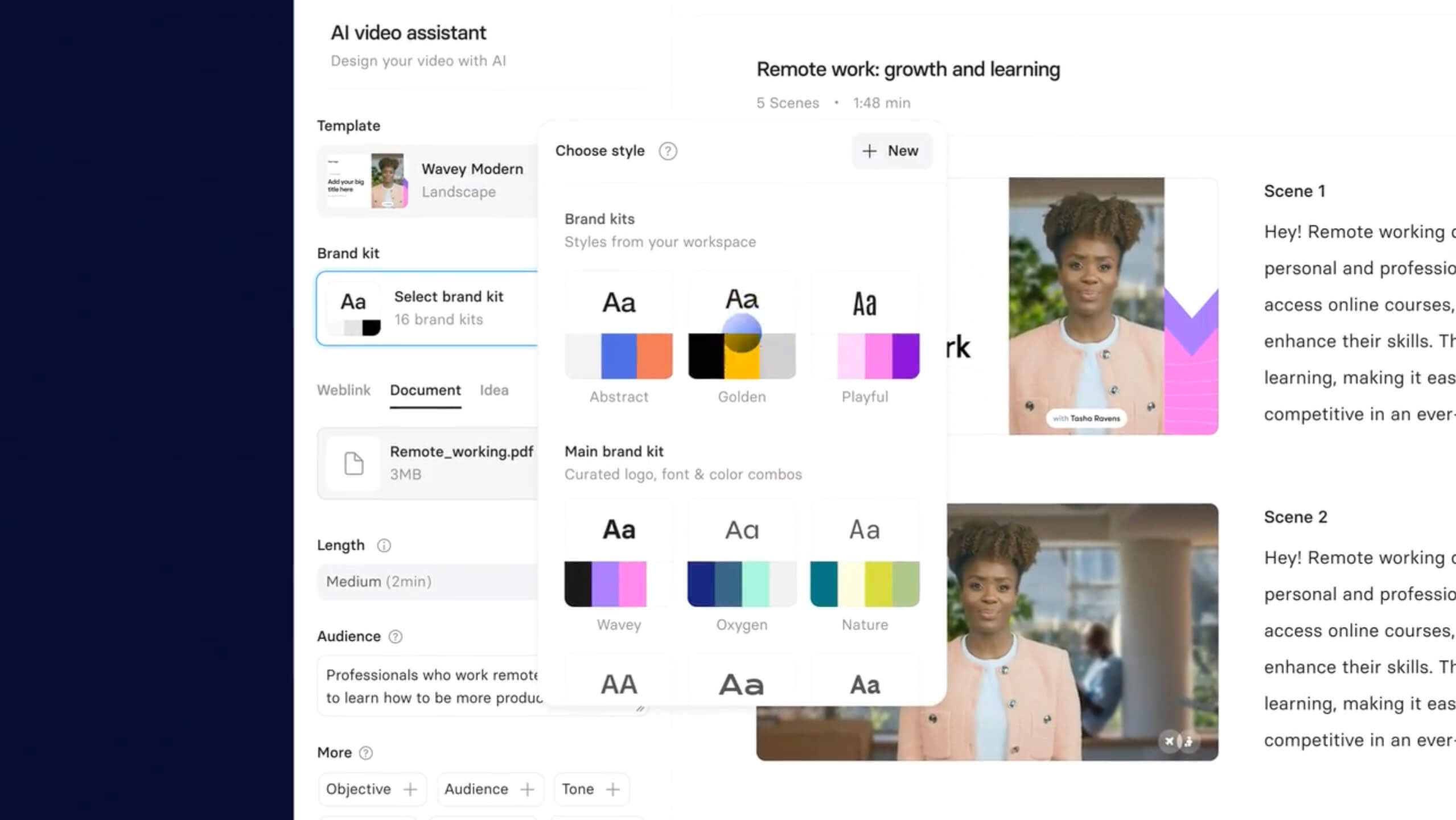
Keep content on brand. Share fonts, colors, logos, and templates across your team.

Live Collaboration
Create videos together in real time. Comment, edit, and share feedback across teams.

Multilingual Video Player
Share your video. Your viewer watches in their language.

Analytics
Track video views and watch time. See what holds your audience’s attention.




Frequently asked questions about image generation
What is Synthesia's AI image generator?
It is an AI image generator built into the AI Playground. It turns text prompts into high quality images using advanced models such as GPT Image 2, Nano Banana Pro, and FLUX.2. You can generate images and immediately use them inside the Synthesia video editor. The tool connects image creation and video production in one workflow.
Is the AI image generator free to use?
You can start generating images for free in the AI Playground. Free access lets you test prompts, explore styles, and experiment with different aspect ratios. Downloading generated media is available on paid plans. Upgrading also unlocks higher usage limits and additional features.
What can I use the image generator for?
You can use the AI image generator to create custom visuals for training videos, marketing content, product demos, and social media. It works as both a creative art tool and an AI photo generator, producing photorealistic backgrounds, office scenes, and lifestyle images. Many teams use it to generate b-roll and supporting visuals that make videos more engaging. Because it is built into Synthesia, you can turn generated images into finished videos without switching tools.
Can I use the AI generated images for commercial purposes?
Yes, you can use AI generated images for commercial purposes on eligible plans. Paid plans allow you to download and use generated media in marketing, social media, training, sales, and other content.
How can I get better results from my prompts?
A strong prompt includes subject, style, lighting, mood, and intended use. For example: modern office background, soft natural lighting, cinematic depth of field, designed for corporate training video. Prompt suggestions and the Explore tab provide inspiration and quality examples. You can refine or shuffle prompts to quickly test new directions.
Can I share or reuse the images I generate?
You can preview and share generated media directly from the AI Playground. Generated assets are stored in your workspace and can be reused across multiple video projects. Paid plans allow you to download media for external use. Centralized storage makes collaboration and reuse simple.
Does the AI image generator support different aspect ratios?
Yes, you can create images in both horizontal 16:9 and vertical 9:16 aspect ratios. This flexibility helps you design visuals that fit presentations, widescreen videos, or vertical social content. You can select the format before generating to match your intended layout. On paid plans, you can download your images in PNG format for use outside Synthesia.
Not just an AI image generator
Synthesia is an end-to-end AI video creation platform. Generate custom images from text prompts, then turn them into professional videos with AI avatars, voiceovers, branding, collaboration tools, and built-in analytics. From first idea to published content, everything happens in one place.
Create studio-quality videos without cameras, crews, or editing software. Use AI presenters in 140+ languages, apply your Brand Kit automatically, collaborate with your team in real time, translate existing videos, and track performance after publishing. Whether you’re building training, marketing, internal communications, or product content, Synthesia helps you move from prompt to polished video at scale.


Try Synthesia with a free video.
Simply type in text and get a free video with an AI avatar in a few clicks. No signup or credit card required.
