Add Text/Shape Overlays and Voice-only Clips!
We've released text overlays, shape overlays, voice-only clips, and support for up to 50 slides per video.

See what Synthesia can do for you

We've just released a bunch of really useful features for you, the modern video content creator.
Voice-only slides/clips: now you can create videos or just single clips that do not include an actor.
- Use case example: when you're creating product videos and want to have full focus on a product in a specific clip.
Shapes overlays: add rectangles, circles, lines, and arrows to videos (you can even animate them).
- Use case example: add emphasis on a piece of information by adding a circle around it. Use a box to split your screen or use an arrow to point to a specific area/feature on your video. Time to be creative!
Text overlays: add text overlays to videos. No more switching between Powerpoint/Keynote and Synthesia.
Up to 50 slides/clips per video (available for corporate accounts only): Now you can combine up to 50 slides into a single video, for those situations when you need to convey complex and long information.
So - who's gonna make the first feature film with Synthesia?
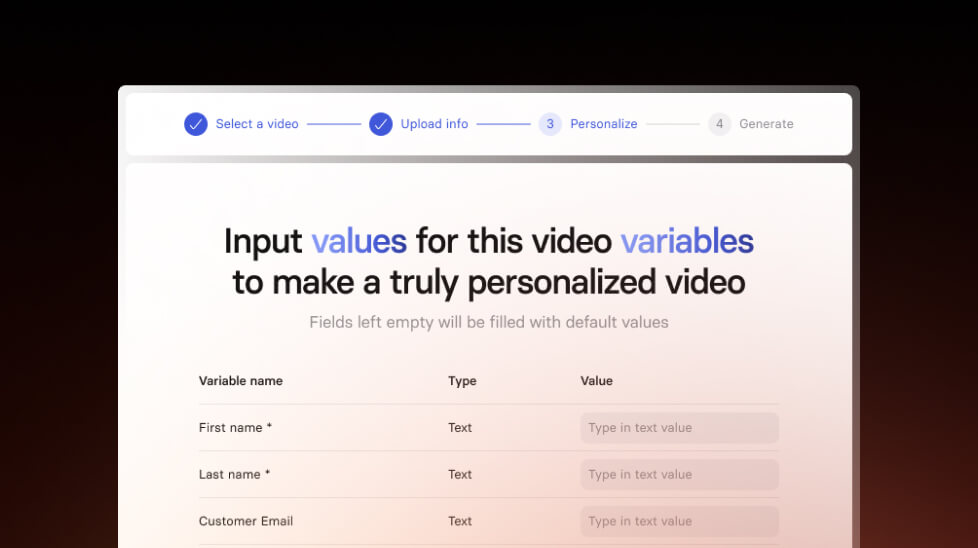
Create personalized videos in bulk
Personalize your videos for recruitment, sales outreach and more with our new feature. Make hundreds of personalized videos in just a few minutes.
Get the skills, insights, and support to help you scale





