Improvement
Bring sound to your animations
Add preset sound effects to entrance and exit animations.
See what Synthesia can do for you
See all updates
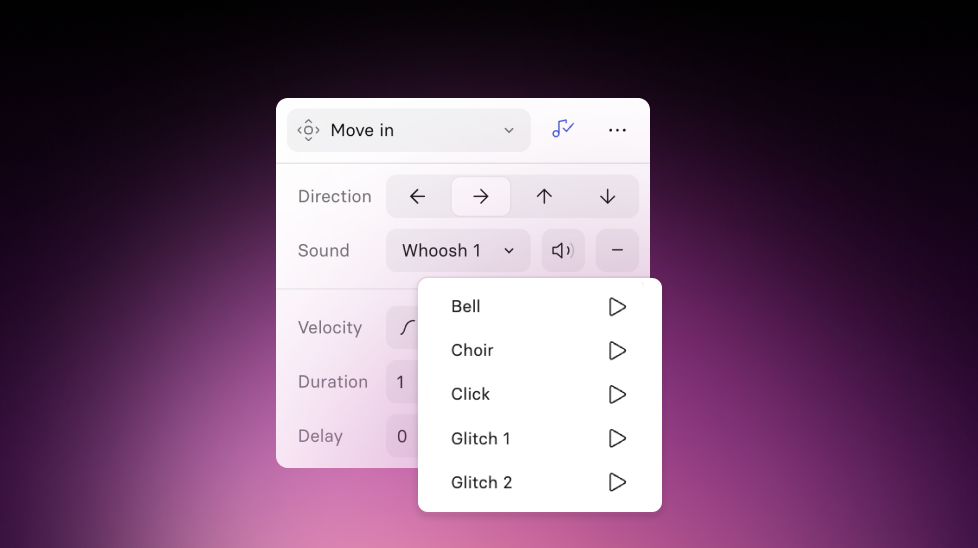
Today, we’re introducing animation sound effects — a faster way to add polished audio moments when you animate elements. Available on Basic plans and up.

How it works and why it matters
- Add an Entrance or Exit animation to any element
- Click the sound icon in the animation popover
- Pick a preset, adjust volume, and preview
The sound effects are tied directly to the animation, and that means fewer workarounds, faster iteration, and more confident publishing.
For more on how it works, check out our documentation.

Get the skills, insights, and support to help you scale





