Update
Introducing credits instead of minutes
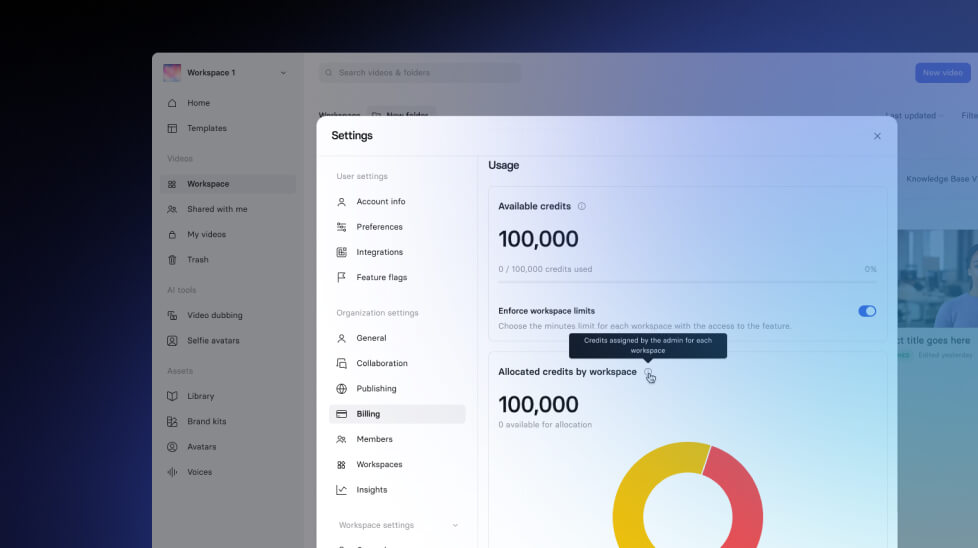
We're introducing credits instead of minutes — and this is great news!
See what Synthesia can do for you
See all updates
We're introducing credits instead of minutes — and this is great news!
What's New

From now on, you'll spend credits instead of minutes.
- Starter and Creator plans: Use credits for video creation and AI Dubbing.
- 1 minute of video → 120 credits
- AI Dubbing → 1 minute = 120 credits
- Enterprise plans: Unlimited video creation (no credits needed), but credits are used for:
- AI Dubbing → 1 minute = 120 credits
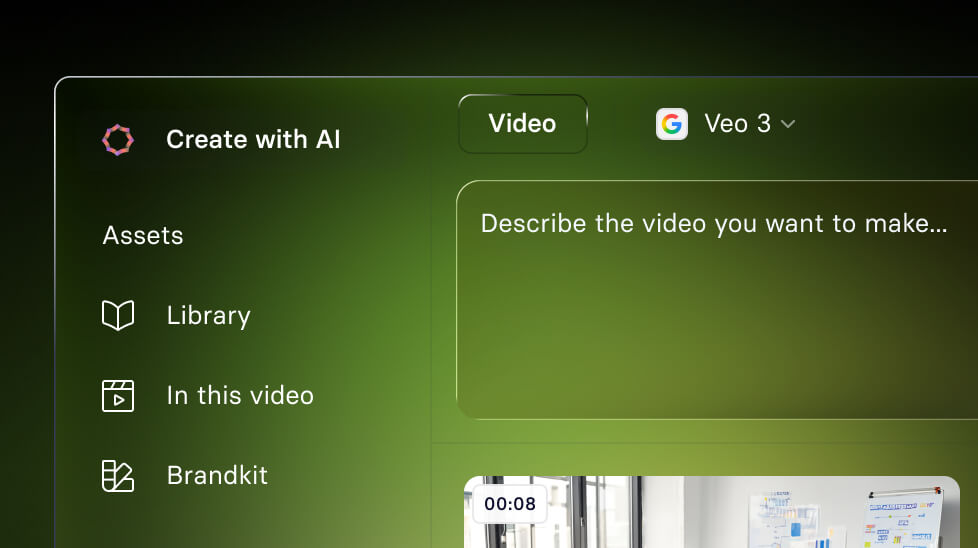
- Veo 3 Integration → 1 asset = 120 credits
- Bulk Personalization → 1 minute = 90 credits
Why It Matters
We're adding more and more exciting features. Moving to credits makes everything simpler, more flexible, and future-ready — so you can spend credits on the products and features you need, right inside Synthesia.
How to Use
Nothing to do on your side: all minutes were automatically converted to credits based on your current balance.
- Starter and Creator plans: Check your credit balance in your account at any time (Billing).
- Enterprise: Workspace and Org Admins can see detailed credit usage in Workspace settings → Insights.
How to Get More Credits
- Starter and Creator: Upgrade your plan to unlock more credits.
- Enterprise: Contact your Customer Success Manager to buy more credits.

Get the skills, insights, and support to help you scale





