

Free YouTube video translator
Paste a YouTube link and translate your video into 140+ languages. Every speaker keeps their own voice, with natural lip-sync.
Upload your video
Your first minute of video is completely free. We’ll trim any longer videos.


Choose a file
Use a Youtube video that clearly shows someone speaking.

Translate to
If your video features people speaking, we'll sync their lip movements to the translated audio.
Upgrade to generate your translated video without a watermark.
Subtitles are auto‑generated for dubbed videos and viewers can toggle them on or off in the Multilingual Player.
AI dubbing supports multiple speakers and automatically preserves each speaker’s voice.
Control whether the video duration stays fixed or adjusts for translation.
By using this service, you confirm you have all necessary rights, licenses and permissions to upload and dub this content, and that your use of any dubbed content will be in accordance with the Acceptable Use Policy and in compliance with applicable regulations related to intellectual property and data privacy.


Remove watermarks and elevate your videos.
- Deliver translated videos without watermarks.
- Edit translations easily and securely.
- Dub videos in all available languages and dialects.
- Perfect for training, marketing and sales videos.
Trusted by over 90% of the Fortune 100.








Why Synthesia is the best YouTube video translator
Translate YouTube videos into 140+ languages
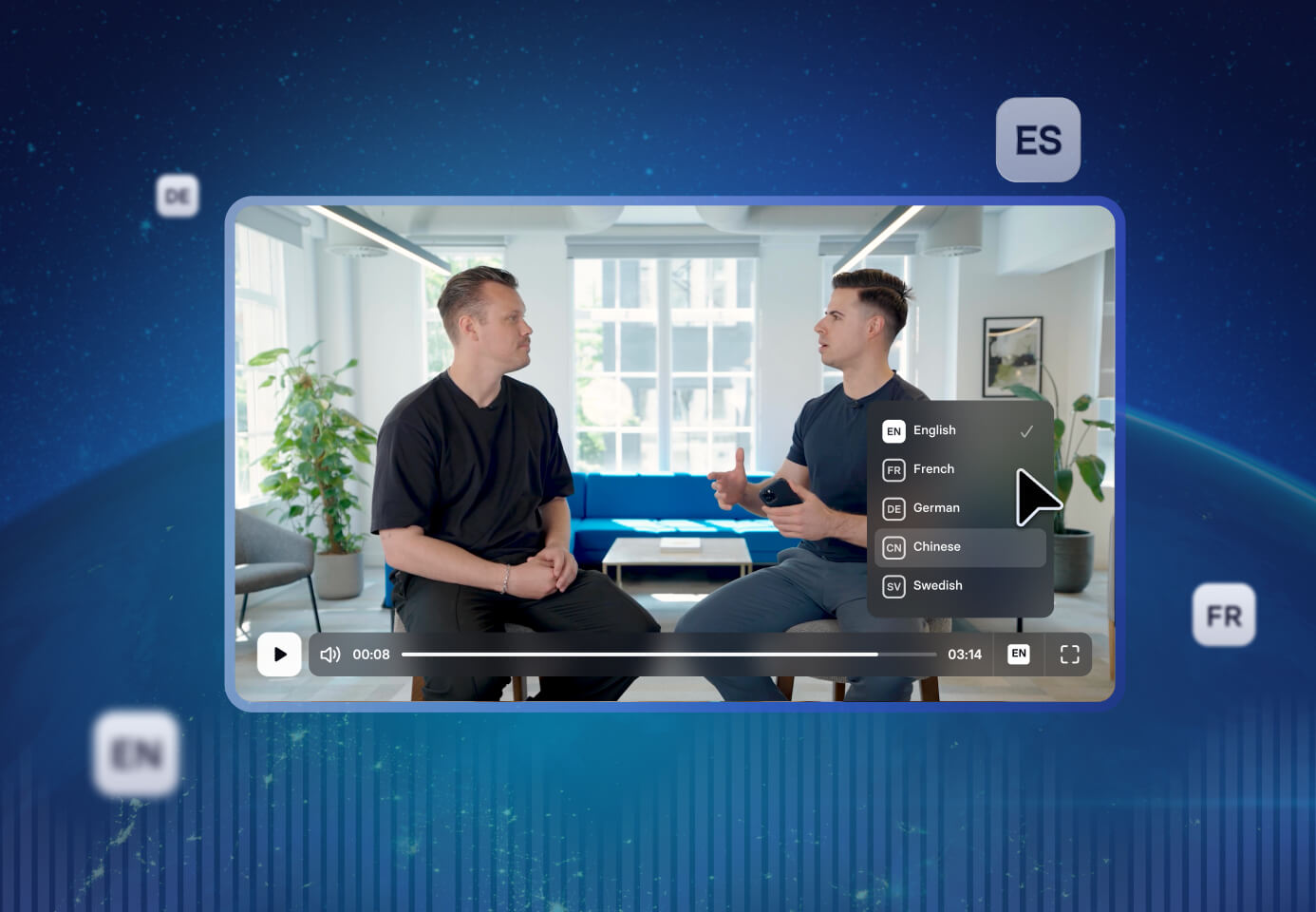
- Paste a public YouTube URL instead of hunting for the source file
- Pick regional accents to match each market, not just each language
- Generate every language version from one video in a single job
Preserve every speaker's voice automatically
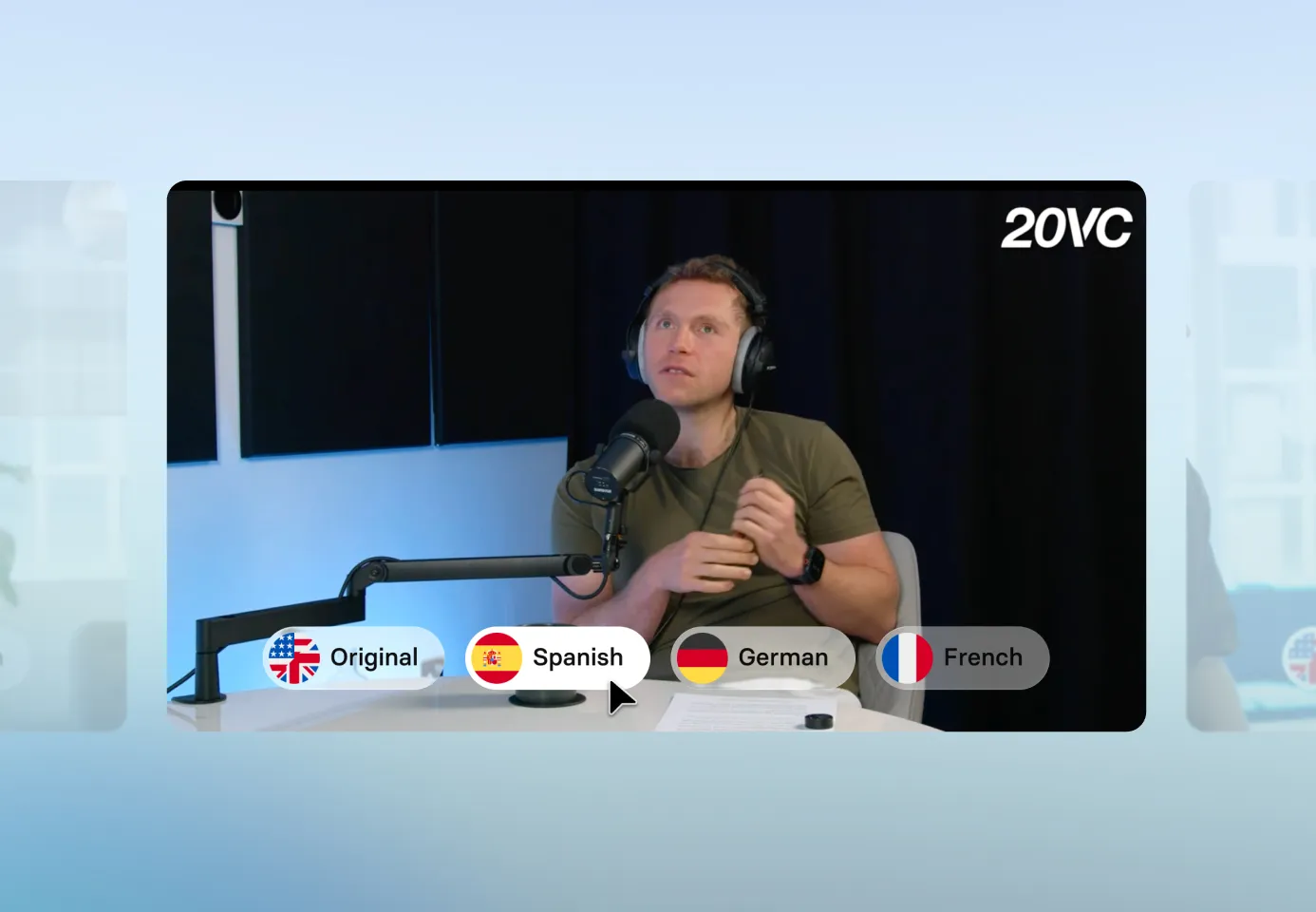
- Carry each speaker's tone, emotion, and delivery into every language
- Clone several speakers in one video without assigning voices by hand
- Replace a cloned voice with a stock or custom one
Keep every speaker's lips in sync
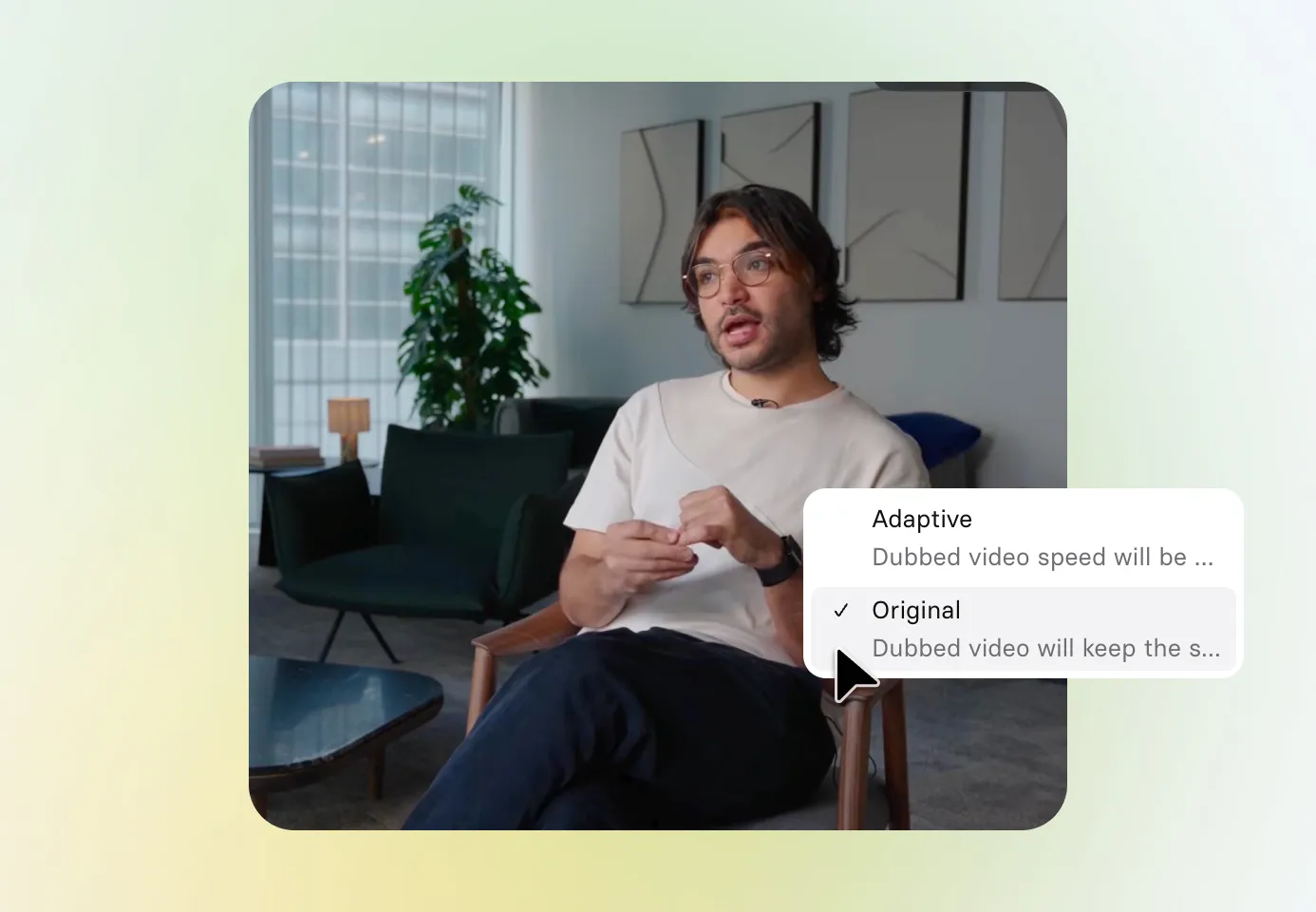
- Automatically match lip movements to the translated audio in every version
- Stay aligned through fast cuts and speaker changes
- Lock the original video length to protect your chapters, or let it adjust to the dubbed audio
Edit translations before you publish to YouTube
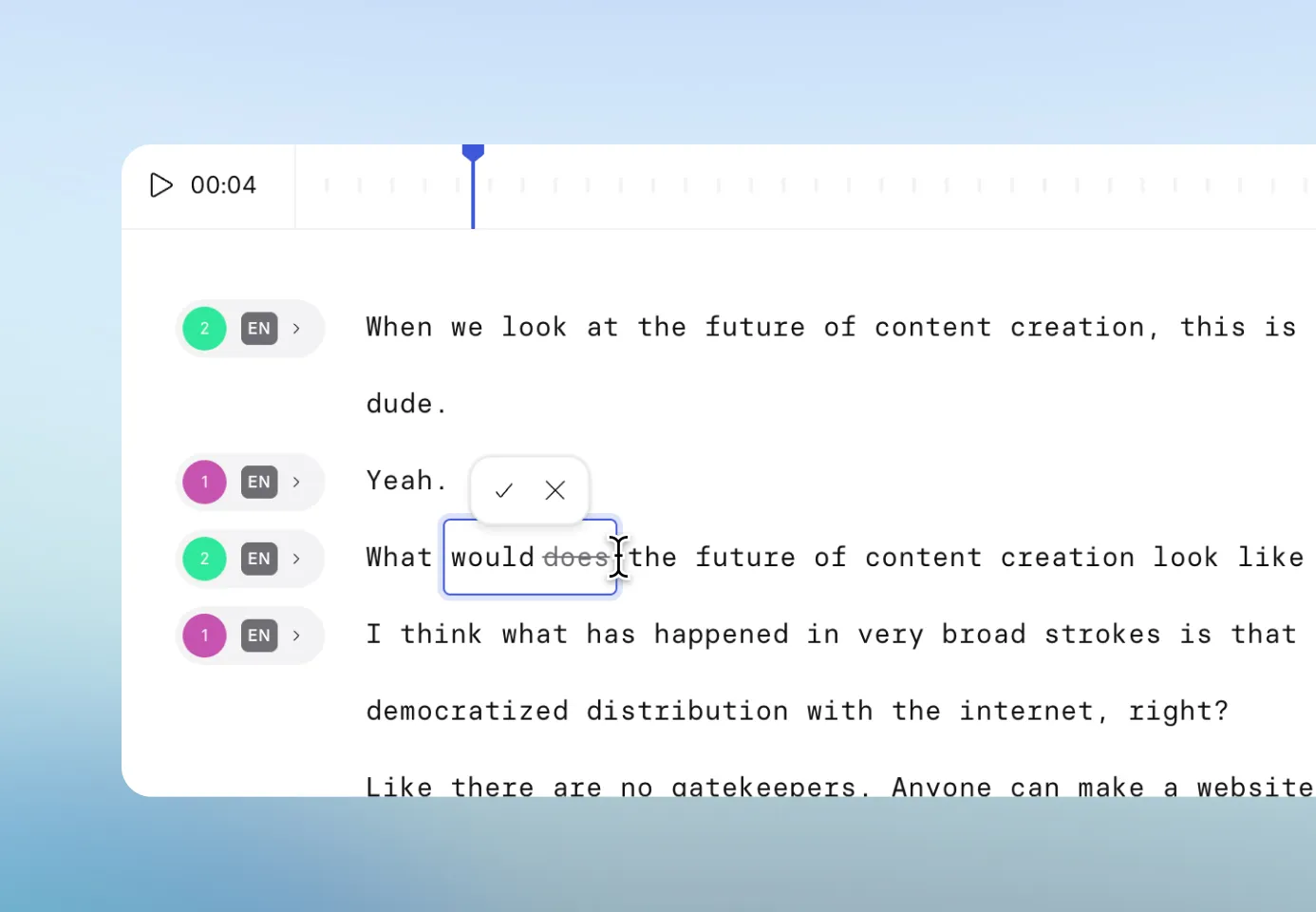
- Fix misheard brand names, channel names, and product terms in any language
- Adapt phrasing for local audiences without re-recording anything
- Edit and retranslate as often as you need, at no extra cost
Should you just use YouTube's auto-dubbing?

Keep editorial control
YouTube's documentation is blunt: "You cannot edit automatic dubs." One wrong product name means scrapping the whole track. Synthesia lets you fix that line and regenerate.

Protect your terminology
Google warns of "challenges translating proper nouns, idioms, and jargon", the terms that matter most in technical video. Synthesia's Translation Glossary locks your wording in every language.

Translate beyond English
On YouTube, most source languages can only be dubbed into English, and German to Spanish is not offered at all. Synthesia dubs into any of 130+ target languages from a single upload.
How to translate a YouTube video
Paste YouTube video URL
Provide the link for your YouTube video or add an MP4, MOV, or WebM file. The original language is automatically detected.
Choose target languages
Select the languages and accents you want to dub your video in. Each selection will generate a separate video.
Review and fine-tune
Play each dubbed video, tweak the translated script to ensure accuracy, and adjust voices in the editor.
Publish with one smart link
Generate the final videos and share a single player link. Viewers automatically see their language and can switch anytime.


The best YouTube video translator for modern teams

Over 2000+ five star reviews on G2
What do teams translate on YouTube?

Tutorials and how-tos
Dub evergreen tutorials into more languages so videos that already rank keep earning views.

Product demos and launches
Translate demos and launch videos so every market sees the announcement at the same time.

Webinars and recorded sessions
Turn webinars and recorded sessions into localized versions your whole audience can watch.

Conference talks and keynotes
Give the talk once, then publish it in every language with the original speaker's voice.

Podcasts and interviews
Keep every guest sounding like themselves in the interviews and podcast episodes you dub.

Your channel back catalogue
Unlock years of published video by dubbing your archive, with no reshoots or re-editing.
One platform to create, localize, and manage videos at scale

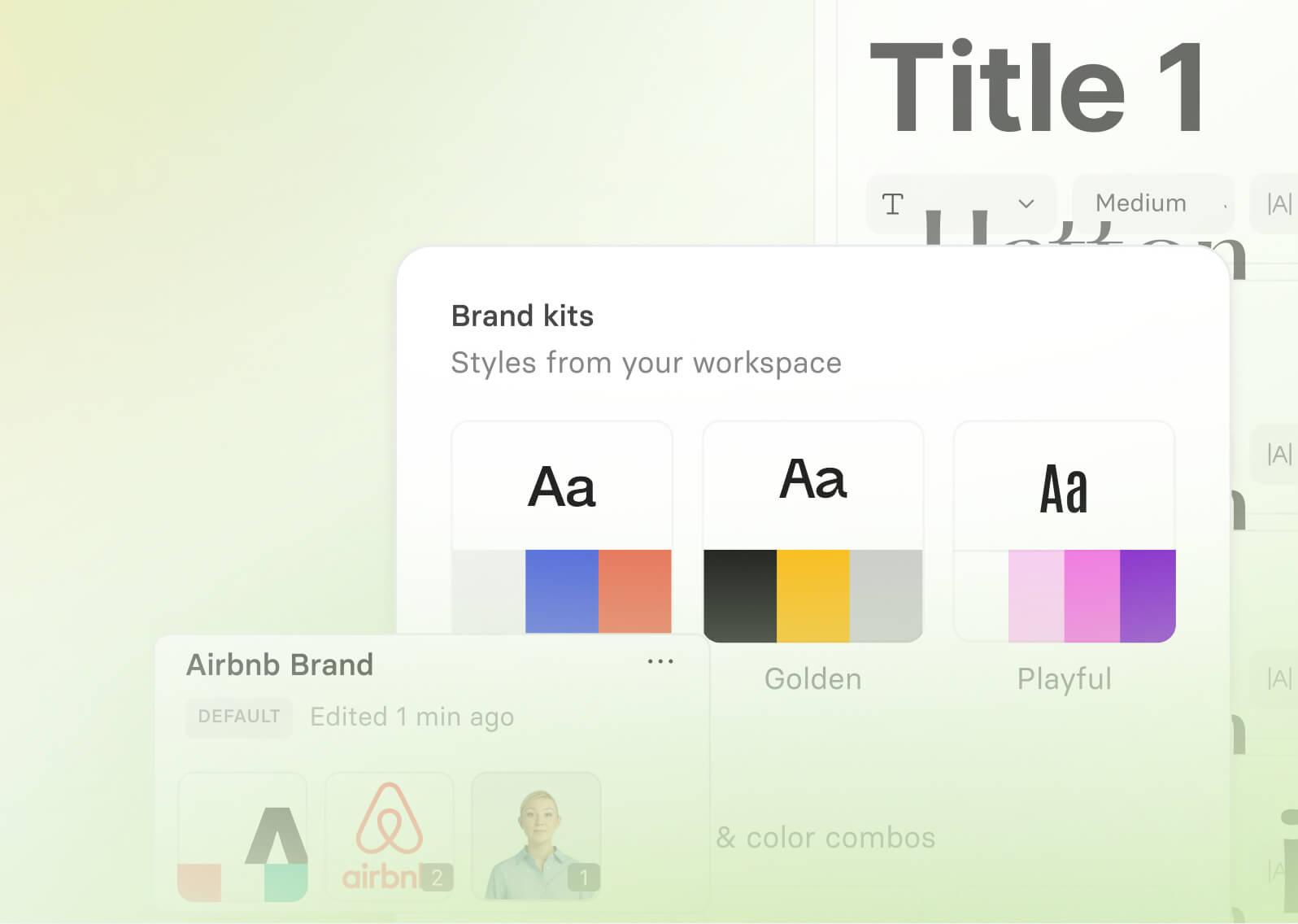
Brand Kit
Apply consistent branding across every video with your predefined fonts, colors, logos, and avatars.

AI Playground
Access and test the latest AI models like Veo 3 and Nano Banana Pro, to generate high-quality assets for your videos.

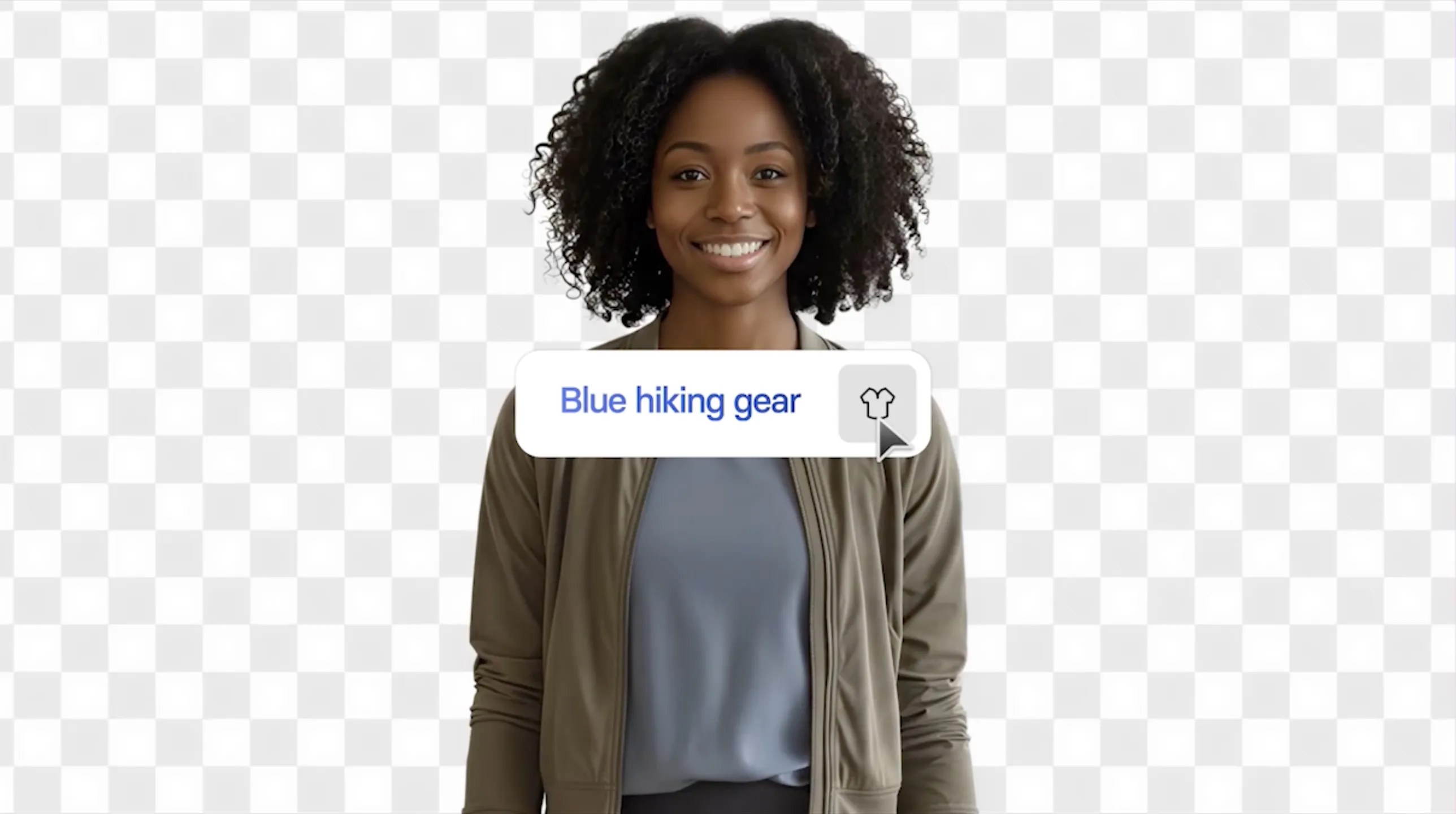
Customizable avatars
Add customizable avatars that can act out any scenario in any environment using Veo 3.

Smart updates
Any video you embed or share updates automatically whenever you make an edit.
Analytics
Measure views and watch time to understand how viewers interact with your videos.


Frequently asked questions about YouTube translation
What is the best YouTube video translator?
Synthesia is the best AI YouTube video translator for anyone who needs the finished video to look natively recorded. Most tools stop at subtitles or a synthetic voiceover. Synthesia dubs your video into 130+ languages and accents, clones each speaker's voice so they sound like themselves, and syncs lip movements to the new audio. You can edit the translated transcript before publishing, and share every language behind one link.
Is it free to translate YouTube videos?
Yes. The YouTube video translator is free to use, with voice preservation and lip-sync included.
What languages can I translate YouTube videos into?
You can dub your YouTube video into 130+ languages and accents, including but not limited to: English, Spanish, French, German, Portuguese, Italian, Chinese (Mandarin), Japanese, Korean, Arabic, Hindi, Russian, Turkish, Vietnamese, Thai, Dutch, Polish, Swedish, Indonesian, Bengali, and Persian.
What kind of YouTube videos work best for translation?
Any video with clear speech works, and videos that show someone talking on camera get the most from lip-sync. The link must be to a public video, since private and unlisted videos cannot be pulled. Several speakers in one video are handled automatically, each with their own cloned voice, though people talking over each other is not yet supported. Clean source audio produces a noticeably better voice clone than a noisy recording.
How accurate are the translations?
Accurate enough that the first pass is usually publishable, and fully editable where it is not. The transcript editor lets you correct misheard product names, technical terms, and proper nouns in any language version, then retranslate in one click. Editing does not consume extra credits, and edits to one language do not affect the others. Enterprise workspaces can also apply a Translation Glossary so defined terminology stays consistent everywhere.
How long does it take to translate a YouTube video?
Most videos are ready to review within minutes. All target languages process in parallel, so ten languages does not take ten times as long as one. Video length is the main factor. For comparison, traditional dubbing runs to script translation, casting, studio time, recording, and sync, typically days to weeks per language.
Can I download the translated videos and upload them to my channel?
Yes. Download each language version as an MP4, or export subtitles as SRT or VTT files, which is what you want if you are adding language tracks in YouTube Studio. You can also export WAV audio tracks on their own. Nothing publishes to YouTube automatically, so you stay in control of what goes on your channel and when.
Can I get subtitles as well as dubbed audio?
Yes. Subtitles are generated automatically for every dubbed version, and you can download them per language as SRT or VTT files, which is the format YouTube Studio takes for caption tracks. Viewers can toggle subtitles on or off in the Multilingual Player, and if you edit the transcript the subtitles stay in sync automatically.
How is this different from YouTube's auto-dubbing?
The difference is control. YouTube's documentation states that you cannot edit automatic dubs, so one mistranslated product name means unpublishing or deleting the whole track. Synthesia gives you the transcript in every language, so you correct it and regenerate before anything goes live. YouTube also dubs most source languages into English only, while Synthesia dubs into any of 130+ target languages from a single upload. And what Synthesia produces is a file you own, so it works in your LMS, on your intranet, or embedded on your own site, not only on YouTube.
Is AI dubbing safe?
Synthesia applies content moderation at the point of creation, combining automated filters with human oversight to prevent misuse. On the compliance side, Synthesia holds SOC 2 Type II, ISO 42001, and ISO 27701 certifications and is GDPR compliant. ISO 42001 is the international standard for responsible AI management.
Not just a YouTube translator
Synthesia is an end-to-end AI video platform that helps you translate, create, and scale video content for global audiences. Alongside AI dubbing, you can use the AI video generator to create new videos from scratch, convert documents like PDFs or webpages into professional videos, and streamline production with the AI script generator.
Repurpose existing YouTube videos, presentations, and training materials into high-quality, localized content for every market. Create training videos, tailor versions by language or region, and manage everything in one platform. From translation to creation and publishing, Synthesia helps you increase the reach and impact of your content.
Discover more



