New Feature
Enterprise
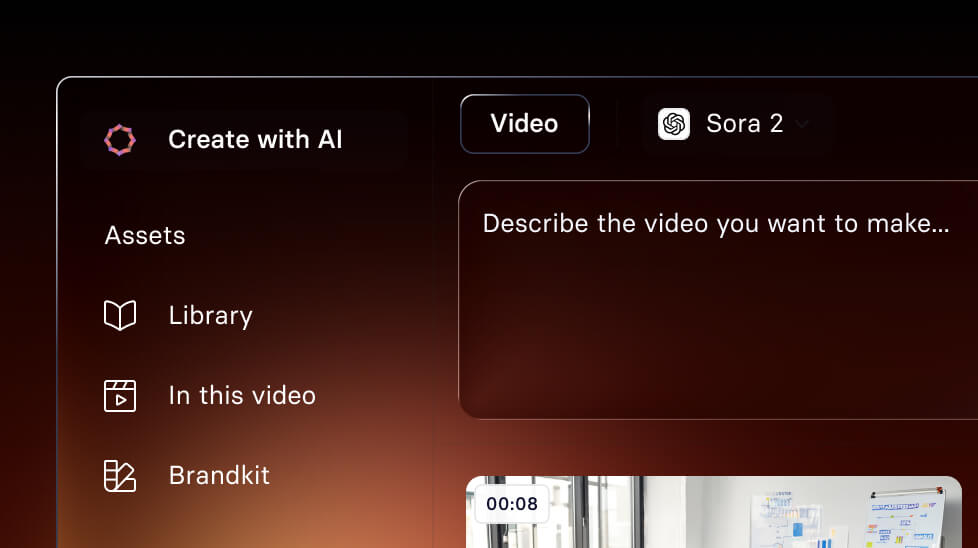
Create video assets with Veo 3
Turn a simple text prompt into an 8-second, 1080p video clip—then reuse it anywhere in your project. Enterprise only.
See what Synthesia can do for you
See all updates
Today, we're introducing Veo 3 in Synthesia — a way to create custom video assets from a text prompt, right inside the editor. Available for Enterprise plans.
How it works and why it matters
Before, getting the right visuals often meant hunting through stock libraries, buying extra assets, or settling for "close enough."
Now, you can generate an 8-second, 1080p video clip from a simple prompt, then drop it into any scene.
What you can do with it:
- Create made-to-order b-roll for training, internal comms, and announcements
- Illustrate a process, or a new workflow, with visuals that match your script
- Generate realistic, or fully animated, branded assets in minutes
How it works
- Open any Synthesia video.
- Go to Media → Text to video.
- Press Tab to auto-fill a prompt from your script, or type your own.
- Click Create (generation typically takes about 3 minutes).
- Add the clip to a scene, or reuse it later from your Media panel.
Good to know
- Each clip is 8 seconds long
- Each clip costs 360 credits
- Org or Workspace admins can turn Veo 3 off in Settings → Integrations
For more on how it works, check out our documentation.
New Feature
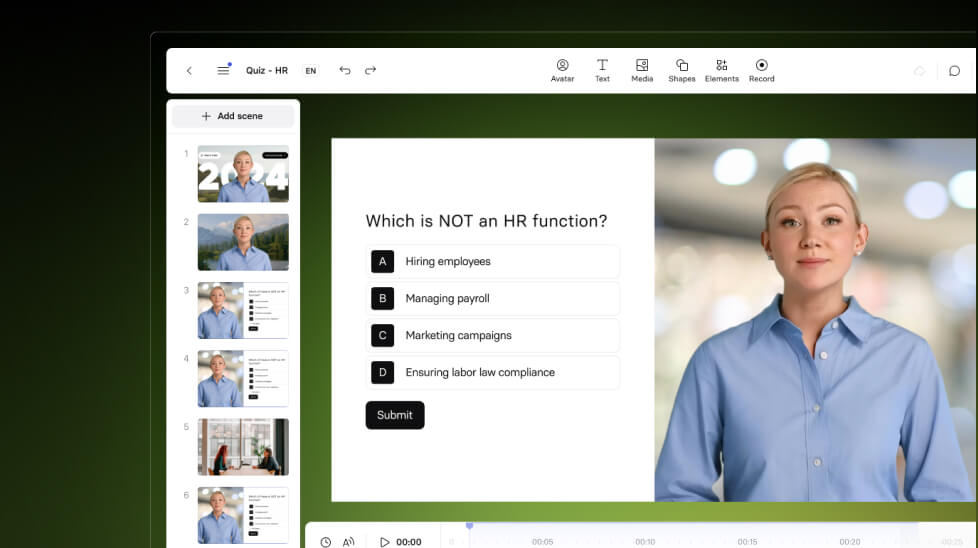
Add Quizzes to any Synthesia video
Grow completion rate for every video you create with amazing new feature—Quizzes.
11/3/25

Get the skills, insights, and support to help you scale





