Create videos from PowerPoint with AI Video Assistant
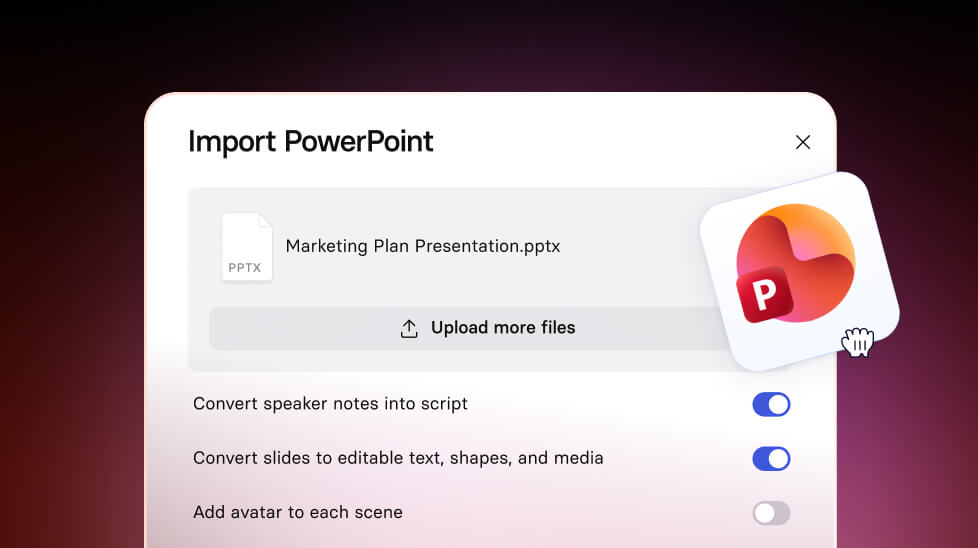
Upload a .pptx to AI Video Assistant to generate a draft script and video, complete with key images and stock visuals—available on Starter, Creator, and Enterprise plans.

See what Synthesia can do for you
Today, we're introducing three updates to AI Video Assistant — making it easier to turn existing content into a polished video. Available on Starter, Creator, and Enterprise plans.
How it works and why it matters
If you're starting from a deck, doc, or link, the hardest part is turning it into a story that's easy to watch. These updates help you go from source material to a video draft faster, without losing the context that matters.
- Turn PowerPoint into a video draft: Upload a
.pptx, pick a template, and we'll generate a script inspired by your slides, including speaker notes. - Bring key visuals into your video: We'll detect essential charts, diagrams, tables, and screenshots from your source and include them in the draft.
- Automatically add stock media: We'll add relevant photos and videos to match your script, so text-heavy content becomes more engaging from the start.
Turn .pptx into an engaging video
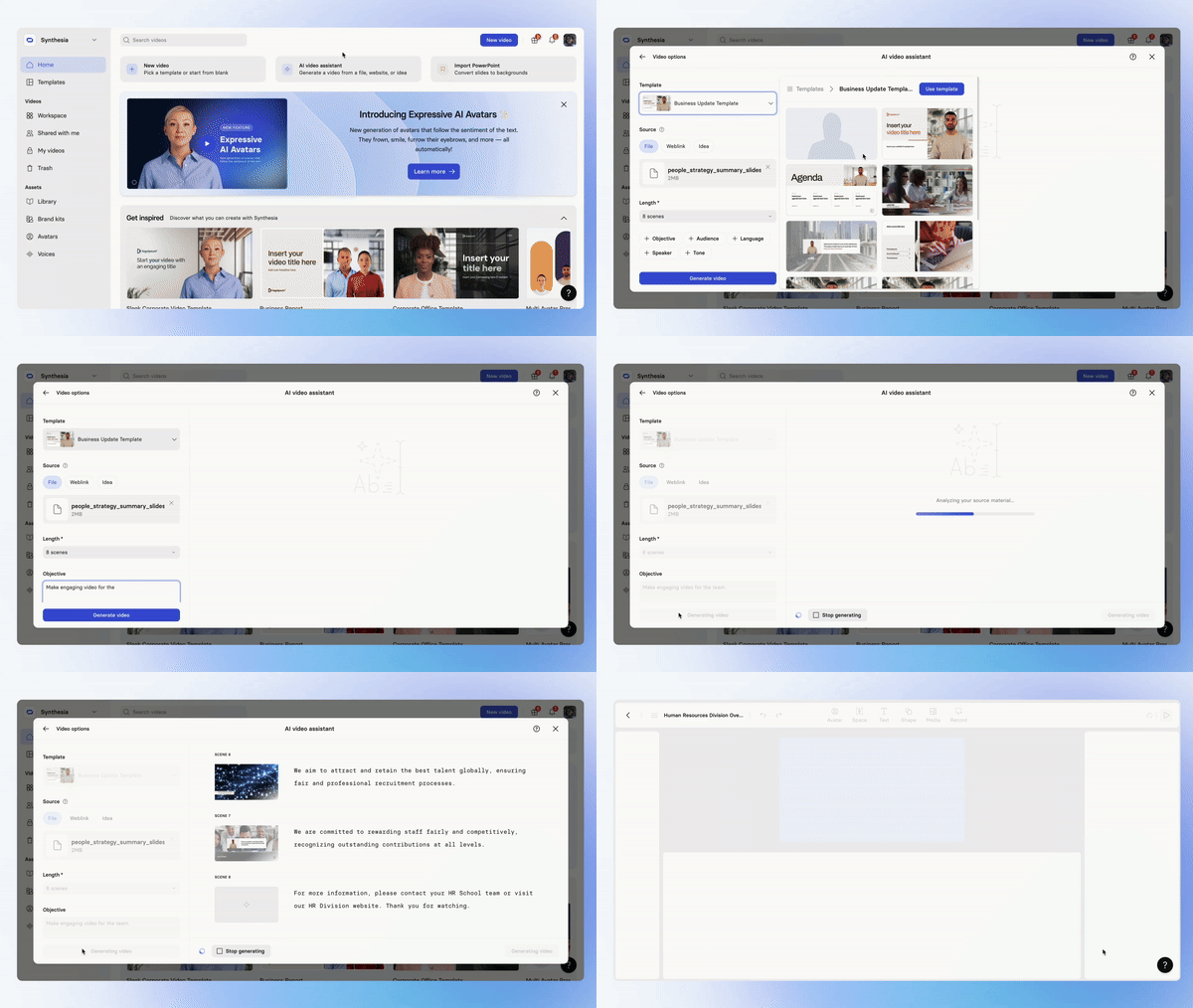
Upload a PowerPoint deck to generate a script inspired by your slides. We'll also analyze speaker notes and the content of each slide so your video reflects the full story, not just the headline text.
How to try it
- Open AI Video Assistant
- Choose a template
- Upload your
.pptx - Generate your draft script and video
Auto image extraction
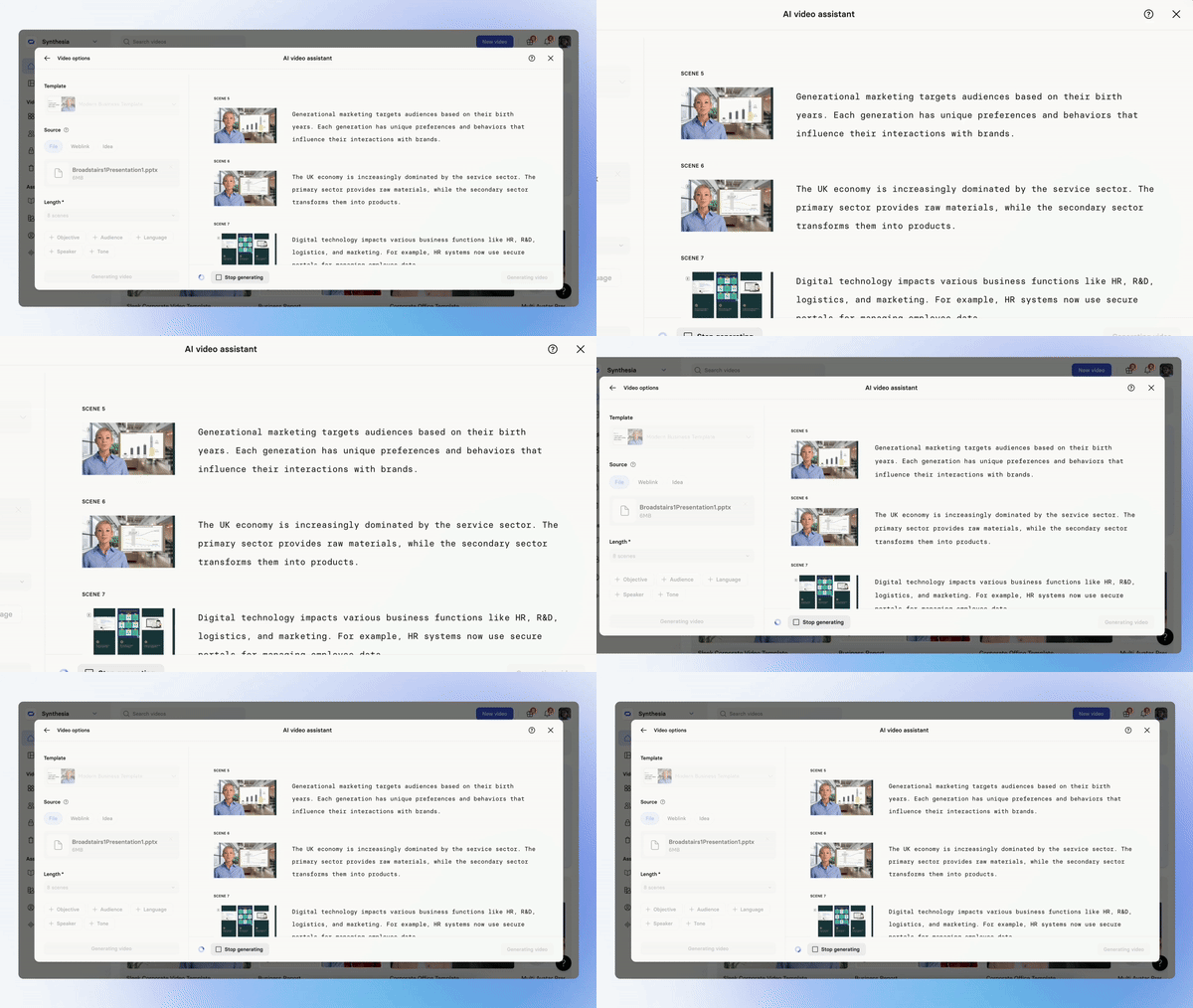
When your source includes charts, diagrams, tables, or screenshots, AI Video Assistant can pull those essential visuals into the draft so you don't lose the context that makes your message credible.
Important note: AI Video Assistant extracts only essential charts, diagrams, tables, and screenshots. Other images may be replaced with stock visuals.
Adding stock content automatically
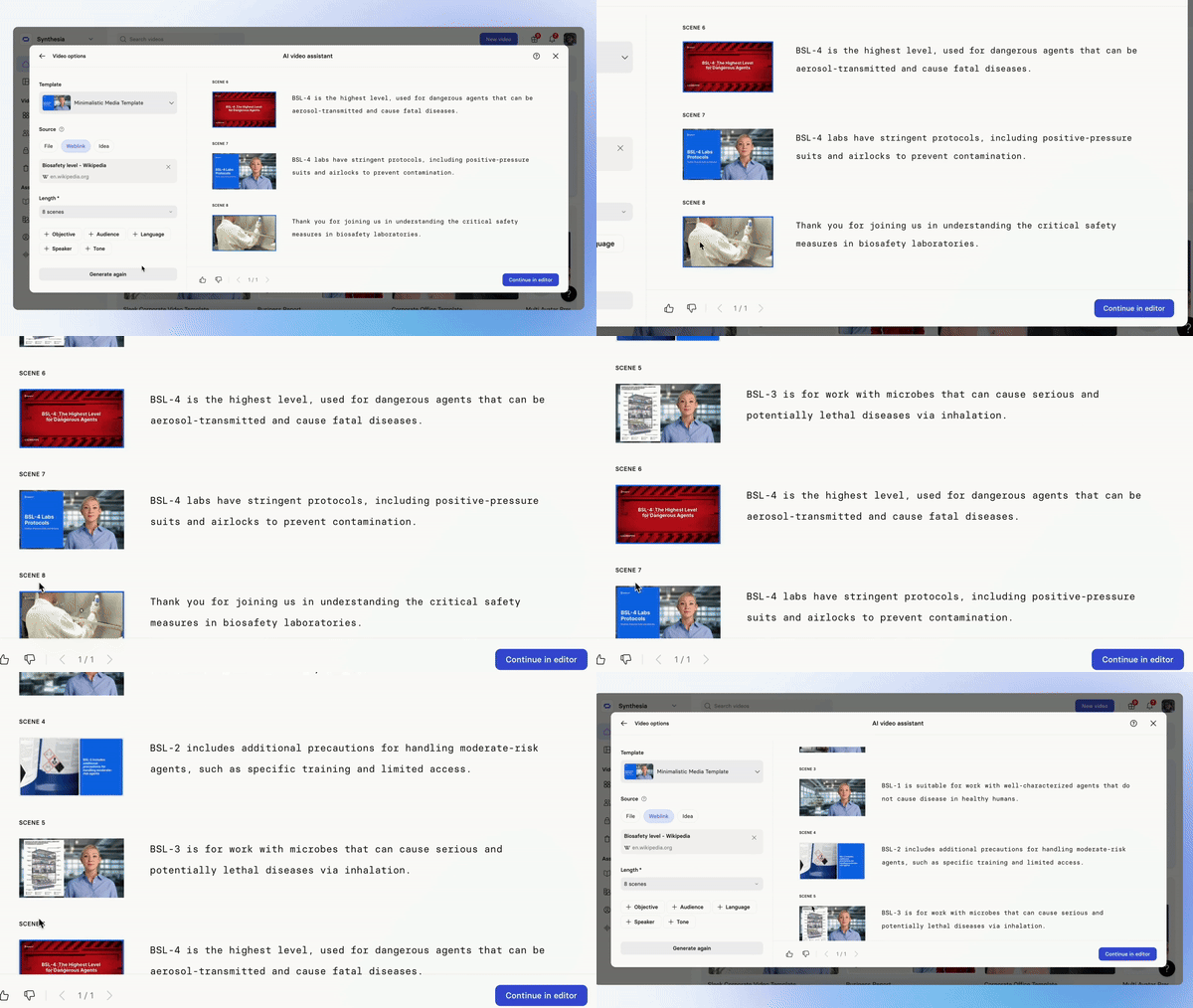
AI Video Assistant can automatically add stock photos and videos to your draft based on what you're saying—helping you create a visually engaging video even when your source material is mostly text.
For more on how it works, check out our documentation.
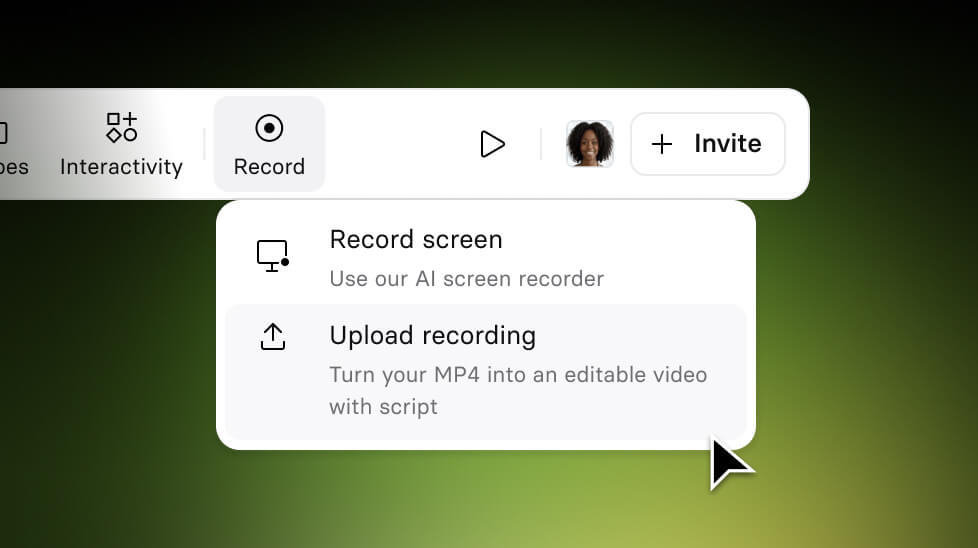
Turn External Screen Recordings into editable Synthesia videos
Upload any screen recording (MP4) and Synthesia automatically converts it into a fully editable video.
Get the skills, insights, and support to help you scale





