Improvement
Edit faster with GIFs, Direct Cut, and Shortcuts
Add Giphy GIFs, speed up scene transitions with Direct Cut, and use keyboard shortcuts to make common edits faster—so you can polish videos in less time.
See what Synthesia can do for you
See all updates
Today, we're introducing a set of editor updates — new ways to add GIFs, move faster between scenes, and edit with less clicking. Available across Synthesia plans.
Watch the video created in Synthesia, and use it as a template. Duplicate it, then make it your own.
How it works and why it matters
Add GIFs from Giphy
- Search for GIFs directly in the editor, then drop them into a scene
- Use GIFs to add personality, illustrate a point quickly, or make training content more engaging
Create faster pacing with direct cut
- Use the Direct Cut transition to remove the pause between scenes
- Great for fast-paced explainers, product updates, and any video where momentum matters
Edit quicker with keyboard shortcuts
- Use shortcuts to speed up common edits like arranging layers and formatting text
- Ideal when you're iterating on scripts, adjusting visuals, or making last-minute tweaks
For more on how it works, check out our documentation.
Update
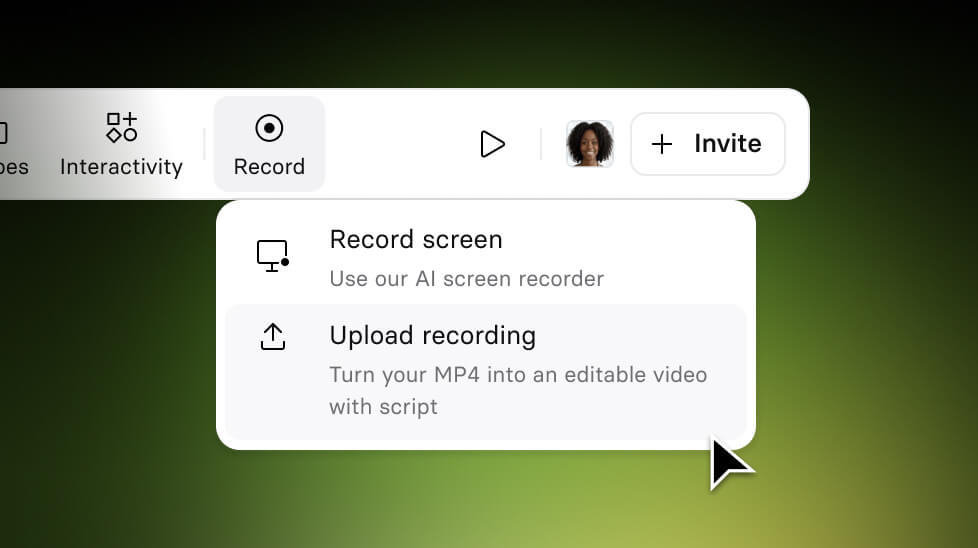
Turn External Screen Recordings into editable Synthesia videos
Upload any screen recording (MP4) and Synthesia automatically converts it into a fully editable video.
3/17/26
Get the skills, insights, and support to help you scale





