New Feature
Editor
Undo/Redo
You can now redo/undo any action in STUDIO by using shortcuts or the controls next to Generate video.

See what Synthesia can do for you
See all updates
You can now redo/undo any action in STUDIO by using shortcuts or the controls next to "Generate video" button.
Shortcuts:
Undo: Cmd/Ctrl + Z
Redo: Cmd/Ctrl + Z + shift

Update
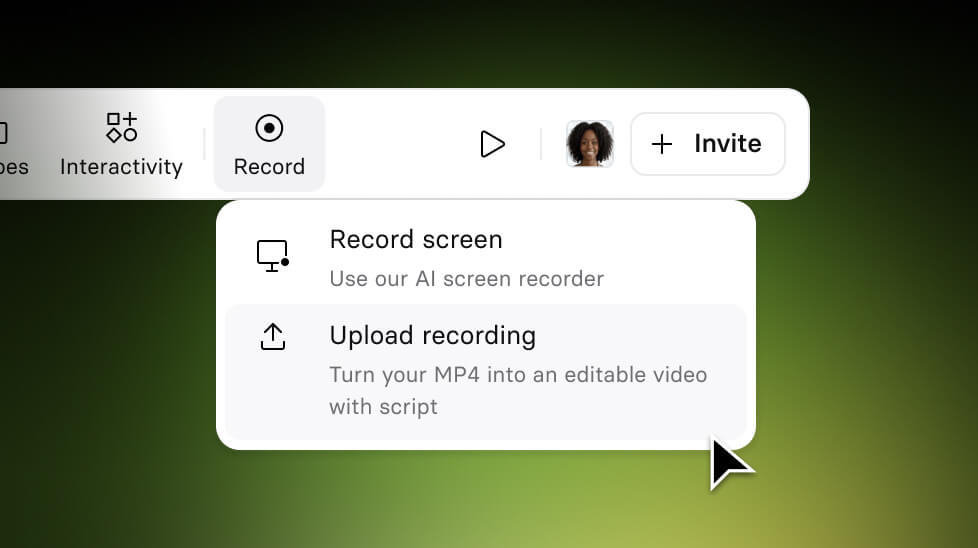
Turn External Screen Recordings into editable Synthesia videos
Upload any screen recording (MP4) and Synthesia automatically converts it into a fully editable video.
3/17/26
Get the skills, insights, and support to help you scale





