
AI Video Translator for enterprise teams
Automatic transcription, translation, voice cloning, and lip-sync across 140+ languages.
Upload your video
Your first minute of video is completely free. We’ll trim any longer videos.


Choose a file
Use a Youtube video that clearly shows someone speaking.

Translate to
If your video features people speaking, we'll sync their lip movements to the translated audio.
Upgrade to generate your translated video without a watermark.
Subtitles are auto‑generated for dubbed videos and viewers can toggle them on or off in the Multilingual Player.
AI dubbing supports multiple speakers and automatically preserves each speaker’s voice.
Control whether the video duration stays fixed or adjusts for translation.
By using this service, you confirm you have all necessary rights, licenses and permissions to upload and dub this content, and that your use of any dubbed content will be in accordance with the Acceptable Use Policy and in compliance with applicable regulations related to intellectual property and data privacy.


Remove watermarks and elevate your videos.
- Deliver translated videos without watermarks.
- Edit translations easily and securely.
- Dub videos in all available languages and dialects.
- Perfect for training, marketing and sales videos.
Trusted by over 90% of the Fortune 100.






Translated video examples


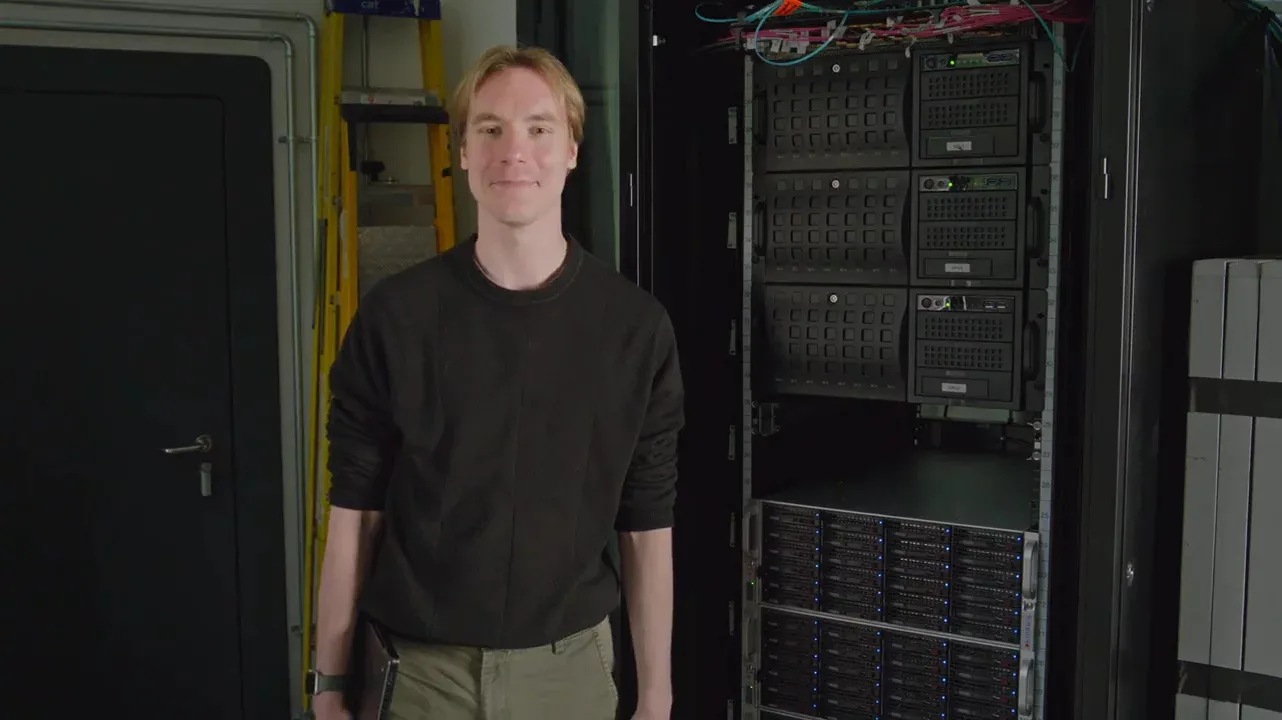
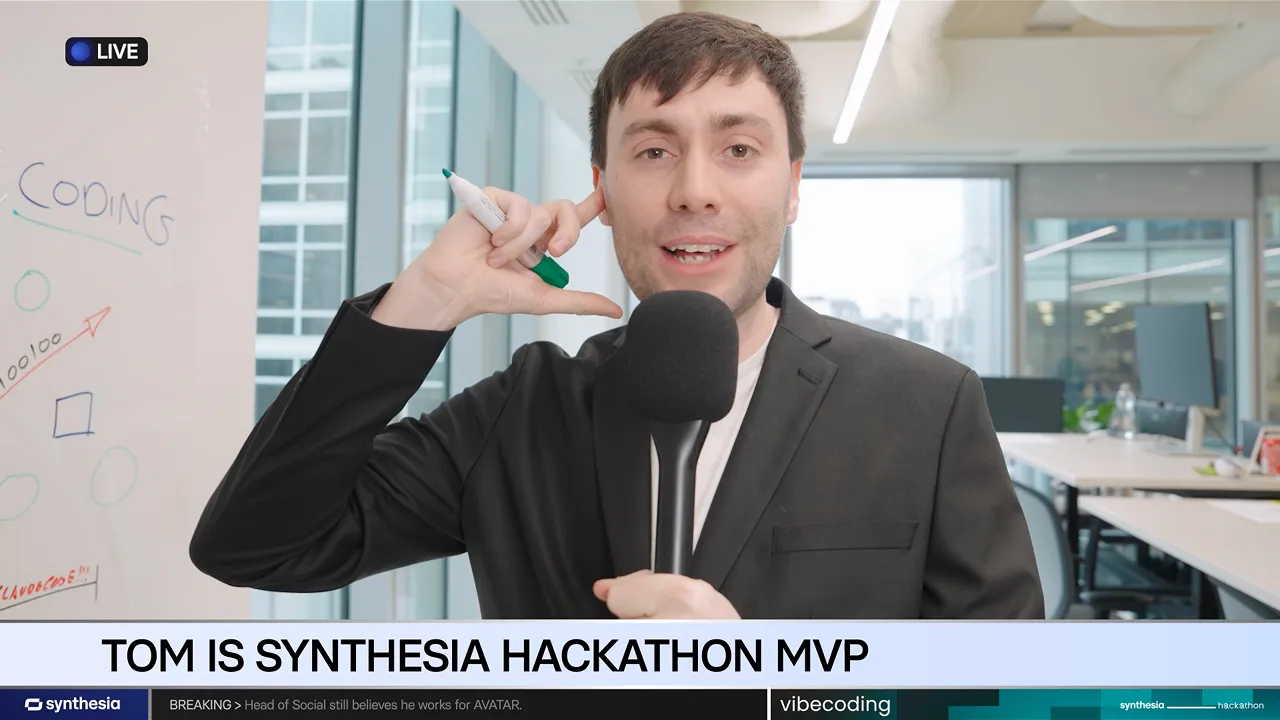
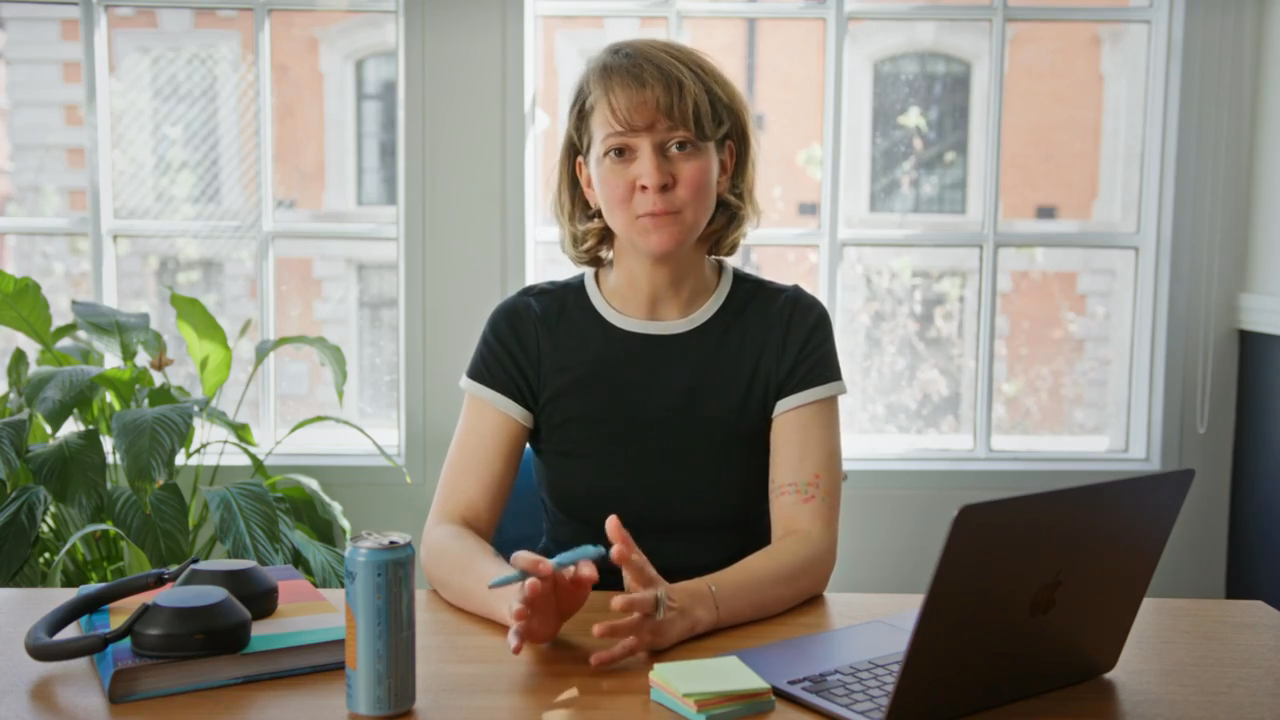
The complete AI video translator for enterprise teams
Matches lip movement to every language


Reshapes the speaker's mouth to fit the translated language, so it looks like they spoke it.
Preserves speaker's own voice
Clones the original voice and carries its tone and delivery, so your CEO sounds like themselves even in Mandarin.
Edit the transcript until it's right
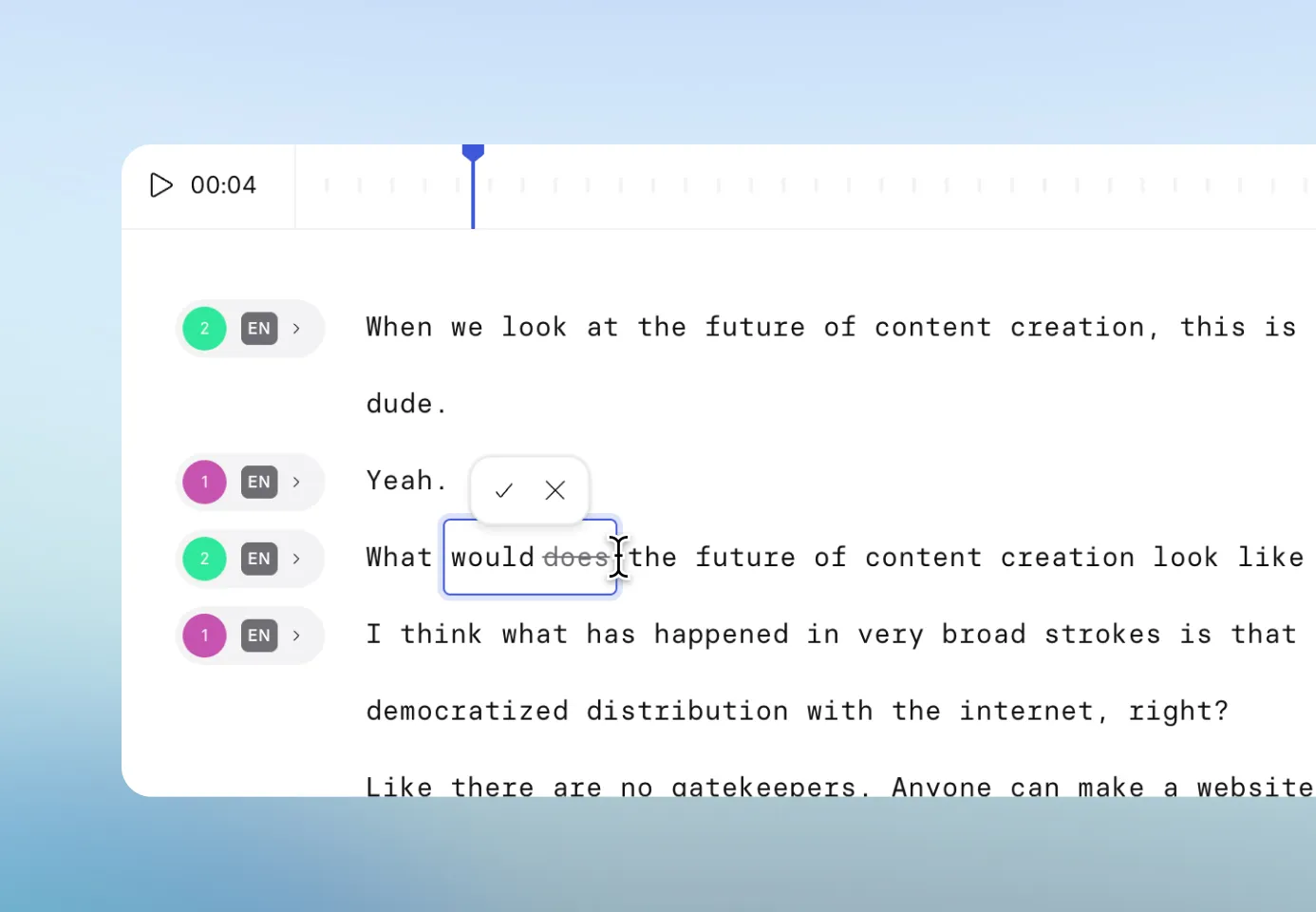
Every video is transcribed automatically. Adjust the script in source or translated language, then retranslate for free.
Set your own translation rules
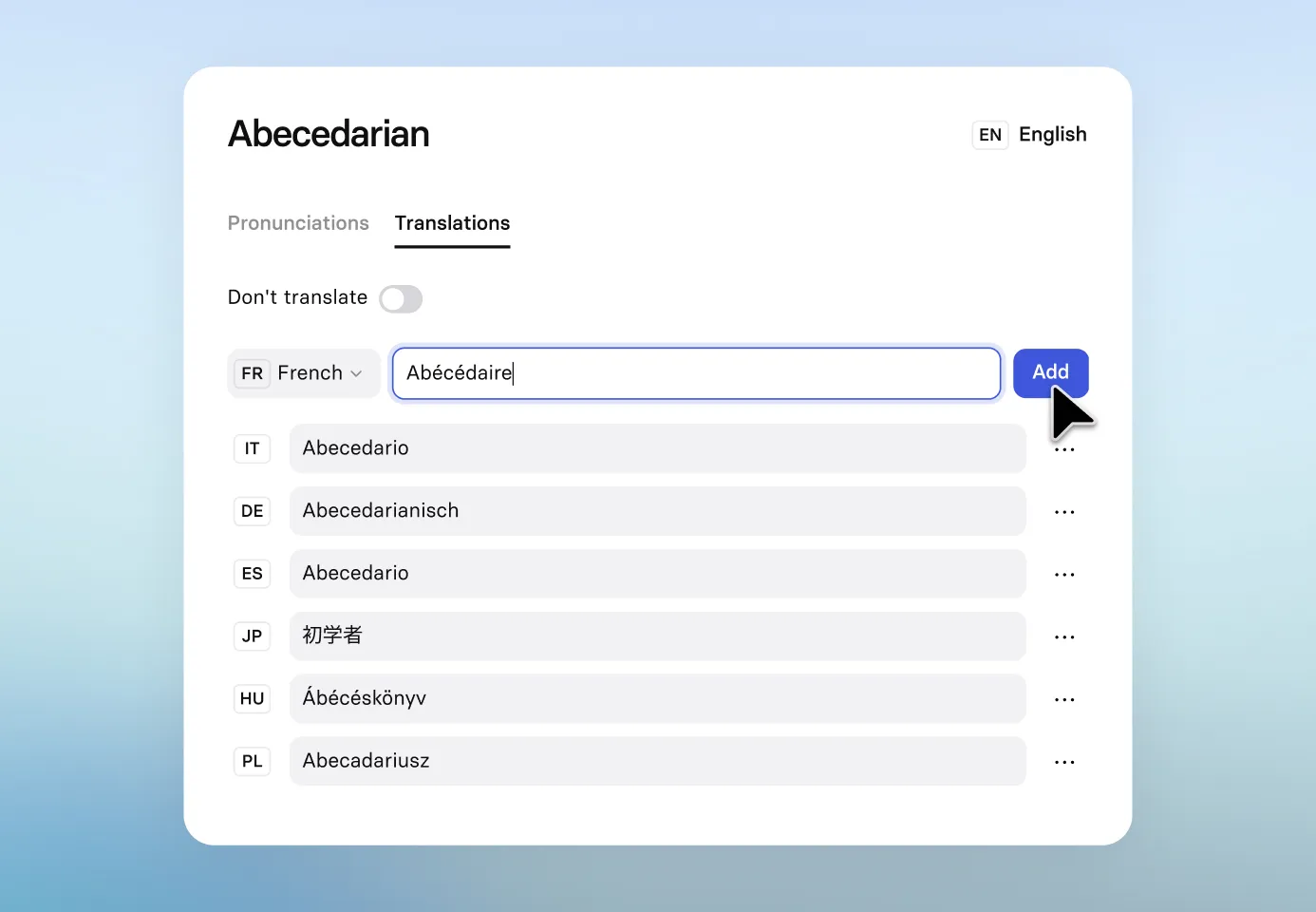
Set rules for which words to translate and how. Translation Glossary lives in your workspace, so every new video needs less review.
Share, embed, or export to your LMS
Use Synthesia’s multilingual player, embed the video anywhere or export via SCORM to your LMS.
Book your 30-minute Synthesia demo.
- Get a personalized demo of Synthesia
- Hear proven customer success stories
- Learn about pricing for your use case


Thanks, we'll be in touch soon!
The best AI video translator for modern teams

Over 2000+ five star reviews on G2
AI video dubbing and voice translation FAQ
Can AI be used for dubbing?
Yes, AI can be effectively used for dubbing, translating your video into multiple languages while maintaining the speaker's voice and lip sync. AI dubbing is also faster and more cost-effective than traditional dubbing methods.
Can I make an AI voice of myself?
Yes, some AI platforms allow you to clone your voice, capturing your unique tone and speaking style that can be used in video creation. This voice can then be used to generate voiceovers or dubbed video content in different languages.
What is AI video dubbing?
AI video dubbing uses artificial intelligence to translate and sync audio from one language to another, matching the speaker's lip movements for a natural, authentic look. This process can be completed quickly, often within minutes.
How accurate are AI translations?
We use the most advanced AI translation technology available to ensure a consistently high quality of content. We also enable additional reviews by humans through our editing capability - so if your translated output video needs to be tweaked, your reviewer can action the changes in minutes by editing the script.
How do I dub a voiceover video?
To dub a voiceover video with AI, you typically upload your video, select your target language, and let the AI tool generate a new audio track that matches the original voice and timing. Some platforms allow you to edit the transcript for accuracy.
What's the difference between dubbing and voiceover?
Dubbing replaces the original audio with a translated version, often matched to the speaker’s lip movements, while voiceover adds translated audio over the original, often heard in the background. Dubbing aims for a more seamless viewing experience.
What is an example of video dubbing?
An example of video dubbing would be translating an English tutorial video into Spanish, keeping the speaker’s original voice and syncing it with their lip movements, making it accessible to Spanish-speaking audiences.
Can I dub my voice?
Yes, AI platforms like Synthesia let you dub your own voice in multiple languages. These tools capture your voice's characteristics so you can create multilingual content that sounds like you.
How to dub video for free?
Several free AI tools offer basic video dubbing services. While they may have limitations, you can try them to produce simple multilingual videos, often by uploading your video and selecting a target language for translation.

