
AI Motion Graphics Generator
Turn your script into a polished motion graphic in seconds. No design skills required. For free.
Please try a different script!

Trusted by over 50,000 companies








Perfect motion graphics for any message
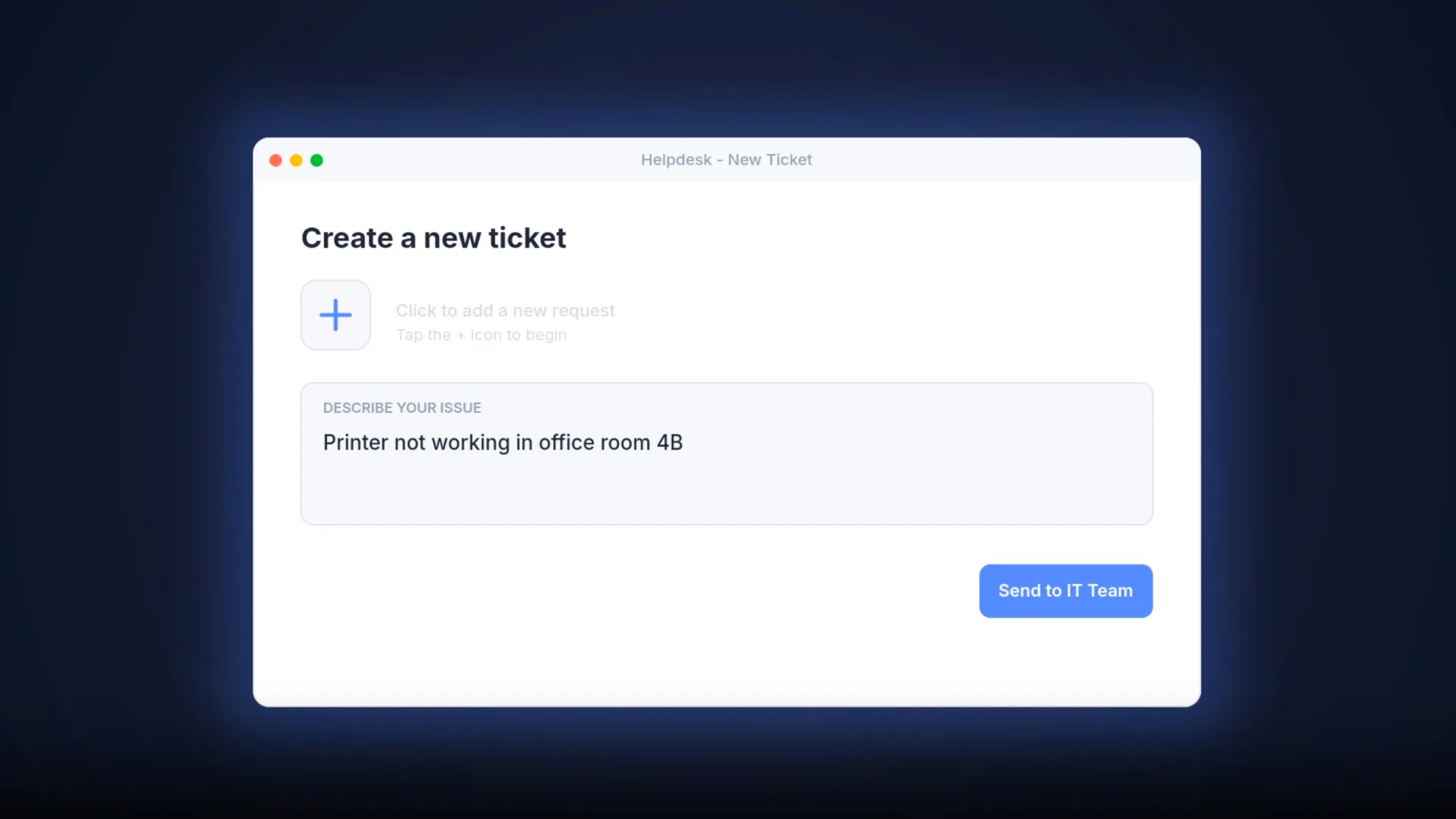


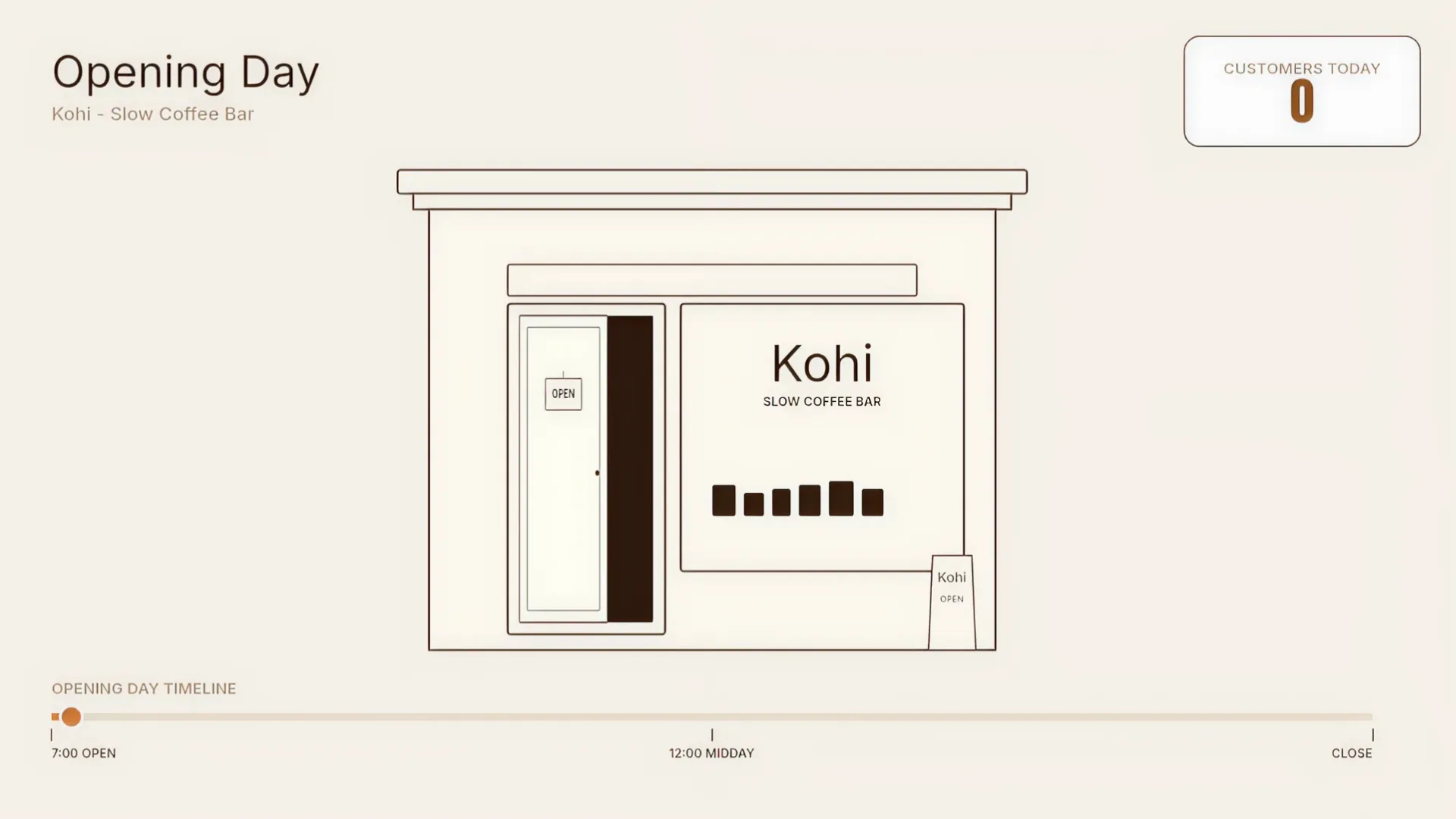
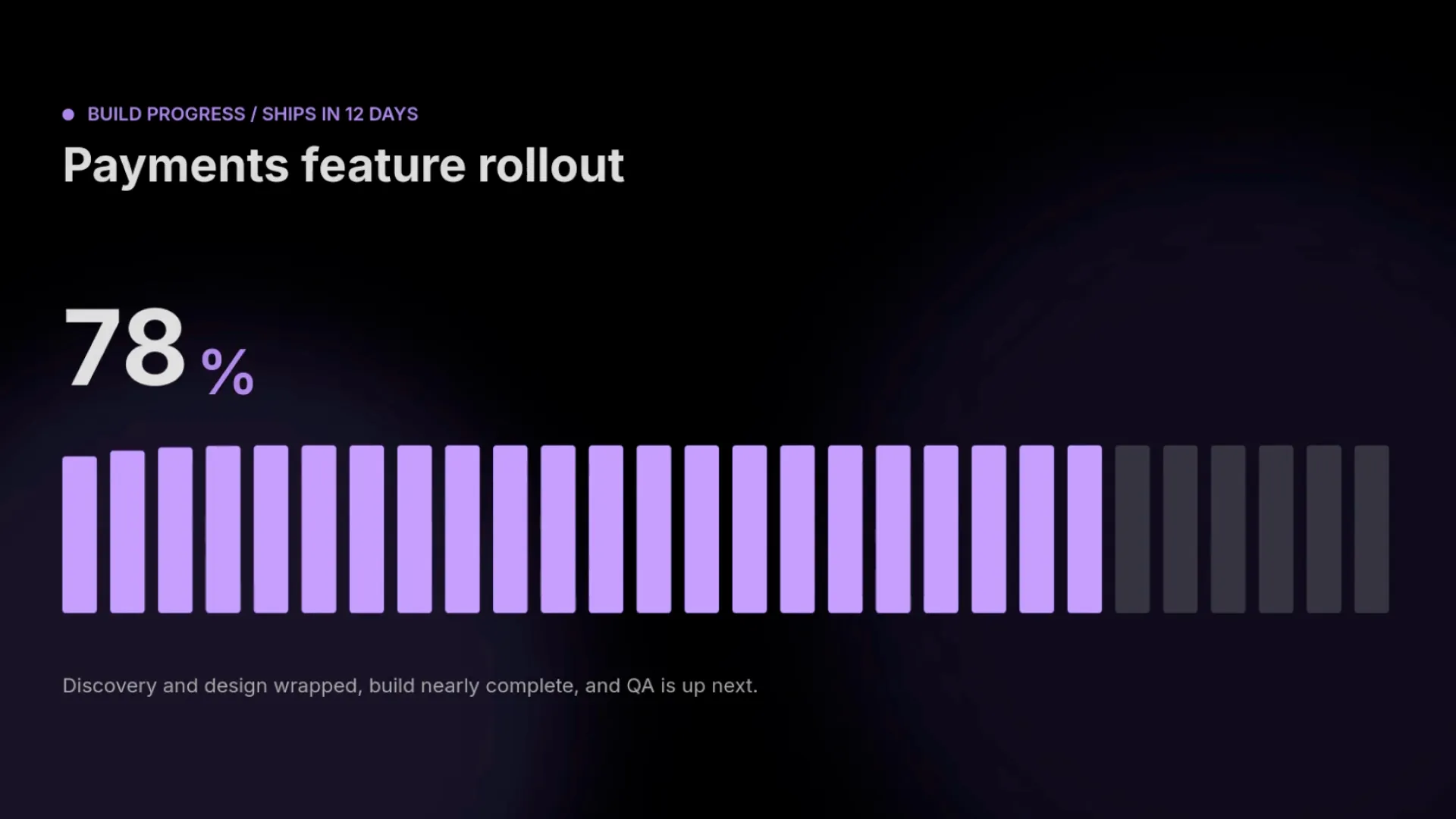
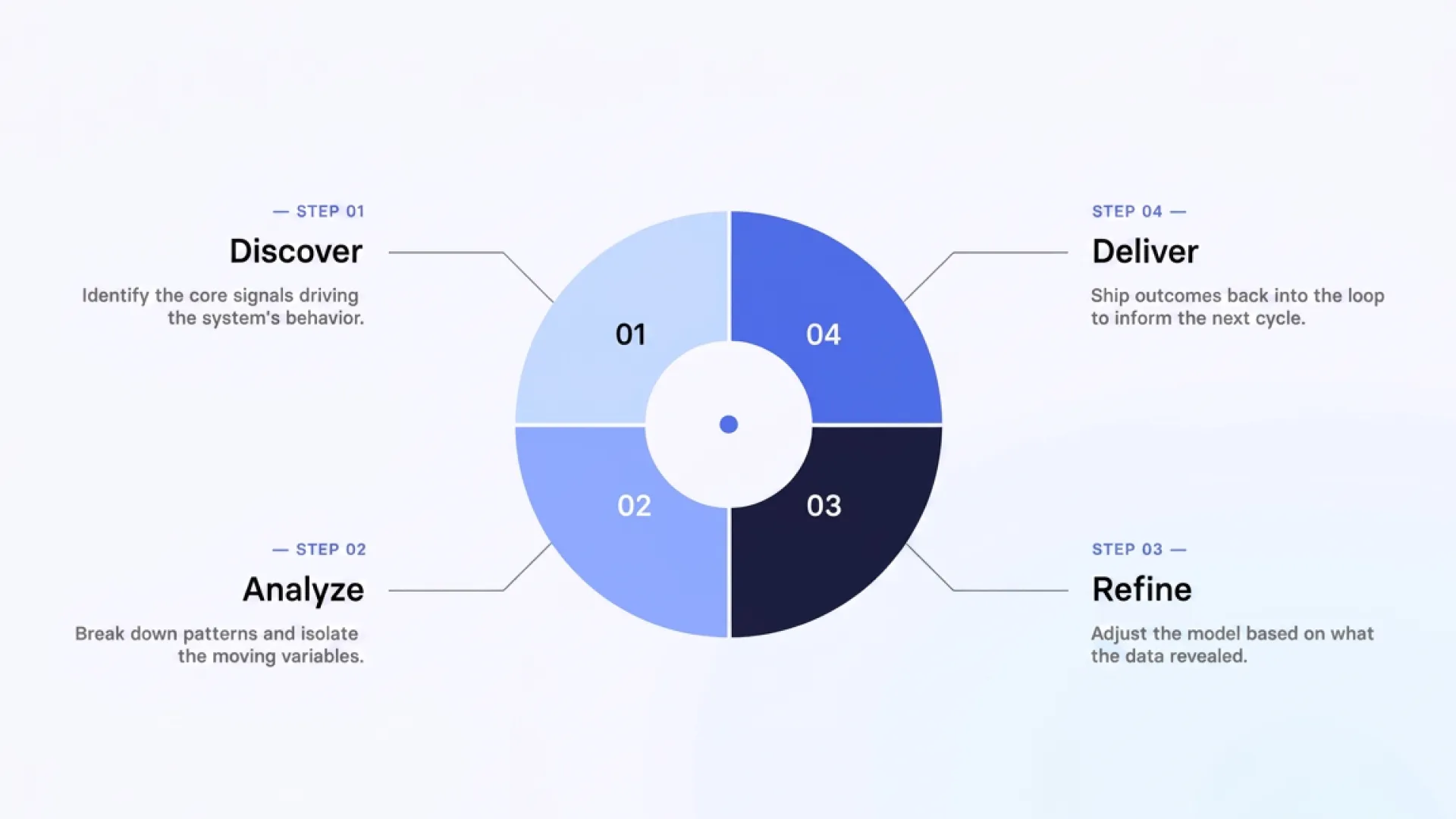
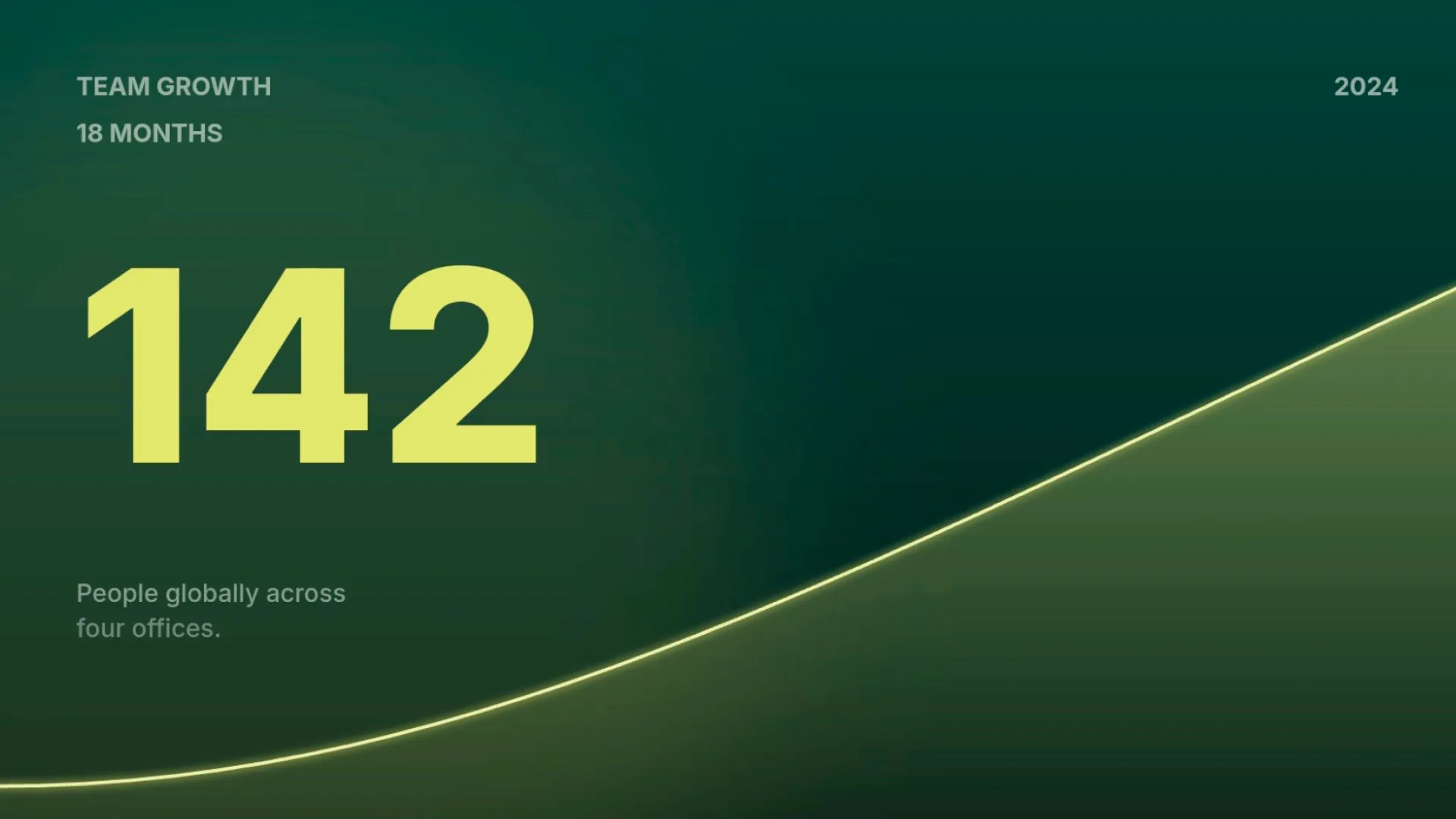
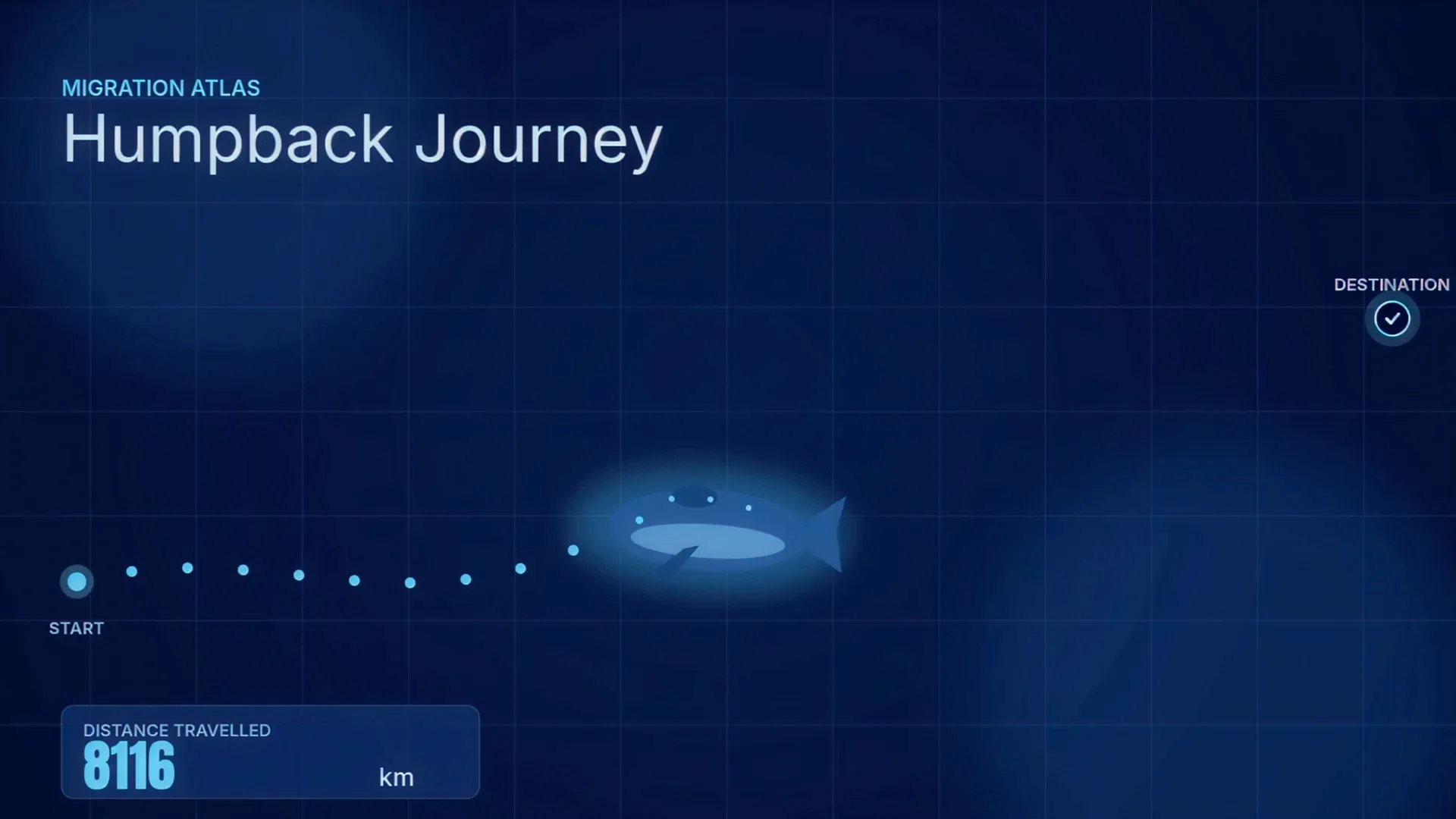
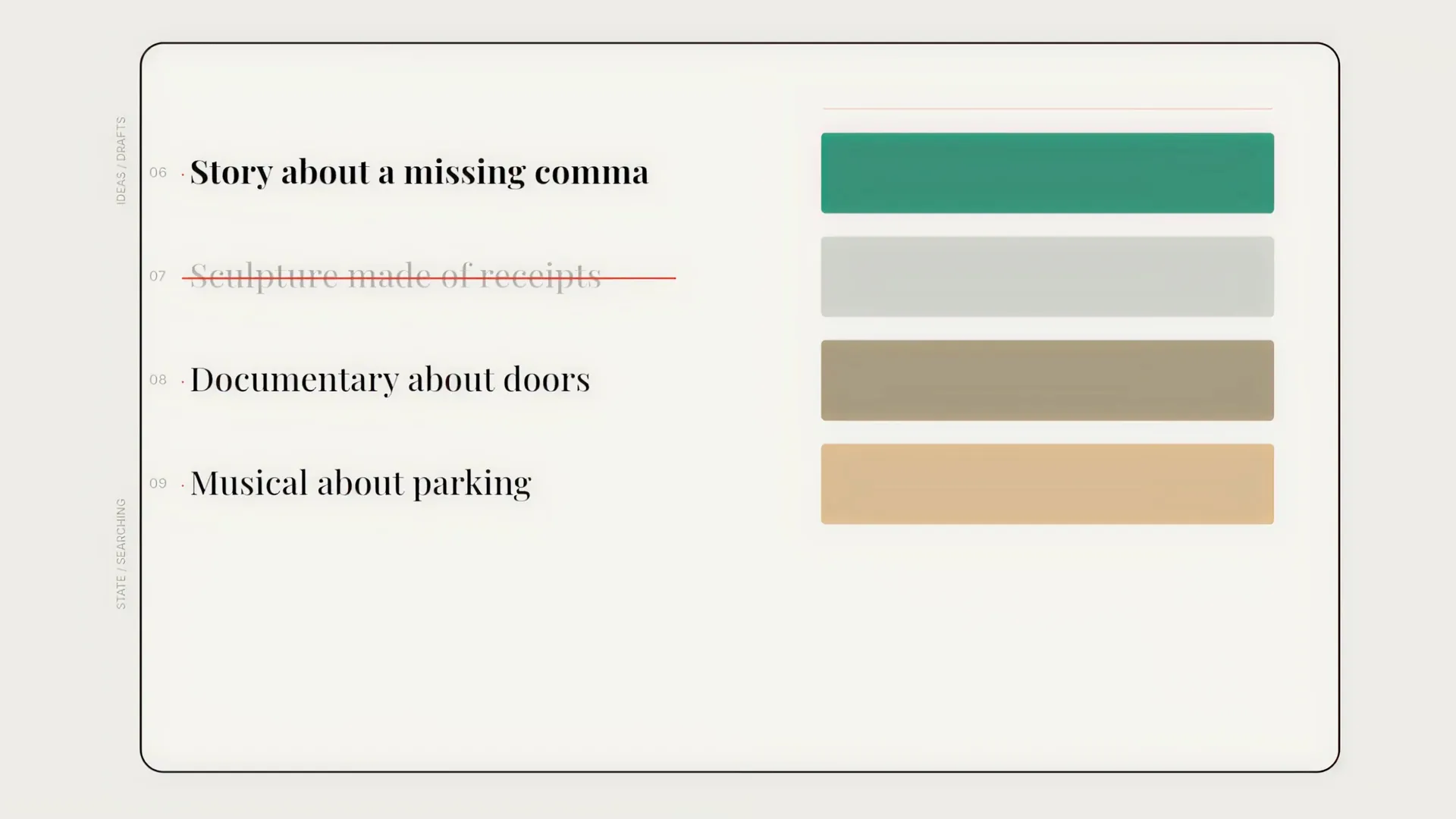
Generate AI motion graphics without the design team
Create motion graphics from a prompt or template. Always in sync with your message, always on brand.
Animate your content with polished templates
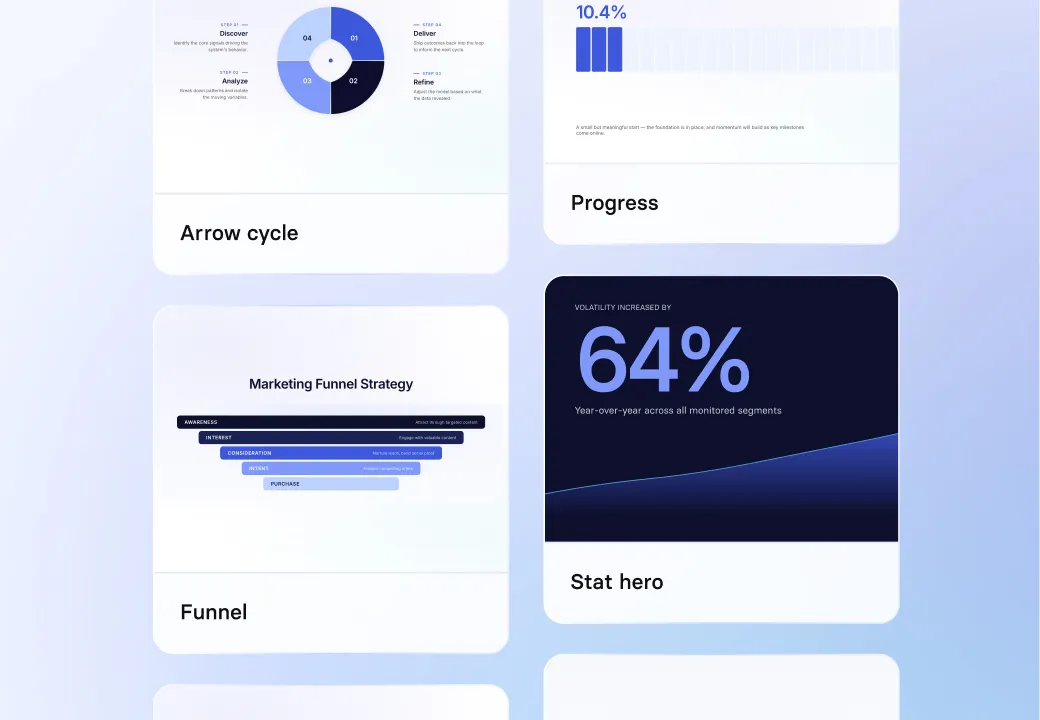
- Choose from 16 professional templates: timelines, funnels, checklists, charts, and more
- Your script drives the animation, styled by your chosen template or one the AI picked
- Keep all your motion graphics visually consistent
Create custom motion graphics from a prompt or image

- Describe any motion graphic in plain English, or upload a reference image
- Turn sketches, diagrams, or data visualizations into polished animations
- Edit the text inside the graphic directly, no regeneration needed
Keep every motion graphic on-brand
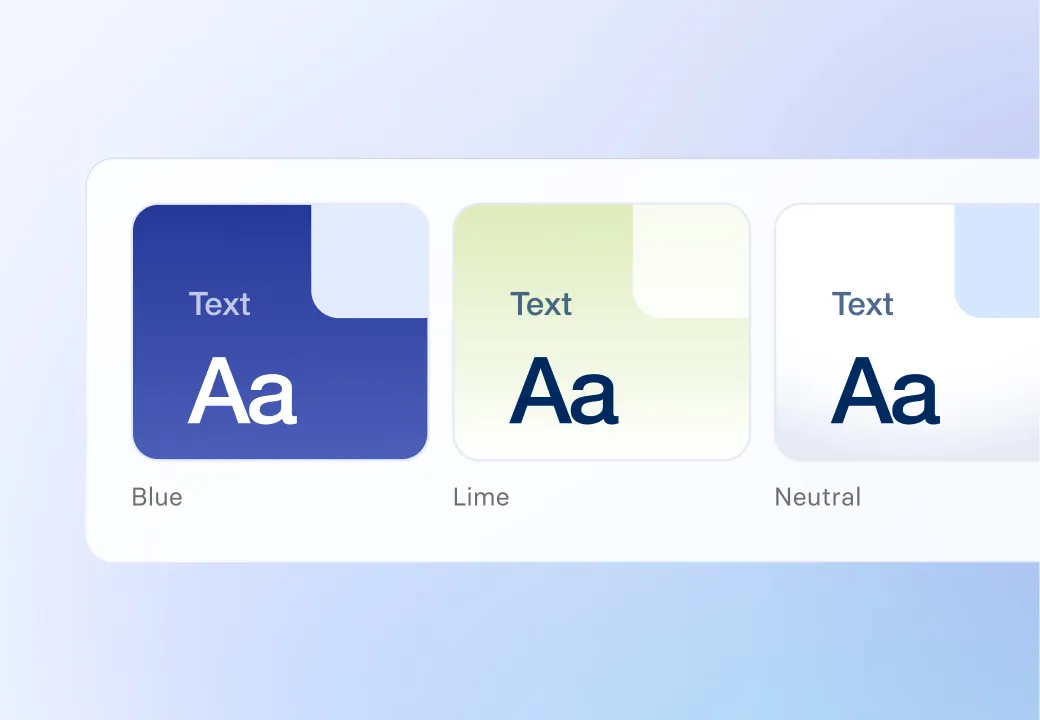
- Upload your brand's colors, fonts, and visual style
- Apply it automatically to every templated motion graphic
- Use your brand kit across all assets you create in Synthesia
Use motion graphics in any video or asset
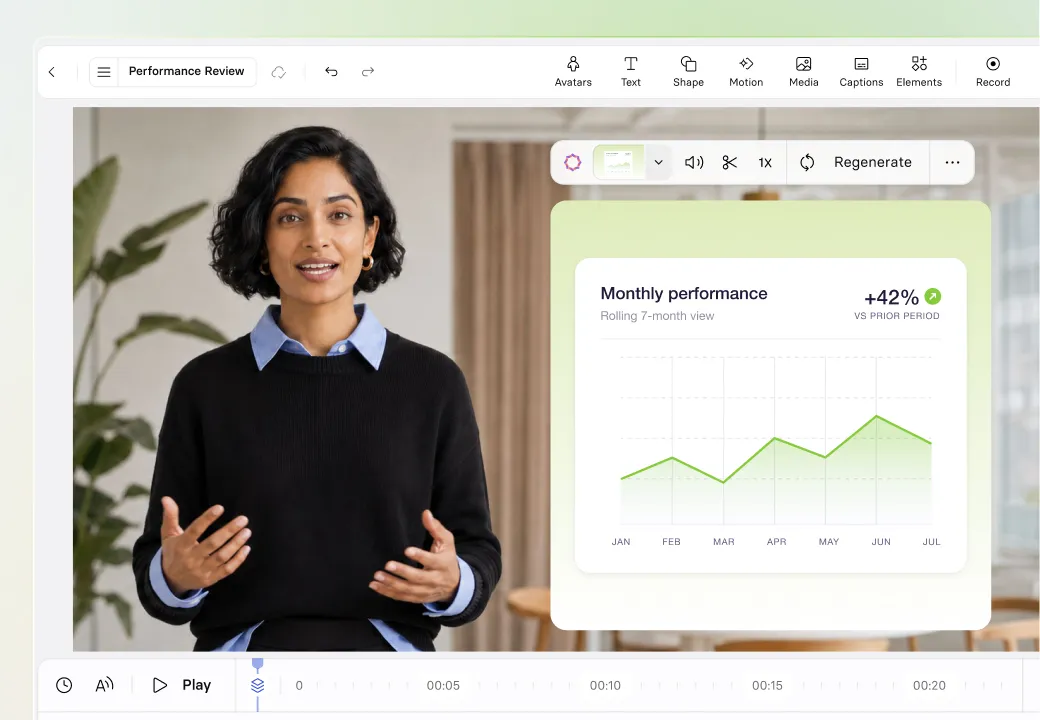
- Add motion graphics to your Synthesia videos for polish
- Generate motions graphics within the Synthesia Editor, based on your video script
- Export as mp4 to use anywhere
Why use AI motion graphics?
Make your message stick, with custom visuals built to reinforce it.

Motion graphics used to require a designer. Now anyone can create them by describing what they need in everyday language.

Static slides struggle with processes, data, and abstract ideas. Motion graphics communicate faster and help viewers retain more.

Stock motion graphics are generic. AI motion graphics are built from your actual script and data, so they reinforce your message instead of decorating around it.
How to generate motion graphics in videos
1. Create a video
Start a new video in Synthesia or open one you're already working on.
2. Write your script
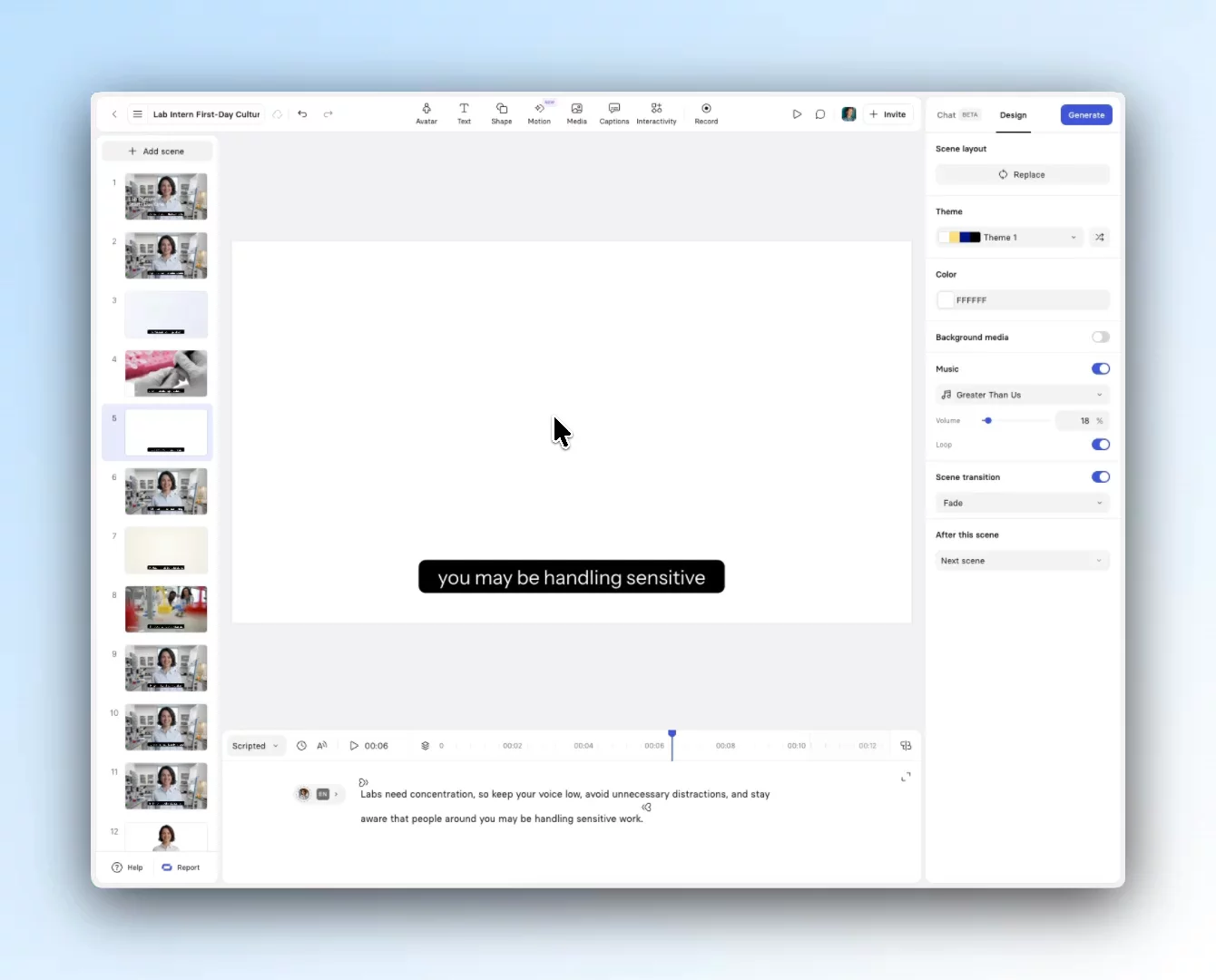
Add the script for the scene as you normally would. This is the content the AI will animate.
3. Add a motion graphic to the scene
Choose from timelines, funnels, charts, checklists. Or let the AI pick the best fit.
4. Generate
The AI generates the motion graphic synced to your script in seconds.
Edit and refine
Edit the text in your motion graphic directly in the editor, no regeneration needed, or swap styles and tweak the script until it fits.
What are motion graphics perfect for?

Visualise processes, data, and abstract concepts in onboarding, compliance, and skills training videos.
Animate features, workflows, and use cases into clear, watchable visuals that show how everything works, not just tell.

Turn company data, org updates, and quarterly results into motion graphics that make all-hands and announcements clearer.

Produce on-brand campaign visuals, launch videos, and demand-gen content.

Create scroll-stopping animated visuals for any platform, fast enough to keep up with your content calendar.

Animate stats, customer journey maps, and ROI breakdowns to make complex propositions easier to grasp on calls and in decks.
FAQs about AI motion graphics
What is an AI motion graphics generator?
An AI motion graphics generator turns a text prompt, or context from a script or image, into an animated visual you can use in a video.
With Synthesia, you describe the content for the vmotion graphic you want, pick a template (or describe a fully custom style yourself), and the AI generates the asset in seconds.
How do AI motion graphics work alongside Synthesia videos?
AI motion graphics are native elements inside the Synthesia editor, so they sit in your video scenes alongside AI avatars, voiceovers, captions, and other media.
Generate a motion graphic as a standalone asset in the AI Playground, then continue into the editor to build a full video around it.
You can also generate motion graphics directly from any scene in the editor, where Synthesia uses your scene script as the context.
Either way, the motion graphic plays as part of your video, no exports or manual handoff required.
Is the motion graphics generator free?
Yes, the AI motion graphics generator is free to use with a Synthesia account. Generate motion graphics from text at no cost, then drop them into Synthesia videos alongside AI avatars, voiceovers, and other built-in scene elements.
What types of motion graphics can I create?
You can generate from 16 polished templates covering common business communication formats: timelines, funnels, checklists, charts, layers, tags, chat UI, and more. You can also describe a fully custom motion graphic in the prompt (or upload a reference image), and Synthesia will generate it from scratch.
Can I customize motion graphics to match my brand?
Yes, for templated motion graphics. Upload your Brand Kit (colours, fonts, and visual style) once and Synthesia applies it automatically to every templated motion graphic you generate. For custom motion graphics generated from a prompt or reference image, brand styling via prompts is coming soon.
Can I use a reference image to create motion graphics?
Yes. Alongside text prompts, you can upload a reference image to guide the generation. This is useful for turning a rough sketch, diagram, or visual you've seen elsewhere into a polished, animated motion graphic. Combine the image with a prompt to shape the output further.
Can I edit motion graphics after they're generared?
Yes. You can edit the text in a motion graphic directly in the editor, with no regeneration needed. Live text editing lets you rewrite the copy in any motion graphic, whether it came from a preset style or a custom prompt, so you can fit the wording to your message in seconds.
To change the overall look rather than the wording, you can regenerate: refine the prompt, switch style, or apply your Brand Kit, and Synthesia produces a new version in seconds.
Can I export my generated motion graphics?
Yes. Export your AI motion graphics as standalone files and use them in marketing campaigns, training materials, presentations, social posts, or anywhere else you need short animated visuals. You can also keep them inside Synthesia for use in full video projects.