Turn a prompt or a document into a video
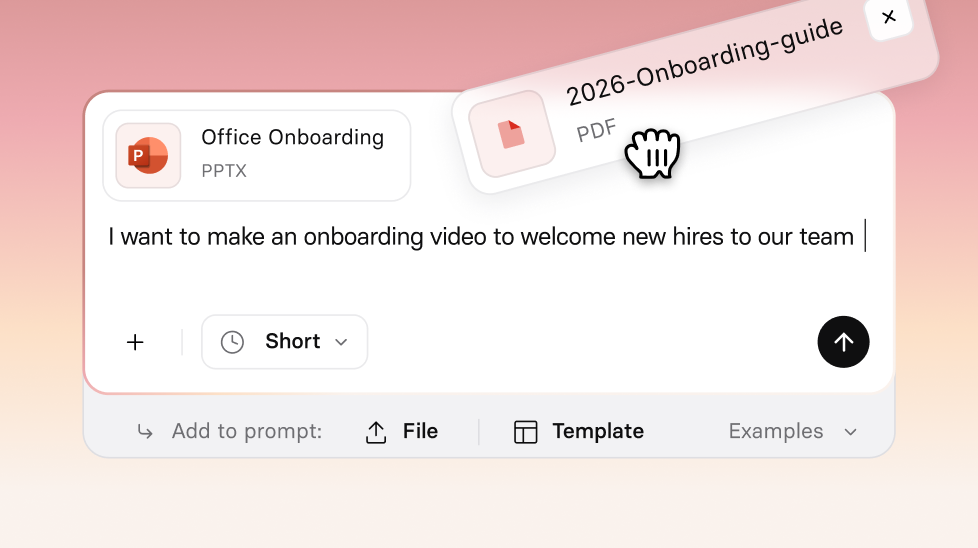
Describe what you need, or drop in a file you already have — Assistant plans the video with you, then builds a first draft you can refine right in the editor.
See what Synthesia can do for you
Getting from a blank page to a finished video used to mean bouncing between tools: draft the script in one place, structure it in another, then build in Synthesia. The new Assistant brings that process into one place, so you go from an idea to a first draft without leaving the product.
What's new
- Create from a prompt, files, or links: describe what you need, upload files (PDFs, PowerPoints, Word documents), add URLs, or combine all three in a single request.
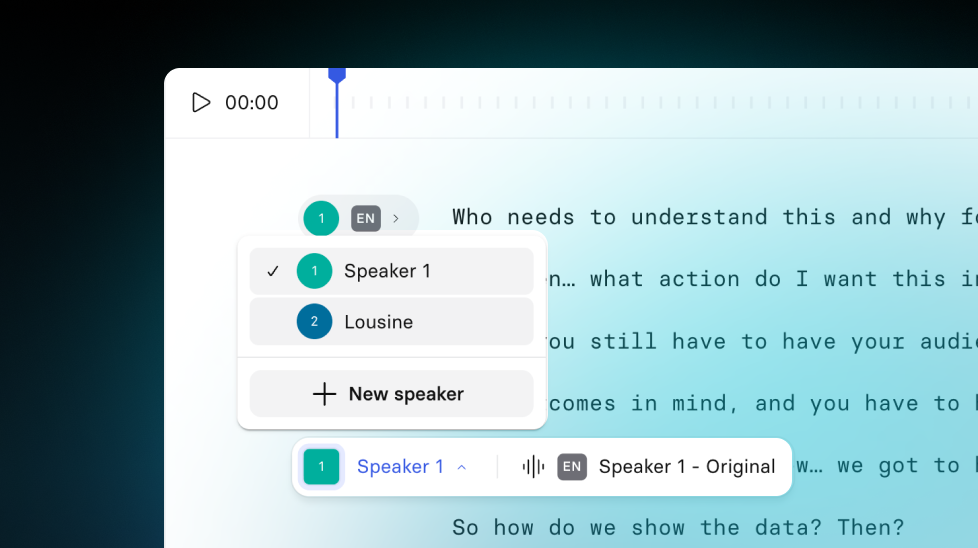
- Import a script, word for word: paste in a script you've already approved, and Assistant uses it exactly as written instead of rewriting it.
- Plan before you build: review and edit an outline — each section's title and key points — before Assistant generates a single scene.
- Choose your delivery style: pick Dynamic for shorter scenes with frequent cuts, or Presentation for longer, denser scenes.
- Refine through chat: ask Assistant to shorten a scene, change the tone, or act like a subject-matter expert and suggest edits, right inside the editor.
- Stay on brand automatically: your brand kit's colors, fonts, and logo carry across motion graphics, avatars, and B-roll, not just the slide frame.
- Work in Storyboard view: a simplified, macro-level view of the editor built for script-level iteration — especially handy if you're new to creating videos.
Using Assistant doesn't cost you any credits. For more on getting started, check out our documentation.
More updates
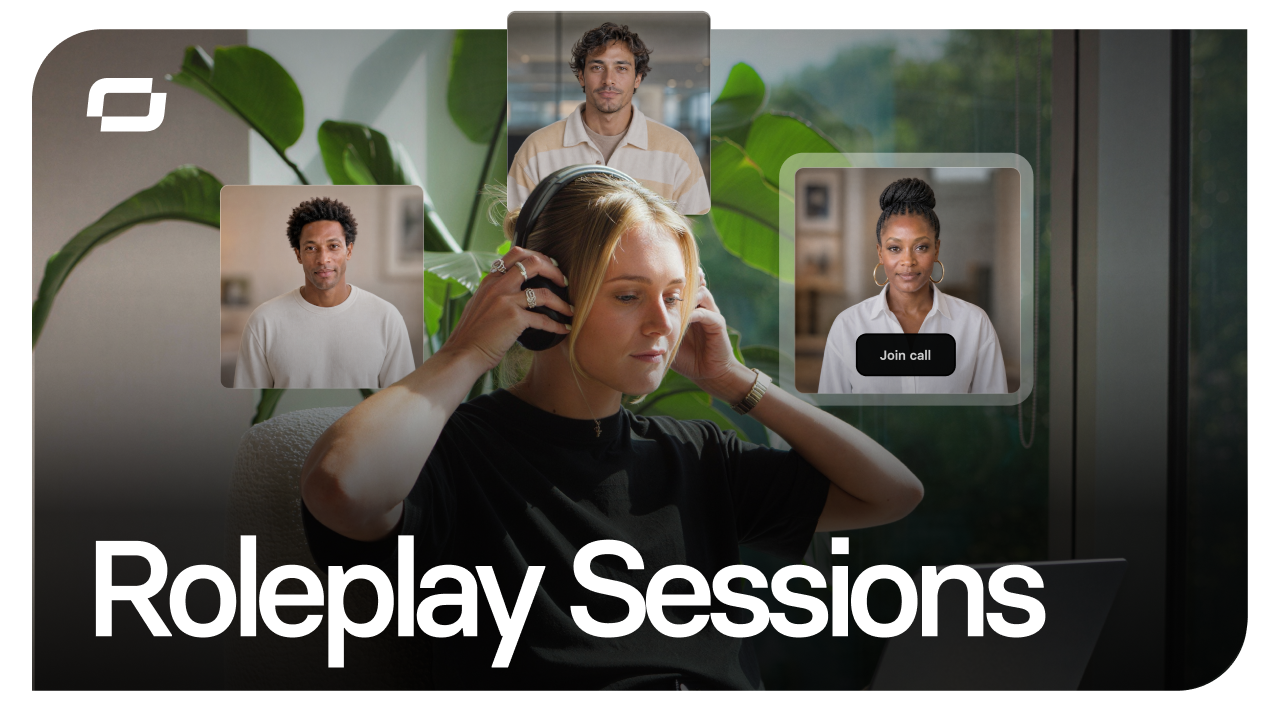
Start free, scale when you're ready: Roleplay Sessions now has a plan for every team
Practice conversations with an Avatar that pushes back, get coached in the moment, and track skill progress. Now with three plans, starting with free.
Get the skills, insights, and support to help you scale





