Adjust speaker attribution for dubbed videos
Reassign, create, and rename speakers in a dubbed video with one click—available on Enterprise plans.
See what Synthesia can do for you
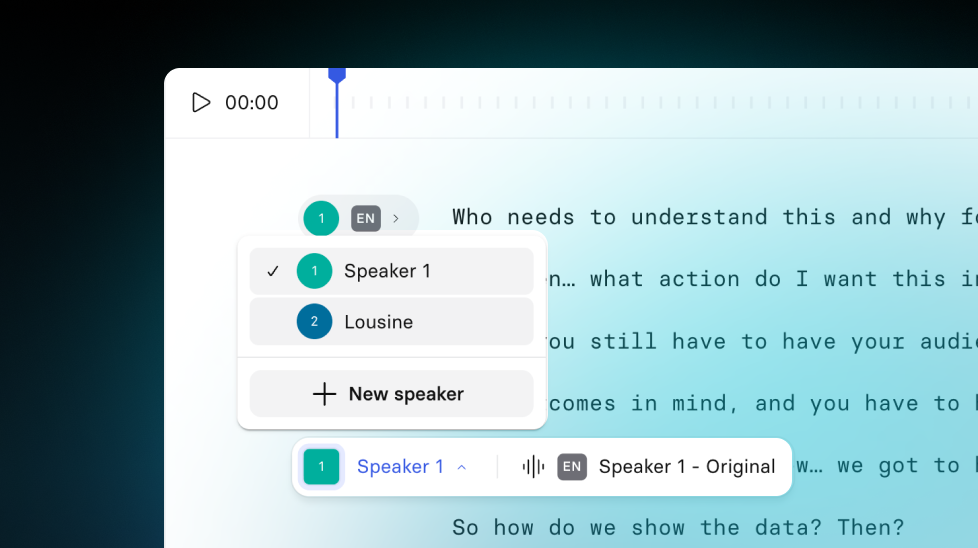
You can now edit the speaker attribution, create new speakers, and rename then in your dubbed videos. Available for creators on Enterprise plans.
How it works and why it matters
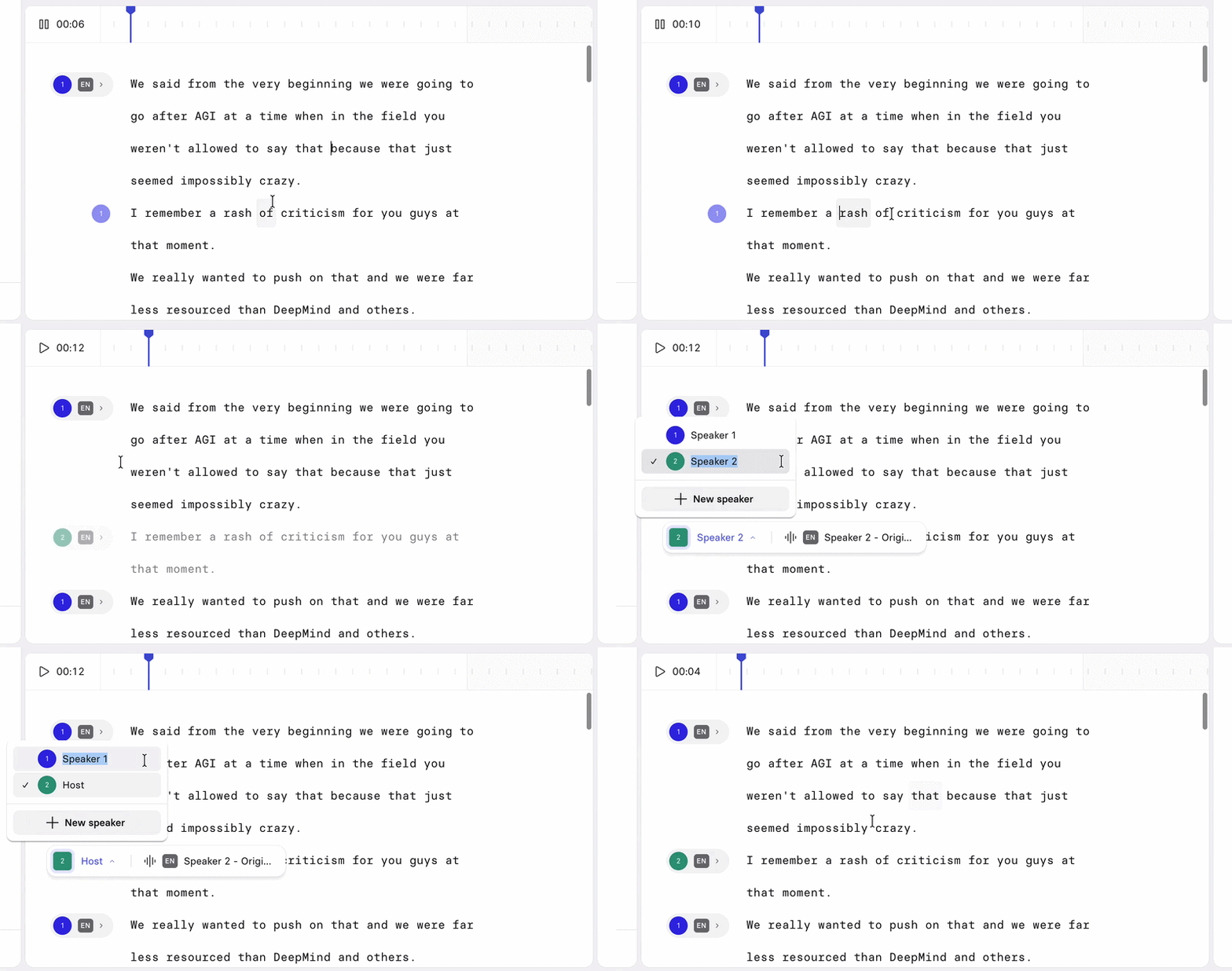
Dubbing relies on automatically detecting who's speaking. That detection doesn't always get it right—a line can end up attributed to the wrong person, or a distinct voice can go undetected entirely. Until now, fixing that meant either living with an unusable dub, or correcting it word-by-word and still ending up with awkward pauses in the result.
Now you can fix it directly:
- Reassign a speaker on any segment with one click, when a line's been attributed to the wrong person
- Create a new speaker if someone's voice wasn't picked up as distinct—this builds a unique voice clone from the audio you assign to them
- Rename speakers with real names instead of "Speaker 1, 2, 3," so your team can review edits without guessing who's who
For more on how it works, check out our documentation.
More updates
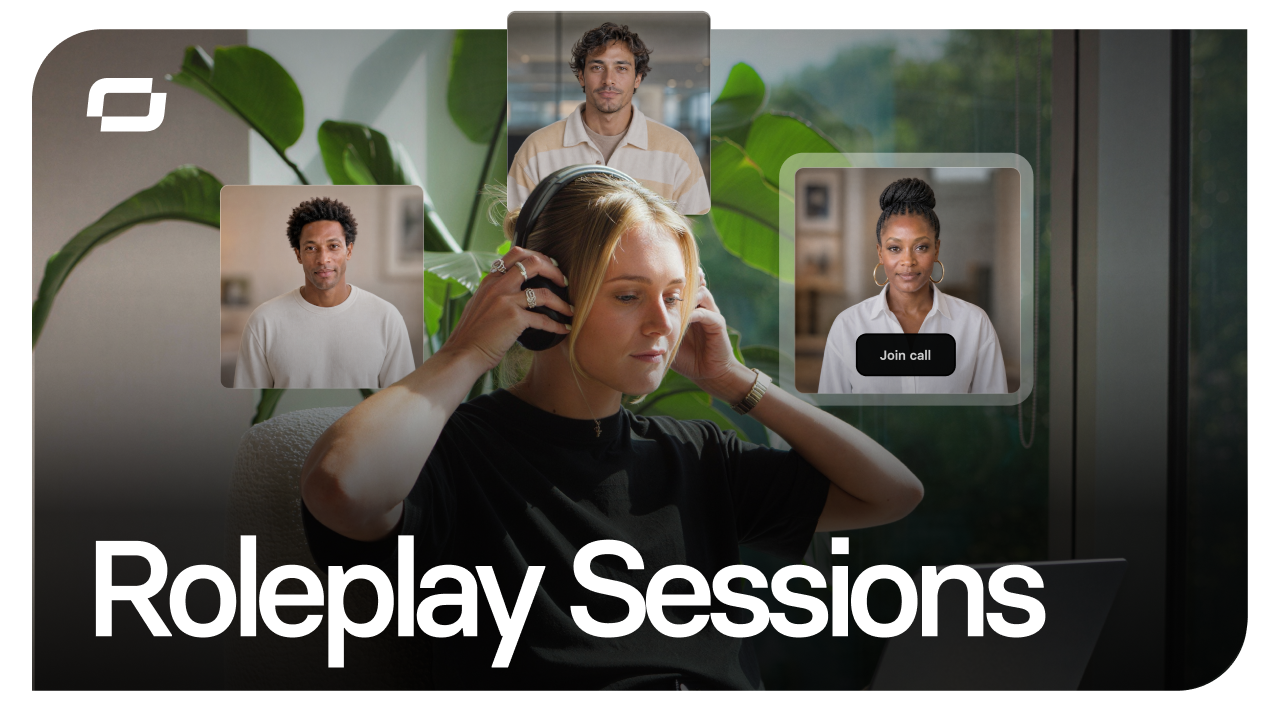
Start free, scale when you're ready: Roleplay Sessions now has a plan for every team
Practice conversations with an Avatar that pushes back, get coached in the moment, and track skill progress. Now with three plans, starting with free.
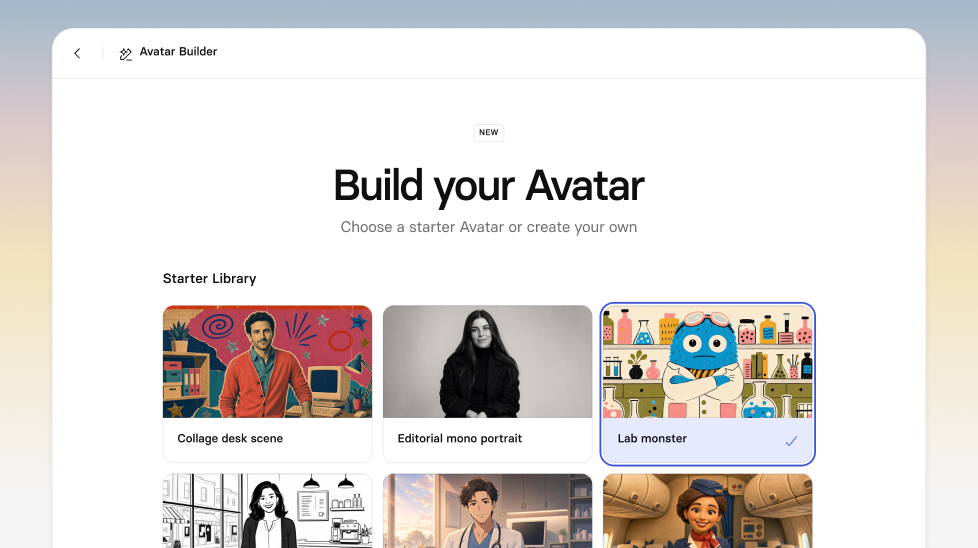
Get the skills, insights, and support to help you scale





