Improvement
Correct dubbing transcripts seamlessly
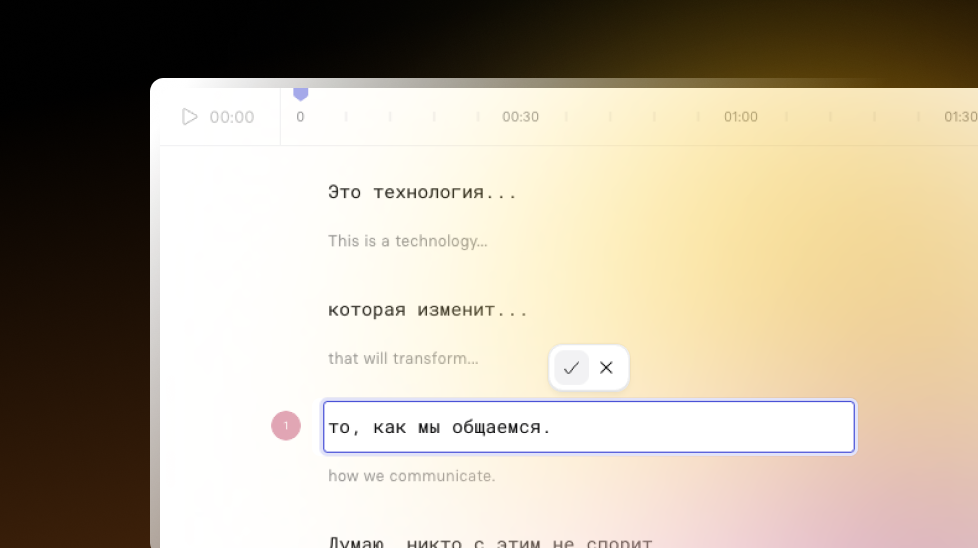
Edit original and translated dubbing transcripts without validation blockers, with audit logging for traceability.
See what Synthesia can do for you
See all updates
We’ve made it easier for Enterprise creators to correct original and translated dubbing transcripts.
What’s new
You can now more freely edit both original and translated transcripts in your dubbing workflow.
- Fix transcription errors, translation mistakes, and speaker misattributions
- Adjust tone and phrasing to better match how you want the final video to sound
- Keep teams accountable with audit logging of edits
The first time someone edits, they’ll see a one-time reminder to edit responsibly. After that, you can make the corrections you need, without extra friction.
For more on how it works, check out our documentation.

Get the skills, insights, and support to help you scale





