




How to Create Effective Explainer Videos (+ Examples)

Create AI videos with 240+ avatars in 160+ languages
I've made more explainer videos than I can count over the years, and in this post I'm going to share all of my accumulated explainer video wisdom with you.
I'm going to cover everything from the different types of explainer videos, to how to make them and which tools to use, as well as how to hire an agency to make one for you.
Let's get started!
What are explainer videos?
Explainer videos are short-form videos that explain a product or service to potential customers.
An explainer video can sometimes be called a how-to video, but their meanings differ slightly based on context:
- Explainer videos are typically promotional and explain the big picture of a product or service.
- How-to videos are more educational and get into the details of completing a task.
Think of your explainer video as a quick overview of the product you're trying to sell.
Once made, explainer videos can form an essential part of a company's marketing strategy that can be used and repurposed across many different marketing channels.
You'll find a company's explainer video on their website, social media profiles, YouTube channels, presentation slides, webinars, email campaigns, and even at offline events and conferences.
Types of explainer videos
Explainer videos can follow a variety of visual styles, but they are all essentially made up of one or more of the following 3 types:
- Animated explainer video: These use 2D, 3D, motion graphics, or whiteboard animations to explain the product.
- Live-action explainer video: These show an actor or a talking head explaining the product in a professionally filmed video.
- Screencast explainer video: These show a recording of a screen while someone demonstrates a digital product.
In reality, most explainer videos you'll see will be a mix of these 3 styles.
Let's look at some real-world examples.
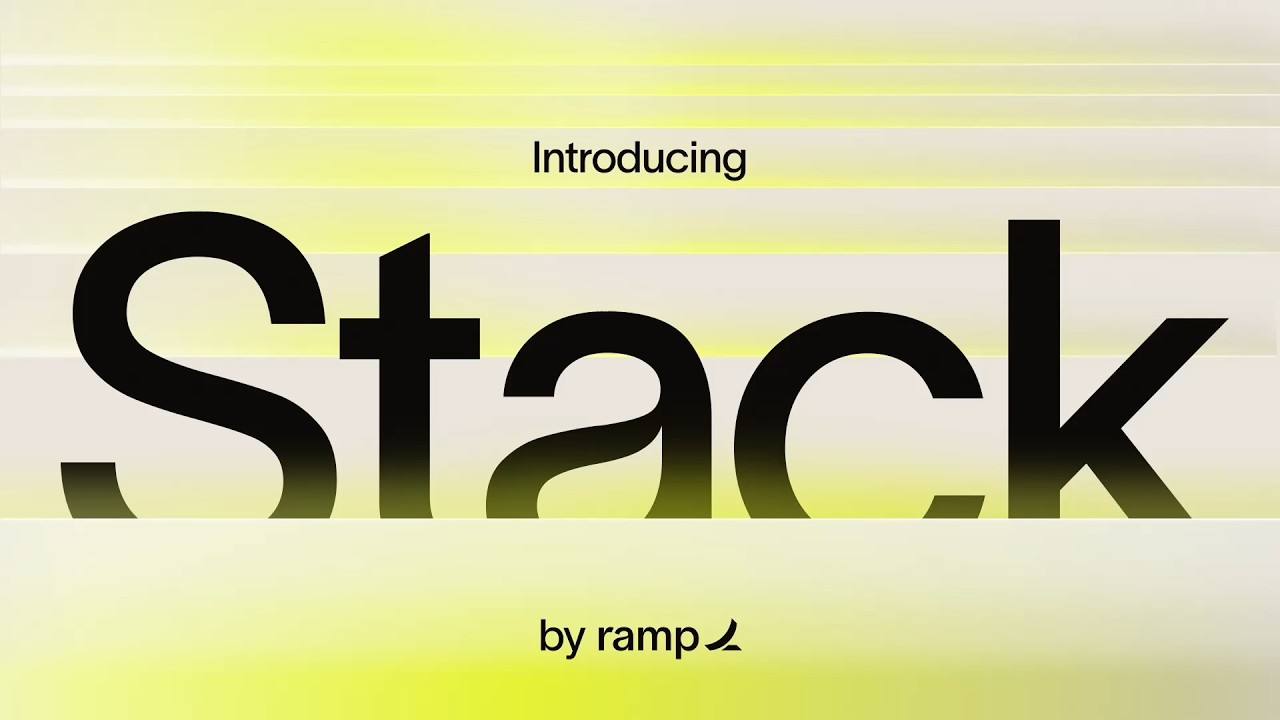
Example 1: Ramp
Ramp combines screen recordings and motion graphics to make a really effective explainer video for a new product. I love the music choice too. Notice how there is no narration.
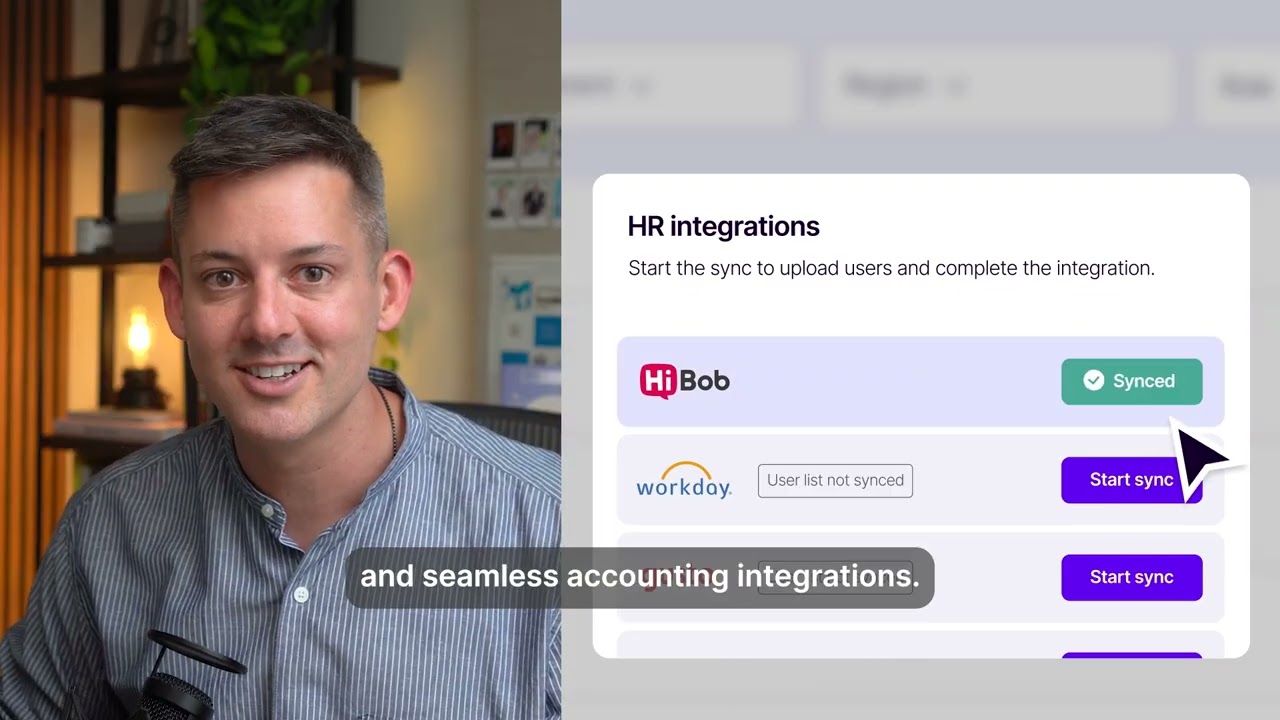
Example 2: Navan
This is a really nice mix of a talking head with narration, screen recording footage showing the Navan platform, and motion graphics.
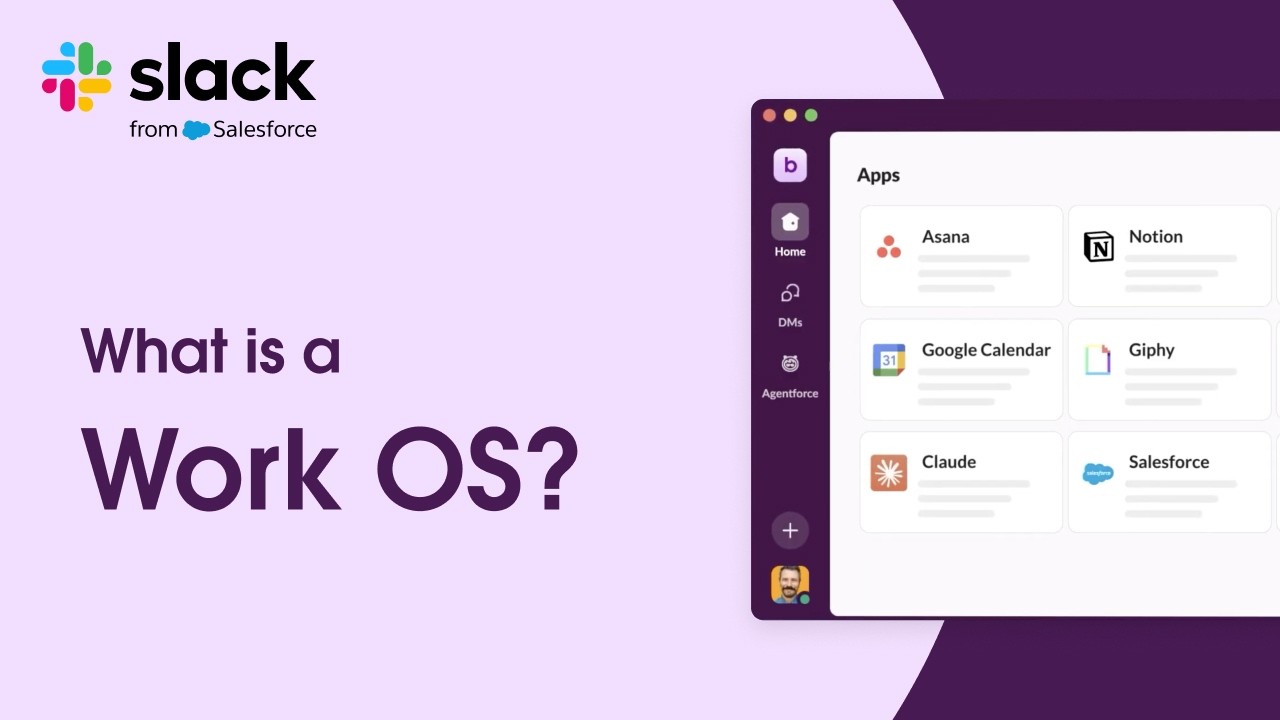
Example 3: Slack
Slack uses some beautiful animations in this explainer video. The entire video is animation-driven with narration and music on top.
Should you make your own explainer video?
If you need an explainer video, there are two main routes to go about getting one:
- Option 1: Use a tool designed to help you make videos to create your own explainer video.
- Option 2: Hire a company to make one for you.
Hiring a professional video production agency to create an explainer video for you can get you amazing results, but it can be very expensive.
On the other hand, creating an explainer video yourself typically requires a lot of time and skill that you may or may not have, and the quality of the final video might not be up to your expectations.
However, there are now a number of AI tools that make it possible to create high-quality explainer videos by yourself quickly and easily and without any video editing or design experience.
I'm going to cover both options in this post. First we'll look at how to make one yourself.
How to make an explainer video
When trying to understand how to create a great explainer video, the most powerful aspect to focus on is storytelling. Even a poorly filmed video with a great story can effectively sell your product or service.
Step 1: Do your research
To create an effective explainer video, it's also important to think about its purpose or goal. Here are some questions to help you define this:
- What's the key message, feeling, or knowledge you want your audience to walk away with?
- Will your video content focus on selling, educating, or inspiring?
- What action do you want viewers to take after watching your video?
Step 2: Choose a video style
The style you choose will usually depend on:
- Your budget
- Your timeline
- Your target audience
- Your brand style
- Your preferred marketing channels
Screen recording is probably the cheapest and quickest way to create explainer video footage, but it might not work for your brand, product, and target audience.
Motion graphics are a popular choice for technology and SaaS brands, but they have traditionally been quite difficult to create without specialized software and skills, although there are now AI tools that can help you to create motion graphics quickly and easily.
Live-action explainer videos with real actors were also traditionally an expensive and time-consuming undertaking, but you can now use AI avatars to add a presenter to your explainer video without any expensive cameras, lighting, and editing.
Step 3: Decide which software to use
If you're going to make your own explainer video, you need the right tools to do it.
In the table below I've given you an overview of what I think are the best tools available for making explainer videos. Your choice will likely depend on the style of explainer video you've decided to make, your budget, and your skill set.
Step 4: Write the script
An engaging script is just as important as the video visuals. Your video has to tell a compelling story to get the results you want from your audience.
Here's what you should include when writing your explainer video script to increase your chances of driving action:
- Pinpoint a problem your audience is facing
- Introduce your product/service as a solution/answer to it
- Keep it fun with humor (if it fits your brand)
- Feature a call to action
Step 5: Gather assets
You will need a different set of assets depending on your chosen explainer video type.
Screen recordings, recorded demonstrations of your products, animated shorts, images, stock footage, logos, and music should all be sourced at this stage.
Many video makers give you access to royalty-free images and audio, so check what your chosen software provides.
Keep all your assets organized in a dedicated folder, clearly labeled, and in an order that makes sense for your workflow. Sorting them in one place will make the production part much easier.
You can have your video created in as little as 10 minutes, especially if you start with a pre-made template.
Step 6: Create your explainer video
This is the time to put your planning into practice by creating your video with the tool of your choice.
Here's how to create an explainer video with Synthesia.
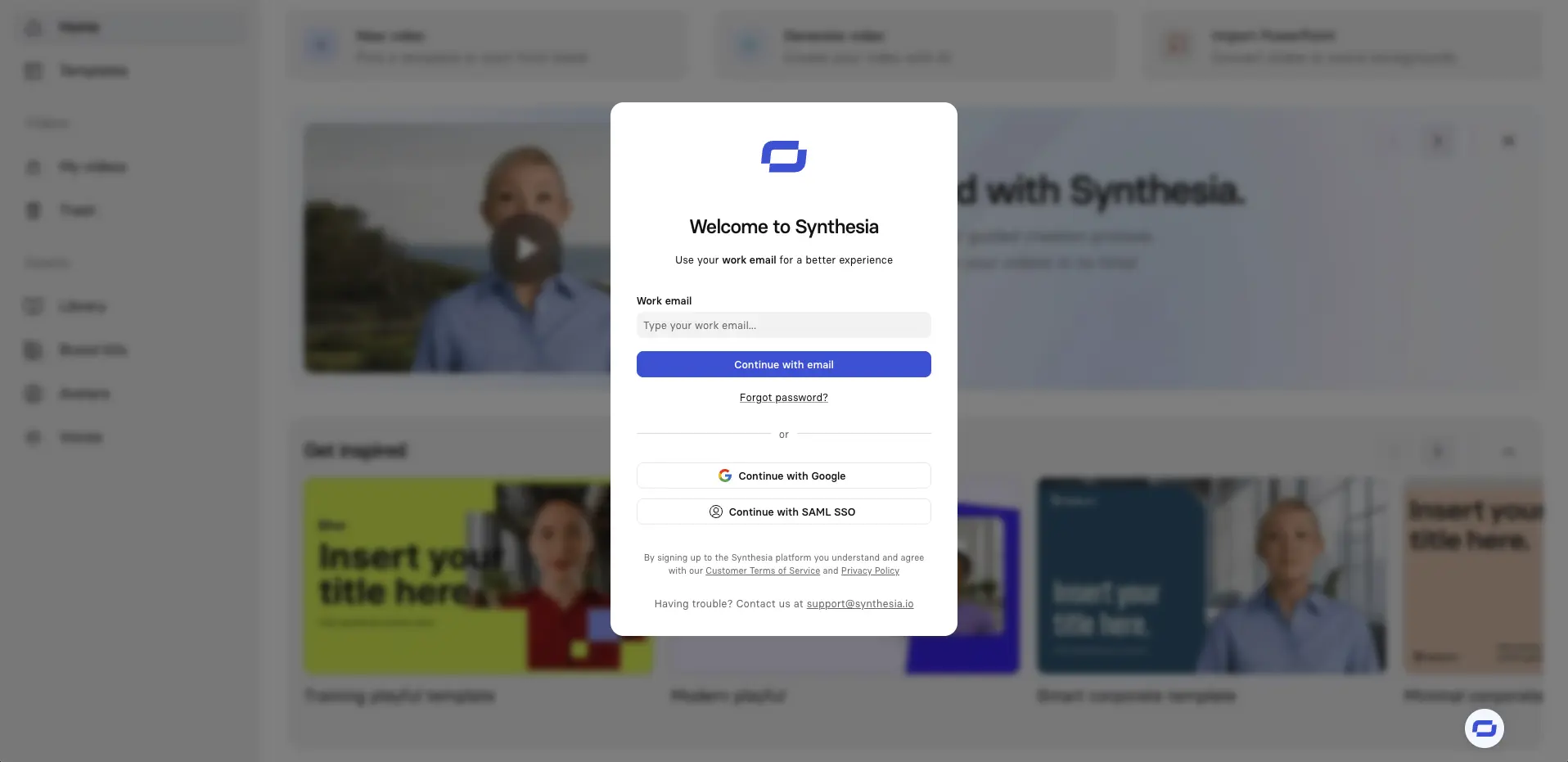
Log in to Synthesia
Click here to log in or sign up for a free account.
Create a new video
Click Create at the top of the Synthesia homepage and select Video.

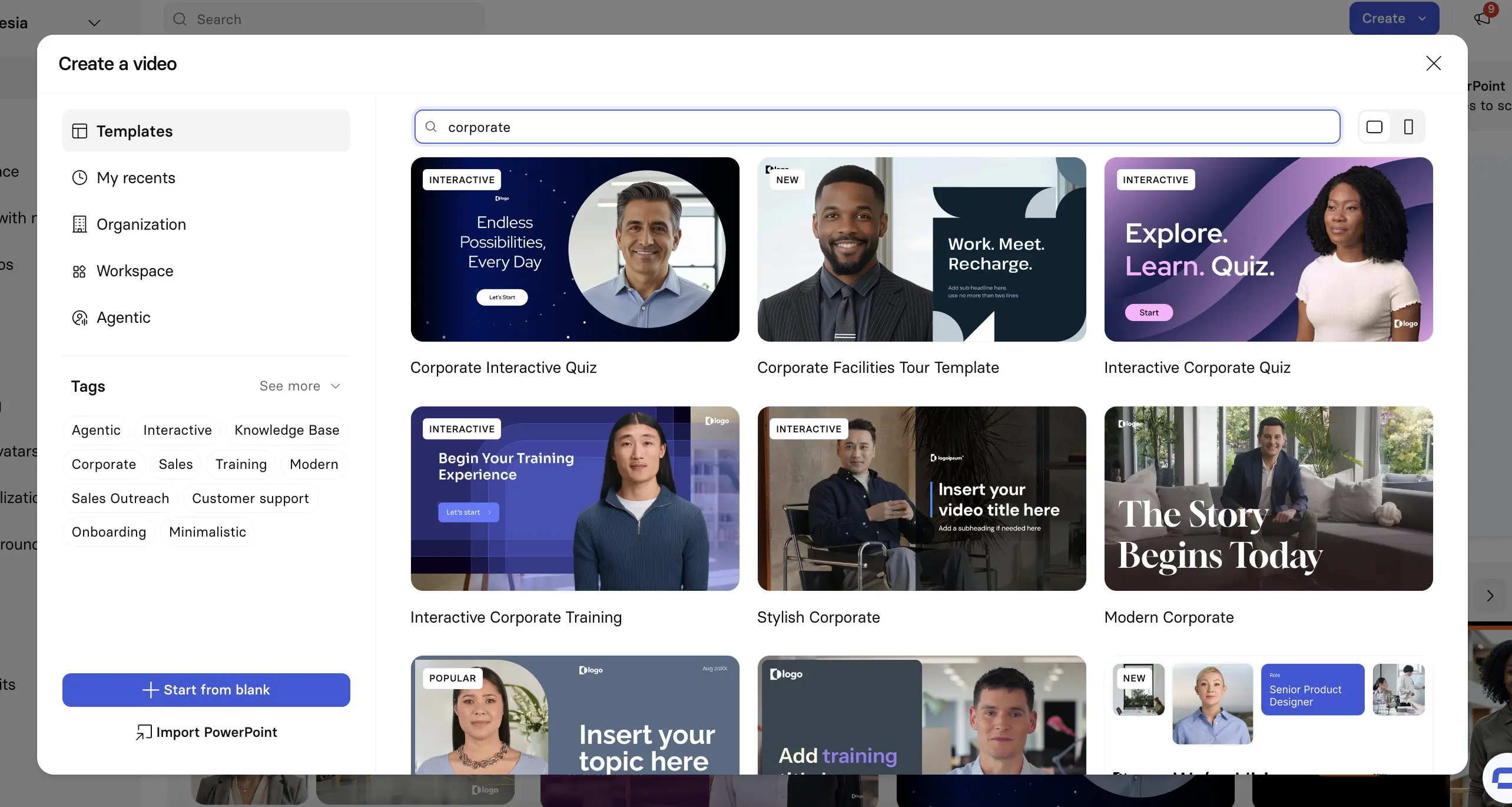
Choose an AI video template
Using a video template is the fastest way to get started and gives you professionally designed scenes to add structure to your video.
Alternatively, you can start from a blank video.
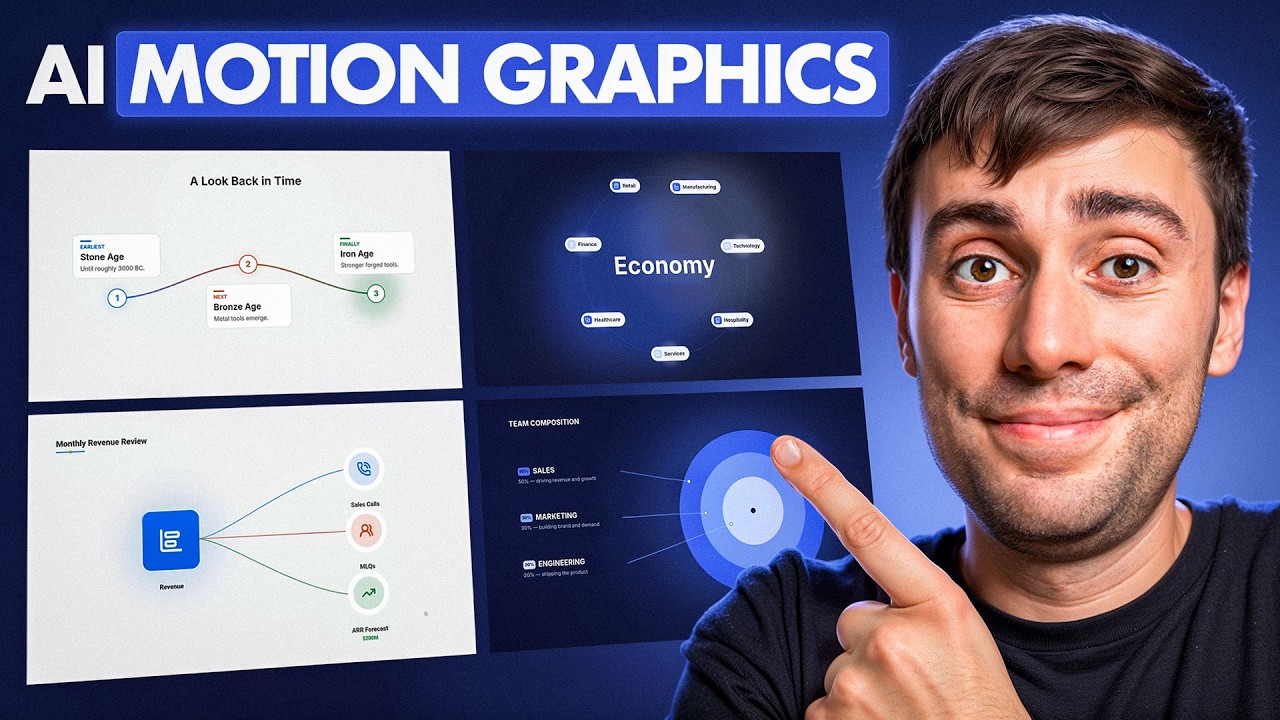
Add motion graphics
Click Motion at the top of your editor to start adding a motion graphic to your video. You can either use one of Synthesia's motion graphics templates or prompt one from scratch.
Watch this video to learn more:
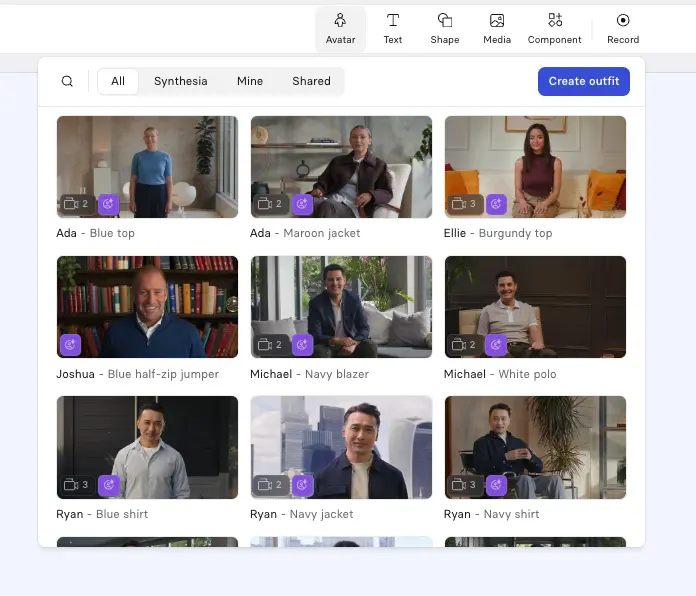
Add an AI avatar presenter
Click Avatar at the top of the editor to add an AI avatar to your video. Synthesia offers a wide variety of stock avatars as well as the option to create a custom avatar from a prompt or an image.
I suggest choosing an avatar that fits the context of your video, and I try to vary my avatar's placement and size between each scene in order to reset viewer attention without adding any distracting motion.
It's also important to select the right AI voice to go with your avatar. You should try to match the accent and tone to your primary target audience to increase engagement.
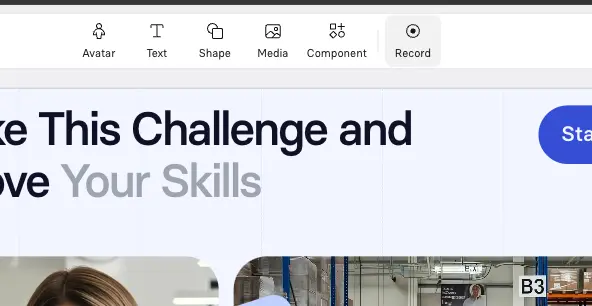
Add screen recordings
Synthesia has a great AI screen recorder.
I often use this for explainer videos. I'll typically use a talking-head plus screen recording layout, with the avatar on one side and the screen on the other.
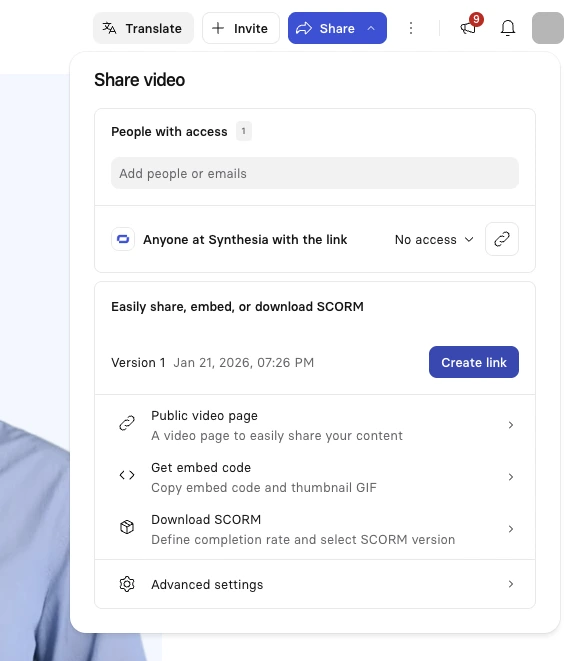
Generate and publish your video
Hit Generate in the top right corner to generate your video.
You can then download your video as an MP4, get a shareable link, embed your video on a webpage, or download a SCORM version of your video and upload it to your LMS.
Step 7: Edit your explainer video
This is the part where you make your idea truly come to life.
This step has largely been completed if you're using a video maker like Synthesia. All that's left to do is refine and revise your generated video. First, cut unnecessary information and add transitions if required. Then, if you haven't done so yet, add in your assets, like animations, sound effects, and music.
However, if you're filming a live-action video, editing is a more intensive process that requires editing software like DaVinci Resolve. Check out this guide on video editing to understand the nitty-gritty involved in editing live-action footage.
Step 8: Promote your explainer video
Now, it's time to show your audience the fruit of your labor.
You can add the video to your website's landing page, in a blog post explaining the product, in your newsletter, or on social media. You can even upload it on your YouTube channel or on any other video hosting platform.
The key is to pick a video platform or any other distribution channel where your audience is active. This way, you'll capture their attention and promote your content more effectively.
What makes a good explainer video?
1. Expose a problem at the start of your video
The best explainer videos start by identifying a problem that resonates with their target audience. I recommend using the PAS formula:
- Problem: Identify the problem
- Agitation: Explain why it's a problem
- Solution: Propose the solution (your product or service)
This method speaks to our instinctual need to escape discomfort. When your product or service appears as the painkiller your audience is looking for, they will pay considerably more attention to what you say in the video.
2. A clear and concise script
A clear, concise, and persuasive script sets an explainer video up for success.
But crafting a script for a 60- to 90-second video can take up to 16 hours. If you're going to spend that time, make sure your script follows the characteristics of the persuasive and actionable explainer videos out there:
- Simplify complex ideas with metaphors, analogies, or visual puns.
- Use relatable language to avoid confusing your audience.
- Engage directly with the viewer, asking questions and writing in the second person to connect with the watchers.
3. Focus on benefits instead of features
All customers want is to see how you can improve their lives. That's why the best explainers focus on how a product or service changes the viewer's life. They "sell the sizzle, not the steak," as they say.
Benefits have more practical value and emotional appeal than mere technical features. So, whenever you're making an explainer video, use features to tell, but rely on benefits to sell.
4. Keep it short
Try to keep your explainer video under two minutes to ensure it packs a punch. You need to balance brevity while maintaining key information that you need to communicate.
The explainer videos that have you take out your wallet and punch in your credit card details don't tell a company's history. They simply convey that you can trust that company to solve your problem.
So, highlight how a company solves a specific problem and do it in the shortest possible time. Make every second add value to the viewer's understanding.
5. Avoid over-editing
Too much editing can make your finished video look overly polished or distract from your message.
Try not to overdo it with your transitions, animations, and B-roll. Even though they might look great independently, when it comes to bringing it all together in the final video, sometimes less is more.
You should also be extra careful with your music choice. Try to pick something neutral and pleasant that won't distract from your narration and the visuals. It might be your favorite song, but if your viewers find it annoying, it's going to harm your results.
How to hire an agency for your explainer video
If you've decided against making your own explainer video, then you'll need to hire an agency to do it for you.
This often represents a significant investment for a company — especially those at an early or start-up stage, so you need to get it right the first time.

How Much Does an Explainer Video Cost?
The cost of an explainer video ranges from $500 to $2,000+ per minute, depending on voiceover quality, animation or live-action or stock footage, storyboard and script development, and post-production.
If you're working with a tight budget, lower-priced production companies like Wyzowl offer prices starting at $1,500.
Mid-range options like Yum Yum Videos charge between $7,000 and $15,000 per animated explainer video, while premium agencies like Demo Duck start at $16,000 for just 60 seconds of video content.
Depending on your needs and the complexity of your project, a single video could set you back $200,000.
Which agency should you use?
In the below table you'll find an overview of some agencies that can make an explainer video for you that I've either personally worked with or am familiar with their work.
Aside from choosing the option that fits your budget, the main advice I have here is to look carefully at their portfolios to see where their strengths lie.
Ideally you'd pick an agency that has previously done work for brands that operate in similar markets as yours and that you admire. That way you can have some confidence that they understand the intricacies of your industry and target audience.
Kyle Odefey is a London-based filmmaker and Video Producer at Synthesia. His content has reached millions across TikTok, LinkedIn, and YouTube, even inspiring an SNL sketch, and has been featured by CNBC, BBC, Forbes, and MIT Technology Review.
Frequently asked questions
What is an explainer video?
Explainer videos are short-form videos that explain a product or service to potential customers.
Once made, explainer videos can form an essential part of a company's marketing strategy that can be used and repurposed across many different marketing channels.
You'll find a company's explainer video on their website, social media profiles, YouTube channels, presentation slides, webinars, email campaigns, and even at offline events and conferences.
Should I make my own explainer video or pay an agency to make one for me?
Hiring a professional video production agency to create an explainer video for you can get you amazing results, but it can be very expensive.
On the other hand, creating an explainer video yourself typically requires a lot of time and skill that you may or may not have, and the quality of the final video might not be up to your expectations.
However, there are now a number of AI tools that make it possible to create high-quality explainer videos by yourself quickly and easily and without any video editing or design experience.


.webp)

.webp)



