




10 Best Product Demo Video Examples (That You Can Recreate)

Create AI videos with 240+ avatars in 140+ languages
Product demo videos are designed to show the product in action and are commonly used by companies offering SaaS products, although they are also often used for demonstrating consumer products.
They typically do this by combining screen recordings or some other footage of the product being used with narration and sometimes a presenter.
Product demo videos are not to be confused with explainer videos, which are used to explain a problem and identify a product as the solution.
In a nutshell, product demo videos are made to answer the question "how does it work?" Explainer videos are trying to answer "what is this and why should I care?"
You'll often see a company recording a live demonstration webinar and repurposing it into a product demo video asset, but product demos can also use live-action footage, animations, motion graphics, and slides.
In this post I'm going to give you some examples of great product demos, and then give you some tips on making your own product demo videos.
10 outstanding product demo video examples
Ready to be inspired? Here are 10 product demo videos exemplifying the perfect blend of clarity, storytelling, and visual engagement.
1. Claude Cowork product demo video
Claude Cowork is Anthropic's agentic desktop application that can automate a wide variety of knowledge-work tasks.
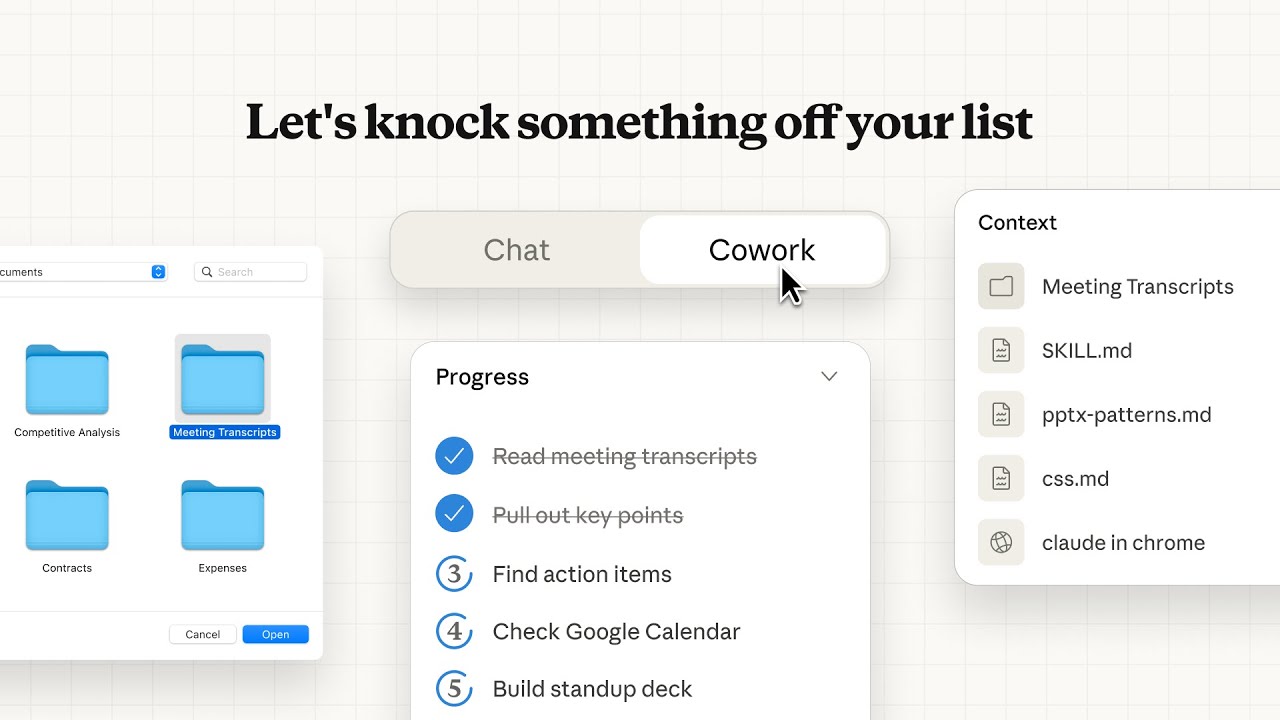
This product demo is a nice mix of product UI and motion graphics that looks really polished.
The video demonstrates a user asking Cowork to summarize their meeting transcripts, and shows the key functionality of Cowork being able to independently access the user's files, before going on to show how Cowork can work with their calendar too.
In slightly more than a minute, the video has given a user a clear idea of how Cowork works and got the user thinking about all the tasks they could automate.
2. Webflow AEO product demo video
Webflow AEO is a new tool that sits within Webflow and uses analytics and AI agents to help users optimize their sites for showing up in AI-generated answers in ChatGPT, Claude, Gemini, and so on.
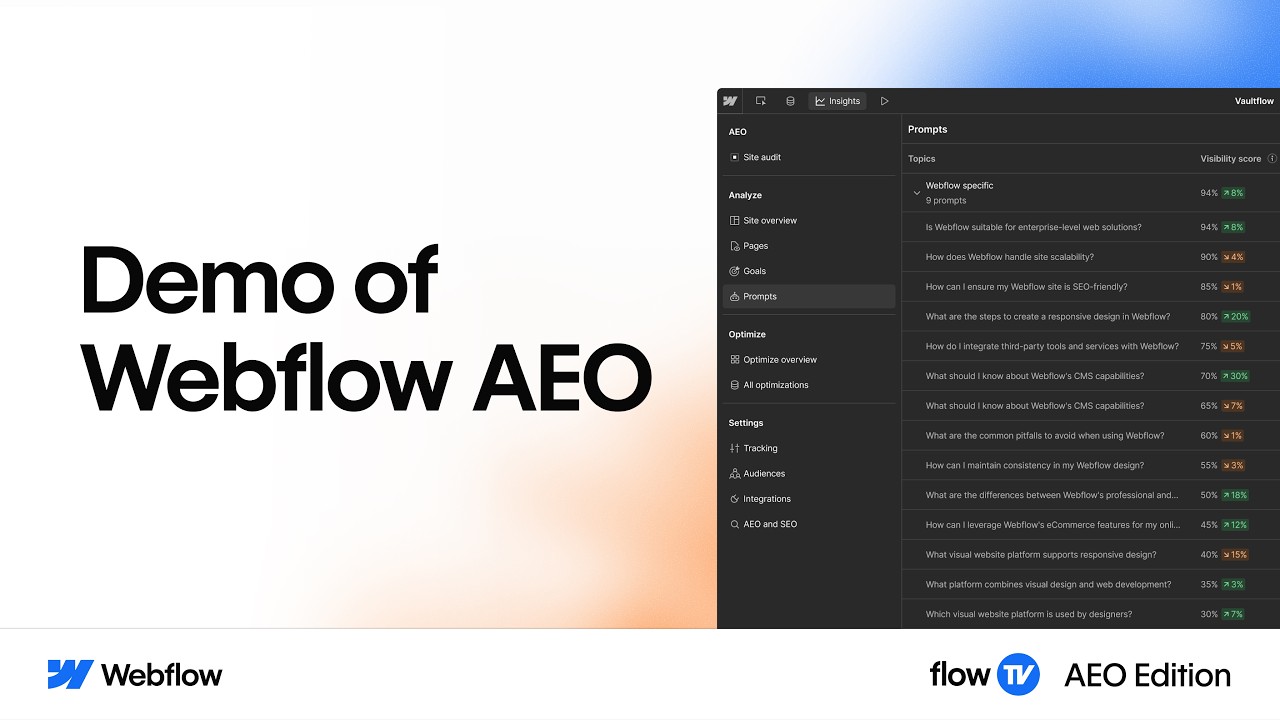
This product demo video combines a presenter and narrated screen recordings.
There are no motion graphics in this one so it lacks the polish of the previous Claude Cowork example, and it's also a bit longer, but it still does a great job of demonstrating the product, and would also have been technically easier to create.
3. Harvey product demo video
Harvey is an AI assistant that is specifically built and trained for the legal profession.
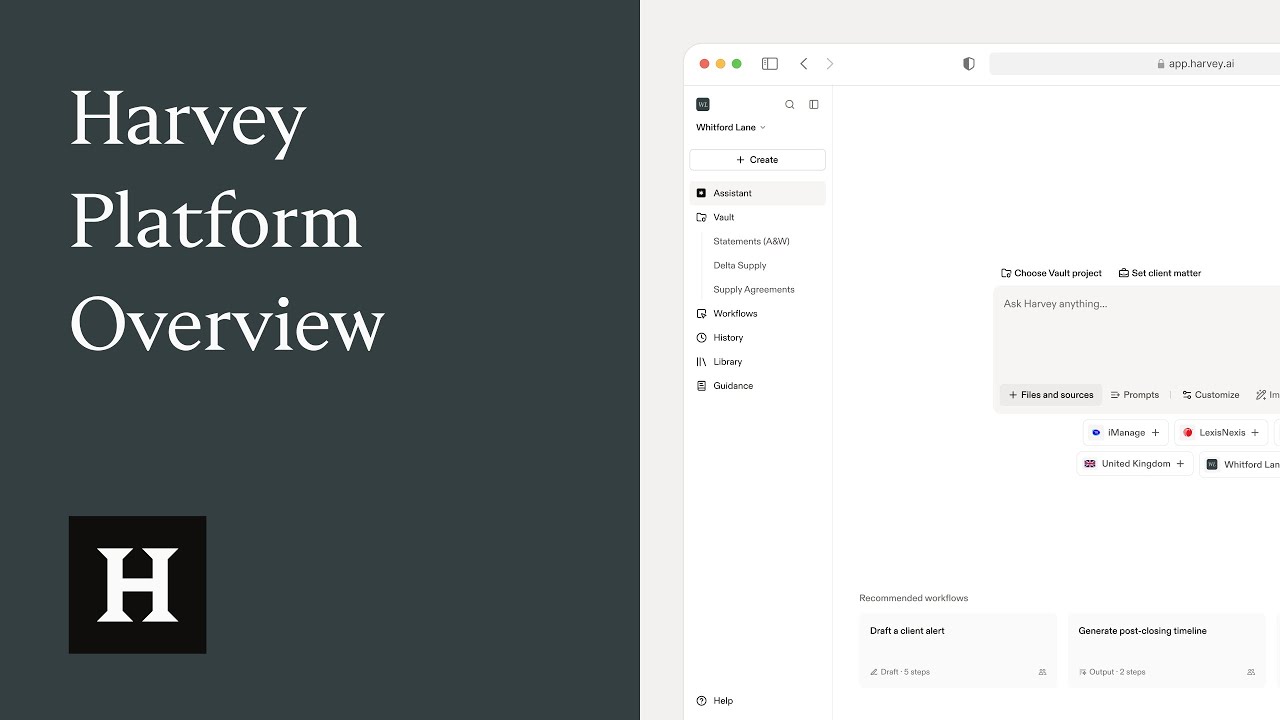
This product demo opens by establishing the platform's credibility with adoption numbers and security standards, before going into some click-by-click examples of the tools available in Harvey.
I like how each example they show is grounded in a realistic workflow that would likely be used by an actual lawyer or paralegal. This makes the video really effective for its target audience.
4. AirTable product demo video
Many software product demos put you to sleep faster than a counting sheep convention, relying mostly on some dull screen recording. But Airtable shows off its cool software without putting viewers to sleep. And they do it by opening with a real-world example of managing a fashion brand's campaigns and assets.
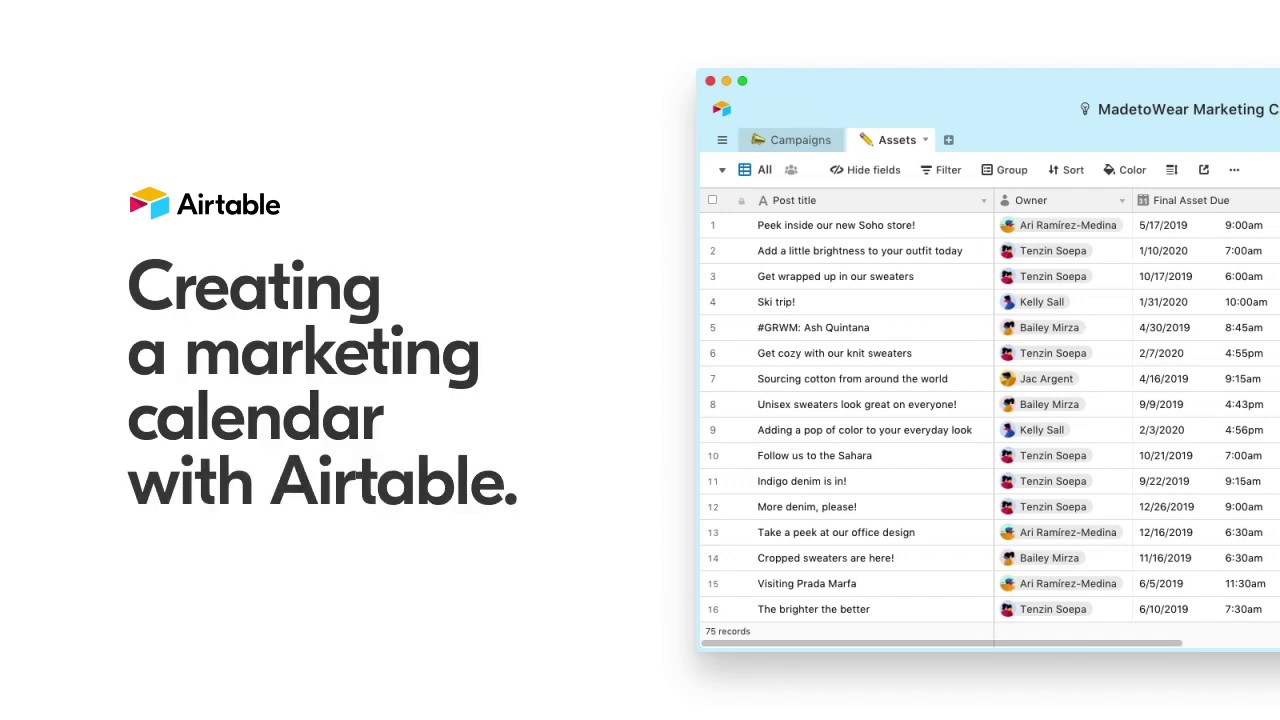
This video demo shows how Airtable could fit into your work life by providing examples you can relate to. It demonstrates the software's benefits and ease-of-use value proposition as clearly as day.
The voiceover artist makes the narration feel like having a friend explain things. Thanks to the personal approach, you stay hooked throughout the entire software demo video and feel excited about Airtable less than five minutes in.
5. Risk assessment & method statement live demo
HandsHQ took their software product demo live on Zoom and recorded it for further use. This real-time interaction allows the presenter to address questions as they pop up, clarify doubts, and tailor the presentation to the audience's interests on the spot.
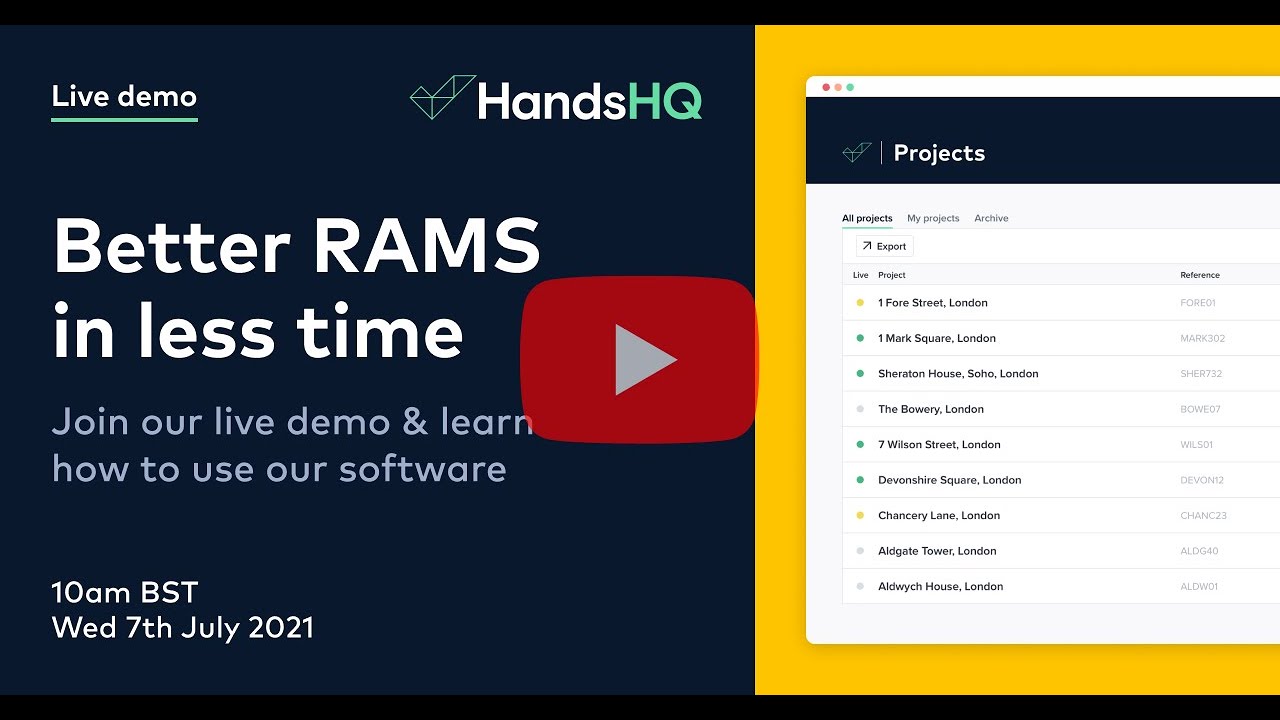
As a 26-minute presentation, this product demo video walks viewers through the HandsHQ software, covering everything from the initial login to creating and managing risk assessments and method statements (RAMS). The scenarios and examples relate to the audience's daily tasks and challenges. They all help you visualize how the software fits into the daily grind and increase the likelihood of adoption.
The HandsHQ live demo on Zoom isn't just an informative verbal run-through. It's also engaging. With interactivity, in-depth software coverage, real-world relevance, and a user-friendly presentation, it connects with the audience and shows how their software can make life easier.
6. Apple Vision Pro product demo
Apple's Vision Pro demo video speaks to desires and needs and literally shows the magic of what it's like to experience its immersive world firsthand. The approach in this product launch video is all the more valuable since we're looking at a… spatial computer.
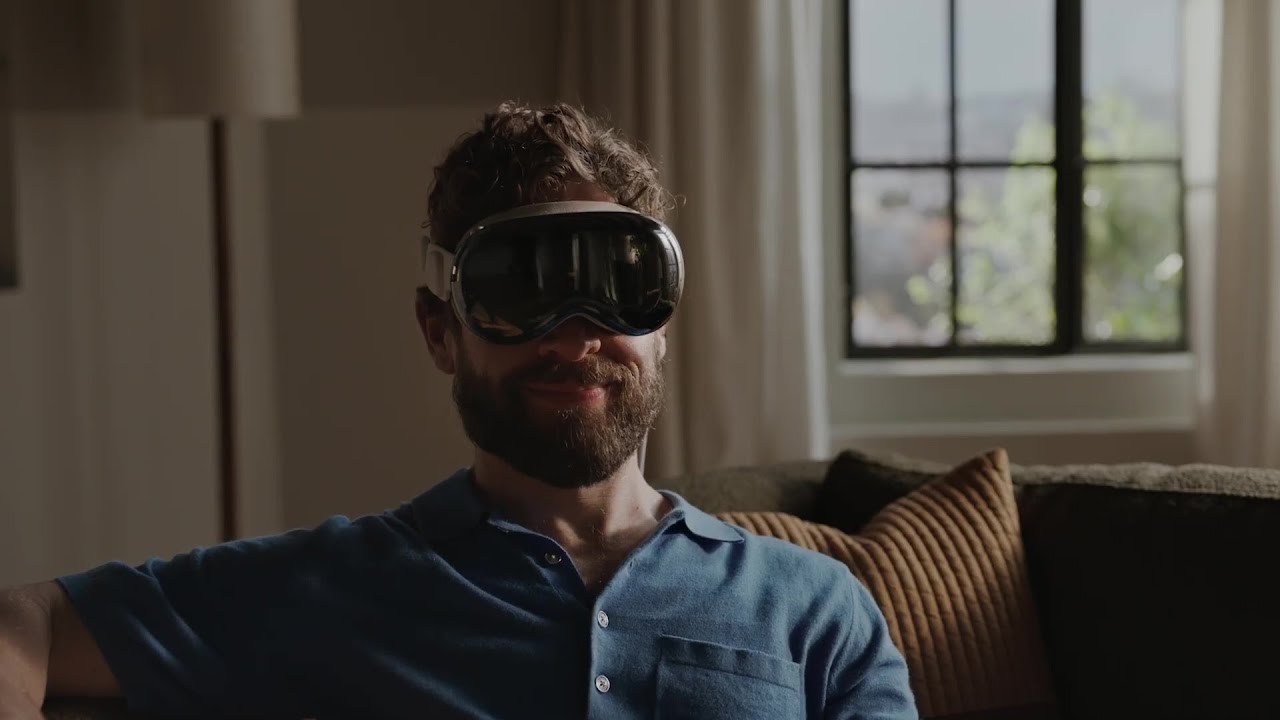
The product video shows you the world through the eyes of a Vision Pro user. It's a stunning video that gives you a clear picture of what it's like to have a personal screen, control tech with natural gestures, and explore mixed realities simultaneously.
But right when you're getting comfy with the new features and feeling like a user, action switches, and you start seeing, from a distance, the user with the headset on. This is quite the clever "dual perspective" — it's not just storytelling; it's bringing the future to life.
The video demonstrates how the product might fit into your everyday routine and makes you start craving that futuristic feeling in your own hands.
7. Synthesia product demo
Synthesia is an enterprise-focused AI video platform. Businesses use it to create AI-generated videos for training, internal communications, marketing, and sales.
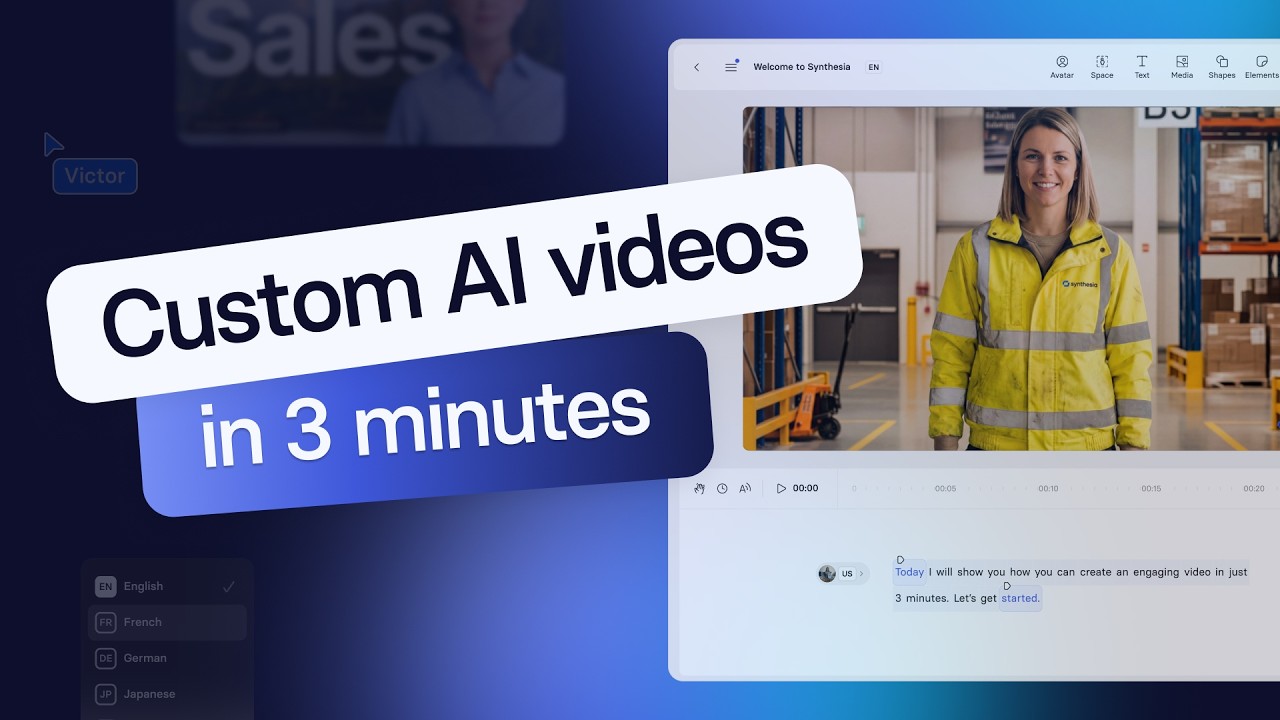
OK, so I'm a bit biased with this one, but I really think our product demo video does a great job of quickly showing what Synthesia can do.
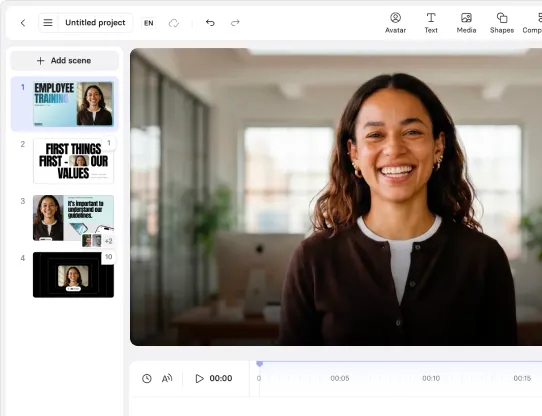
The video uses a presenter, screen recordings, and some simple product UI animations to show how to create an AI video using the platform while also showing off the key features like customizable AI avatars, interactivity, and one-click video translation.
8. Aeroccino Plus product demo video by Nespresso
Talking demos with monologue voiceovers can feel boring and monotonous. But what if you have no voiceover and rely solely on the visuals? Nespresso demonstrates how you can create a compelling demo using high-quality footage and excellent video editing.
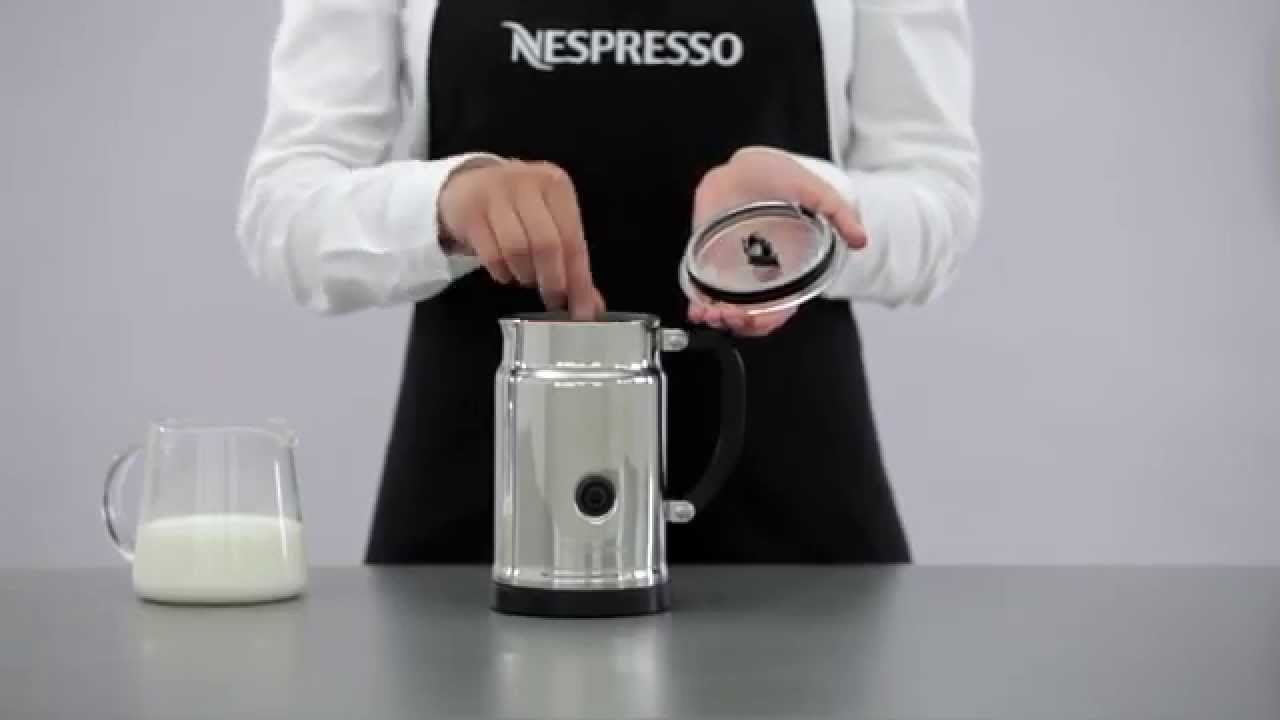
Visual clarity makes this demo shine. We've got silky-smooth milk frothing to perfection, with close-ups of every detail of the physical product (button, markings, even the lid) and pouring steamy hot coffee.
In under one minute, we understand what the product does and how it looks in a real kitchen setting. The visuals instantly show you how easy it is to use and prompt you to imagine the delicious possibilities in your own kitchen.
9. Place app product demo video by IKEA
Are you looking to introduce new technology to the market? Learn from this simple but great product demo video by IKEA that shows how their augmented reality app solves so many furniture headaches.
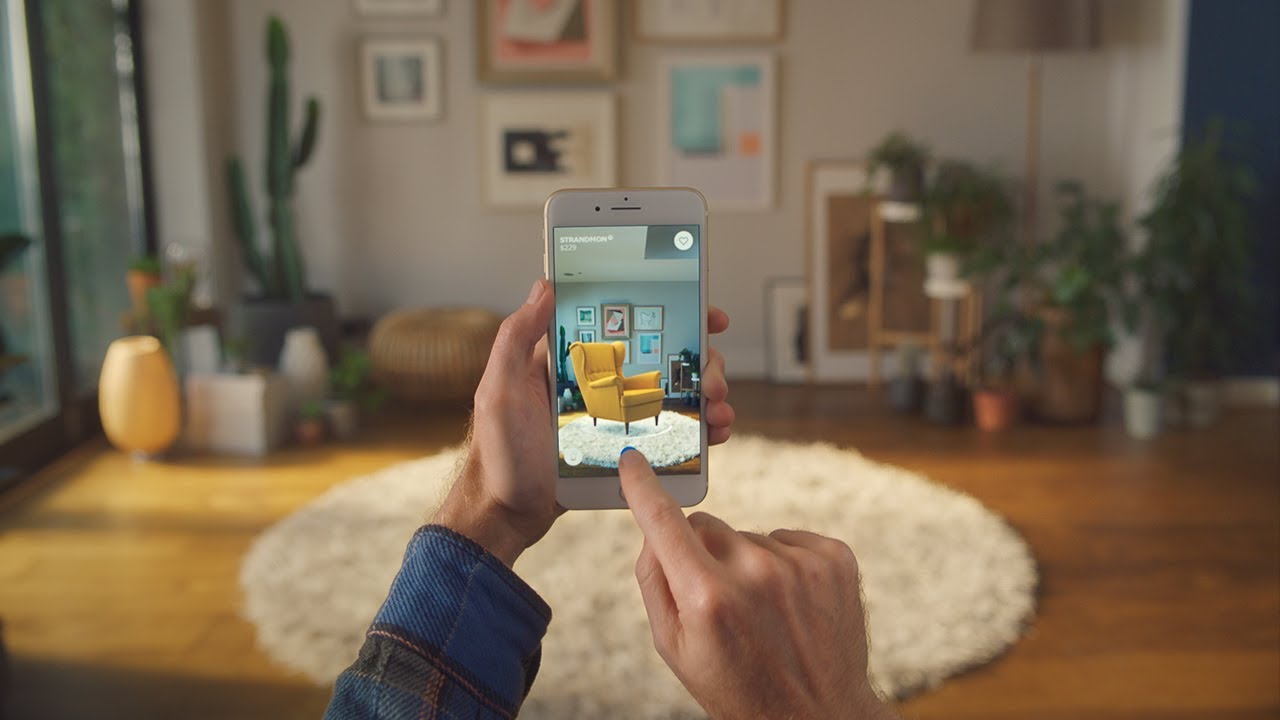
We see a room and a hand holding the phone. The app on the phone scans the room, and the hand selects, moves, and places furniture within the space. This walk-through shows how the app works through the audience's eyes.
The promise is clear, too, and introduced with humor — visuals of real people's furniture struggles, with it-doesn't-fit dreads and measuring mishaps make you think, "Yep, been there, done that."
And the best part? There are no lengthy explanations. They show you how it works, remind you of your furniture pain point, and then hit you with a clear call to action: "Try IKEA Place in your place." Simple, sweet, and effective.
10. Google's Dear Sophie product demo
Email services are hard to promote in a world where we all send, receive, and ignore tens of emails a day. But Google's Gmail-focused promo video turns it up a notch with a heart-warming, innovative twist.

"Dear Sophie" has universal appeal. We all want to preserve memories for our loved ones, which makes this promo so relatable that it transcends languages and cultures.
Notice how Google's ecosystem, focusing on Gmail, is cleverly integrated into the storyline. There are no boring explanations or tech jargon, just a subtle demonstration of Gmail in action.
Product marketing-wise, the ending is fireworks. "The web is what you make of it," followed by the Google family of products, promotes using the internet to create more meaningful connections and experiences.
Rather than telling you to buy something, this product demonstration video inspires you to think deeper, to see how Google can enrich your life and make the most of life's precious moments.
What makes a good product demo?
I've made a lot of product demo videos over the years, and I've noticed that the best results come from following some common design patterns. I suggest following these tips when you make your product demo video:
1. Use a mix of visuals
You'll notice in the examples I provided above that most product demos are a mixture of a presenter (recorded footage or an AI avatar), screen recordings, and motion graphics.
If your product demo is for a physical product rather than a SaaS product, you'll obviously need some recorded footage of the product in action too.
Combining these different types of visuals not only helps you to demonstrate and explain how your product works, but also helps to make your video more engaging.
2. Show real workflows rather than feature tours
When making a product demo video, I try to avoid showing my audience every feature that my product offers.
Instead, I try to be targeted and walk the viewer through at least one real workflow that the average user can relate to.
For example, in the Synthesia product demo above, I showed the user how to convert a PowerPoint into an engaging video because that is one of our most common workflows we see in our product analytics.
3. Respect the viewer's time
This is particularly important if you are repurposing a webinar into a product demo video.
Try to be conscious of your viewer's time — they are busy people and probably don't want to watch a 30-minute-long video of you explaining every product feature, no matter how proud you are of them.
I suggest that you stick to one or two real-world workflows and keep it short and snappy.
The punchier your video is, the more likely your viewers actually finish it and leave your video feeling like they understand how your product works.
4. Add interactivity
This isn't very common in the examples we've seen above, but Synthesia's interactivity features make it really easy to add clickable hotspots, CTAs, and branching scenarios to your videos.
These can be used to great effect for product demos and walkthroughs.
The branching scenarios allow you to cover multiple workflows in a single video with your viewer choosing which they want to see, and I like adding clickable hotspots where users can get more information on a step or a feature without ruining the flow of the video.
The clickable CTAs are also great for converting viewers into the next steps you want your viewers to take, like booking a demo.
5. End with a clear next step
That brings me nicely to my final tip. Always end your product demo video with a clear next step.
Typically that will be a call-to-action to sign up to your product, to book a demo, or to visit your website.
Don't forget this step, as you'll miss out on engaged, high-value traffic that could drive conversions.
Product demo templates
Synthesia has everything you need to make engaging product demo and walkthrough videos:
- Realistic AI presenters and AI voices
- A powerful screen recorder
- Beautiful motion graphics
I recommend using one of our product demo templates to help you get started with a professionally-designed scene structure.
Template 1: Orbit Product Demo
Template 2: Futuristic Product Demo
Template 3: Modern Product Demo
Kyle Odefey is a London-based filmmaker and Video Producer at Synthesia. His content has reached millions across TikTok, LinkedIn, and YouTube, even inspiring an SNL sketch, and has been featured by CNBC, BBC, Forbes, and MIT Technology Review.
Frequently asked questions
What makes a good product demo?
I've made a lot of product demo videos over the years, and I've noticed that the best results come from following some common design patterns. I suggest following these tips when you make your product demo video:
- Use a mix of visuals
- Show real workflows rather than feature tours
- Respect the viewer's time
- Add interactivity
- End with a clear next step


.webp)