





Introducing Assistant
Try the new Assistant for free. Start with any text.
0/500 characters

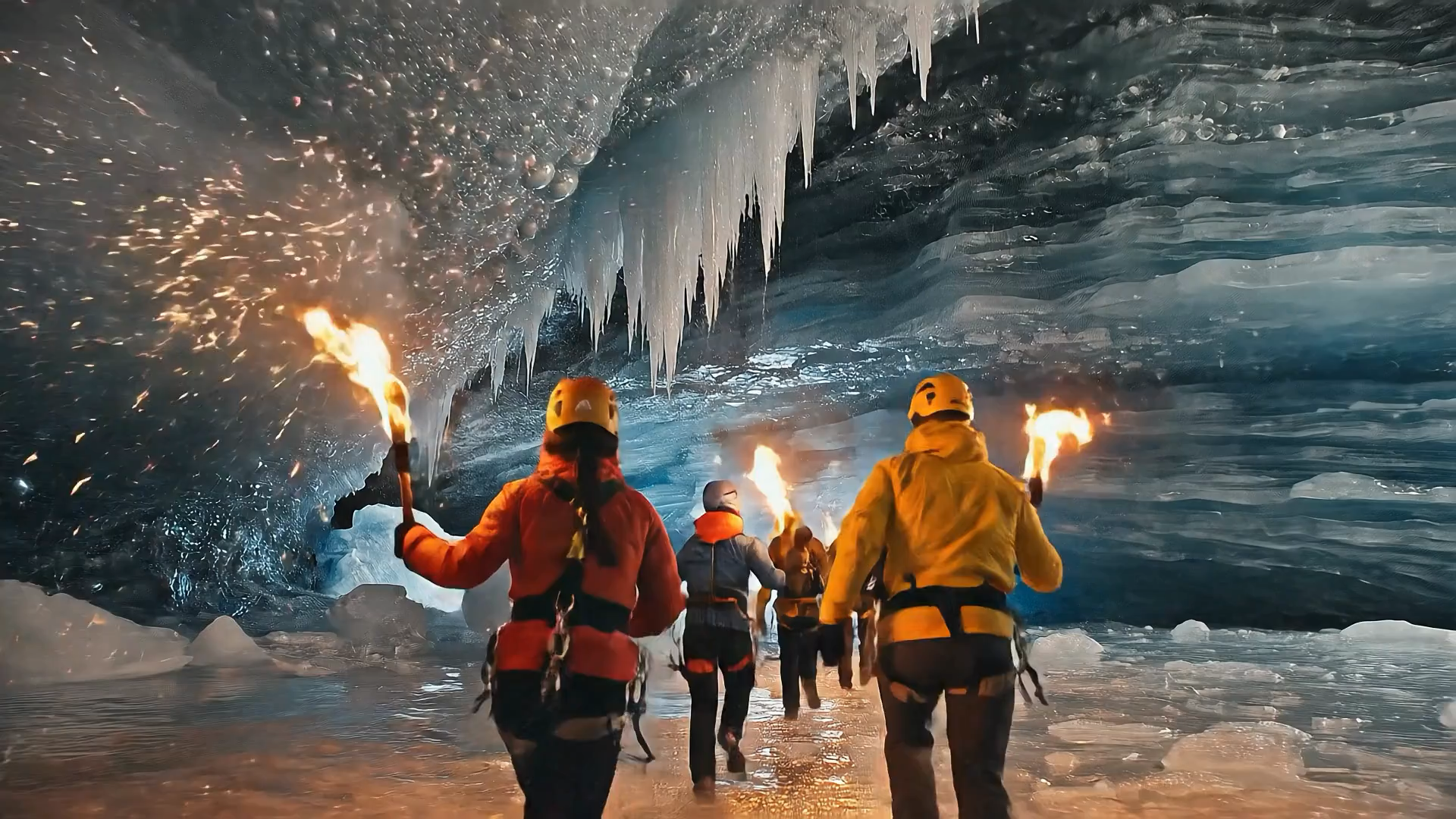
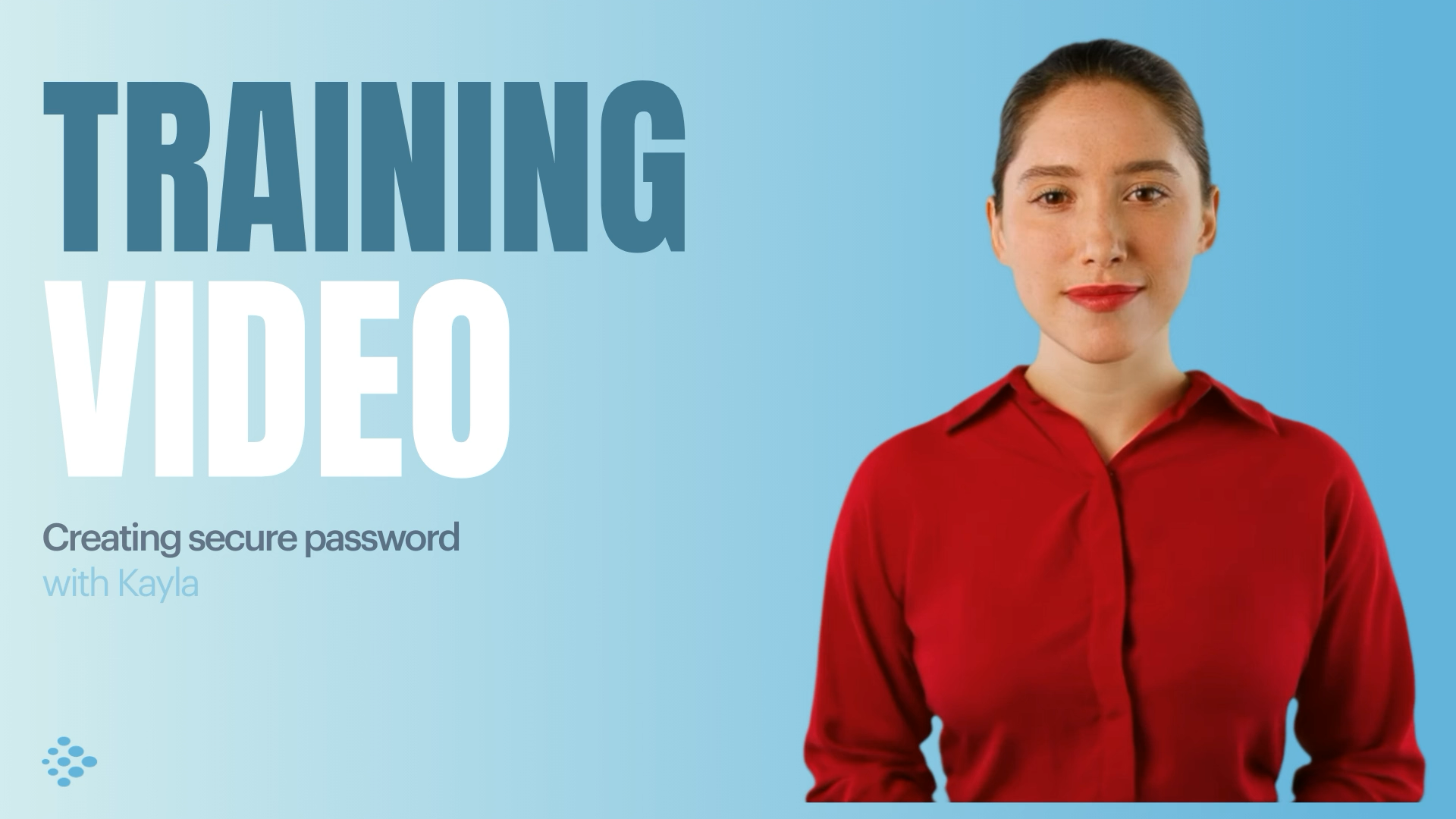
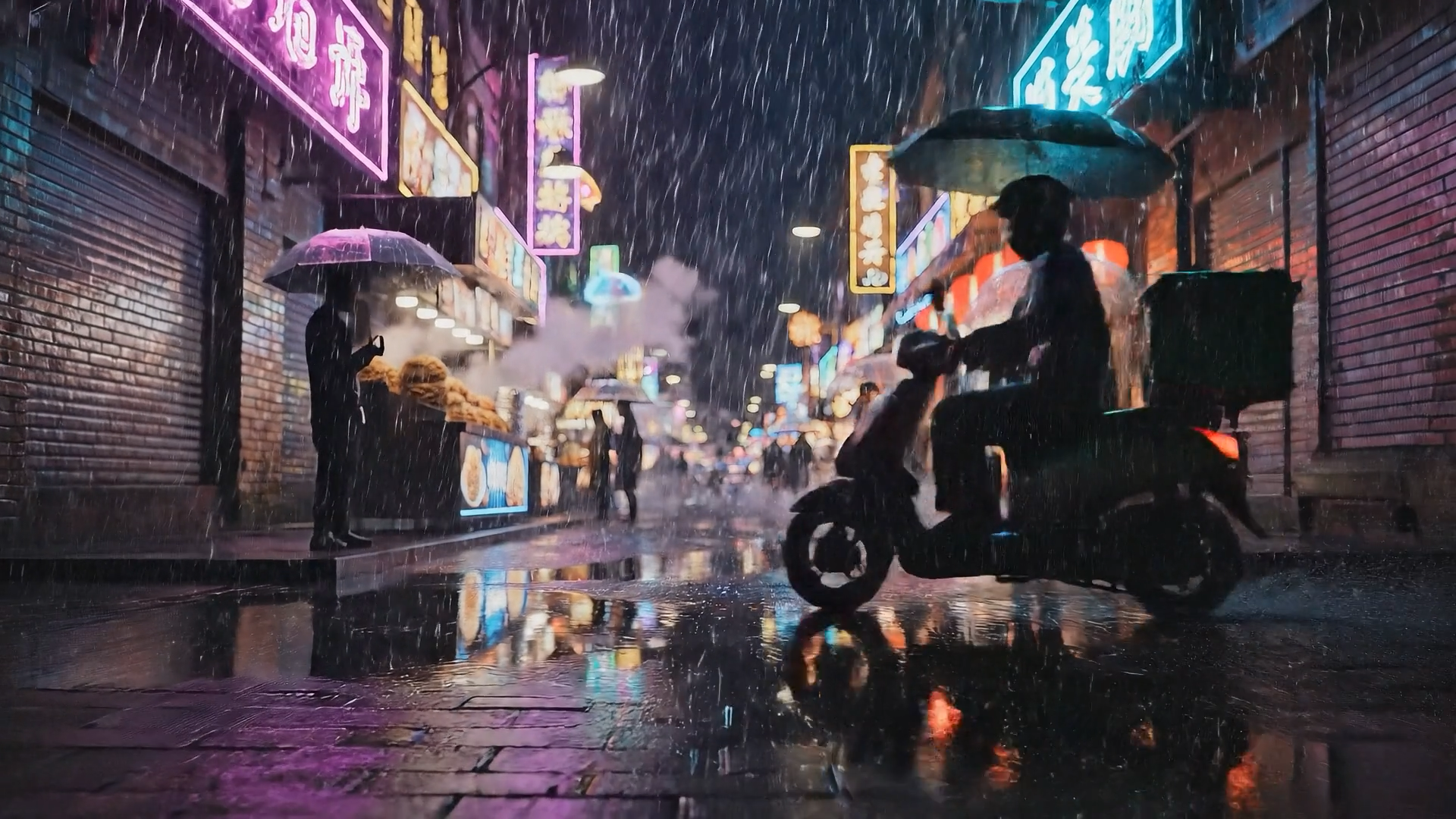


Choose your input method and let AI create your video.
By using this service, you confirm that you have all necessary rights, licenses, and permissions to upload or generate content, and that your use of any generated videos will comply with the Acceptable Use Policy and applicable regulations related to intellectual property and data privacy.
Trusted by over 50,000 companies








Video creation from start to finish, in one place
No more stitching three tools together to make one video. Assistant plans it with you, builds it on brand, and presents it with our most lifelike avatars yet.
Plan the video with Assistant and let it build
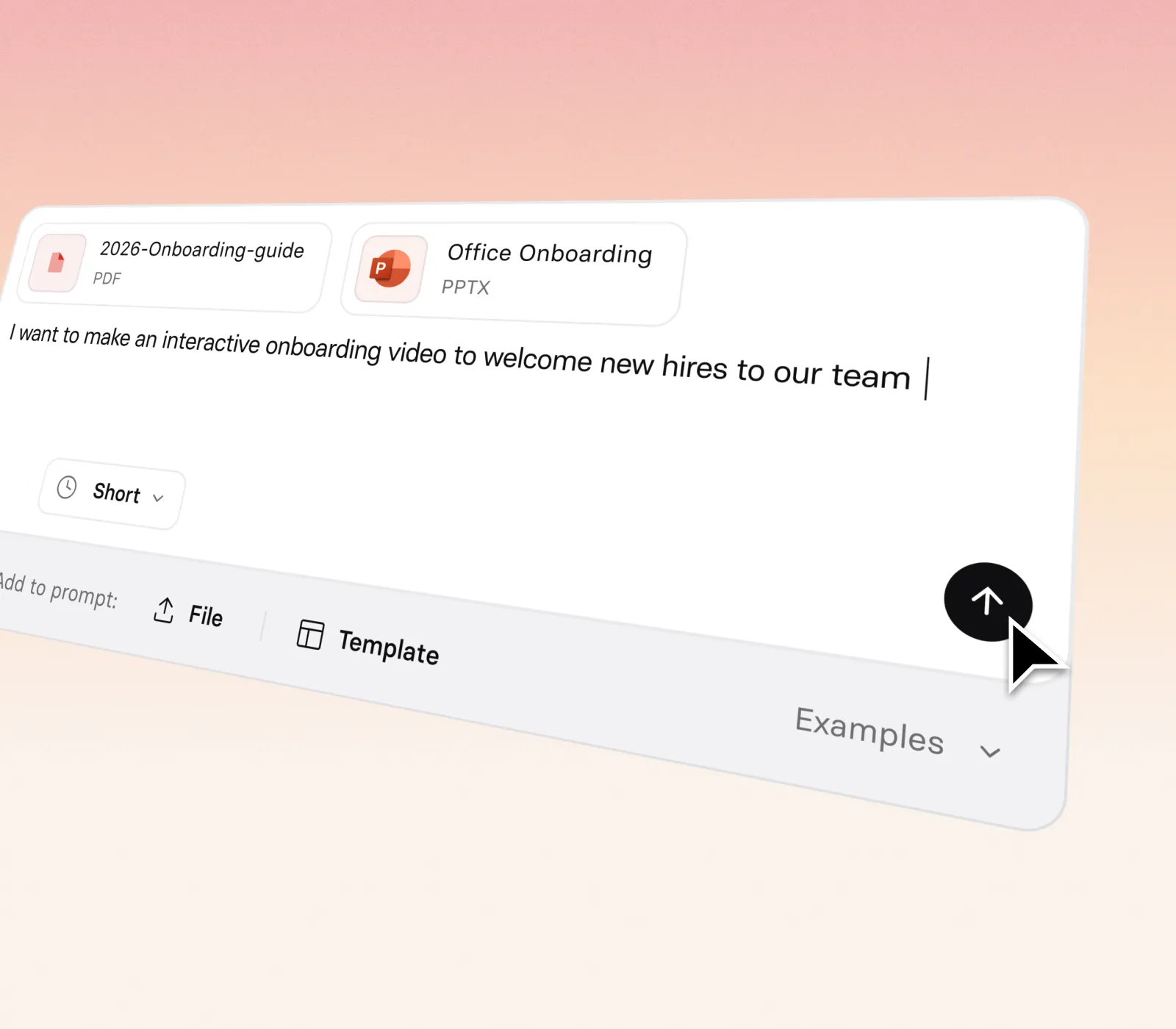
- Start from a prompt, a script, a document, or a URL. No blank page, no guesswork
- Edit the plan before it builds: rewrite scenes, reorder them, and set your template, Brand Kit, and avatar
- Get a studio-quality first draft in minutes, on brand from the start
Go from prompt to final video in one chat
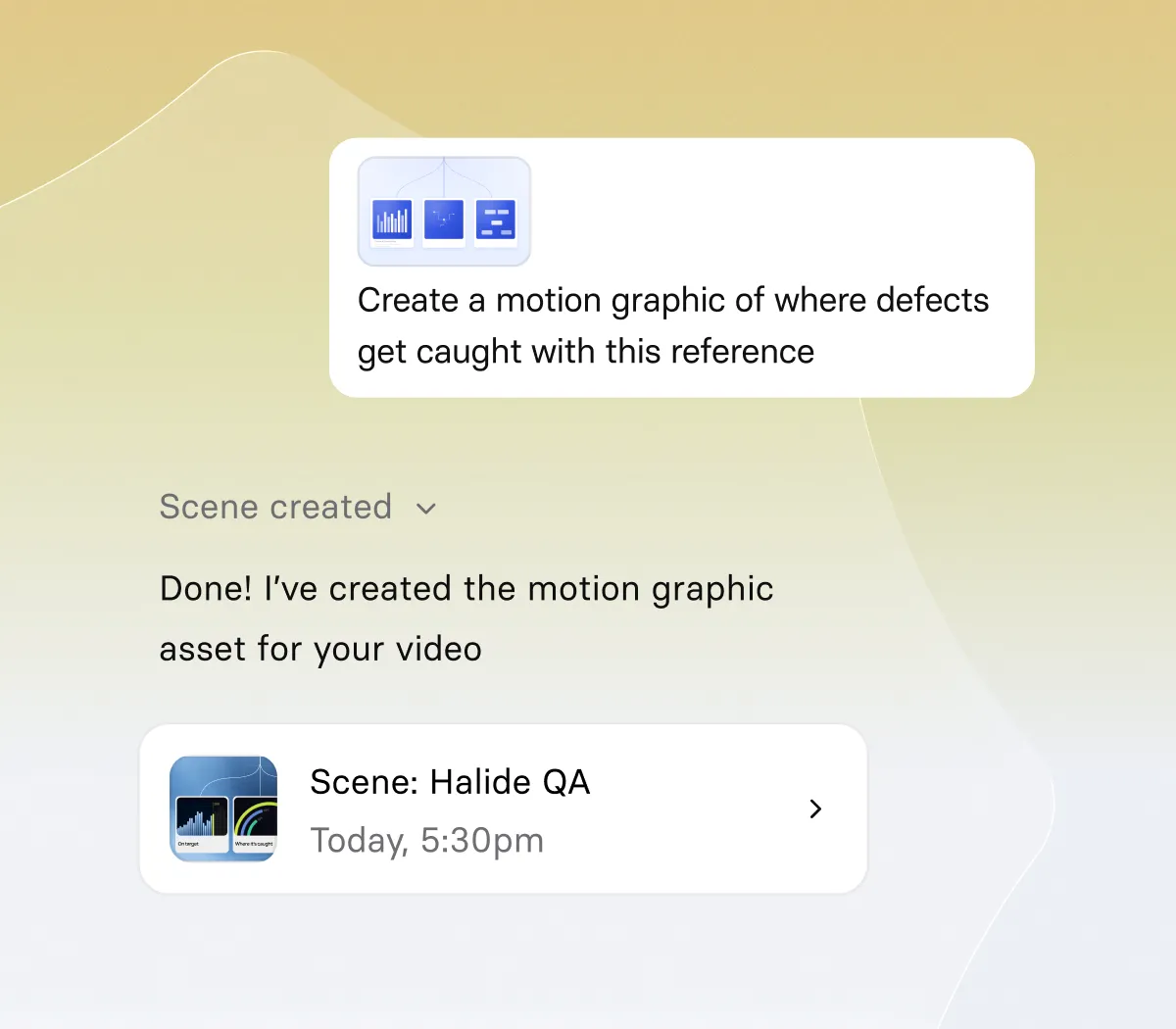
- Shorten the script, change the tone, or rewrite a scene, all in plain language
- Regenerate the visuals, the B-roll, and the motion graphics without opening the editor yourself
- Every change lands in the draft you've already built. No starting over.
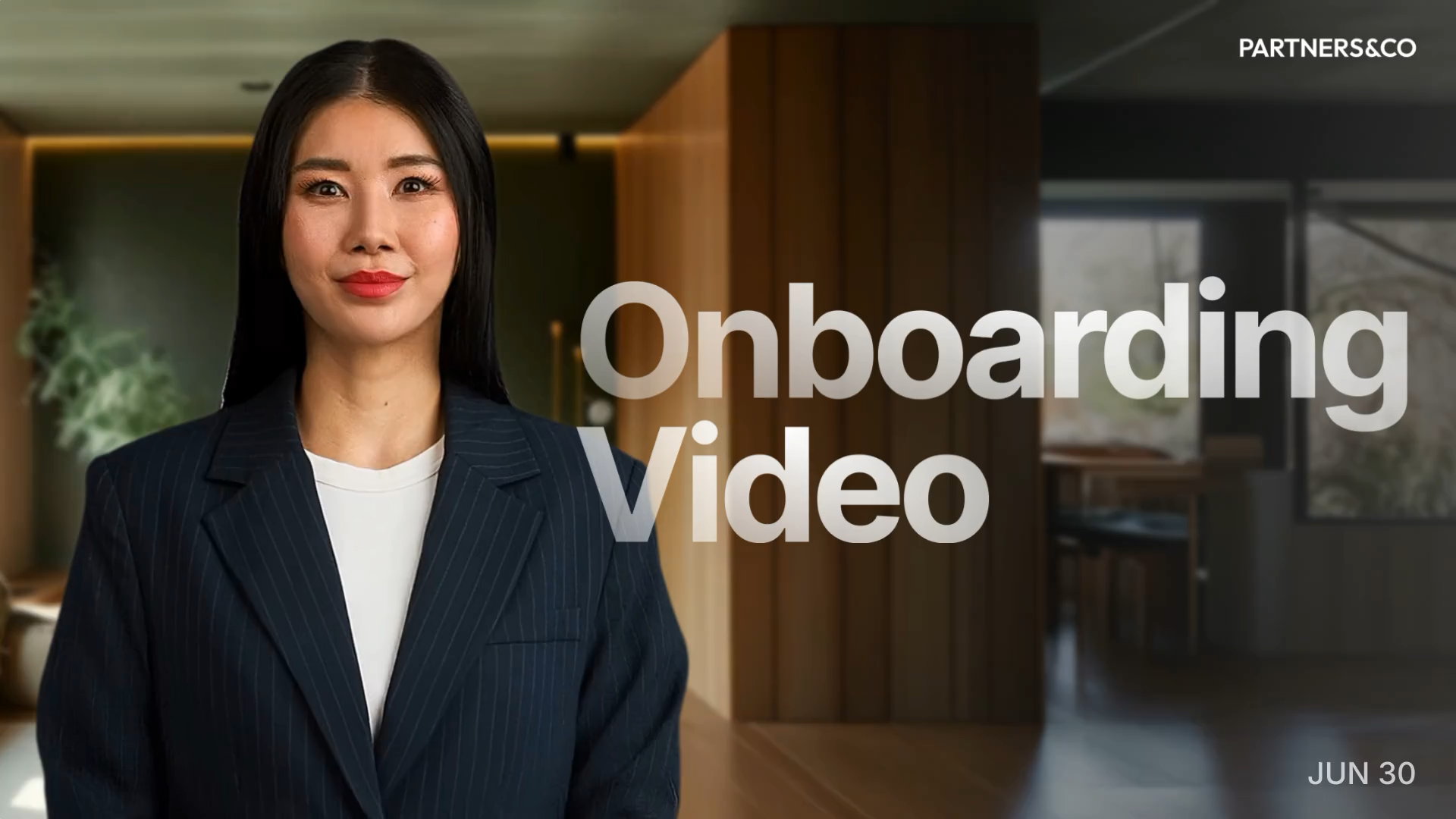
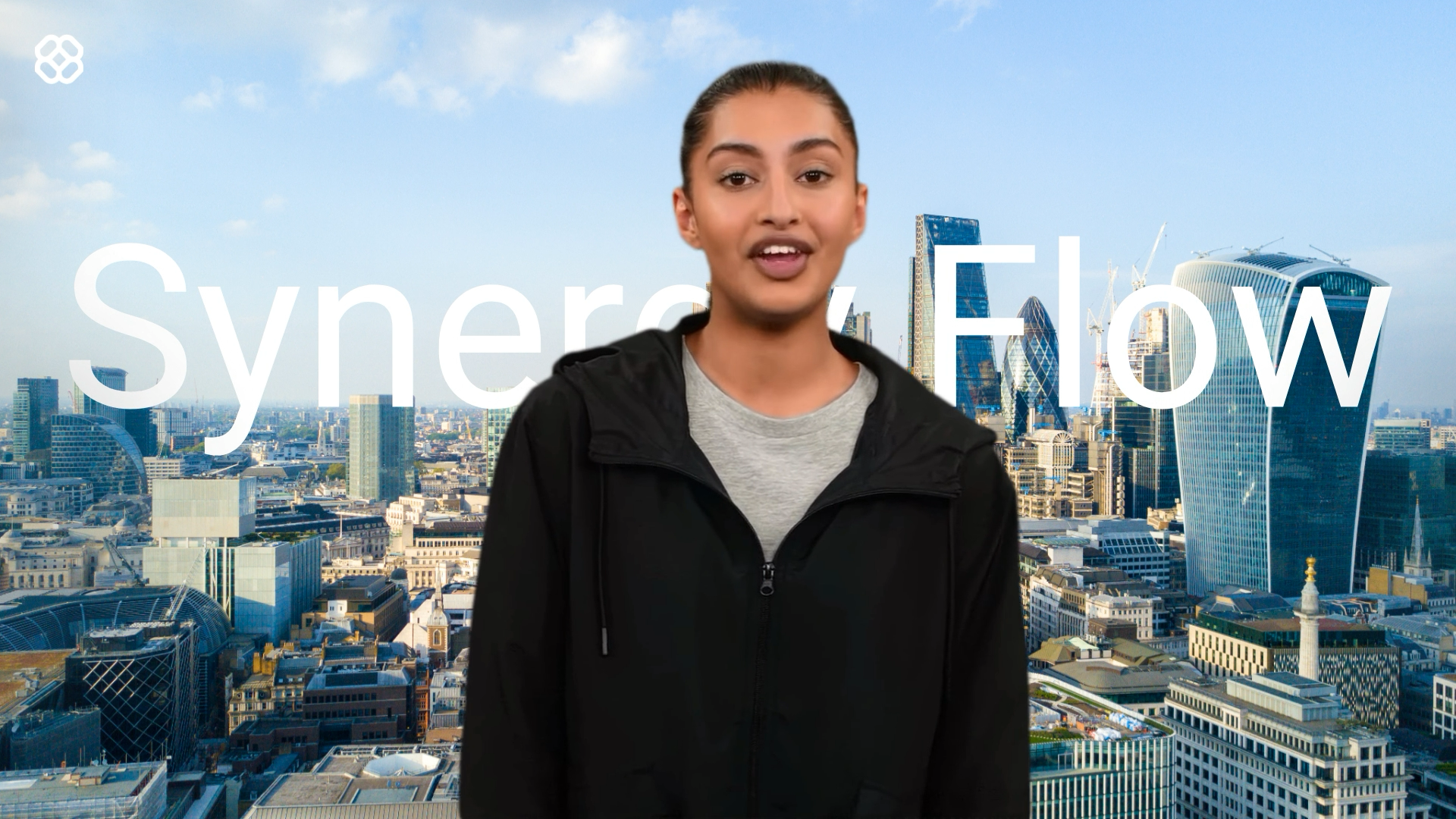
Present with our most lifelike avatars yet

- Get lip sync, gestures, and body motion that track the words being spoken
- See expressions change with the tone of your script, so the delivery matches the message
- Choose your avatar in Assistant and it handles the rest
Build your own avatar in any style
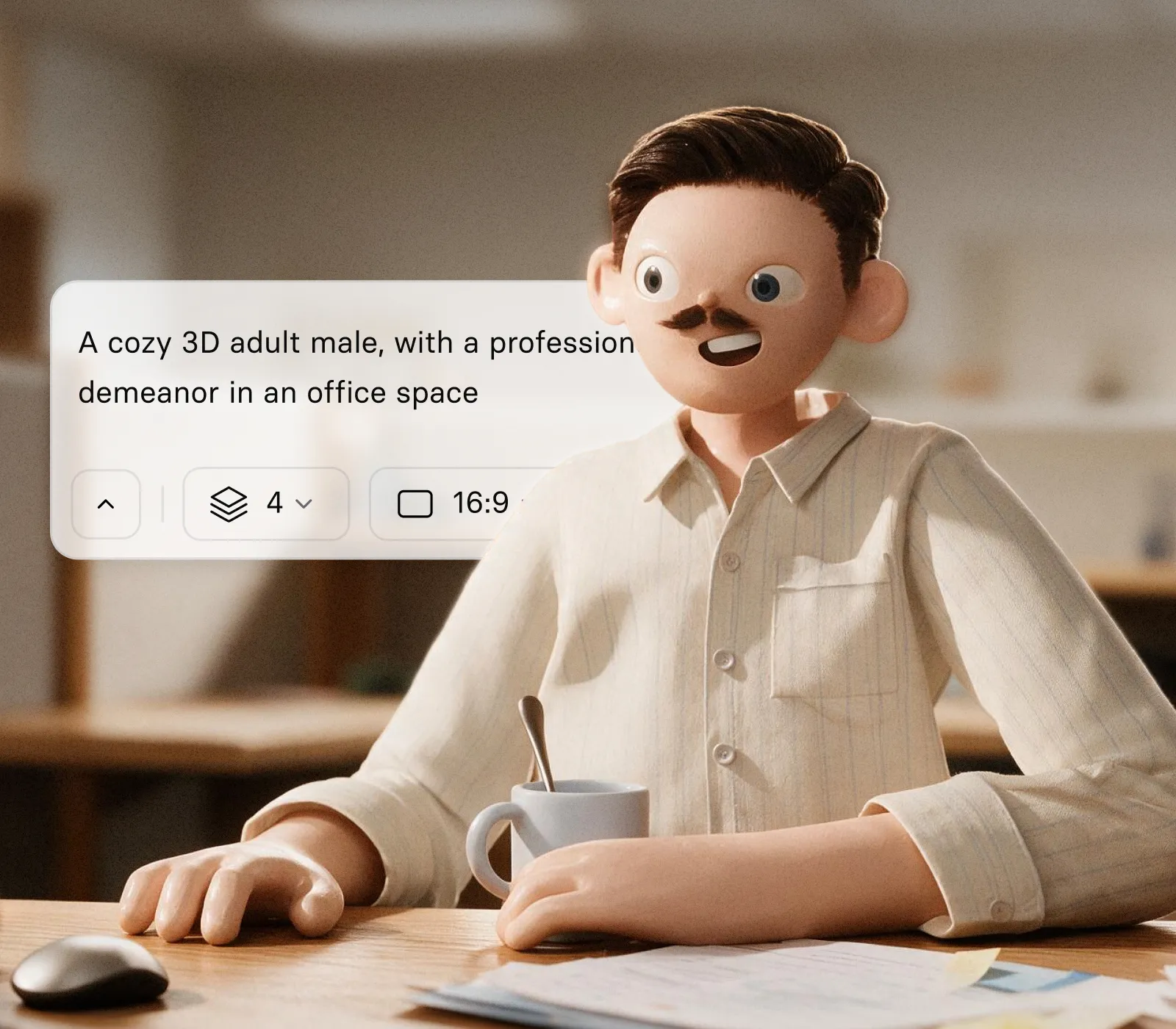
- Create a new avatar from a text prompt or a range of presets
- Choose the style you want, from cartoon and anime to photoreal
- Give it a name and a voice, then send it to Assistant to present your next video
How Assistant works
No tool-hopping, no starting over, and no camera at any point.
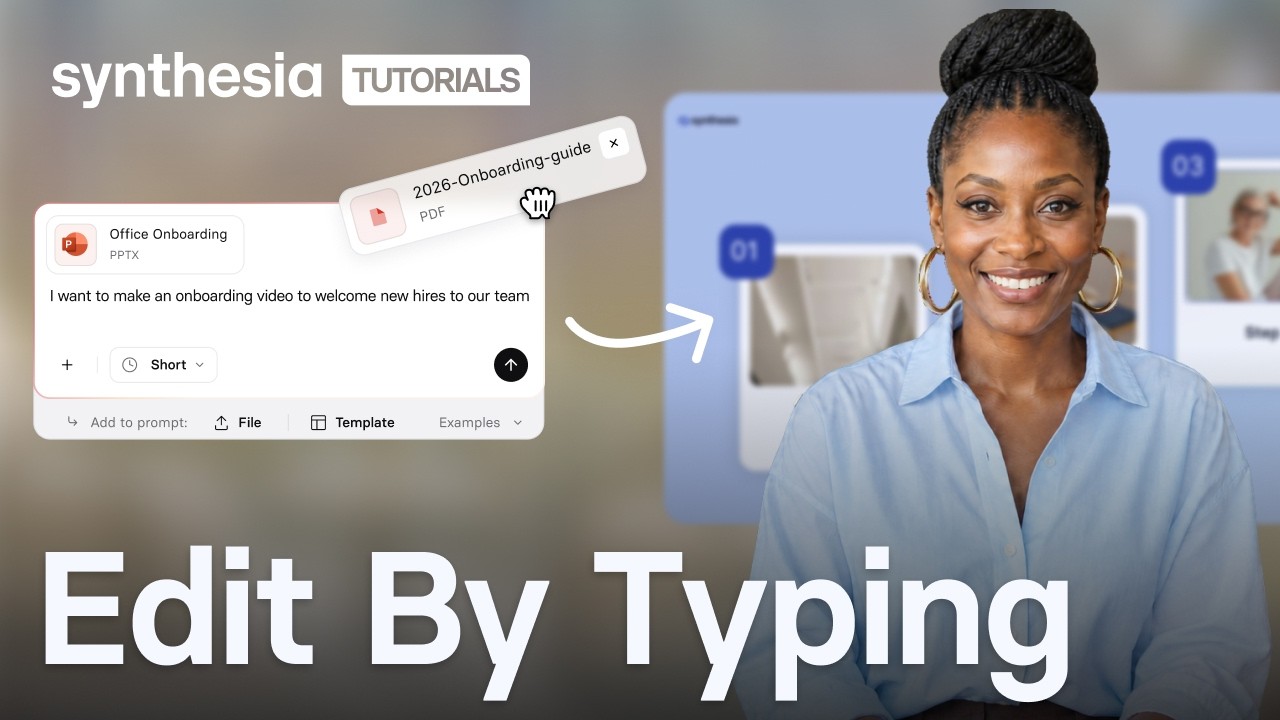
1. Start with any text
Describe the video you need, drop in a document, or paste a link. Already have an approved script? Import it word for word and Assistant won't change it.
2. Get a first draft in minutes
Assistant writes the script, builds the scenes, and casts an avatar, using your template and Brand Kit from the start. Pick a lifelike Express-3 avatar or one you made yourself in Avatar Builder.
3. Change it by asking
Shorten the script, change the tone, or regenerate the visuals, all in plain language. The video updates in place, so you never start over.
4. Publish, on brand
Your Brand Kit and templates carry across the whole video, including avatars, motion graphics, and B-roll, so what you publish looks like it came from your team.


FAQs
Is Assistant free?
Yes. Assistant and Express-3 avatars are available on every Synthesia plan at no extra cost.
Do I need a script to get started?
No. Describe what you need in a sentence, drop in a document you already have, or paste a link, and Assistant structures and drafts it for you. If you already have approved copy, import it and Assistant will keep it word for word.
Can I change the plan before the video is generated?
Yes. Assistant proposes a plan covering structure, scene count, and tone before it builds anything. You can adjust it, or choose a dynamic or presentation style, before a single scene is created.
Will my videos stay on brand?
Yes. Your Brand Kit and custom templates apply automatically across avatars, motion graphics, and B-roll, not just the slide frame.
Can I use my company's own templates?
Yes. Assistant works with the custom templates your team already relies on, so governed and approved formats stay intact.
What is Avatar Builder, and how is it different from my existing avatars?
Avatar Builder lets you create a new, stylized avatar from a preset, a text prompt, or a reference image, then name it, pair it with a voice, and use it in any video. It sits alongside your existing Personal and Studio Avatars.
What is Express-3?
Express-3 is our most lifelike avatar model yet, and the first to beat Express-2 head to head on lip sync, body motion, and gestures. It's live for every user, on every plan, at no extra cost.
Can I still edit videos the way I do today?
Yes. Assistant builds your first draft, and you can keep refining it in the full editor at any point. Nothing about your existing workflow goes away.

Ready to try Synthesia?
Join 2M+ users today and start creating videos with AI avatars in 140+ languages.
