Create Synthesia videos from ChatGPT and Claude
Turn your ideas and files into on-brand videos. Make edits by asking and share your video, all from the same conversation.
No credit card required
Your first video is free







Everything your video needs is already in the chat
Your docs, decks, brand and connected tools are right there, so a video can go from first prompt to published link in one place.
Describe it, and bring what you have
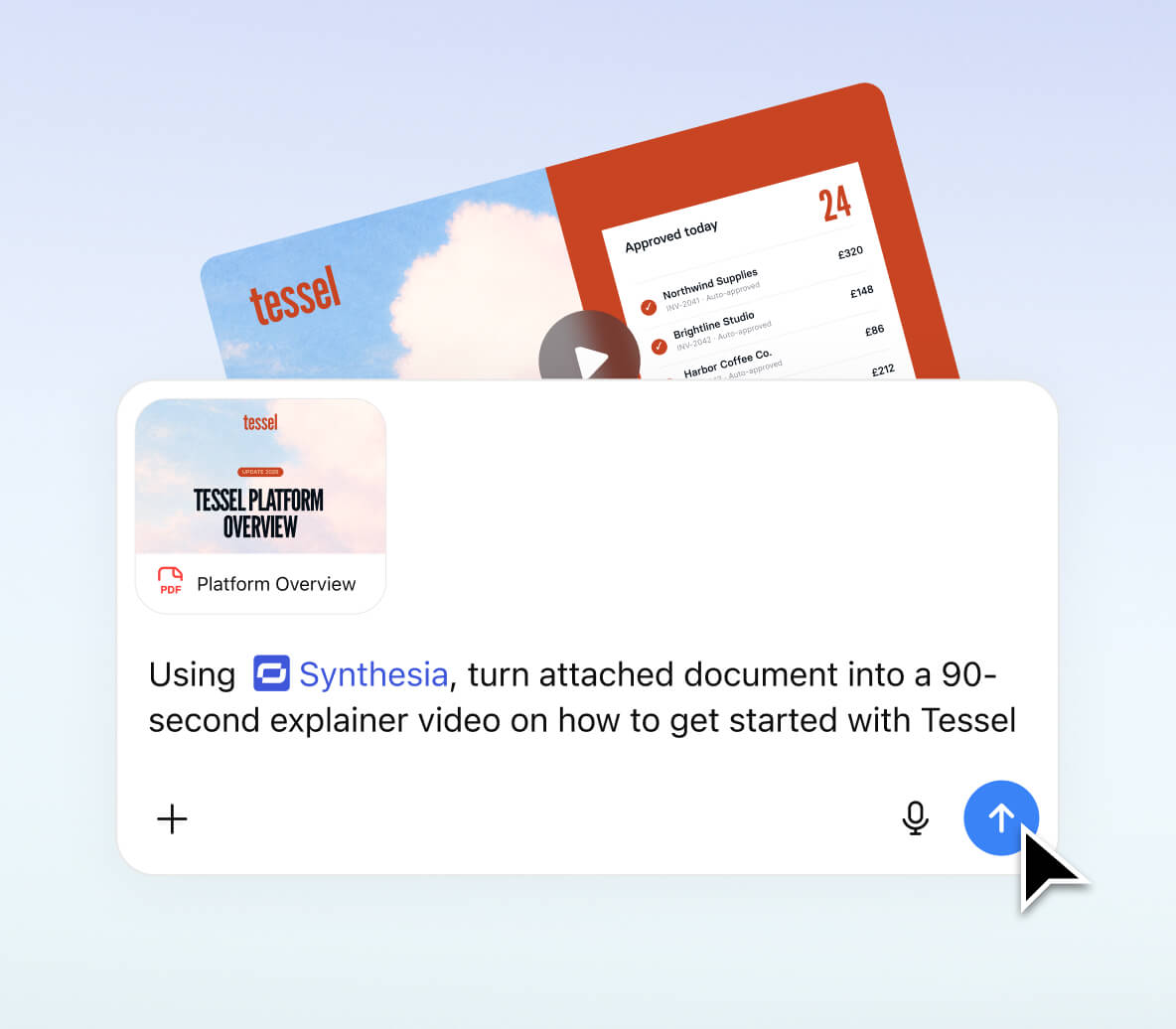
Describe your video, attach a document or deck, or use context from your connected tools. Synthesia turns it into a video you can refine in chat.
Edit your video by asking
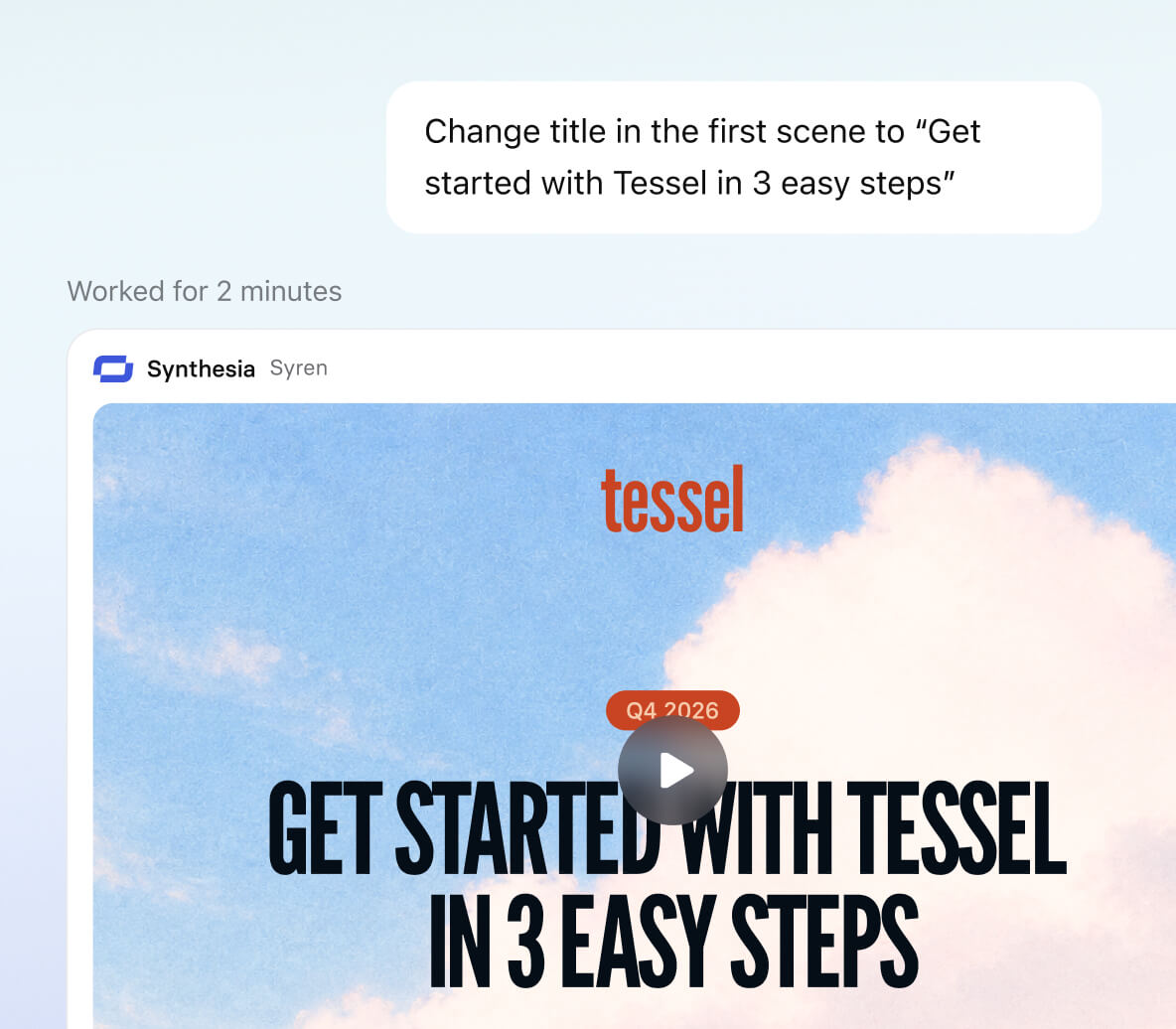
Change the script, swap an avatar, or add your logo. Tell Synthesia what to update and keep working in the same conversation.
Publish and share it with a link, or export it
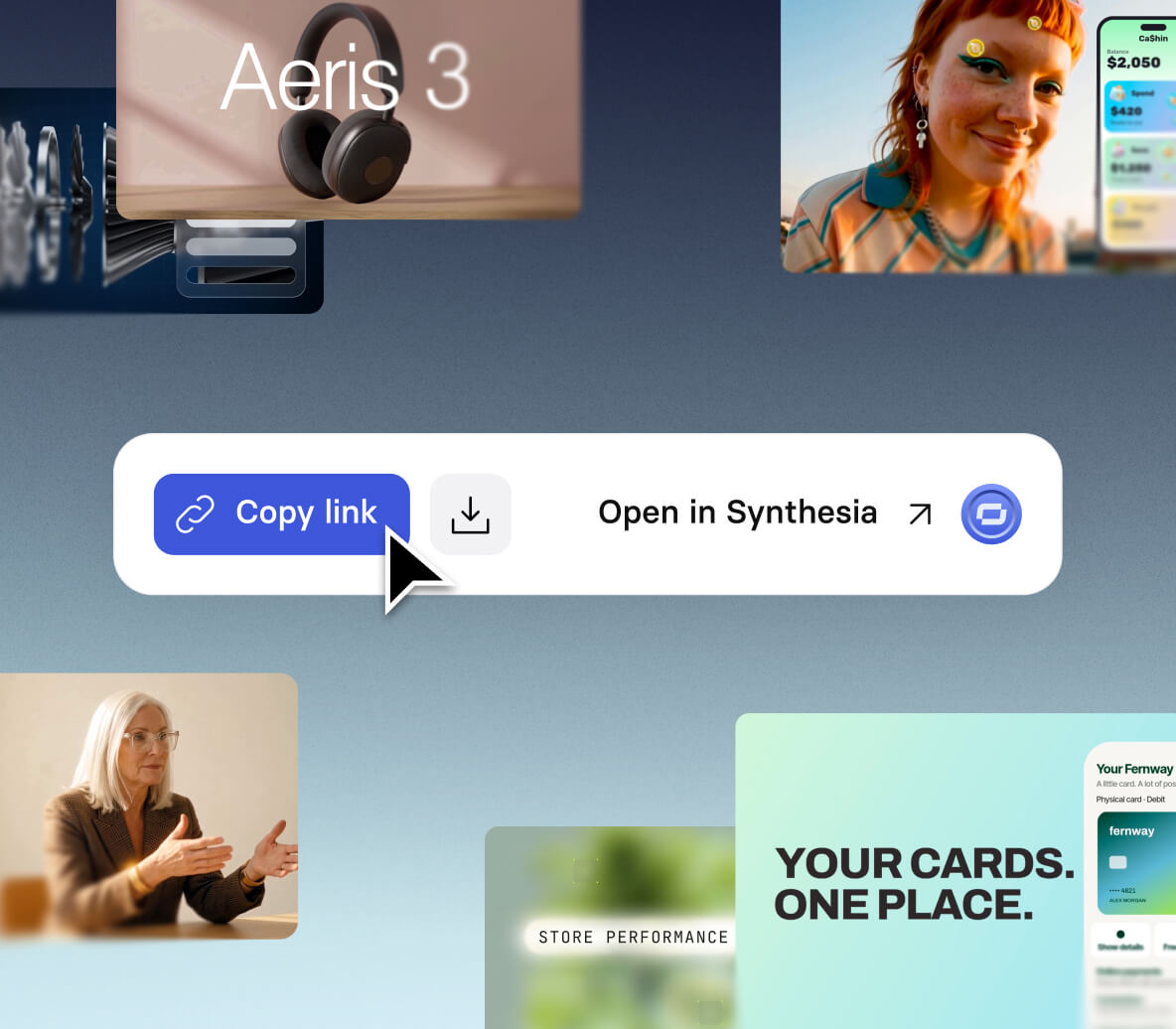
Publish from chat and get a link to share. Update your video and the same link stays current, or download a copy when you need the file.
Put your video workflows on autopilot
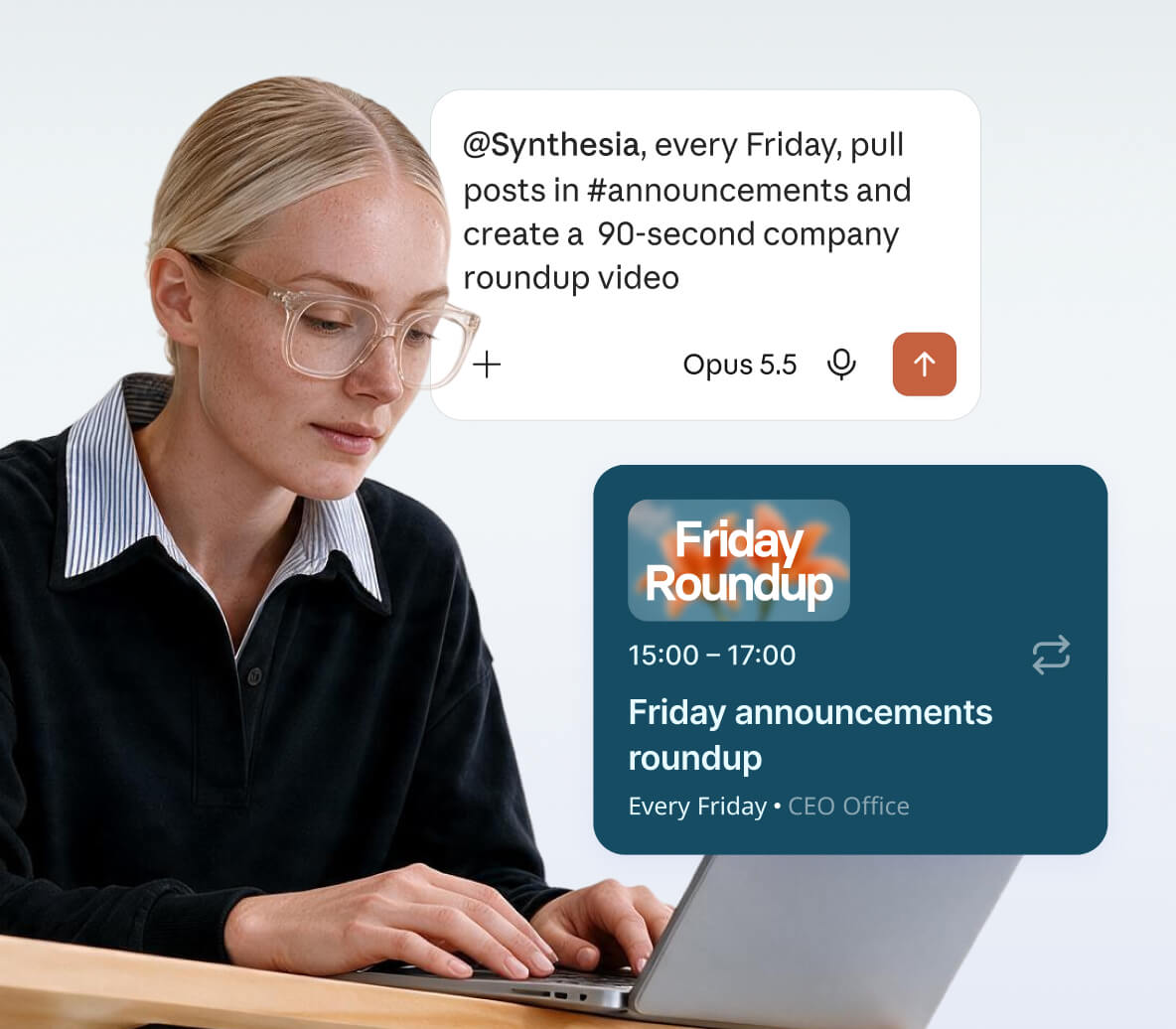
Build workflows that pull from your tools and turn new updates into finished videos. Run it once, on a schedule, or when something new lands in Slack or your inbox.
Make videos from your phone
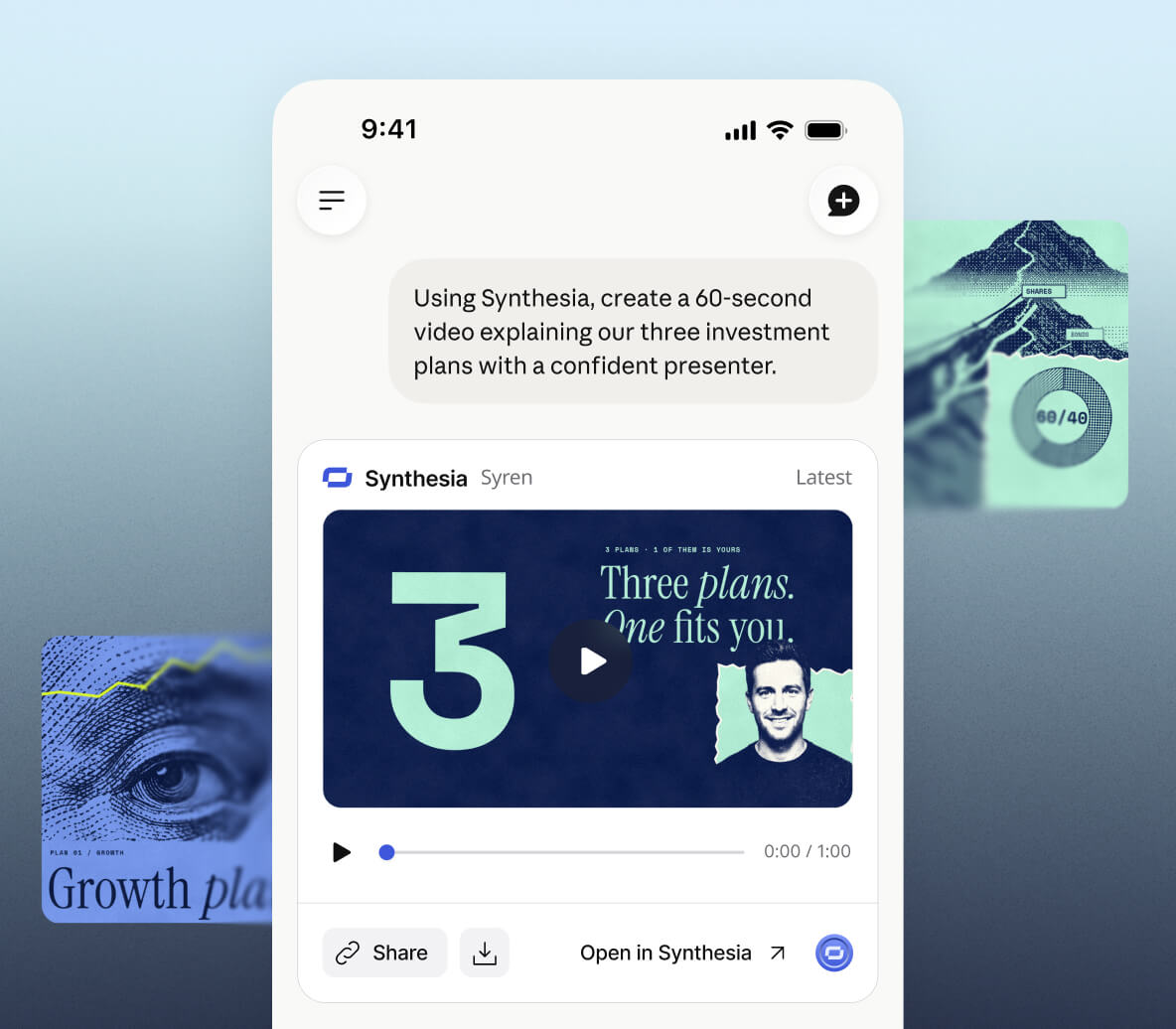
Use Synthesia from the ChatGPT and Claude mobile apps. Dictate an idea, ask for the video and get the link back in the same chat, wherever you are.
Video workflows for every team

Product launch
@Synthesia make a 30 second launch video for our new scheduling feature. Upbeat tone, friendly presenter, captions, and end with a call to try it free.

Customer thank-you
@Synthesia make a 45 second thank-you video for a customer after a product demo. Warm presenter, recap three benefits, and finish with clear next steps.

Setup video for every new tool
@Synthesia whenever IT announces a new tool in #it-updates, make a 60-second video on what it's for and how to set it up.

Welcome video
@Synthesia make a 60 second welcome video for new starters. Friendly presenter covering our values, the first week and who to ask for help.

How-to guide
@Synthesia make a 60 second how-to video on resetting a password. Calm presenter, captions on, one step at a time.

Course lesson
@Synthesia make a 30 second product intro, then translate it into Spanish, French and German with the same presenter and captions.
Get set up in minutes
Set up Synthesia in ChatGPT
Set up Synthesia in Claude
Build your own integration
Any MCP-compatible tool can connect directly to the Synthesia MCP server, so your team can wire video creation into its own agents and workflows.
https://mcp.synthesia.io/mcp
From scattered tools to one conversation

Before Synthesia MCP
The script lives in one tool, the video in another
You export, upload and host it somewhere else
Every update starts from scratch

After Synthesia MCP
Script, video and edits live in one conversation
You share a link straight from the chat
Videos run on a schedule or a trigger

Trusted by 90% of the Fortune 100
Synthesia MCP FAQs
What can I do with Synthesia in ChatGPT and Claude?
Create, edit and share Synthesia videos without leaving the chat. Describe what you need, attach a file or point to a connected source, and get a finished video back in the conversation. Then refine it by asking, publish it as a link or download it, or set it up to run on a schedule.
How do I set it up? Do I need an API key?
No API key needed. In ChatGPT, install the Synthesia plugin and sign in with your Synthesia account. In Claude, add Synthesia as a connector and sign in. New to Synthesia? You can create a free account as part of sign-in. Microsoft Copilot is coming soon. See the setup guide →
Can I try it for free? What uses credits?
Yes. New accounts get enough free credits to create your first video. After that, creating and editing videos uses the credits in your Synthesia plan, with no separate charge for using it in ChatGPT or Claude. Syren is available on all plans.
Do I need to choose between Syren and Studio?
No. Syren is the default: describe a video and it handles the visuals, avatars, voiceover, music and pacing for you. Ask for Studio when you need your script delivered word for word, translated into 160+ languages, or fine-tuned scene by scene in the full editor.
Can I use my brand kit, avatars and voices?
Yes. Studio videos can use your workspace brand kit, custom avatars and cloned voices. For Syren videos created in ChatGPT and Claude, support is coming soon.
Can I bring in my own files?
Yes. In ChatGPT, attach a deck, PDF, doc or image to your chat and Synthesia turns it into a video. In Claude, you can point to sources Claude is connected to, and file attachments are coming soon. You can also paste text straight into the chat in either one.
Can I edit a video after it's made? Who can see it?
Yes. Ask for changes in the same chat, like slowing down a scene or swapping the avatar, and the video updates. You can also open any video in Synthesia to edit it there. Your video stays private to your workspace until you publish it. Once published, anyone with the link can watch, the link updates after every edit, and you can unpublish at any time.
Can I automate video creation?
Yes, using your assistant's own scheduling and connected tools. If it can run tasks on a schedule or check Slack or your inbox, you can ask it to make a video every Friday, or whenever a new post or email arrives. Your assistant handles the timing and triggers, and Synthesia makes the video. Automated videos are created under the Synthesia account you signed in with.
Is it secure for enterprise use? Can my IT admin approve it?
Yes. Synthesia is SOC 2 Type II and ISO 27001, 27701 and 42001 certified, GDPR compliant with EU data residency, and supports SSO, SCIM and per-user credit limits. Admins on ChatGPT and Claude business plans control whether Synthesia is available to their team, and each person signs in with their own Synthesia account. Visit our Trust Center →
Can ChatGPT or Claude make videos on their own?
Not finished videos with a presenter, voiceover and your branding. Connect Synthesia and you can ask for one in plain language and get it back in the same chat, ready to share.
What's the difference between this and the Synthesia API?
The Synthesia API is for developers building video creation into their own products and systems, using an API key and code. API usage is billed separately from your Synthesia plan. The Synthesia MCP needs no code: you sign in once and ask your assistant for videos in plain language, using your plan's credits. If you're building at scale or need full programmatic control, use the API.
Can I use Synthesia with other AI assistants or tools?
Yes. Any assistant or tool that supports MCP can connect by adding Synthesia as a custom connector with this URL: https://mcp.synthesia.io/mcp. Then sign in with your Synthesia account. We test and support ChatGPT and Claude; other tools may work, but we can't guarantee every feature.
What is MCP?
MCP (Model Context Protocol) is an open standard that lets AI assistants like ChatGPT and Claude connect to other apps and use them for you. The Synthesia MCP is that connection: it lets your assistant create, edit and share Synthesia videos from the chat.