Create engaging training videos in 160+ languages.
Have you ever run a needs assessment where the stakeholder is eager to jump to the delivery method? “Let’s run a webinar and record it for everyone who can't attend.”
That’s a natural response. Most stakeholders have clear preferences about delivery, because format is easy to picture and easy to request. Misconceptions about how people learn can also make certain formats or added variety sound like a shortcut to effectiveness.
The harder part is staying anchored on outcomes. What should people do differently after training?
That’s where multimodal learning principles help. They give you a structured way to choose formats with intent, sequence them around the outcome, and design for knowledge transfer to the job. We’ll show you how to apply these principles to craft research-backed workplace training.
👉 Already familiar with multimodal learning best practices? Skip to the playbook.
Multimodal learning principles
The term multimodal comes from multimodality, a research field that examines how people understand meaning when it’s expressed through different kinds of signals, like words, visuals, and interaction.
In L&D, multimodal learning is an approach to training design. It means building a sequence that combines formats, such as explanation, demonstration, practice, and performance support, so learning transfers beyond the course. The formats matter, but the sequencing matters more.
Let's face it: workplace learning rarely happens in ideal conditions. People get interrupted by Slack messages, meetings, or whatever is happening around them at home. They often have to apply what they learned later, without a trainer nearby to ask. Training has to hold up when attention icans limited and errors create downstream cost.
Multimodal learning principles help you design for these conditions. They support experiences where learners can understand the idea, see what good looks like, try it in a low-risk way, and get support they can use when the work shows up again. They also make it easier to pause, come back, and repeat key parts when someone gets interrupted or needs a quick reference.
Choose formats by what the learner needs to do next
Start with the outcome you want on the job, then choose formats that help learners understand, practice, and apply it. Multimodal learning works when each format earns attention and supports learning transfer.
If you want to apply these principles in a scalable way, write the plan before you build the assets. Start with the outcome, decide how you’ll measure it, and name the most common failure point in real work. Then choose only the formats you need and sequence them around transfer.
Reusable playbook template
Use this template to turn a training request into a multimodal plan you can pilot, measure, and scale.
- Define the outcome: State the outcome as an observable change in work. What should people do differently, more consistently, or with fewer errors?
- Define the audience and moment of use: Name who this is for and where they will apply it. Specify the context, including the tool or workflow, the pressure level, the risk level, and where they go when they get stuck.
- Set success metrics: Choose 2–4 metrics tied to the job. Examples include time to competence, error rate, QA score, escalations, audit findings, ticket volume, adoption of key workflows, or customer outcomes.
- Establish a baseline: Capture the current state before you ship. If you cannot baseline the business metric, baseline a proxy that aligns with it, such as scenario accuracy, checklist adherence, or workflow completion quality.
- Identify the common failure mode: Describe where the work breaks today. Name the missed step, wrong decision, inconsistent execution, reversion to old habits, or confusion at a decision point. Use this as the design target.
- Choose the smallest sequence that drives transfer: Design the experience as a sequence and keep only what earns attention.
- Explain the minimum context learners need.
- Demonstrate what “good” looks like in the real workflow.
- Provide practice that mirrors the job in a low-risk setting.
- Add feedback on the mistakes that matter.
- Include support that lives where work happens.
- Turn the sequence into an asset plan: List the assets you will build, with one sentence on purpose and scope. Example: “90-second demo of workflow X,” “guided practice task in a sandbox,” “one-page checklist,” “scenario check at day 7.”
- Design for interruption and re-entry: Assume learners will pause. Make modules resumable, references searchable, and steps modular so people can return to the exact moment they need.
- Plan for scale and change: Assign an owner for accuracy and updates. Set an update cadence. Define what must be localized. Keep high-change content modular so updates stay small.
- Pilot, then expand: Pilot with one role or region. Ship a first version, measure early signals, and iterate before full rollout. Capture friction points and adjust the sequence.
- Measure transfer: Track impact using the success metrics. Add a follow-up scenario or task check when judgment or behavior matters. Use the results to refine the next iteration.
- Close the loop: Document what changed and what you will adjust next. Share results in operational terms so stakeholders can see impact and decide what to scale.
Common mistakes (and how to avoid them)
Use this quick diagnostic to catch common design mistakes early and keep learning transfer on track.
Build a modular asset set you can maintain
Scalable multimodal training is built for change. Tools update. Policies shift. Teams discover edge cases. When your program is one long course, small changes turn into big rework. When it’s modular, updates stay contained and learners can return to the exact moment they need.
Video is one of the most useful lenses for modularity because it forces you to design in scenes. A scene can be one workflow step, one decision point, or one example of “what good looks like.” That makes the learning easier to revisit after interruptions. It also makes the system easier to maintain, because updates often touch one scene, not the whole program.
Start by designing around real work moments. Use one workflow per demonstration, one decision per scenario, and one page per job aid. Then connect those pieces with clear titles that match how people ask for help at work.
A minimum set for most workplace programs includes four parts:
- A short explainer that defines the outcome and success standard.
- One or two demonstrations for the workflows that show up most often.
- A guided practice step that mirrors the job in a low-risk setting.
- A job aid that lives where the work happens, named in the same language people use when they ask for help.
From there, add depth based on evidence. Use pilot data to decide what to reinforce. If mistakes cluster around a decision point, add a scenario scene and a follow-up check. If errors show up in one step of a workflow, update that scene and the job aid. Let the work tell you what to build next.
Finally, make ownership explicit. Decide who approves changes, how often you review content, and what triggers an update. Treat job aids as the fastest update path. Keep videos structured as small scenes so replacing one clip does not require rebuilding the full module.
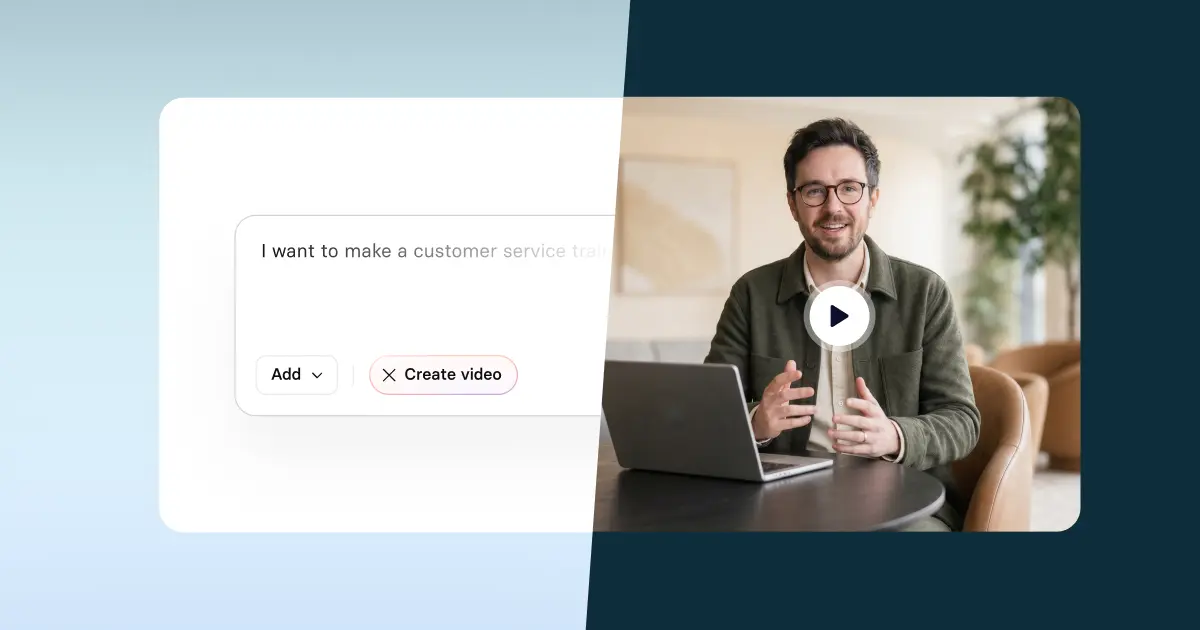
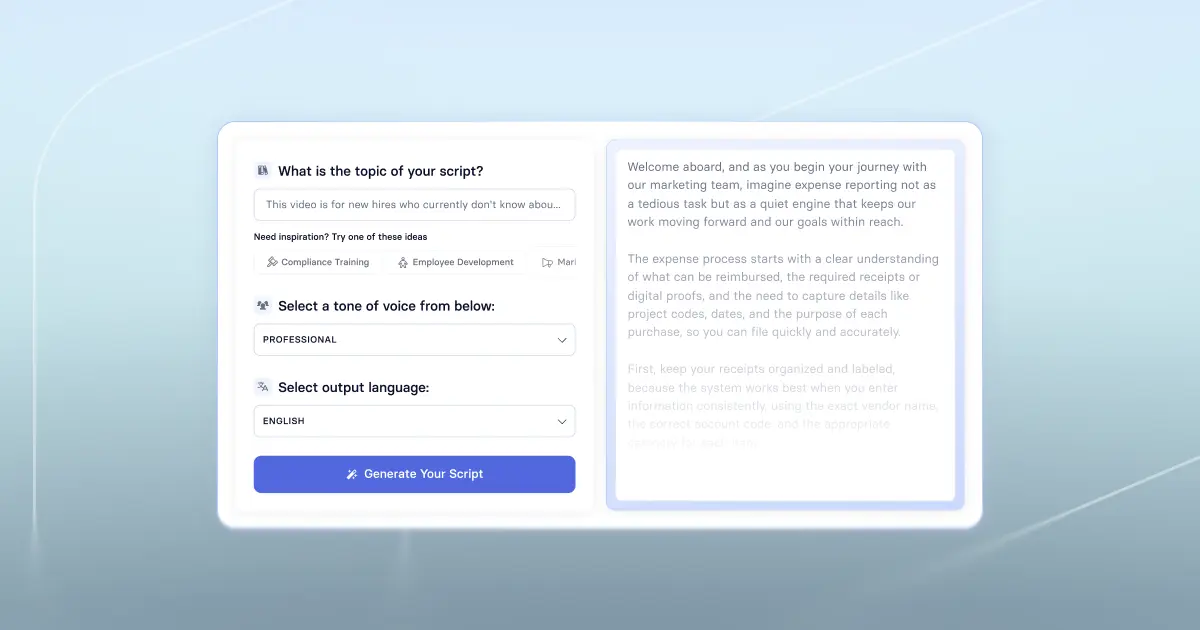
💡Tip: When videos are built as scenes, AI-assisted creation becomes a practical way to draft and keep content current. Try it with Synthesia: paste in your playbook, generate one scene per step, and keep workflows separate from scenarios so updates stay small
Key takeaway: Multimodal learning is an approach to designing for learning transfer. Start with the outcome, choose formats that earn attention, and sequence them so learners can understand, practice, and apply the skill. Use the playbook template to plan before you build, then measure what changes in the work.
About the author
Learning and Development Evangelist
Amy Vidor
Amy Vidor, PhD is a Learning & Development Evangelist at Synthesia, where she researches emerging learning trends and helps organizations apply AI to learning at scale. With 15 years of experience across the public and private sectors, she has advised high-growth technology companies, government agencies, and higher education institutions on modernizing how people build skills and capability. Her work focuses on translating complex expertise into practical, scalable learning and examining how AI is reshaping development, performance, and the future of work.

Frequently asked questions
What is multimodal learning in workplace training?
Multimodal learning combines complementary formats, like short video, visuals, guided practice, and job aids, to reduce cognitive load and increase on-the-job application.
What are common misconceptions about multimodal learning?
Multimodal learning is not a learning-styles model, and it is not a strategy of adding formats to make training feel richer. It also is not duplicating the same content in different wrappers. Each modality should introduce new value, such as clarifying a concept, showing a task, enabling practice, or supporting performance later.
How many modalities should I use in a single module?
Start with two or three modalities that map to clear outcomes, such as explaining a concept, demonstrating a task, enabling practice, or supporting performance later. If a modality does not change comprehension, confidence, or behavior, remove it.
What are common examples of multimodal learning in learning and development programs?
Here are common ways we see multimodal learning in L&D programs:
For software training, pair a short walkthrough video with guided practice so learners can try the steps immediately, then provide a checklist they can use during real work.
For soft skills, use scenario-based video to show what “good” looks like, followed by structured practice and feedback to build judgment.
For compliance, use brief scenarios to anchor the rules in context, reinforce the essentials with targeted checks over time, and add a job aid that supports the right decision in the moment.
How do you measure whether multimodal learning is working?
Measure it at three levels: learner signals, on-the-job behavior, and business outcomes. Start with engagement and comprehension, such as completion, confidence, and knowledge checks, then look for behavior change in the workflow, such as fewer errors, faster task completion, higher quality scores, or better adherence to process. Tie the program to the outcomes that matter for the use case. For onboarding, that might be time to proficiency and early attrition. For customer support, it could be handle time, first-contact resolution, and escalations. For sales enablement, look at ramp time, win rates, and message consistency. For compliance and safety, track incident rates, audit findings, and near misses, then validate retention with spaced checks after training, not just the final quiz.
Does “multimodal” mean the same thing in L&D as it does in AI?
No. In L&D, multimodal learning means combining learning formats to improve transfer and retention. In AI, multimodal refers to models that work across data types such as text and images.