


AI Character Generator
Choose a character and input a prompt to generate a video. Or signup to create an AI character from scratch for free.
0/500 characters
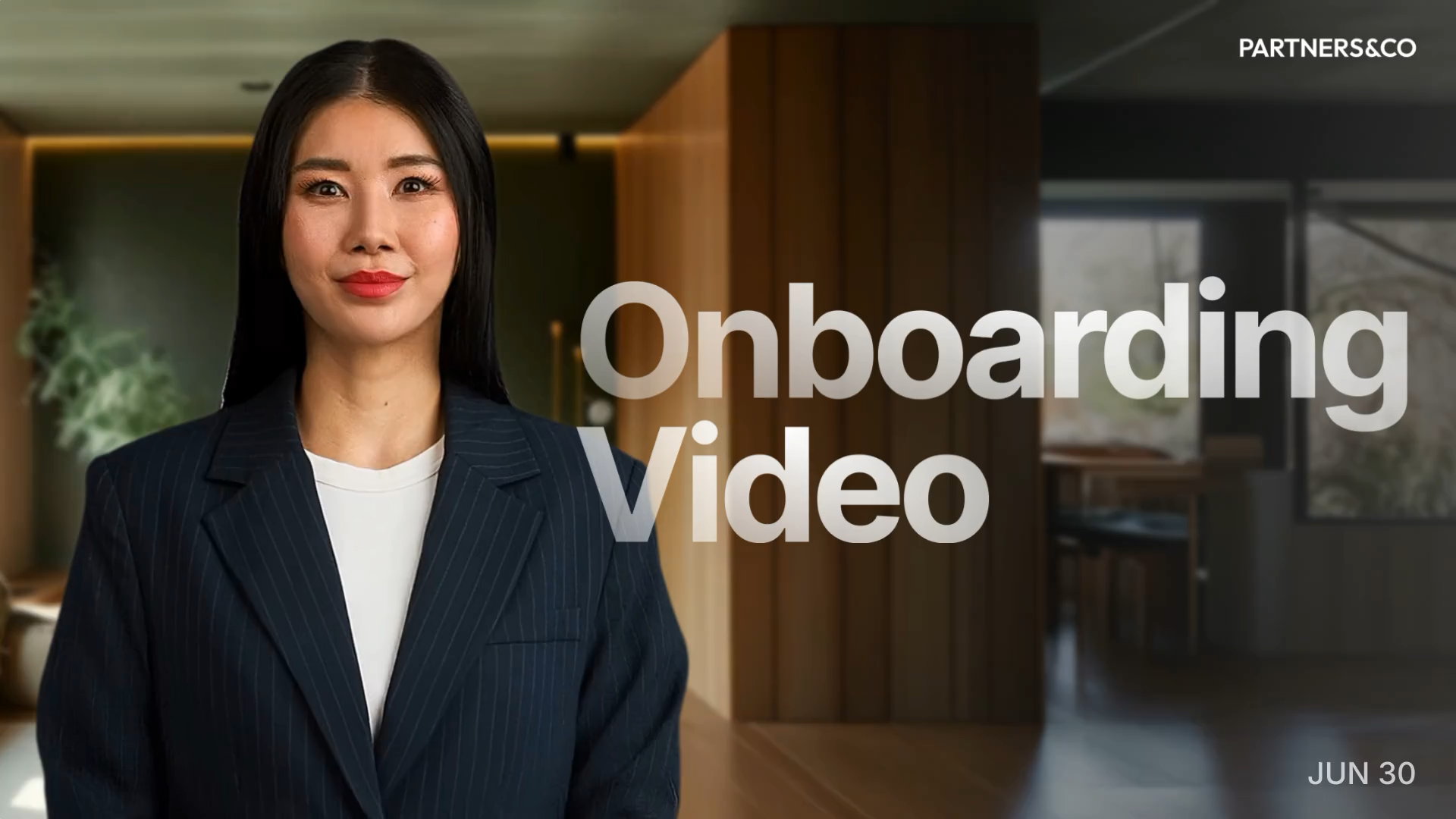
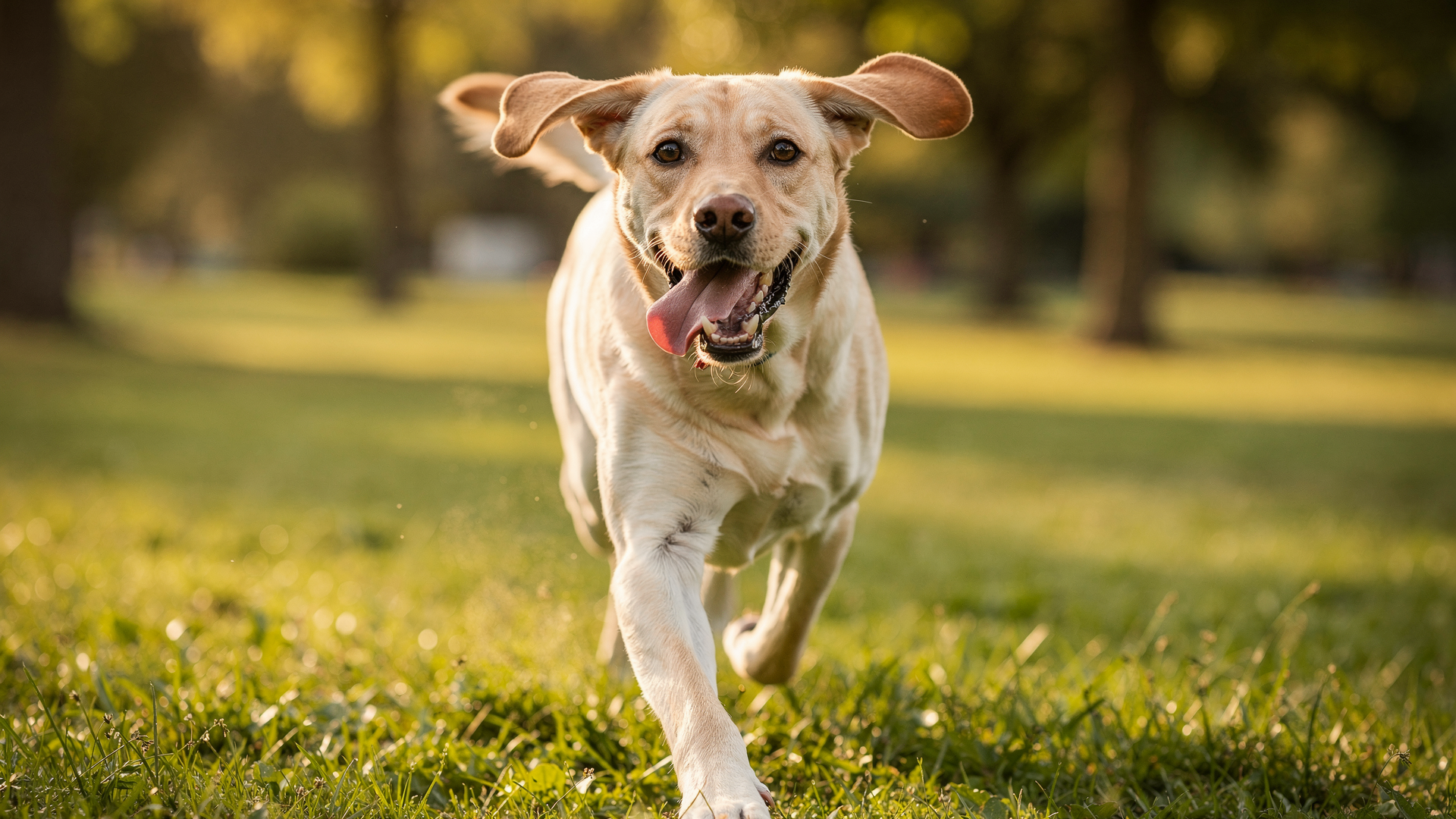
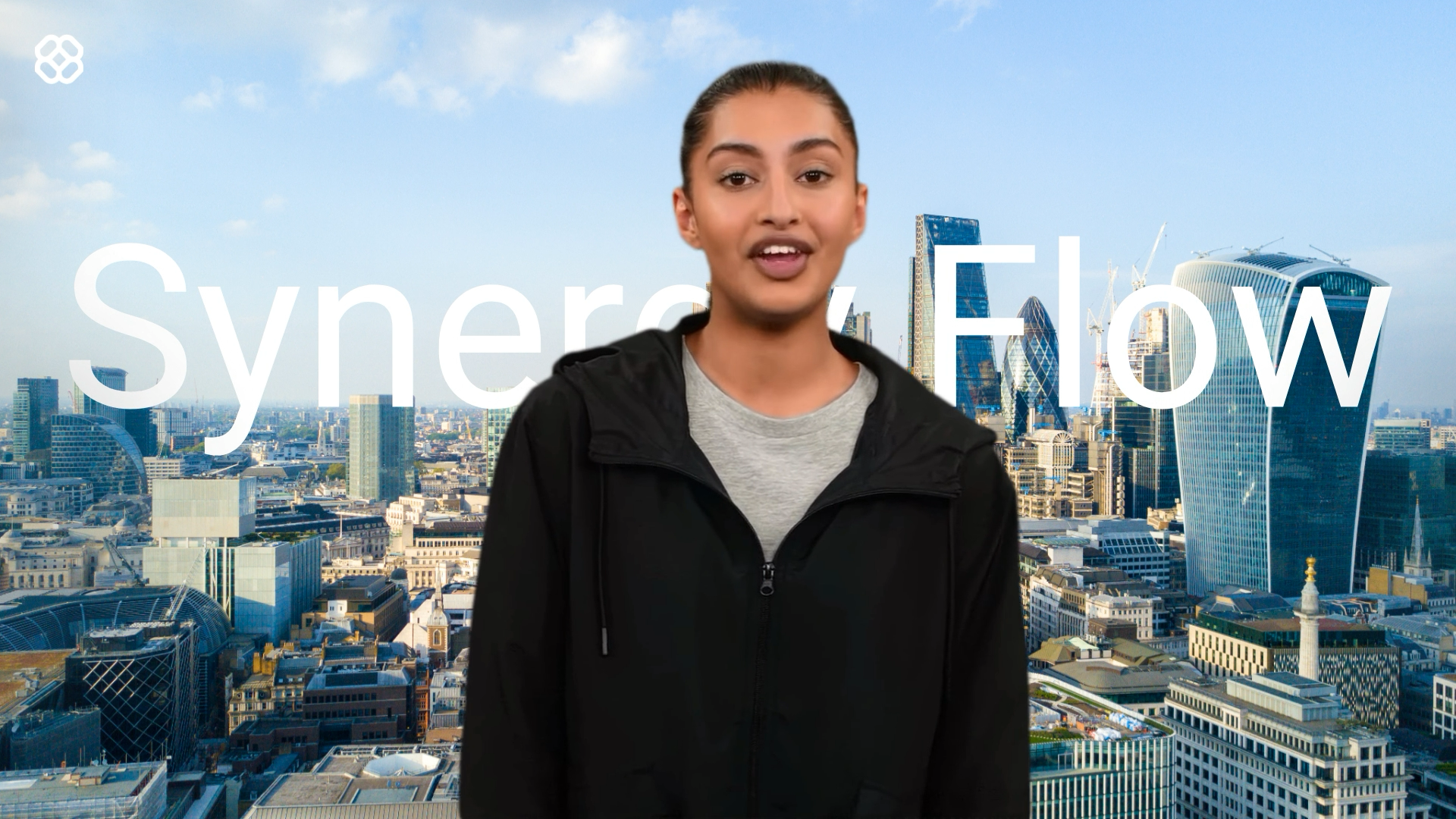
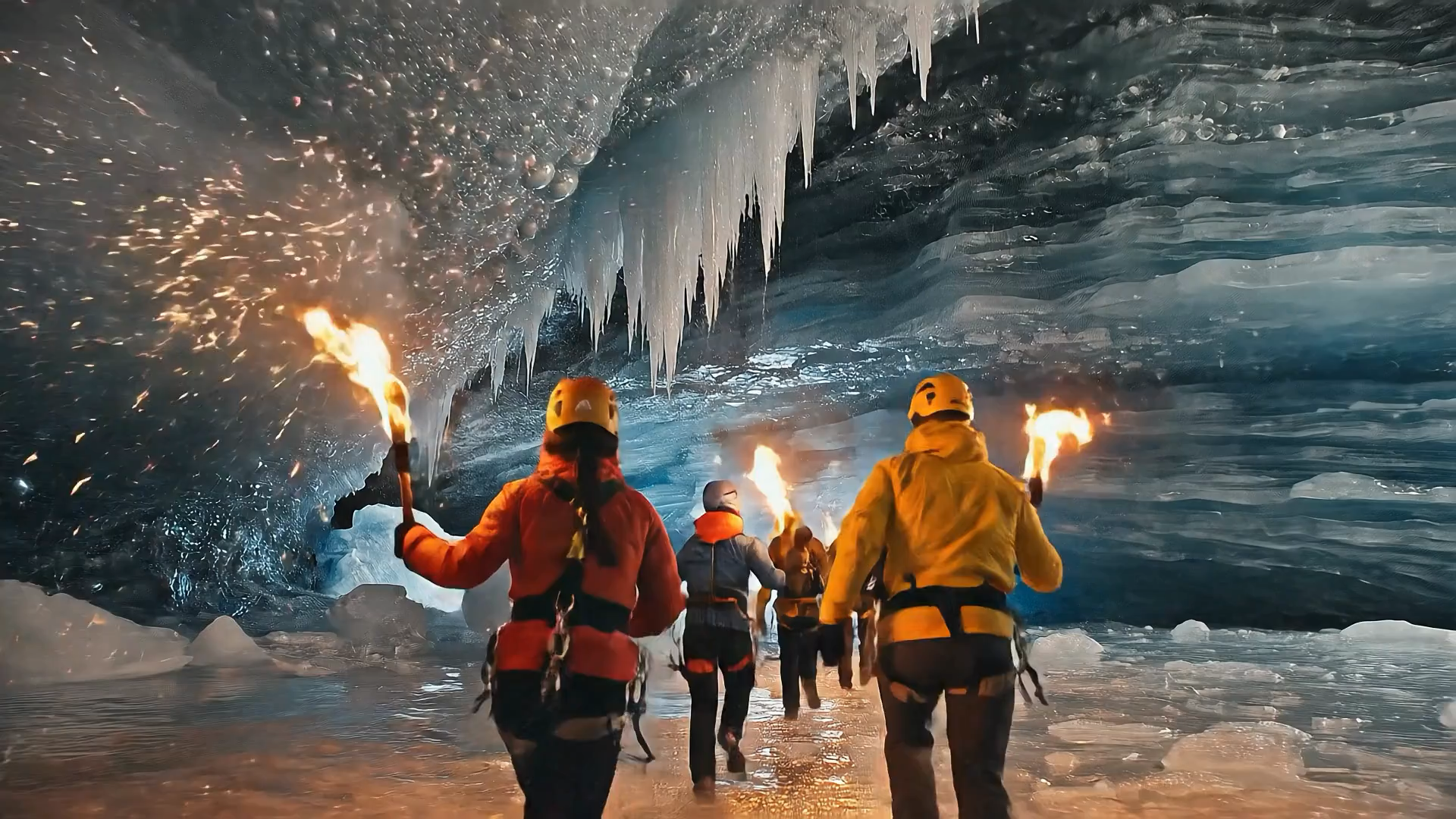
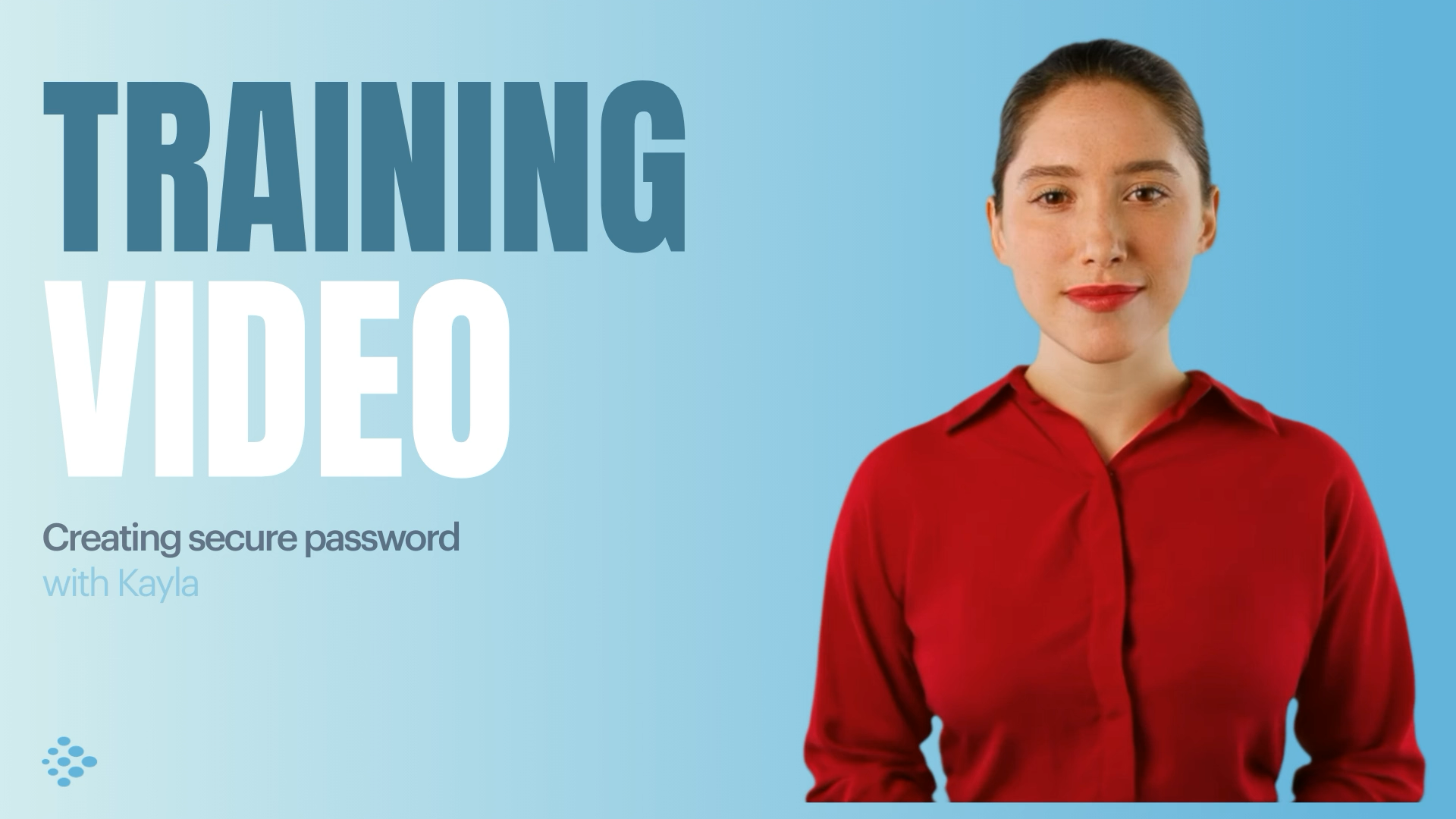
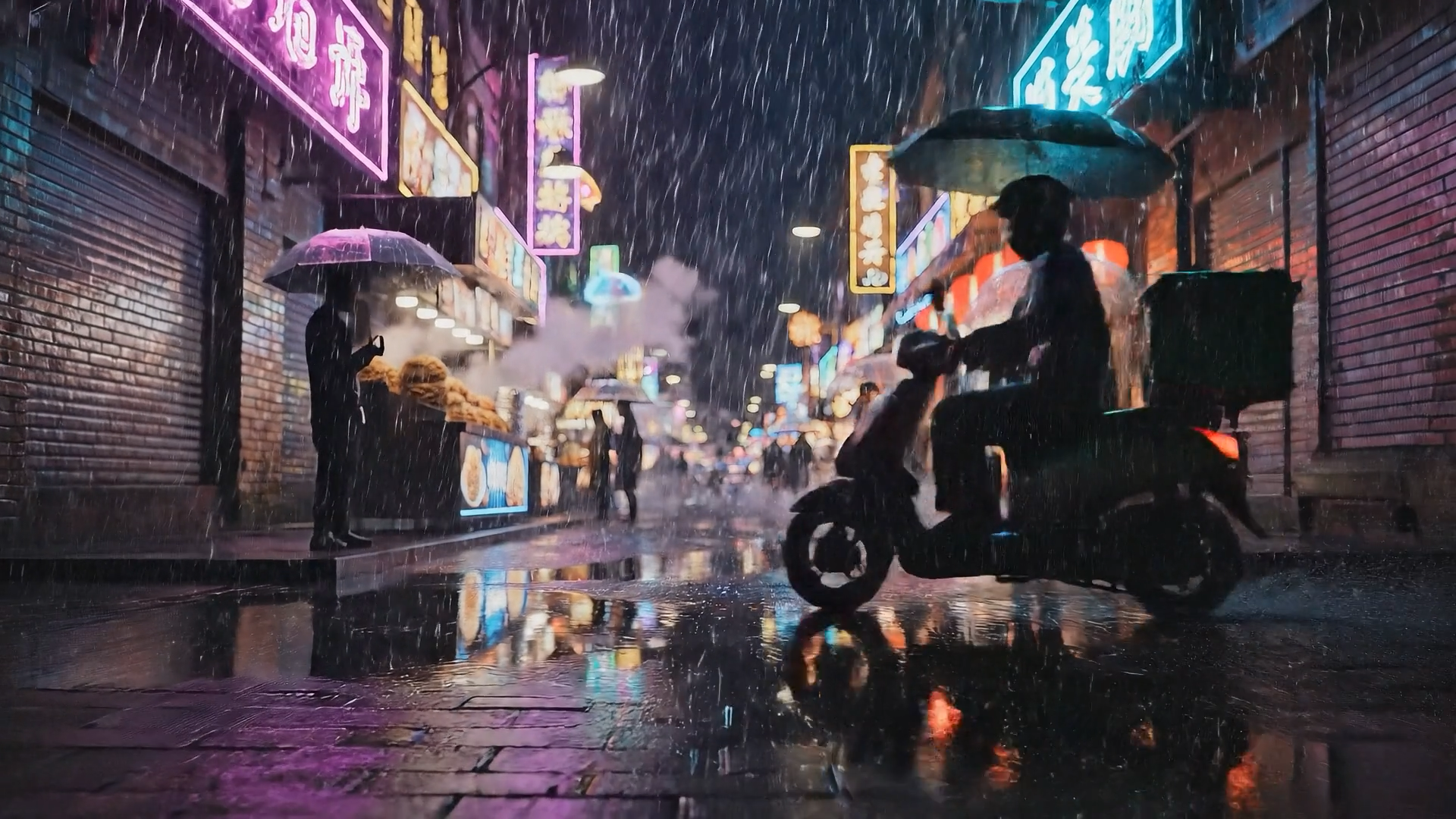
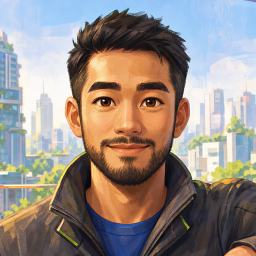
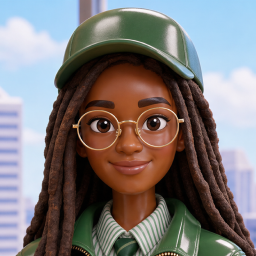
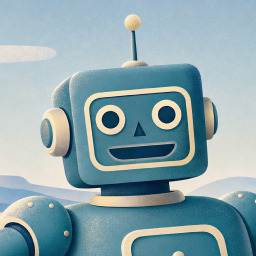

Choose your input method and let AI create your video.
By using this service, you confirm that you have all necessary rights, licenses, and permissions to upload or generate content, and that your use of any generated videos will comply with the Acceptable Use Policy and applicable regulations related to intellectual property and data privacy.
Trusted by over 50,000 companies








Design an AI character and put it straight into a video
Generate a character from a prompt, refine every detail, and put it straight into on-brand video in 140+ languages.
Generate a character from text prompts
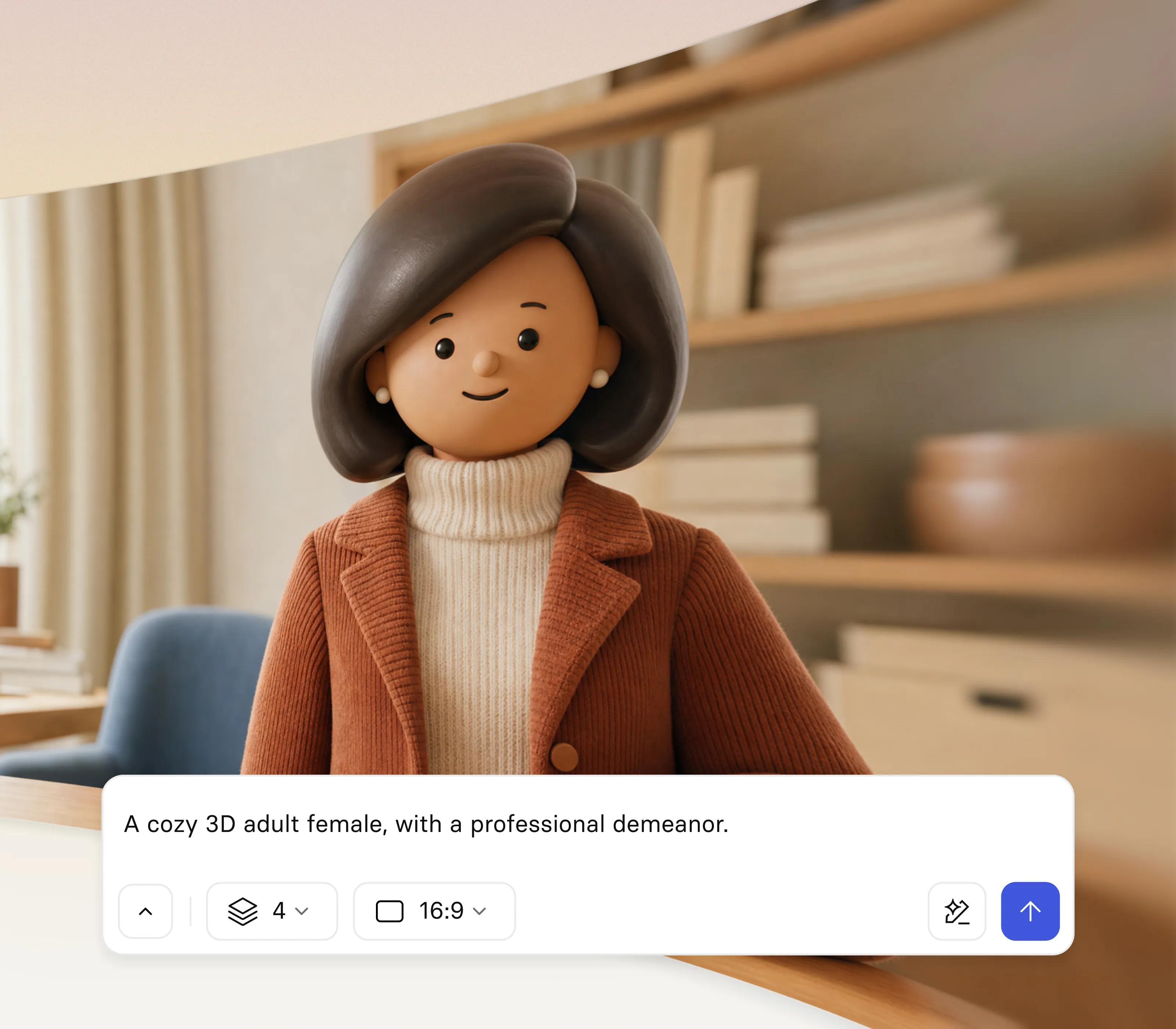
- Type a description and generate an AI character in seconds
- Start from a ready-made concept or build one from scratch
- Create a unique character with no design skills or stock art
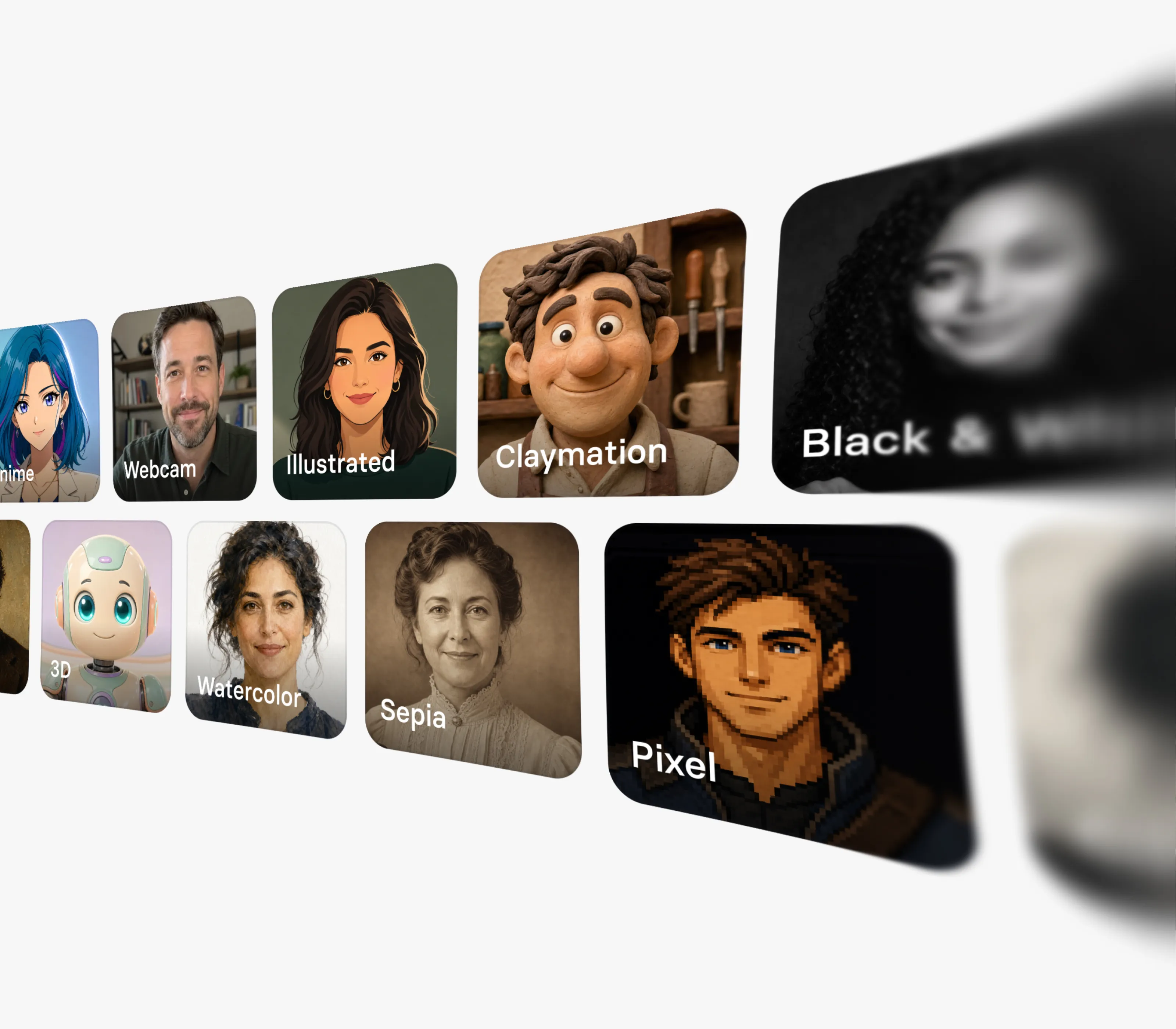
Choose any style, human or non-human
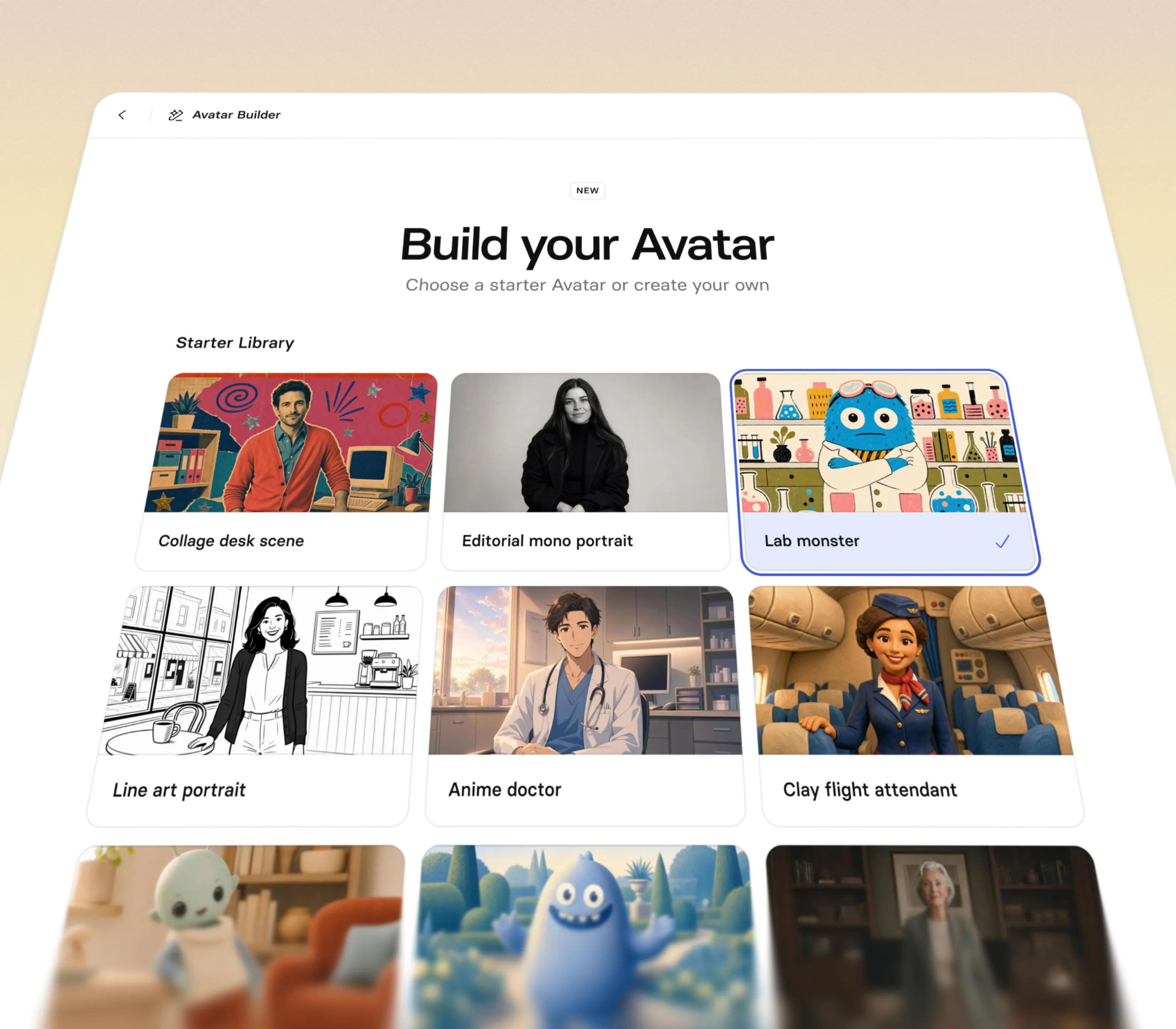
- Use presets for realistic, cartoon, anime, comic, 3D, and illustrated characters
- Design non-human characters like mascots, creatures, and concepts
- Match a visual style to your brand or audience
Control every detail of your character
- Set gender, age, and vibe to define the character
- Adjust pose, framing, position, and expression precisely
- Direct the shot with camera and lighting controls
Turn your character into a talking video
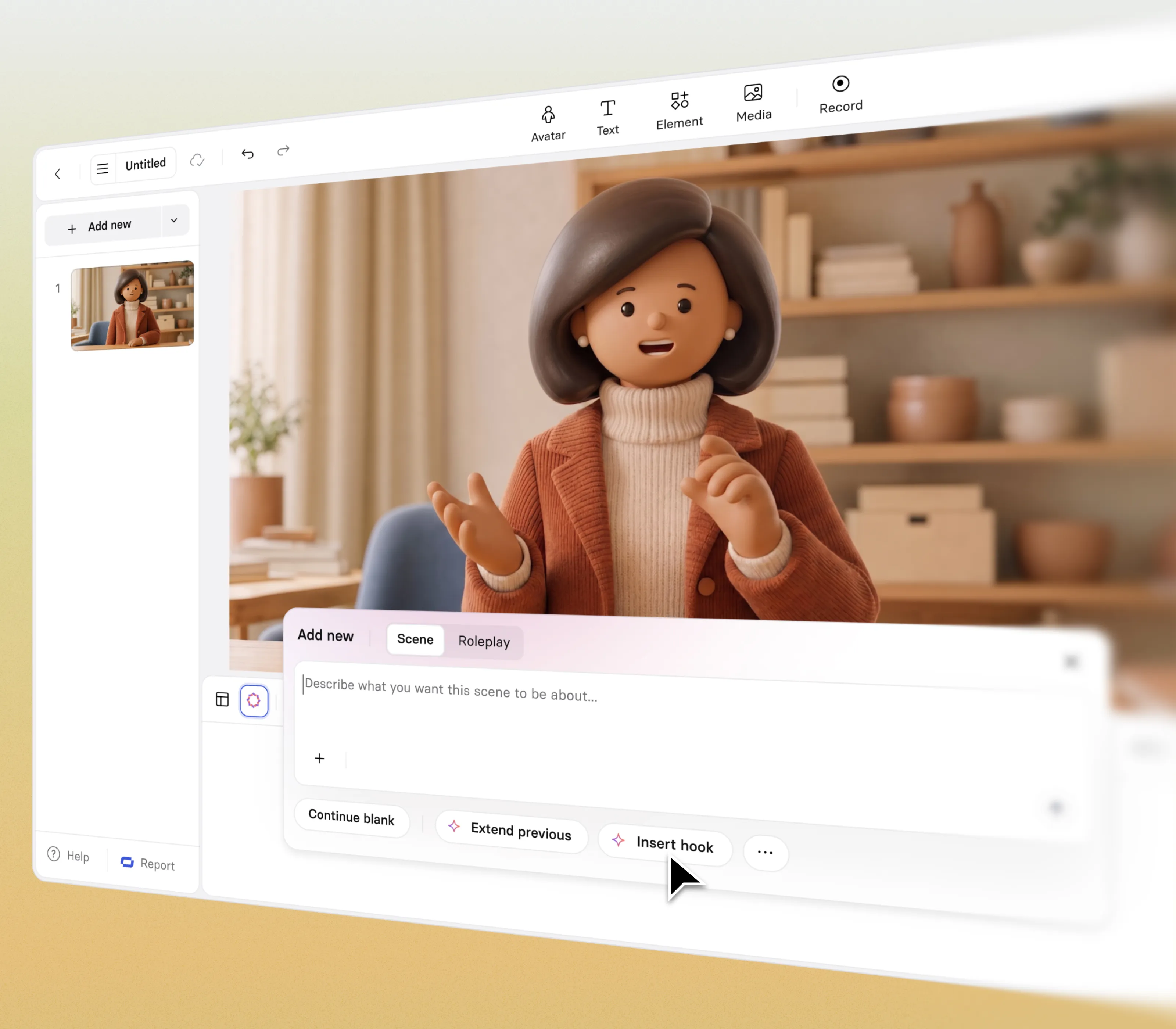
- Give your character a voice with 1000+ AI voices
- Have it present your script in 140+ languages
- Edit, translate, and update the video without reshoots
How to create an AI character
Generate a custom character and turn it into a video in a few steps, no design or camera skills needed.
1. Open Avatar Builder
In Synthesia, start a new creation by opening the Avatar Builder to begin designing your character.
2. Pick concepts or use prompts
Choose a ready-made starter concept or prompt to generate your own AI character from scratch. Adjust style, pose, framing, lighting and more.
3. Save and bring your character to life
Save your character, then add it to a video where it moves, speaks, and gestures. Customise it further and publish in 140+ languages.


Create characters for every kind of video
A generated character can present, explain, and entertain. Here are some of the ways teams put AI characters to work.

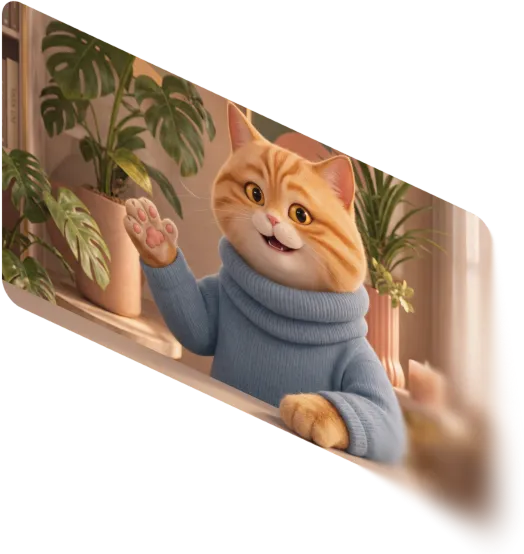
Put your own mascot on screen to front campaigns and build recognition.

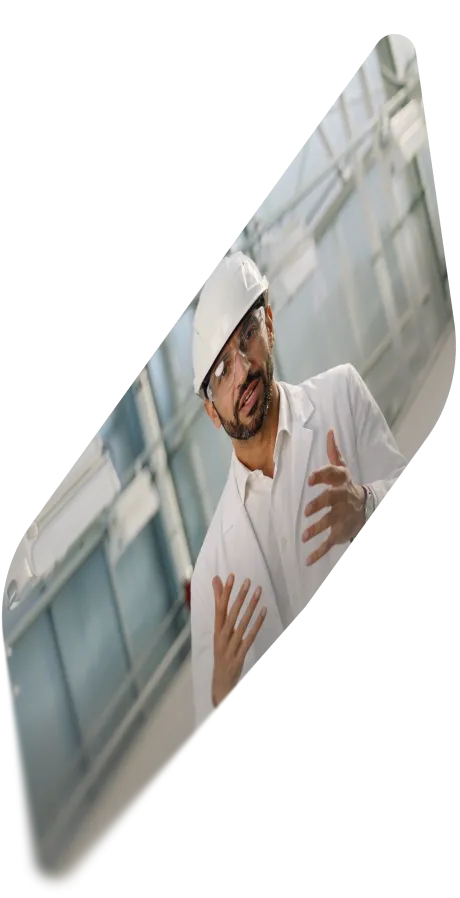
Turn dry or complex topics into friendly animated explainers people finish.

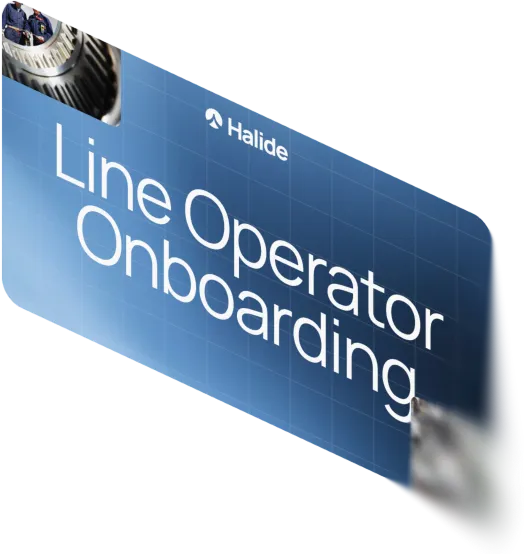
Deliver compliance, safety, and onboarding through approachable characters, no camera needed.

Guide users through features with a consistent character in every walkthrough.

Create scroll-stopping characters in any style for ads, promos, and social.

Share difficult or private messages through a neutral character, not a named person.
AI character generator FAQs
What is an AI character generator?
An AI character generator is a tool that creates a character from a text prompt, a concept, or a set of options, instead of drawing or filming one. In Synthesia, it goes a step further: the character you generate becomes a video presenter that can speak your script and appear in a full video.
Is Synthesia's AI character generator free?
Yes. Synthesia's free plan lets you create AI videos with your own characters at no cost, including 10 minutes of video per month and access to AI voices in 140+ languages. It is a genuine way to build a character, put it in a video, and see the quality before you upgrade.
How do I create an AI character from text?
Write a short prompt describing the character's appearance, style, and mood, then let Synthesia generate it. You can refine the result with on-screen controls for gender, age, vibe, pose, framing, expression, camera, and lighting, so your prompt and the manual controls work together rather than as either-or.
Can I create an AI character from a photo?
The AI character generator builds characters from prompts, starter concepts, and controls rather than from an uploaded photo. If you want a realistic presenter, you can pick from Synthesia's library with the AI avatar generator, or use the separate Personal Avatar feature to create one from consent-based footage of a specific person.
What styles of character can I generate?
You can generate characters across styles including realistic, cartoon, anime, comic, illustrated, soft 3D, collage, and painterly. That range spans a lifelike human presenter through to a stylised cartoon character, which is why one tool can serve both polished training video and playful marketing content.
Can I create a non-human character or a brand mascot?
Yes. Alongside human characters, you can generate non-human characters such as mascots, creatures, and invented concepts. This lets a brand put its own mascot on screen, or present sensitive topics through a friendly character instead of a named person.
Can my AI character speak and appear in a video?
Yes, that is the whole point of building it in Synthesia. Once saved, your character becomes a presenter that delivers your script using 1000+ AI voices in 140+ languages. You can then build the full video, from script to scenes, with the AI video generator, and edit, translate, or update it later without reshoots.
Can I reuse a character, and how long does generation take?
Generating a character takes a couple of minutes, and once it is saved to your library you can reuse it across videos without generating it again. That makes it practical to build a recurring character or spokesperson your team uses in every video.