


Synthesia Brings Agentic Video Directly Into Claude

Create AI videos with 240+ avatars in 140+ languages
Key Takeaways
- Synthesia is now available in Claude: describe the video you want in Claude, or pull in a doc, deck or spreadsheet, and build it right in the chat.
- Add Synthesia as a connector in Claude to get started. Ask Claude to create a video using Synthesia, and refine the result just by asking in the chat.
- Anthropic models played a key role in building Syren, our AI video agent for business, and Opus 5.5 now handles the art direction and code behind Syren videos.
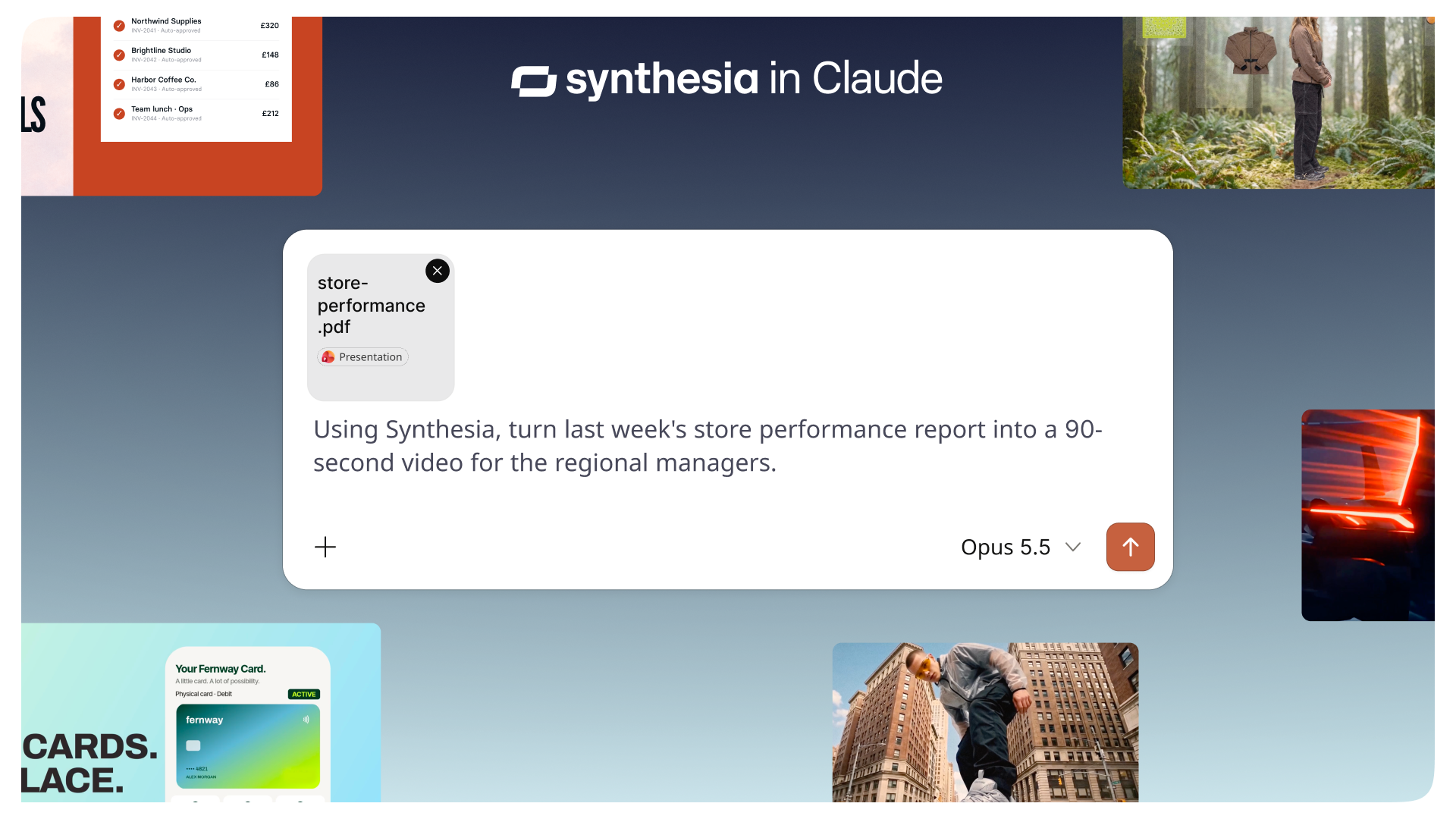
Synthesia is now available in Claude, bringing agentic video to the place you already work. Simply describe the video you want, or pull in a doc, deck or spreadsheet and our video agent builds it right in the chat.
Turn a conversation into a video using Synthesia right inside Claude
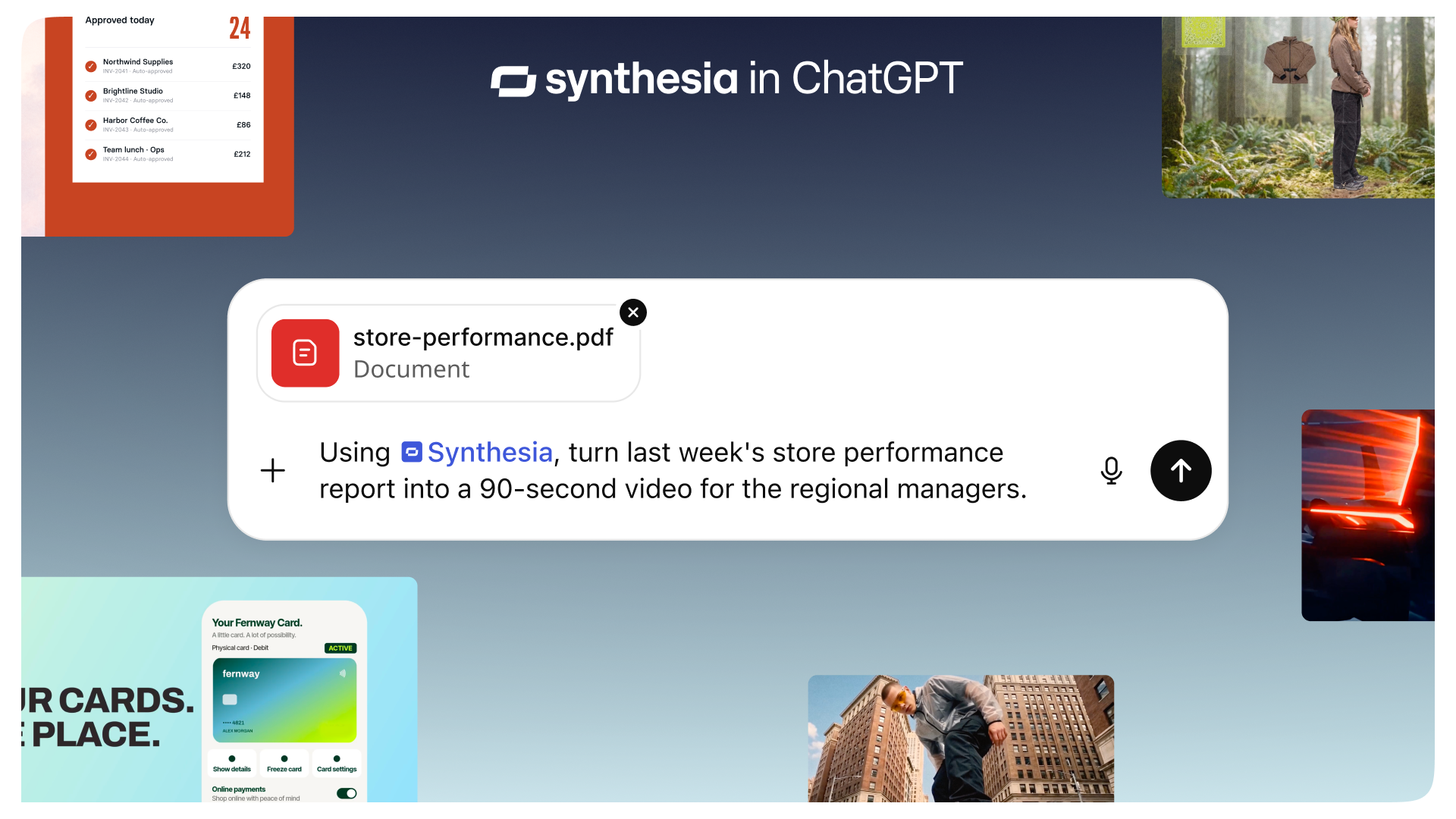
Write a short prompt, point Claude at a Notion page or ask it to summarize a Slack thread, then tell it what you need. Because Synthesia works alongside your other Claude connectors, you can ask it to “summarize this doc from Notion and turn it into a 60-second explainer with Synthesia” and get the video in the same conversation.
You choose your workspace, template, brand kit and avatar in an in-chat setup widget before anything is generated.
Syren, an AI video agent built with Claude
Syren is Synthesia’s latest breakthrough in AI video creation, reimagining how people create video from the ground up. It uses Anthropic models, and we launched it on Opus 5.5.
Anthropic models play two roles in the Syren story. First, it helped us build it: our engineers used them to develop our proof of concept. When it was time to take Syren to production, we did it in one week, mostly with Opus 5.5.
Second, Opus 5.5 assists the creative work inside every Syren video. The model plans the video, writes the narration and writes each scene as code, which our engine then renders. It understands visuals, sound, timing and flow together, so a scene’s pacing matches its voiceover. We built Syren so we can use the best model for each job, and today that model is Opus 5.5.
That’s what we mean by agentic video: instead of a person trying to edit a video scene by scene, an agent plans the video, writes the script, builds the scenes and edits it together from a single request.
Start with an idea or a script
Type in your prompt and the Synthesia video player appears in the chat, with Syren as the default video creation tool in Claude. Choose an avatar or a voiceover, the visual style, and the length and format. If you want a different opening, a shorter cut or a new tone, just describe the change in chat. Each edit is saved as a new version, so you can undo it or restore an earlier one. When you’re happy, Claude exports the full-quality video file or opens it in Synthesia. Syren is built for explainers, how-tos, launch videos and marketing content.
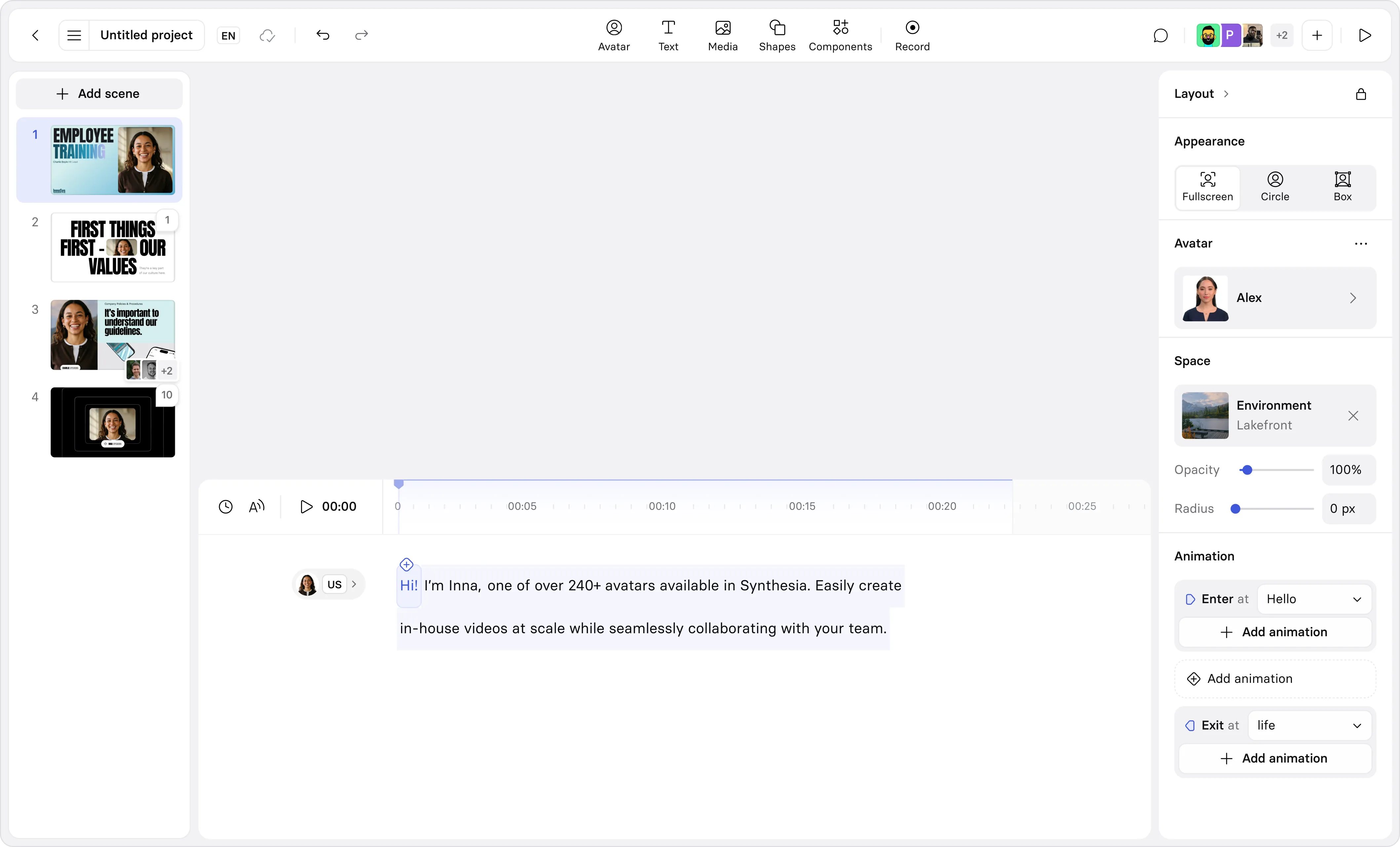
Need exact wording or a template? Ask for Synthesia to use Studio instead. An avatar will deliver your script word for word, and the draft opens in the Synthesia Studio editor for scene-by-scene changes.
Video production, automated
Synthesia works with the connectors you’ve already added to Claude, so you can set up workflows that pull from your tools and turn key updates into a finished video. Run one on demand, set it as a scheduled task, or have it kick off when something new shows up in Slack or your inbox.
- Product: a launch video for every release. Try the prompt: “Each time someone posts in #product-releases, use Synthesia to turn the update into a 30-second launch video."
- Sales: a recap video after every customer call. Try the prompt: "Pull the transcript from today’s Zoom call with Acme and use Synthesia to create a 60-second recap video covering our next steps. Send me the link when it’s ready."
- HR: a welcome video for every new starter. Try the prompt: "Each weekday at 8am, look in BambooHR for anyone joining today and use Synthesia to create a 60-second welcome video for each person."
- Support: a how-to video for every help article. Try the prompt: “Each morning, find any help center articles published in the last day and use Synthesia to turn each one into a 60-second how-to video.”
- Engineering: a changelog video for every release. Try the prompt: "Whenever a new release is published in our GitHub repo, read the release notes and merged pull requests, then use Synthesia to create a 60-second video on what shipped and why it matters."
- Everyone: a Friday roundup video for the team. Try the prompt: “Every Friday afternoon, gather this week’s posts from #announcements and use Synthesia to create a two-minute company roundup video.”

How to get started
Synthesia in Claude is available on Starter, Pro and Enterprise plans. To connect, follow these steps or watch this video:
- In Claude, go to Customize, then Connectors, and select Add custom connector.
- Enter the server URL https://mcp.synthesia.io/mcp and leave the OAuth fields empty.
- Sign in to Synthesia, then switch Synthesia on from the + menu in a new chat.
Team and Enterprise workspaces: an admin adds the connector under Organization settings, then members connect individually. Syren videos created through Claude use credits, the same as in Synthesia. Brand kits are available on Enterprise plans.
If you’re new to Synthesia, create a free account as you connect.
Dan Spooner
Dan Spooner is a product manager at Synthesia, working on Workflows. He has built products across Berlin, Paris and London, including AI media generation tools for small businesses at Photoroom, and previously worked at Cash App and Snap.