



Synthesia Launches Plugin in ChatGPT: Create Video Without Leaving the Chat

Create AI videos with 240+ avatars in 140+ languages
Summary
- Today we’re launching the Synthesia plugin in ChatGPT, and you can get started for free
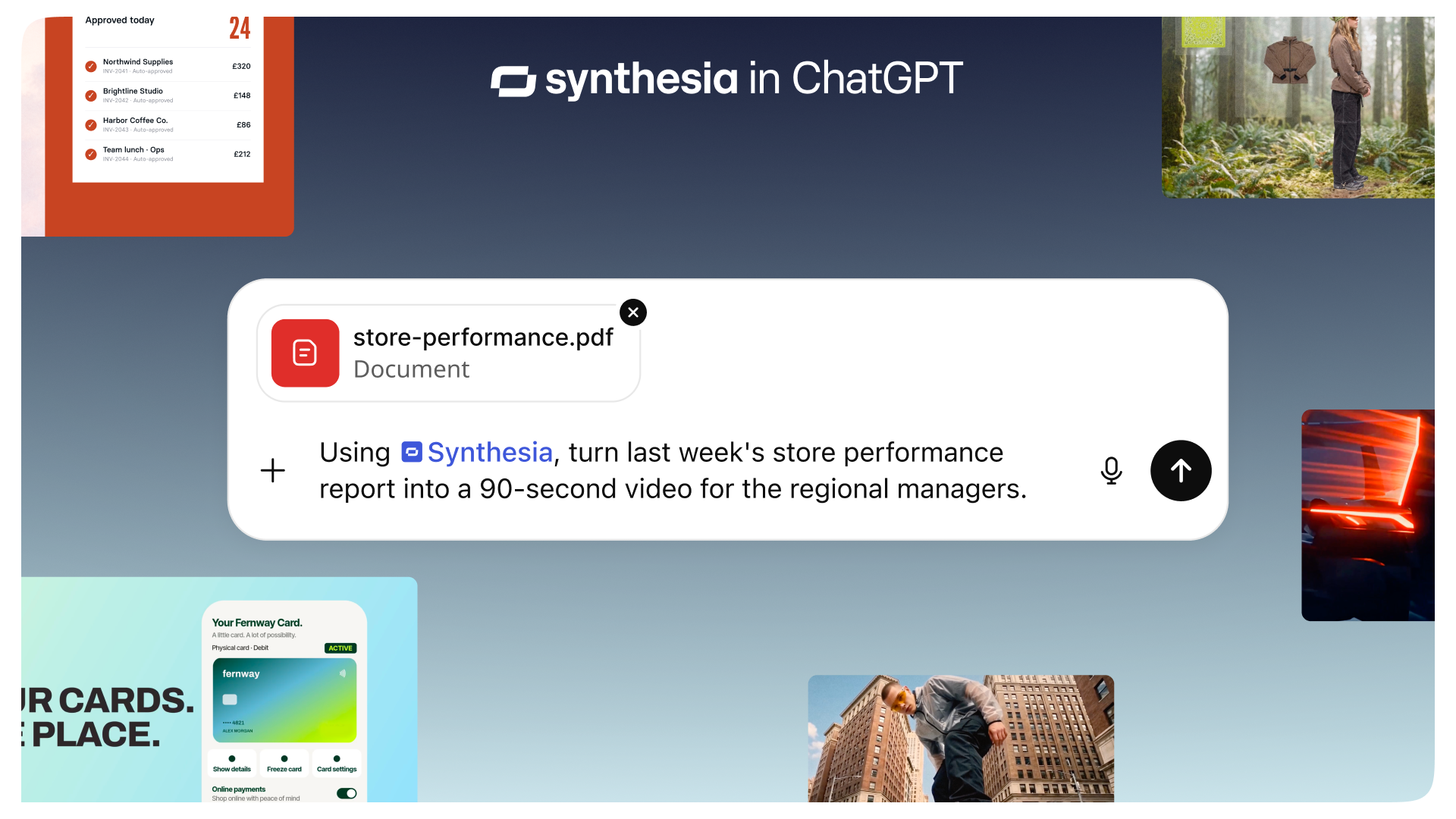
- Describe the video you want, or share a doc, deck and spreadsheet, and our platform builds a finished video right in the chat, then refines it with you
- Search "Synthesia" in the ChatGPT Plugins menu to connect. New to Synthesia? You can create a free account as you go
A lot of work already happens in ChatGPT. Now you can create your Synthesia videos there, too.
Turn your ChatGPT conversation into a video
Product updates, call notes, launch briefs, how-to scripts: if it’s already in ChatGPT, it can become a video. Draft it, get feedback on it, then make the video right alongside, in the same place you wrote it.
You’re already doing the thinking with ChatGPT. Now you can visually bring your ideas to life there too.
One chat, multiple video formats
Tell ChatGPT the video you need, like a product launch, a feature explainer or a training module. It asks a couple of quick questions, such as visual style and length, then Synthesia builds it right in the chat.
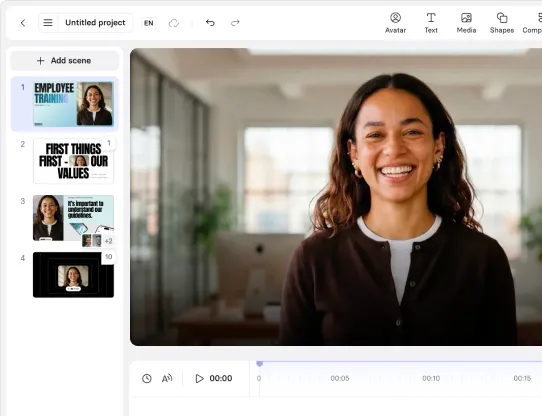
Synthesia videos you create in ChatGPT are made with Syren by default, our fastest format, with motion graphics, avatars, voiceover, music and b-roll. Want a change to the video that was created? Just ask in chat. Great for explainers, how-tos, launch videos and marketing content.
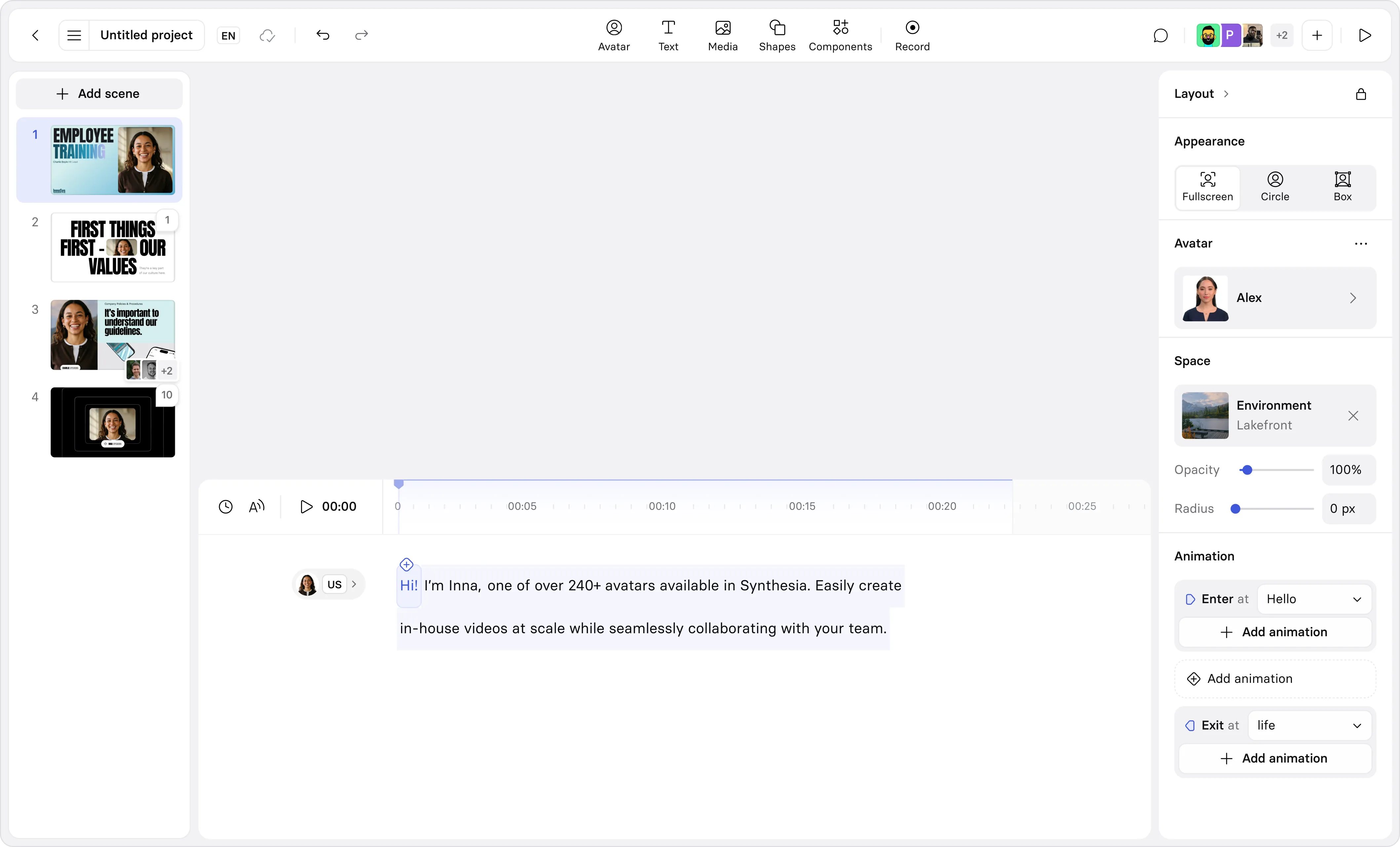
Need exact wording, your brand kit or a template? Say “make it in Studio” when you’re prompting in ChatGPT, and an avatar delivers your script word for word. Then open the video editor to make scene-by-scene adjustments. Great for in-depth video like training, onboarding, and compliance comms.
You can also search your video library from the chat and pull up the details of any video.
Put your video workflows on autopilot
Synthesia works with the plugins you’ve already connected to ChatGPT, so you can build workflows that pull from your tools and turn important updates into a finished video. Run it once, on a schedule, or when something new lands in Slack or your inbox.
- Marketing: launch video for every release. Try the prompt, “Whenever a new post lands in #product-releases, turn it into a 30-second launch video with Synthesia.”
- Sales: recap video for every customer call. Try the prompt, “Find today’s Zoom call with Acme, use the transcript and Synthesia to make a 60-second recap video with our next steps, and give me the link.”
- HR: welcome video for every new hire. Try the prompt, “Every weekday at 8am, check BambooHR for anyone starting today and make each of them a 60-second welcome video with Synthesia.”
- IT: setup video for every new tool. Try the prompt, “Whenever IT announces a new tool in #it-updates, make a 60-second video with Synthesia on what it’s for and how to set it up.”
- Support: turn each help article into a how-to video. Try the prompt, “Every morning, check our help center for articles published since yesterday and make a 60-second how-to video for each with Synthesia.”
- Everyone: send the team a Friday roundup video. Try the prompt, “Every Friday, pull this week’s posts from #announcements and make a two-minute company roundup video with Synthesia.”
How to get started
The Synthesia plugin in ChatGPT is live today on every Synthesia plan. Open the Plugins menu in ChatGPT, search “Synthesia”, and click Connect, or use this link. New to Synthesia? Create a free account as you connect.
Dan Spooner
Dan Spooner is a product manager at Synthesia, working on Workflows. He has built products across Berlin, Paris and London, including AI media generation tools for small businesses at Photoroom, and previously worked at Cash App and Snap.