Free PDF to video converter
Create engaging AI videos from a PDF file in just a few clicks. Perfect for training, marketing or sales videos.
0/500 characters
Please try a different idea!
Need inspiration? Try one of these ideas
0/1500 characters
Please try a different script!
Need inspiration? Try one of these ideas
With it, staying connected with your clients becomes effortless and consistent. Let me explain. We automatically schedule and personalize messages whenever you log an interaction.
Calls, meetings… every touchpoint counts! Now no lead goes unnoticed!
Join Connectly today and turn your everyday conversations into lasting relationships.
First, why we're here: we turn big ideas into simple, helpful products always for the customer.
On day one, just focus on three things: Meet your squad. Slack, wave, or say hi in person. Set up your tools. Email, chat, and our project hub.
Pick a tiny task and ship it. Nothing builds confidence like a quick win.
We are so glad you are here. Ping your buddy or me if you have any questions. That's it. Let's make awesome stuff together!
With Synergy Flow you can track tasks, analyze performance, collaborate in real-time.
Let's look at our plans: We have Pro plan for small teams and startups. Also — we have Pro plus plan for growing companies.
And enterprise for those companies that need robust security. If you can't find the right plan, let us know.
Strong password is key to your security. Make it at least 12 characters, and use a mix of uppercase, lowercase, numbers, and symbols. Avoid common words or names.
We don't recommend you to use same passwords for work and personal accounts. Also always use multi-factor authentication to avoid extra risks.
Stay cautious, never share your password and don't hesitate to ask questions. That's it for today. Thanks for watching.
Paste a link to a public article or blog post you have permission to use and we’ll turn it into a video.
Pages with over 4,500 words will be rejected.
We don’t support this type of link. Try a public article or blog post instead.
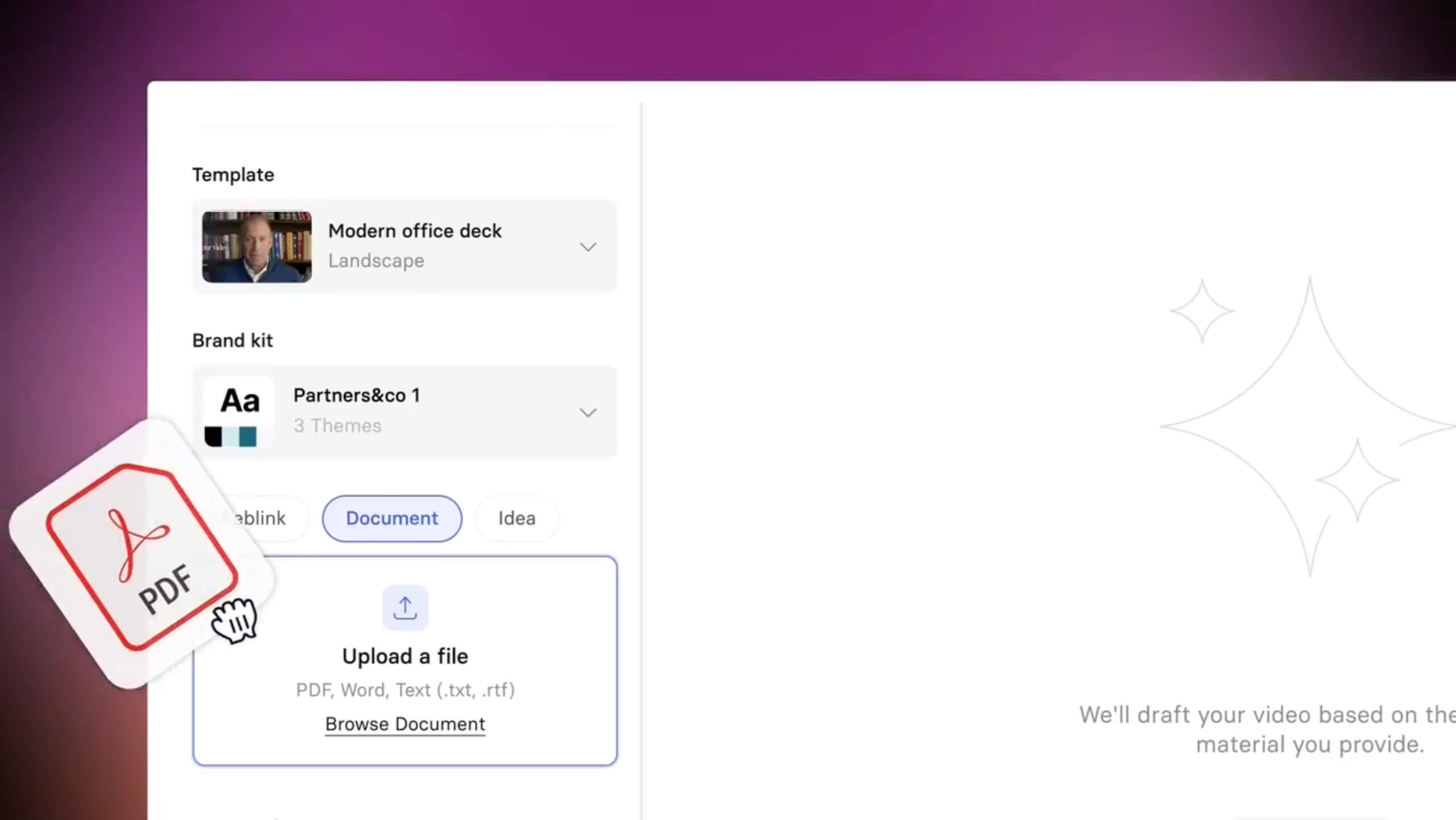
Add a PDF file

Upload a PDF
Max 50MB
Video settings

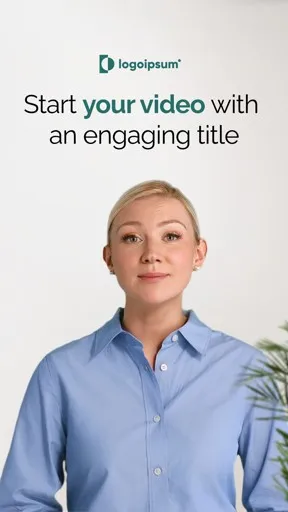
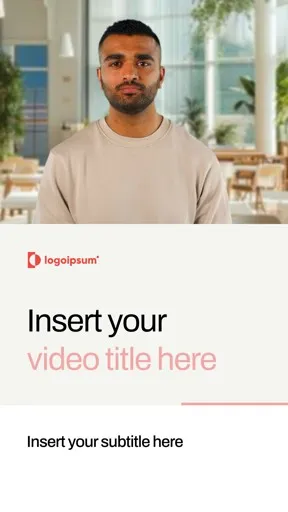
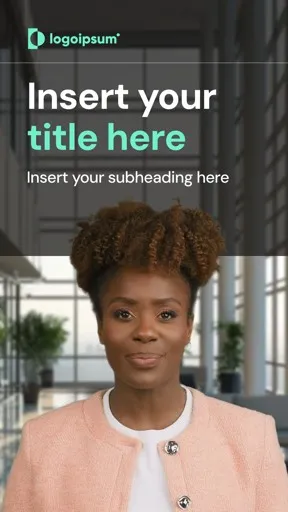
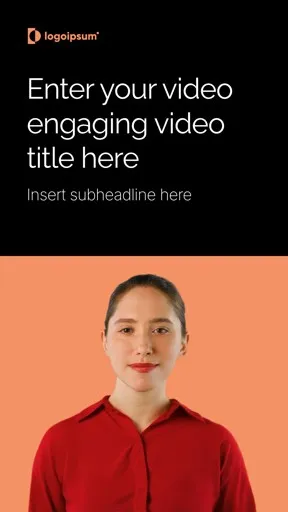
By using this service, you confirm that you have all necessary rights, licenses, and permissions to upload or generate content, and that your use of any generated videos will comply with the Acceptable Use Policy and applicable regulations related to intellectual property and data privacy.







Explore PDF to video examples
See how Synthesia converts PDFs into engaging videos.

How to create effective SOPs

Benefits of security awareness training
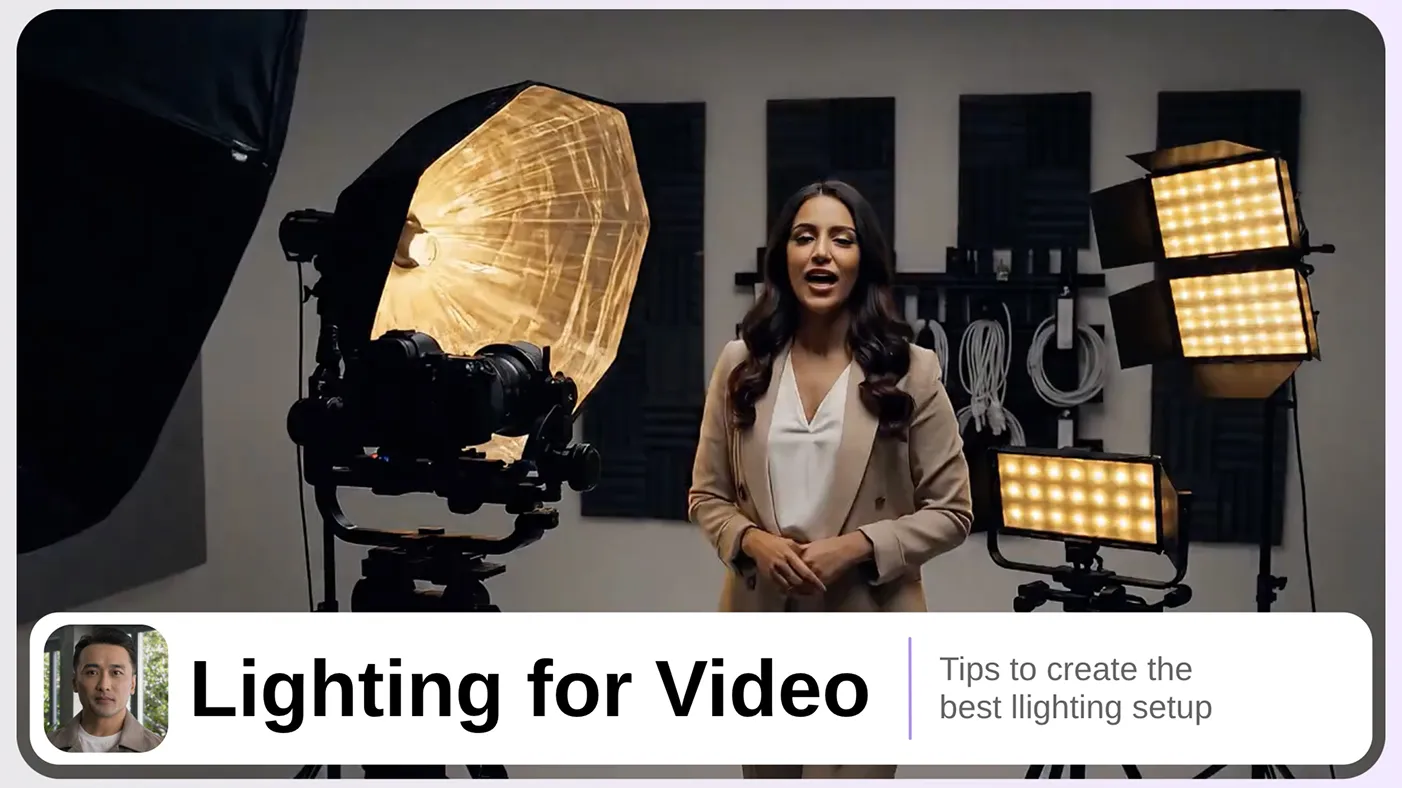
Lighting for video best practices
PDF Title
X pages
Turn your PDFs into videos people actually watch
Static PDFs don’t engage. With Synthesia, you can transform them into dynamic videos in over 160 languages.

Convert your PDF into an MP4 file in 5 minutes
- Easily repurpose PDFs into videos for training, sales, marketing, and more
- Generate a share link, embed your video across platforms, or download it as a high-quality MP4
- Creating a video in Synthesia feels as simple as making a slide deck

Bring your PDFs to life with amazing AI visuals
- Enrich static PDF content with AI-generated visuals right inside Synthesia
- Turn text-heavy documents into dynamic scenes and b-roll by typing a prompt
- Generate branded graphics or industry-specific imagery to match your message

Engage your viewers with realistic AI presenters


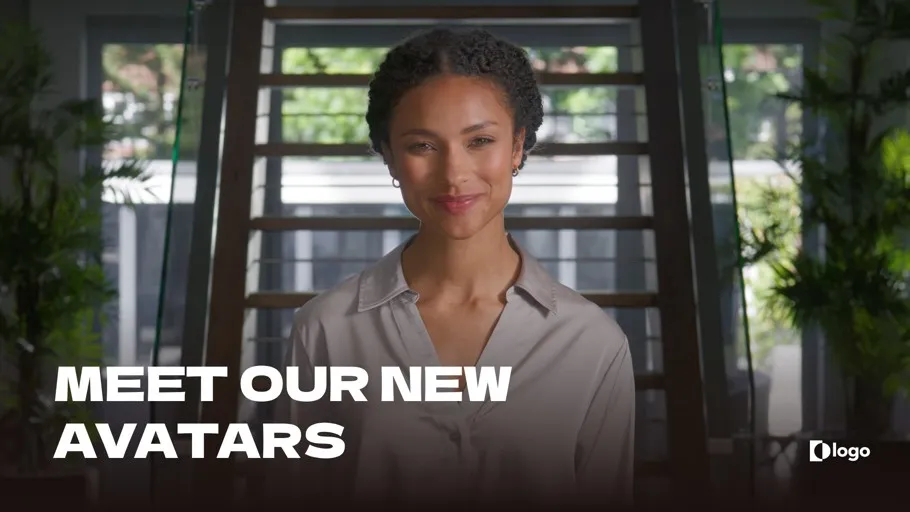
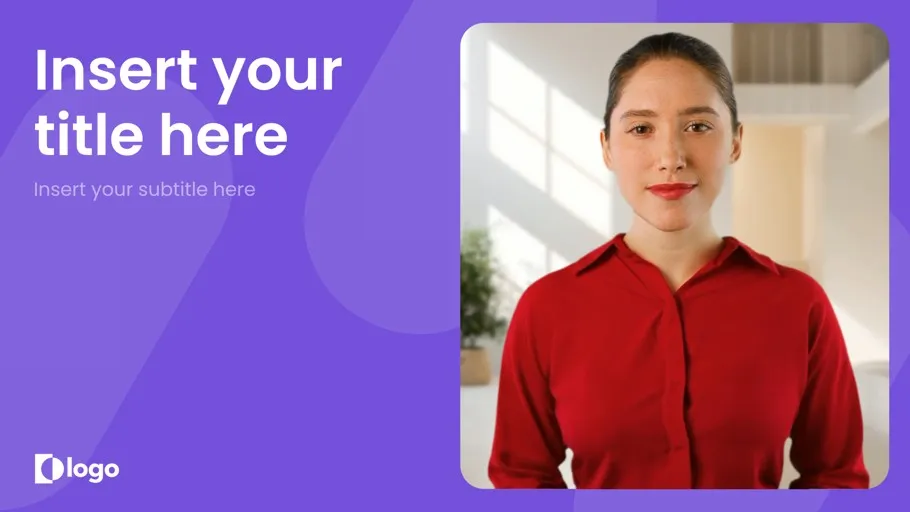
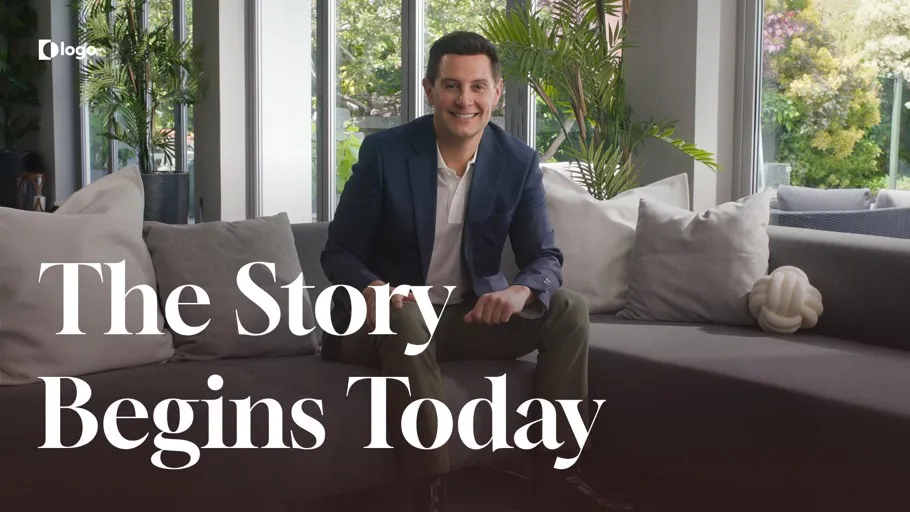
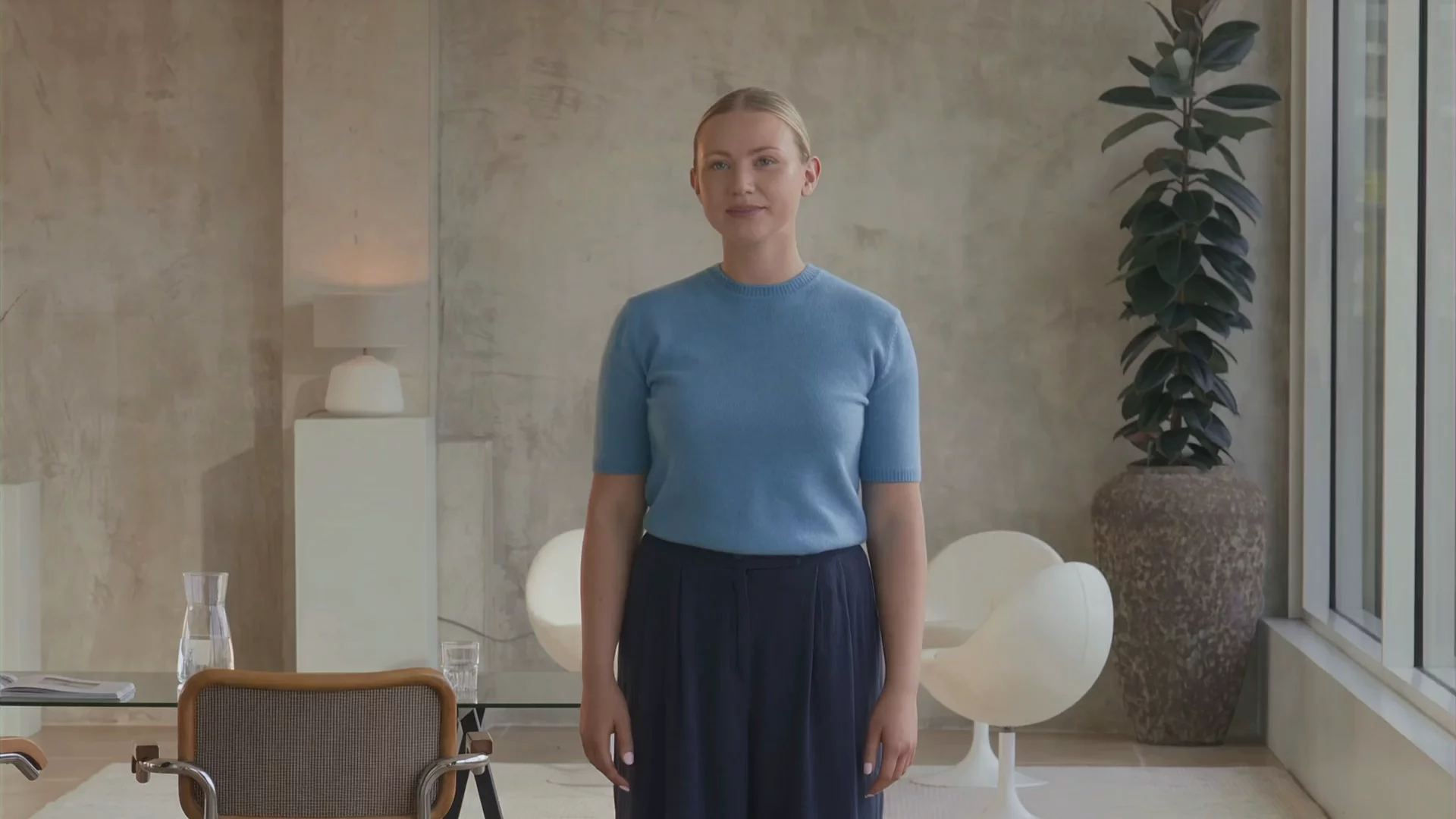
- Pick from 240+ lifelike AI presenters to narrate your PDF content
- Personalize avatars with different outfits, backgrounds, and layouts
- Create a custom avatar that looks and speaks just like you

Translate your PDFs into 160+ languages
- Add natural-sounding AI voiceovers in 160+ languages and accents
- Choose from 1000+ expressive voices in a range of accents
- Clone your own voice to deliver content in any language
Why convert PDF to video?
Because video makes information easier to absorb, more likely to be finished, and simpler to share than PDFs.

Turn static documents into clear explanations
PDFs rely on reading, but research shows people learn more deeply from words and visuals combined than from text alone, making complex information easier to understand when presented as video.

Help people remember what they learn
Across 180+ experiments, multimedia learning like video leads to measurably better learning outcomes (g = 0.37) compared to text-only formats, helping people remember more than they would from a PDF.

Increase completion and keep attention
Long PDFs often go unread, but video is easier to follow. In experimental studies, learners who watched instructional videos achieved more than double the learning gains (0.105 vs 0.045) compared to a control group.



"I really love the PDF to video and PowerPoint to video options. Those make it much easier to create a video with just a few clicks.
"Synthesia saves a lot of time, because it is easy to use and the AI-Features are able to create a video out of documents like Word or PDF.
"Previously, we relied on lengthy PDF guides that customers often ignored. Now we create personalized welcome videos and step-by-step tutorials that guide customers through our platform."

How to convert a PDF file into an AI video
Here’s how to convert your PDF into an engaging video in just a few clicks with Synthesia.
Upload your content
Upload your PDF file (up to 50MB). Synthesia also accepts PowerPoint, Word docs, URLs, and simple text prompts.
Customize your video
Choose a template, refine the script, set objectives, audience, and tone. Pick from 240+ AI avatars, add footage, music, voiceovers, animations, and your brand assets.
Generate and share
Click ‘Generate’ to produce a polished video in minutes. Translate into 160+ languages with one click, then export and publish anywhere.


Ready to try our video platform?
Join professionals from 50,000+ leading companies.

Who is PDF to video conversion for?
PDFs are everywhere, but they are rarely the format people want to learn from. Teams use PDF to video conversion to turn important documents into short, watchable videos that are easier to share and easier to finish.
Whether you are training internal teams, enabling sales, or repurposing content for marketing, a PDF to video workflow helps you get more value from documents you have already made.
L&D and training teams
Turn SOPs, compliance docs, and onboarding PDFs into training videos that employees can watch in a few minutes.
Sales enablement
Convert PDF product one-pagers, pitch decks, and battlecards into short training videos for reps.
Product and GTM teams
Use existing product docs and PDFs to create product overview videos, feature walkthroughs, and launch updates.
Marketing teams
Repurpose whitepapers, case studies, and research reports into videos for landing pages, email, and social.
Internal communications
Summarize policy changes, process updates, and quarterly PDF docs into clear internal announcements that are more likely to be seen.
Educators and students
Turn lesson plans, study guides, and lecture notes into recap videos for revision, onboarding, or flipped-classroom learning.
PDF to video FAQs
How do I convert a PDF to video?
To convert your PDF, upload the file into Synthesia, and the platform extracts the key text and turns it into a draft video script. It then maps each section to scenes with AI avatars, voiceovers, and on screen text. You review the scenes, make edits in the editor, and click generate to produce the final video.
Is the PDF to video tool free?
Yes, you can use Synthesia’s PDF to video tool for free, and generate 10 minutes of video each month. The Basic plan gives you customizable avatars, built in AI voiceovers, and translation across 160+ languages. It also includes AI asset generation with tools like Veo 3 and Sora 2 to enhance your video content.
What makes this PDF to video tool different from other tools?
Synthesia offers a more complete solution than typical PDF to video tools. The platform supports screen recordings, media uploads, and custom branding alongside AI generated scenes. It also includes collaboration features, version control, and easy sharing through links or exports, which makes it suitable for teams.
What types of video can I make from a PDF?
Synthesia lets you create training videos, product explainers, sales presentations, and marketing videos from a PDF. You can also turn reports, whitepapers, and case studies into short summary videos. You can turn almost any text based PDF into engaging video content.
Can I download the video as an MP4?
Yes, once your video is generated, you can download it as an MP4 file. Synthesia exports videos in Full HD 1080p at 1920×1080 resolution for high quality playback. You can also download supporting files such as .wav audio, .srt or .vtt captions, and .xliff translation files.
Can I customize the video after conversion?
Yes, the PDF conversion creates a Synthesia project that stays editable in your workspace. You can modify the script, update layouts, translate the video, or collaborate with teammates while it is still in draft mode. Once you are ready, you generate the video, and you can always return to edit and regenerate if needed.
Can I convert a PDF to a vertical video for social media?
Yes, Synthesia supports vertical video formats for social media. After converting your PDF into a video project, you can select a portrait aspect ratio using the video size settings.
How long can my PDF be for video conversion?
Your PDF can be up to 50 MB in size when uploading it to Synthesia. The platform processes the file regardless of page count, as long as it stays within this limit. On the free plan, you can generate up to 10 minutes of video per month, with longer durations available on paid plans.
What other file formats can I convert into video?
Synthesia supports multiple input formats beyond PDFs, so you can reuse existing content. For example:
Not just a PDF to video converter
With Synthesia, you can do more than just convert a PDF to video. You can convert any text to video with AI, bring your content to life using digital avatars, and translate your existing videos for global audience with AI video translation that matches voice and lip-sync.
Synthesia gives you everything you need to transform plain text into professional videos at scale – all in one place.