Improvement
Add burned-in captions to dubbed videos
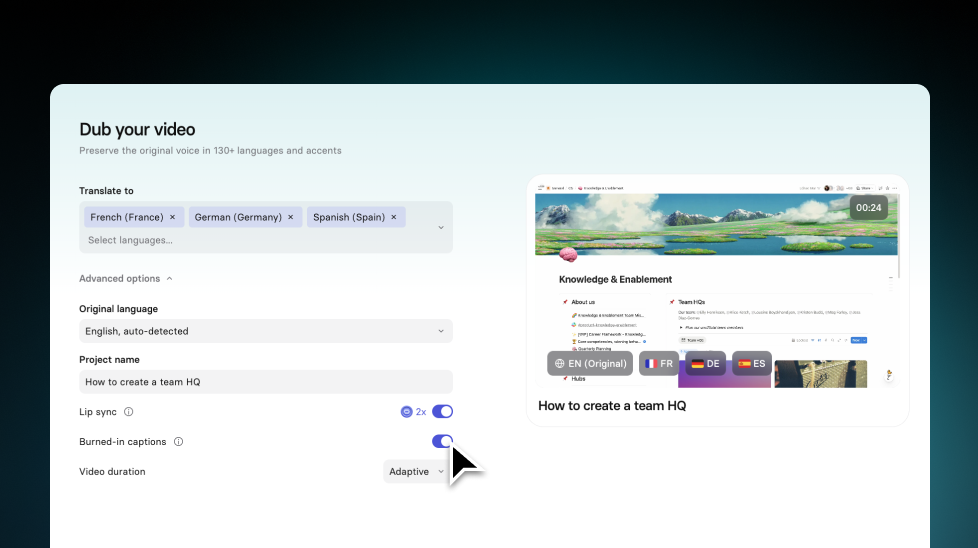
Add burned-in captions to dubbed videos in one click, so your localized content stays accessible and easy to follow, even with sound off.
See what Synthesia can do for you
See all updates
What’s new
If you’ve ever shipped a localized video and then realized it needs captions, you know the drill: export an SRT, open another tool, and burn captions in manually.
Now, you can do it directly during dubbing:
- Turn on Burned-in captions when creating a dub (it’s off by default)
- Captions appear in the dubbed language and are timed to the dubbed audio
- Each language version keeps its own setting, even if you edit the transcript and retranslate
This helps your dubbed videos work better in more places:
- Sound-off viewing (social feeds, autoplay in LMS, internal comms)
- Accessibility, without extra steps
What to know
- Caption sharpness depends on your original upload quality. For crisp captions, upload 720p or higher
- Captions use a fixed style (the same style as our existing burned-in captions), and Styled Captions aren’t supported for dubbing yet
For more on how it works, check out our documentation.
More updates
See all updates
New Feature
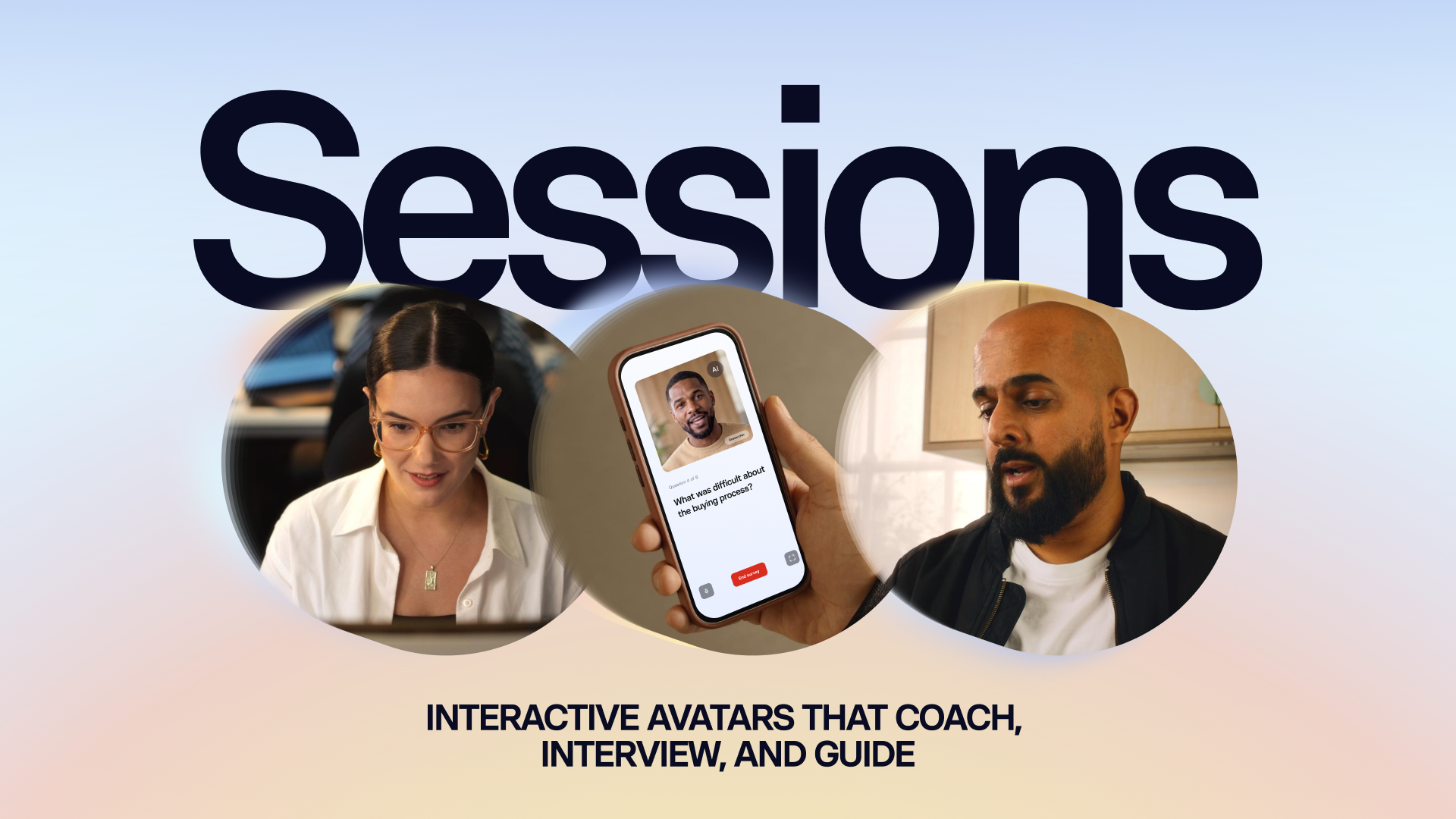
Introducing Sessions: Interactive Avatars that coach, interview, and guide
Real conversations with a lifelike Avatar for practice and gathering insight, at a scale a person never could.
10/1/26

Get the skills, insights, and support to help you scale





