Upload files to Syren from Claude and ChatGPT
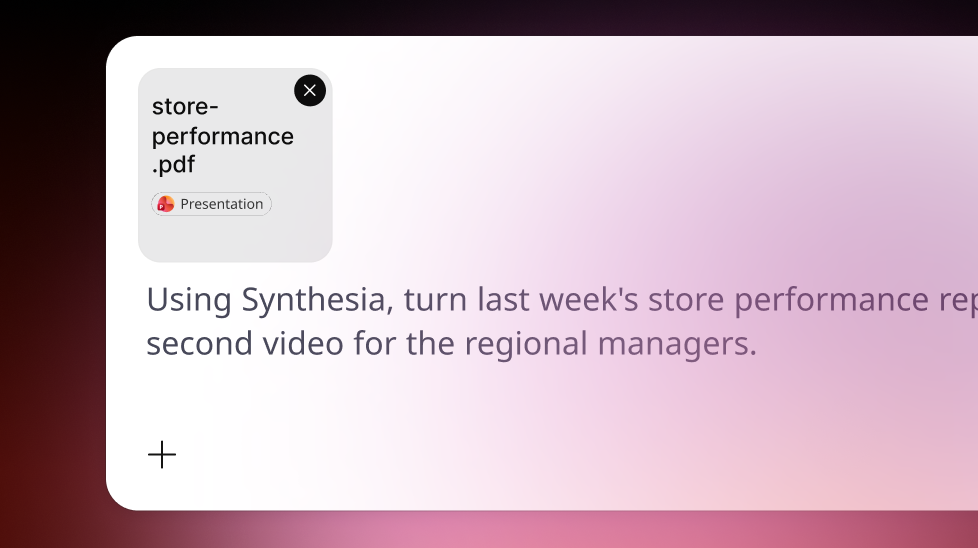
Attach a deck, document, image, or video in Claude or ChatGPT, so Syren builds your video from your own material from the get-go.
See what Synthesia can do for you
Your best source material is often already in the chat: a product deck, a brand logo, or a quick screen recording. Now you can hand it straight to Syren from Claude or ChatGPT, and Syren builds your video from it.
What's new
Before, you had to open Syren itself to add your own files to a video you started in Claude. Now you can:
- Upload in Claude: ask for a video using your file, and an upload panel opens right in the conversation
- Attach in ChatGPT: add your file with + and ask for a video, just like any other message
- Use files in edits too: ask something like "Use this logo in the intro," and Syren adds it to the same video
- Bring any kind of source: decks, documents, images, and videos all work
This is especially helpful when you're turning a slide deck or brand assets into a video without leaving your conversation.
For more on how it works, check out our documentation.
More updates
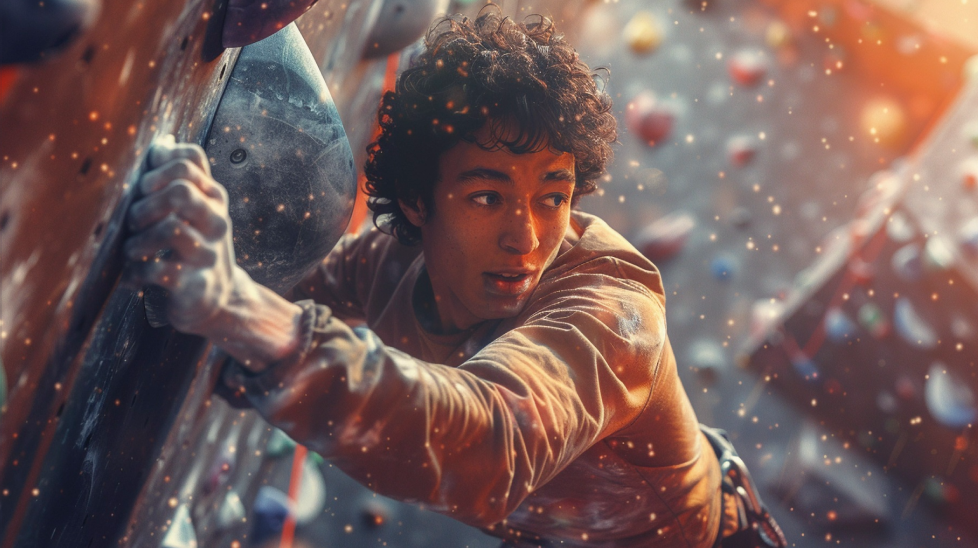
Make cinematic Syren videos with Seedance
Choose cinematic mode when Syren suggests it, and Seedance builds higher-quality, lifelike scenes, so your video feels like a real production.
Get the skills, insights, and support to help you scale