Build better videos with Layouts
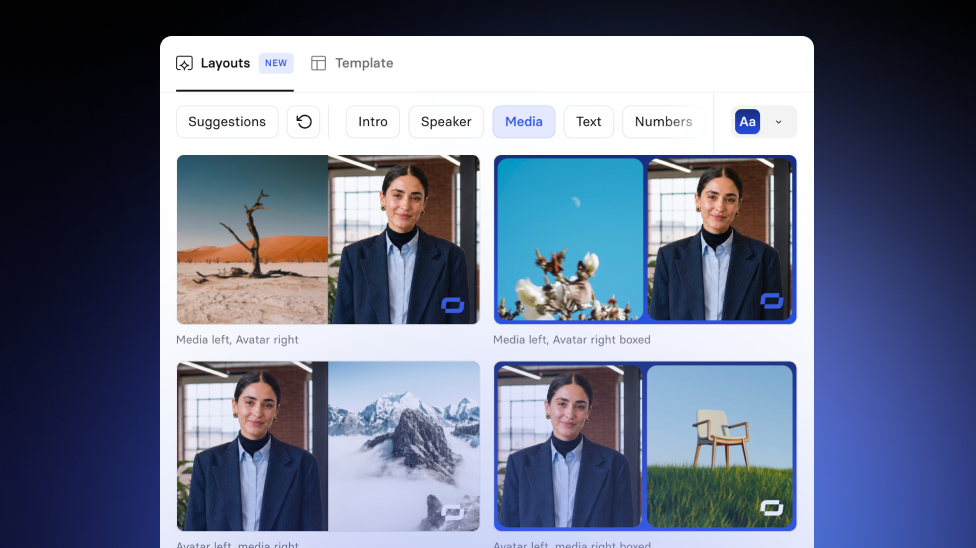
Design any scene with Layouts: a library of 100+ ready-made designs right in the Editor, with instant theme previews and one-click swaps in Storyboard.
See what Synthesia can do for you
There's a new way to design a scene in Synthesia: Layouts. Add a new scene to your video and you'll find a Layouts tab right next to Template—a library of 100+ ready-made scene designs you can browse and apply with a click. Live today for all Synthesia creators.
How it works
Add a new scene to open up the Layouts menu (next to Template).
From there you can:
- Start with Suggestions: our picks for what fits the content already in your scene
- Or browse by type: Intro, Speaker, Media, Text, Numbers, and more
- Preview different themes before committing: see the same layout in a few different looks. If you're not on Enterprise, this is where you'll find our four built-in styles (Ember, Bloom, Dusk, and Crimson) so your scenes look polished from the start
- Apply with one click: your script and content stay exactly as they are, only the design changes
This isn't limited to scenes you build by hand: Assistant draws from the same layout library, so videos it puts together for you get the benefits too.
What you can do
- Browse and apply Layouts that match what you're trying to say
- Preview a Layout with different themes before you commit
- Swap Layouts in Storyboard to try a new design quickly, without retyping anything
- Undo a Layout change if the previous version worked better
More updates
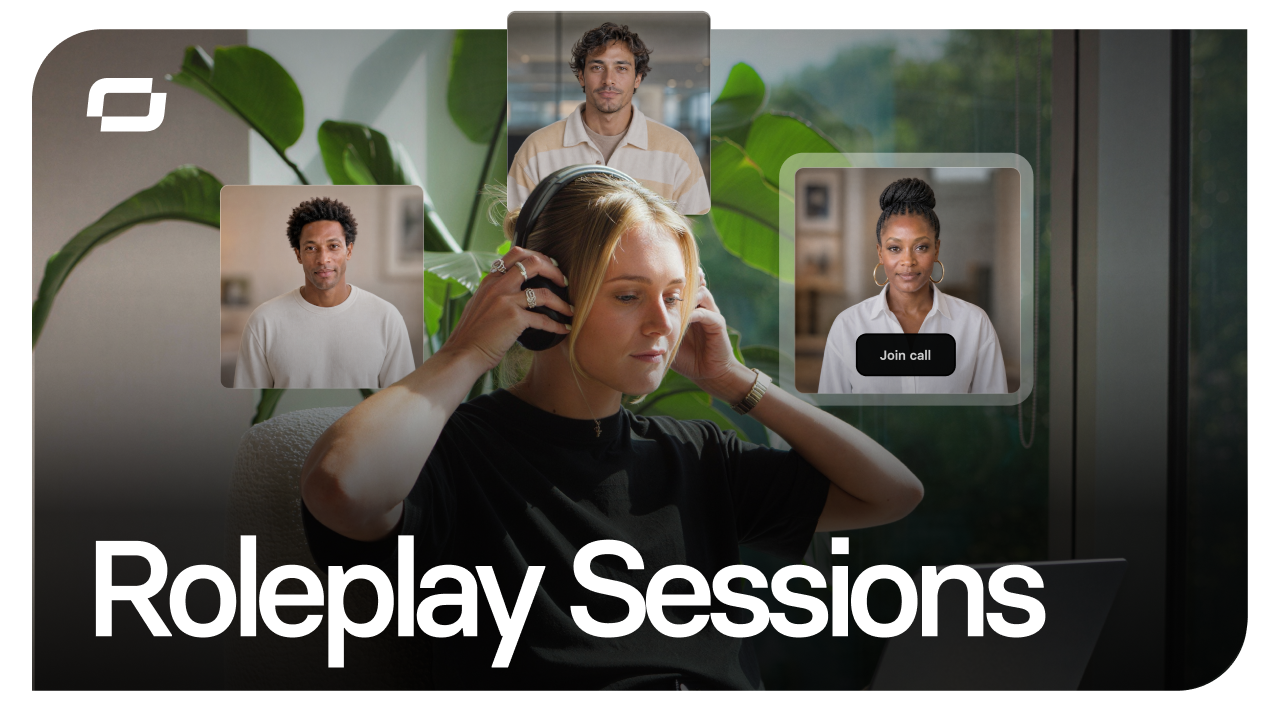
Start free, scale when you're ready: Roleplay Sessions now has a plan for every team
Practice conversations with an Avatar that pushes back, get coached in the moment, and track skill progress. Now with three plans, starting with free.
Get the skills, insights, and support to help you scale





