Editor
Improvement
Create richer designs with multi-stop gradients
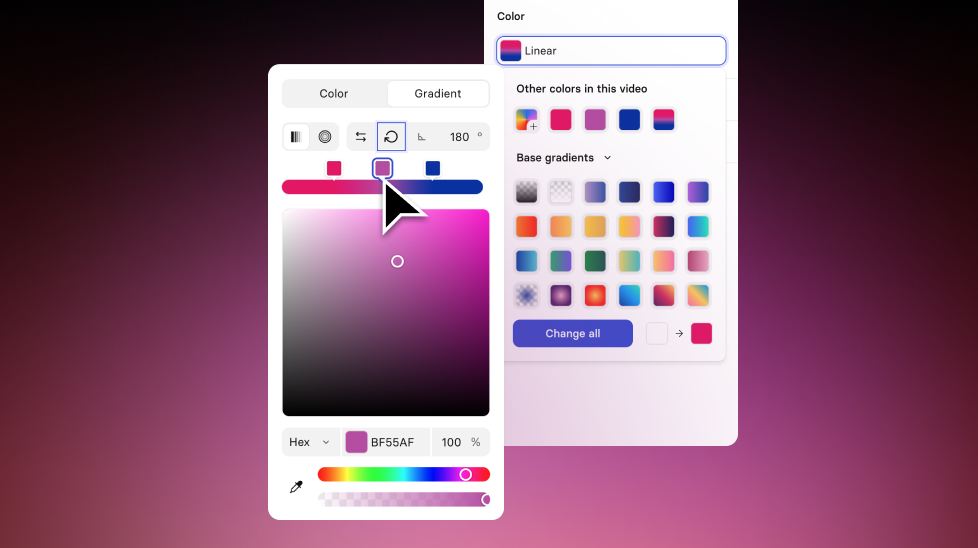
Create glows, sunsets, and multi-tone brand gradients with up to five editable color stops.
See what Synthesia can do for you
See all updates
Create and use gradients with up to five color stops for text and shape fills and scene backgrounds.
What’s new
Before, gradients were limited to two stops, which made it harder to create effects like glows, sunsets, or multi-tone brand gradients without workarounds.
Now, you can:
- Add up to five stops by clicking the gradient bar
- Remove a stop by double-clicking it or dragging it off the bar
- Set a unique color and opacity for every stop
- Drag stops past each other to reorder them
We’ve also added new presets to help you discover what’s possible (including a transparent outer glow).
More updates
See all updates
New Feature
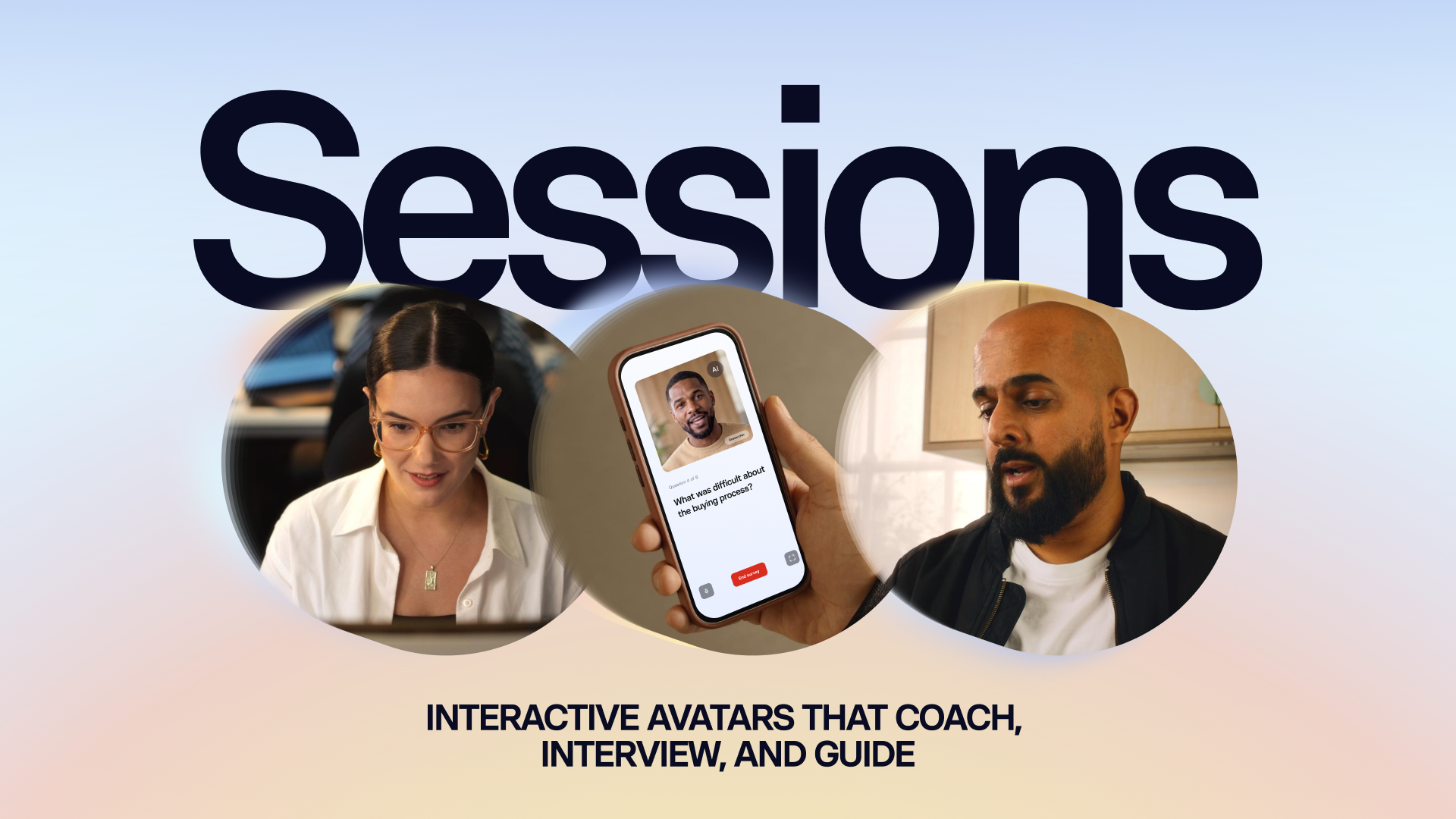
Introducing Sessions: Interactive Avatars that coach, interview, and guide
Real conversations with a lifelike Avatar for practice and gathering insight, at a scale a person never could.
10/1/26

Get the skills, insights, and support to help you scale





