New Feature
Create Syren videos in ChatGPT and Claude
Make, refine, and share Syren videos without leaving ChatGPT or Claude, using the docs and conversations you're already working in.
See what Synthesia can do for you
See all updates
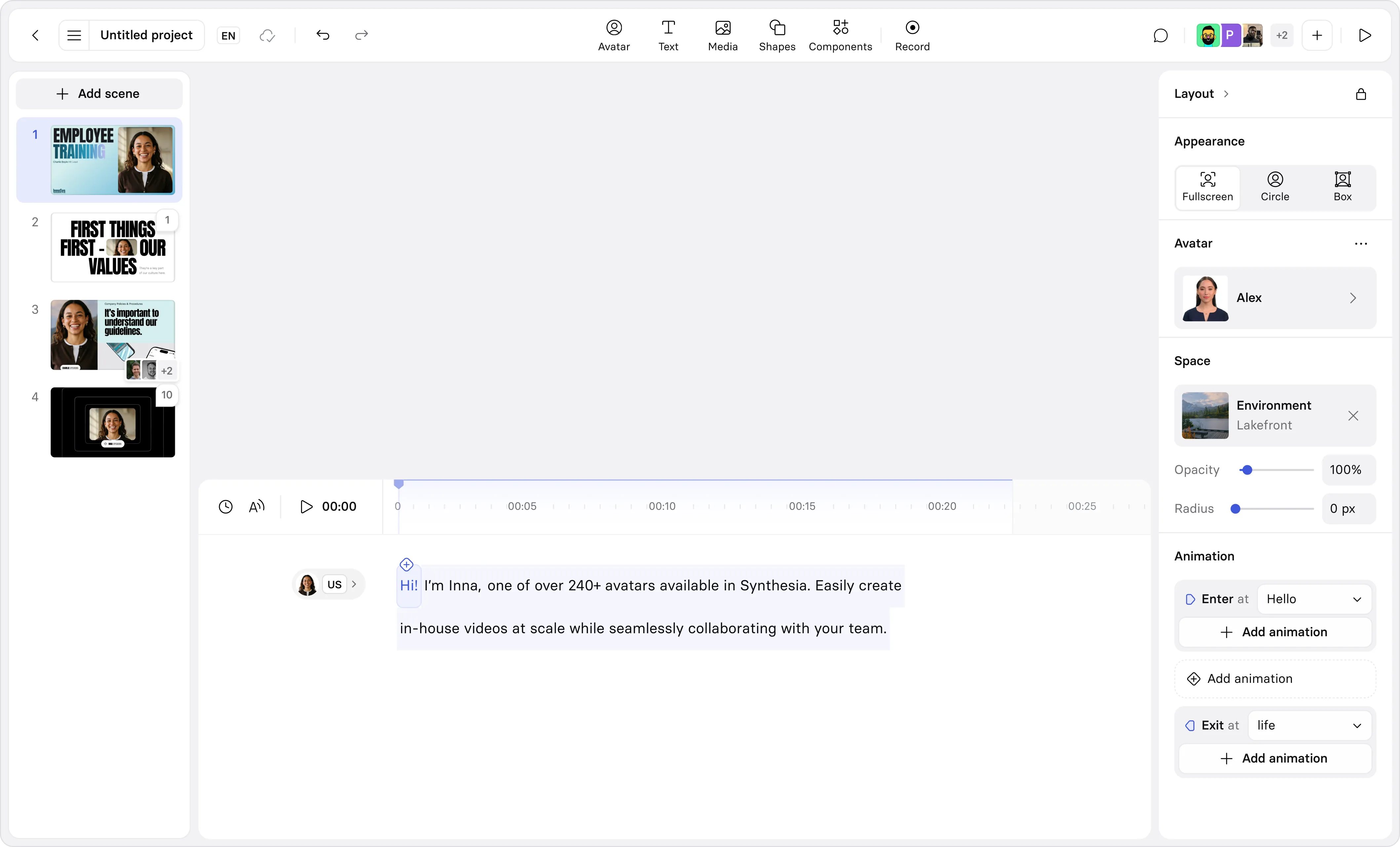
Ideas for videos often start in a chat with your AI assistant. Now you can turn them into Syren videos right there, without switching tools.
What's new
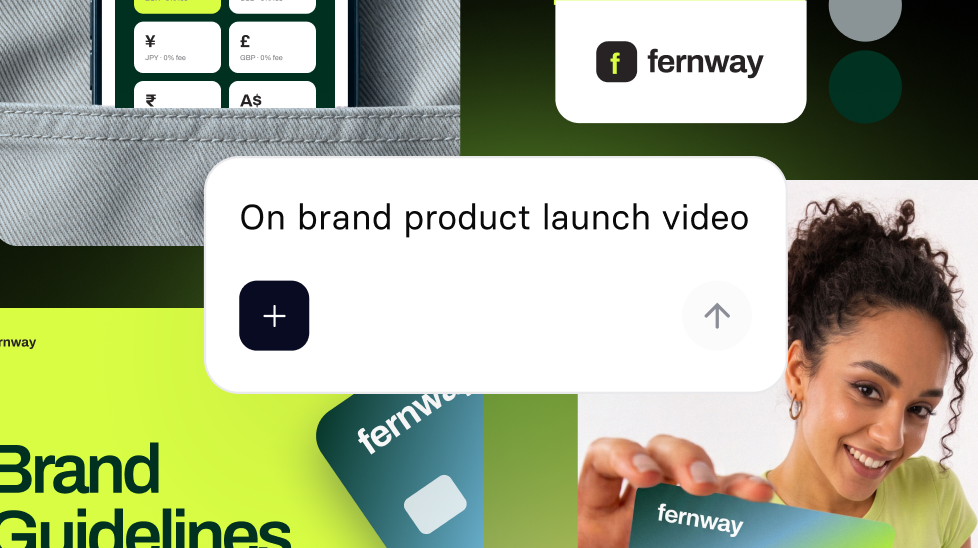
- Ask in your own words: for example, "Turn this Notion page into a 60-second explainer with Syren"
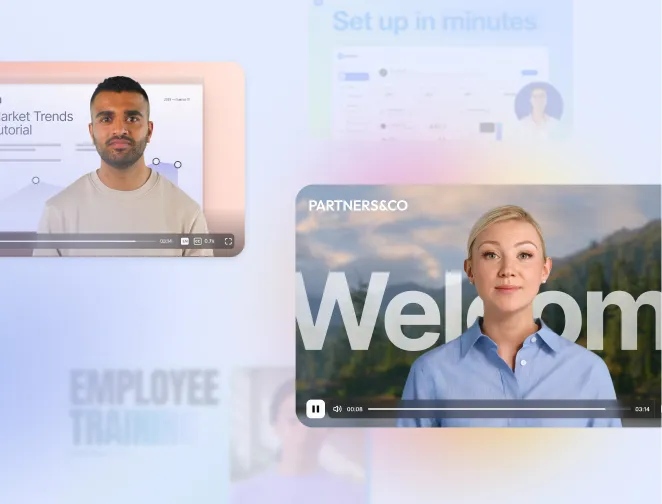
- Watch it in the chat: the Syren player appears right in your conversation
- Refine by chatting: Syren keeps the context of everything you've asked for
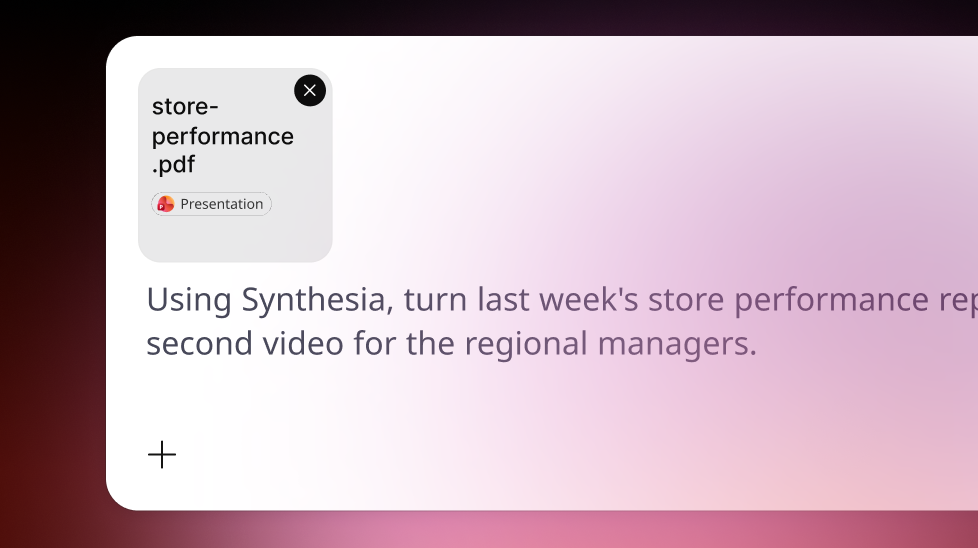
- Attach files in ChatGPT: add an image, deck, PDF, document, or video to your message, and Syren builds your video from it
- Publish or download: share a link anyone can watch, or download the full-quality video
- Use your other connectors: bring in Slack threads, Notion pages, or Drive docs without copy-pasting
To get started in ChatGPT, install Synthesia from the plugin marketplace. In Claude, add the Synthesia connector in Settings → Connectors.
For more on how it works, check out our documentation.
More updates
See all updates

Improvement
Make cinematic Syren videos with Seedance
Choose cinematic mode when Syren suggests it, and Seedance builds higher-quality, lifelike scenes, so your video feels like a real production.
11/10/26
Get the skills, insights, and support to help you scale