Explore the new Voices page
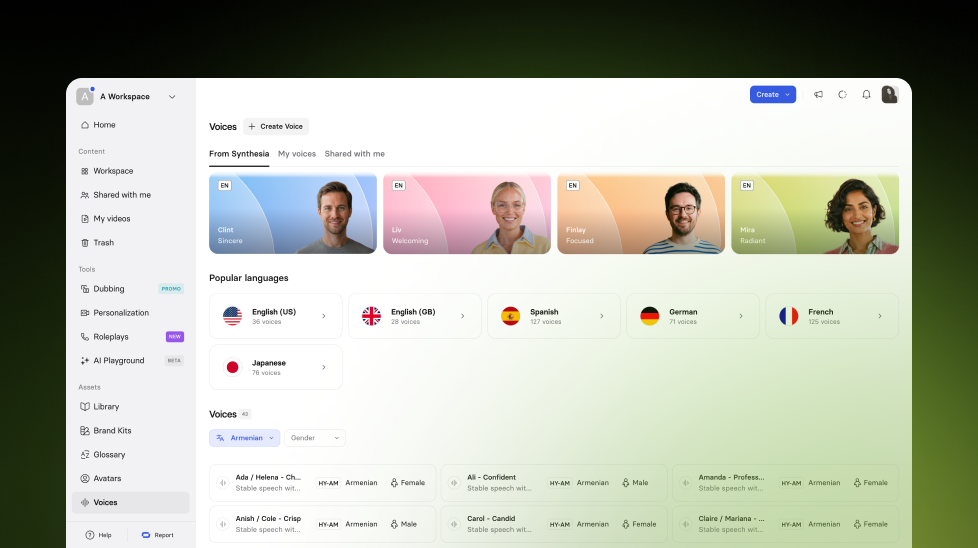
Explore stock voices by language, preview with your own script, and download audio clips directly from the new Voices page.
See what Synthesia can do for you
We've upgraded our Voices page. It's now a faster way to browse Synthesia’s stock voice library, preview voices with your own script, and download audio clips. Available on Basic plans and up.
What's new
The Voices page now includes a browsable library of stock voices organized by language.
- Filter by accent and other voice attributes
- Select a voice to listen to a preview
- Type a short script to preview how it sounds, then download the audio clip
This makes it easier to find the right voice for your content, and to generate voiceovers you can use outside of Synthesia.
For more on how it works, check out our documentation.
More updates
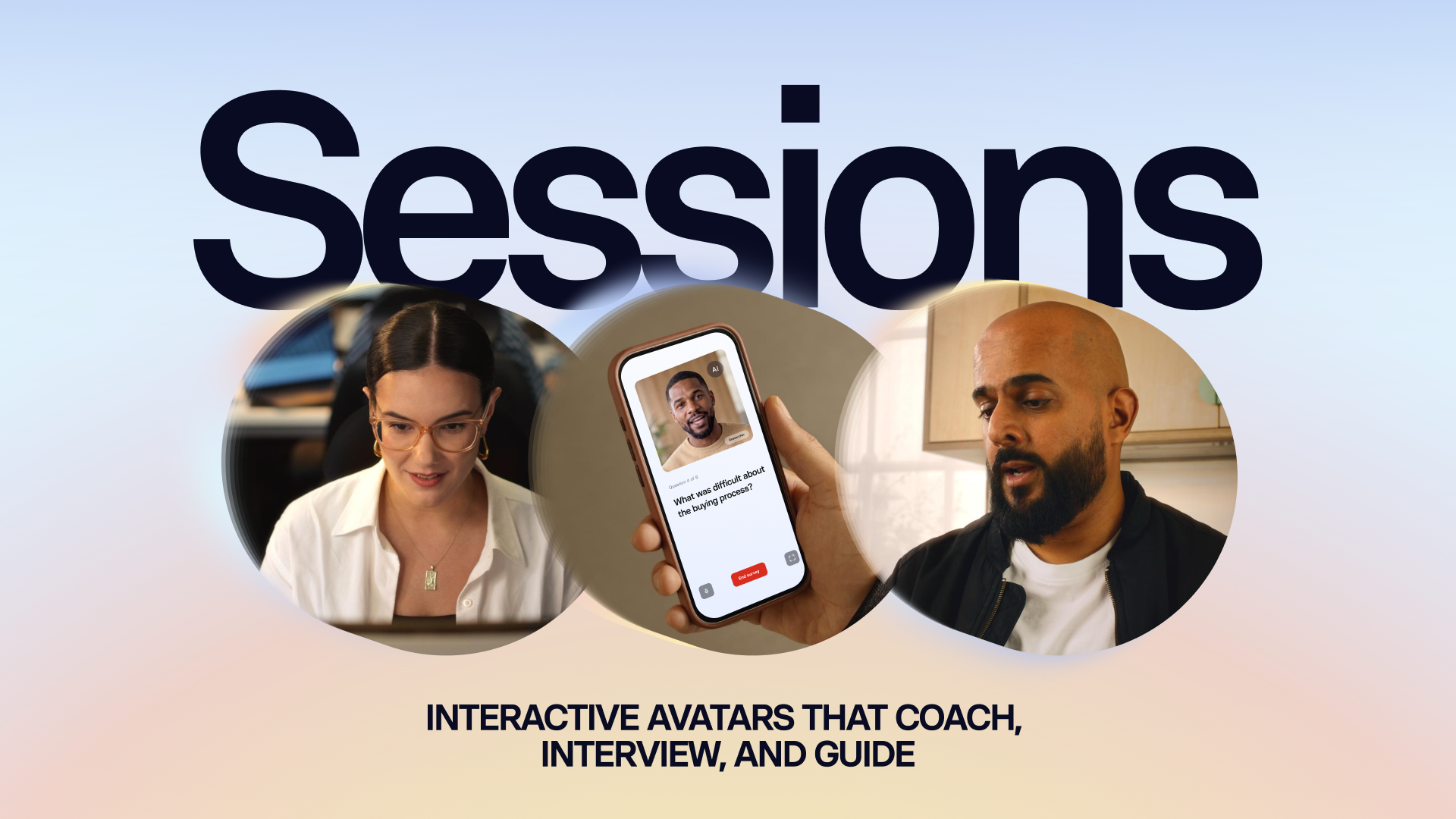
Introducing Sessions: Interactive Avatars that coach, interview, and guide
Real conversations with a lifelike Avatar for practice and gathering insight, at a scale a person never could.
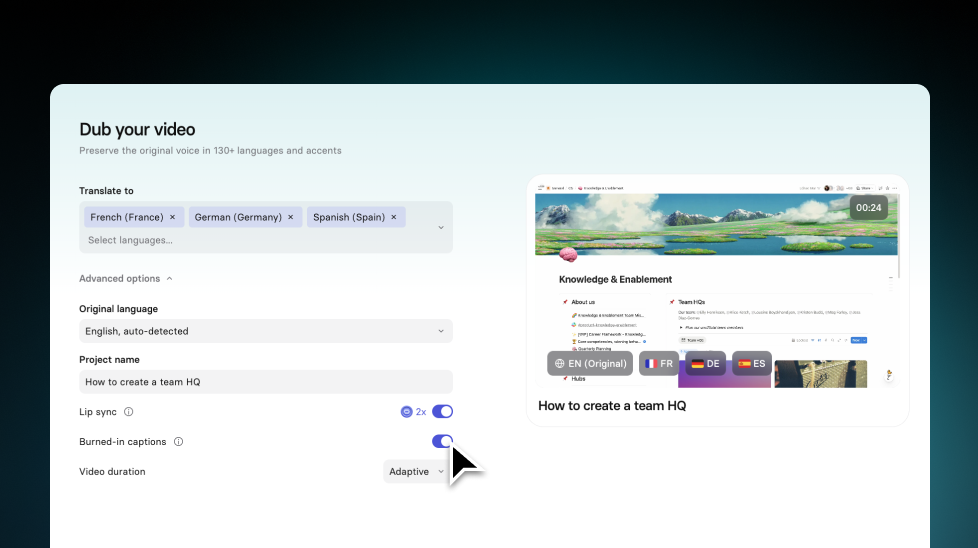

Get the skills, insights, and support to help you scale





