Improve videos created by Assistant with curated b-roll
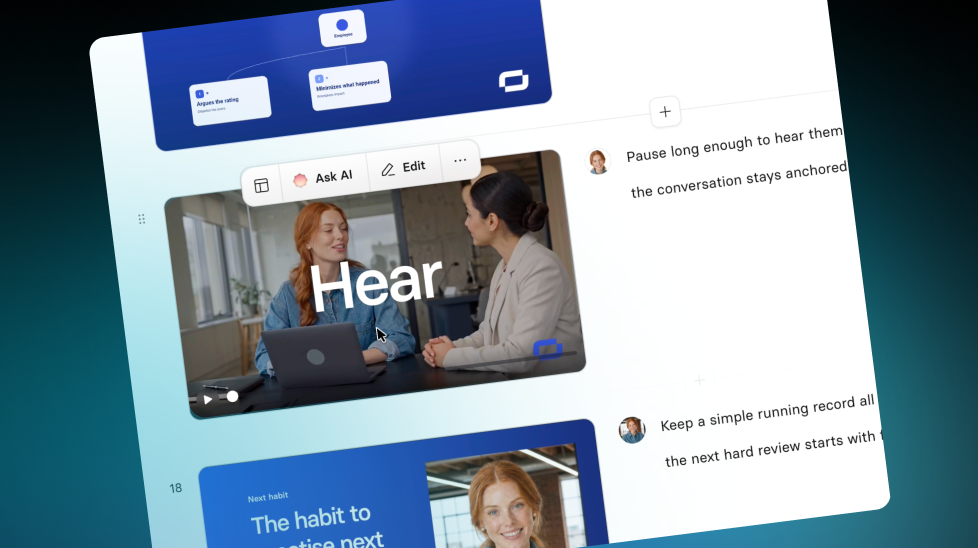
The Assistant now adds curated AI video b-roll featuring your Avatar—automatically matched to your scene, delivered in seconds, and free on all plans.
See what Synthesia can do for you
Today, we’re introducing AI Video Presets in Assistant — a faster way to get b-roll that looks made for you. Available on all plans.
How it works and why it matters
When you create a video with the Assistant, Synthesia can now automatically fill eligible b-roll slots with a curated AI video clip:
- Matched to your scene (so the visuals fit the setting)
- Featuring your Avatar (from your brand kit, in a matching outfit)
- Delivered in seconds, using a catalog of pre-rendered clips
- Free to use, with no extra prompting, selecting, or opting in
The result: your videos look more consistent and more “you,” without extra work in the Editor.
For more on how it works, check out our Knowledge Base.
More updates
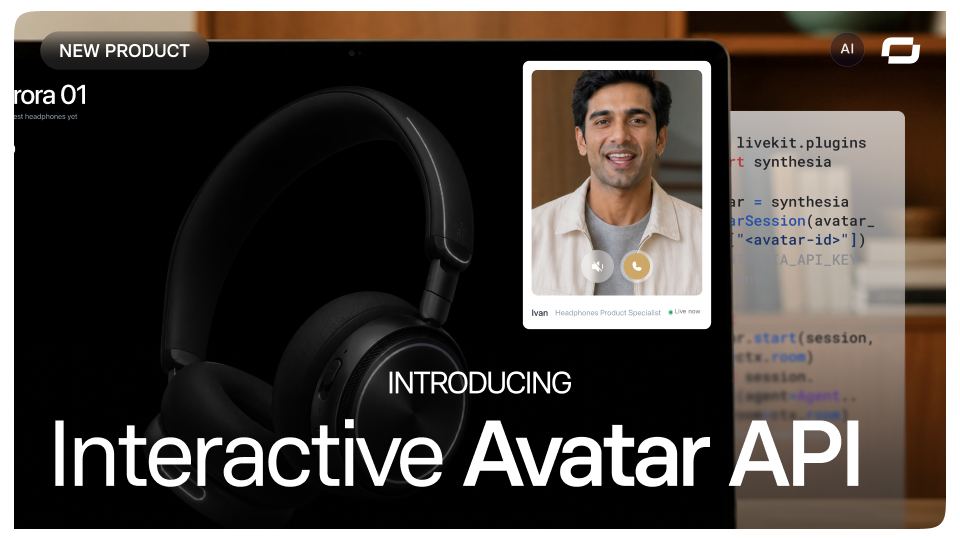
Build live avatars into your product with Interactive Avatar API
Build real-time, lip-synced avatar experiences into your web product while keeping control of your LLM and speech stack with Interactive Avatar API.

Get the skills, insights, and support to help you scale





