Improvement
Improved resolution options for generated B-roll
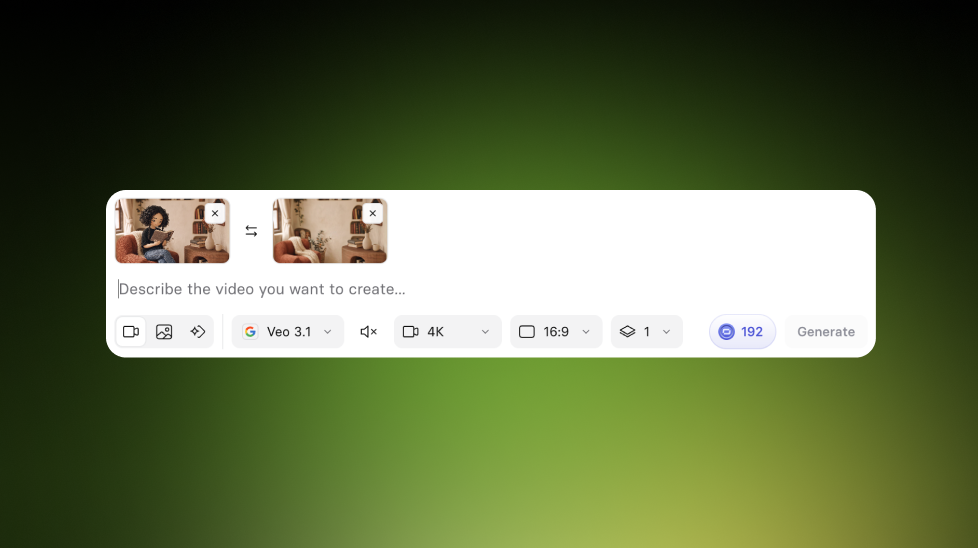
Pick 720p, 1080p, or 4K when generating B-roll, so you can iterate faster, control quality, and manage credits more predictably.
See what Synthesia can do for you
See all updates
You can now select your preferred output resolution anywhere you generate B-roll, including Create with AI in the editor and the AI Playground.
How it works and why it matters
Before, B-roll generation was locked to 1080p. Now you can choose:
- 720p for faster, lower-cost iteration
- 1080p (default) to keep your current workflow the same
- 4K when you need the highest possible quality
You'll see an updated credit estimate based on your chosen resolution and audio settings before you click Generate, and that estimate is what gets charged.
Notes and limitations
- Flux 3 currently doesn’t support 4K
- When you add a 4K clip to a video, it’s downscaled. Download the clip if you need the full 4K file.
For more on how it works, check out our knowledge base.
More updates
See all updates
New Feature
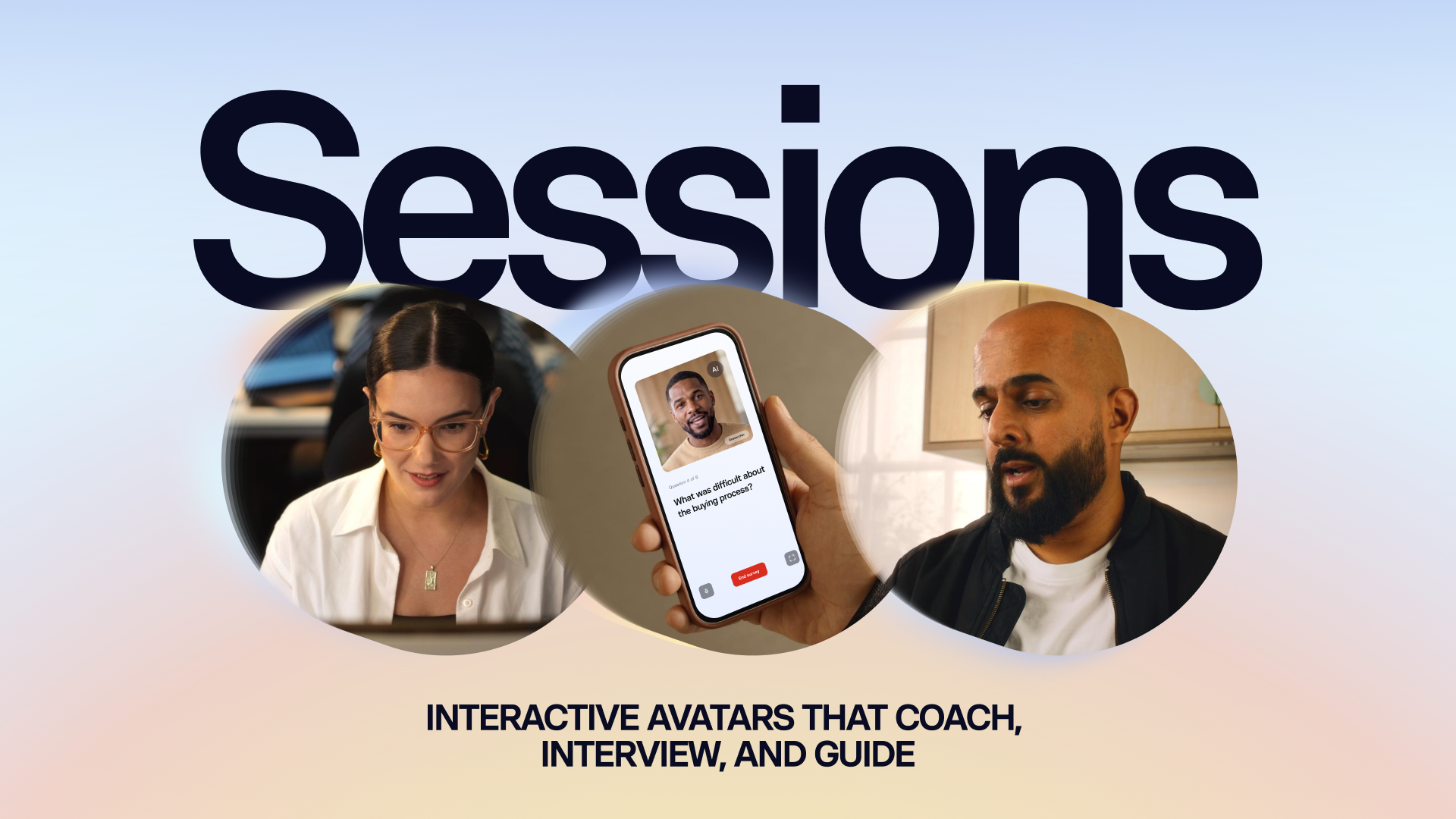
Introducing Sessions: Interactive Avatars that coach, interview, and guide
Real conversations with a lifelike Avatar for practice and gathering insight, at a scale a person never could.
10/1/26

Get the skills, insights, and support to help you scale





