Keep layouts looking polished for your translated videos
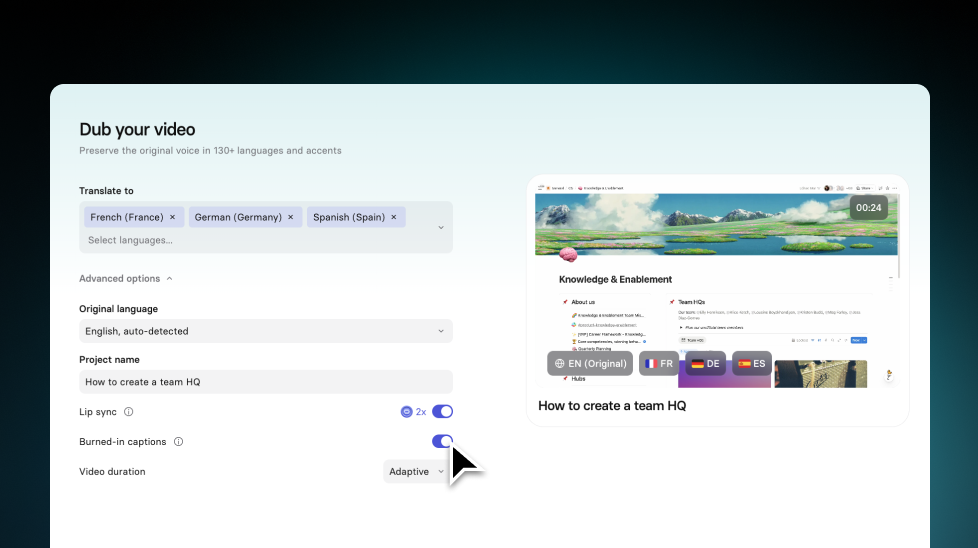
Translate videos without text overflow—translations adapt to each text box, and long strings scale down to keep your slides looking polished.
See what Synthesia can do for you
Translating a video into a new language has always come with a catch: the translated text often doesn’t fit the layout it lands in. That means manually fixing text elements scene by scene, for every single language.
We’ve optimized our translation workflow to better fit the space each text element has on your scene, so your scenes are more likely to stay true to your original layout.
How it works and why it matters
When you translate a video, on-screen text can expand in some languages and overflow its layout. That’s one of the biggest sources of manual work in a translated video—and it’s exactly what we’ve been working to fix.
What’s new:
- Translations take each text box’s available space into account, so the translation engine generates text sized to fit the existing box (not just a literal, line-by-line translation)
- If a translation still runs long, SyRen (our AI rendering model for creating video scenes) proportionally scales the text down so it fits without breaking your layout
Why you’ll care:
- Your translated videos are more likely to look ready to share without slide-by-slide fixes
- Less manual touch-up per language makes it faster (and cheaper) to add more locales
For more on translating videos, check out our documentation.
More updates
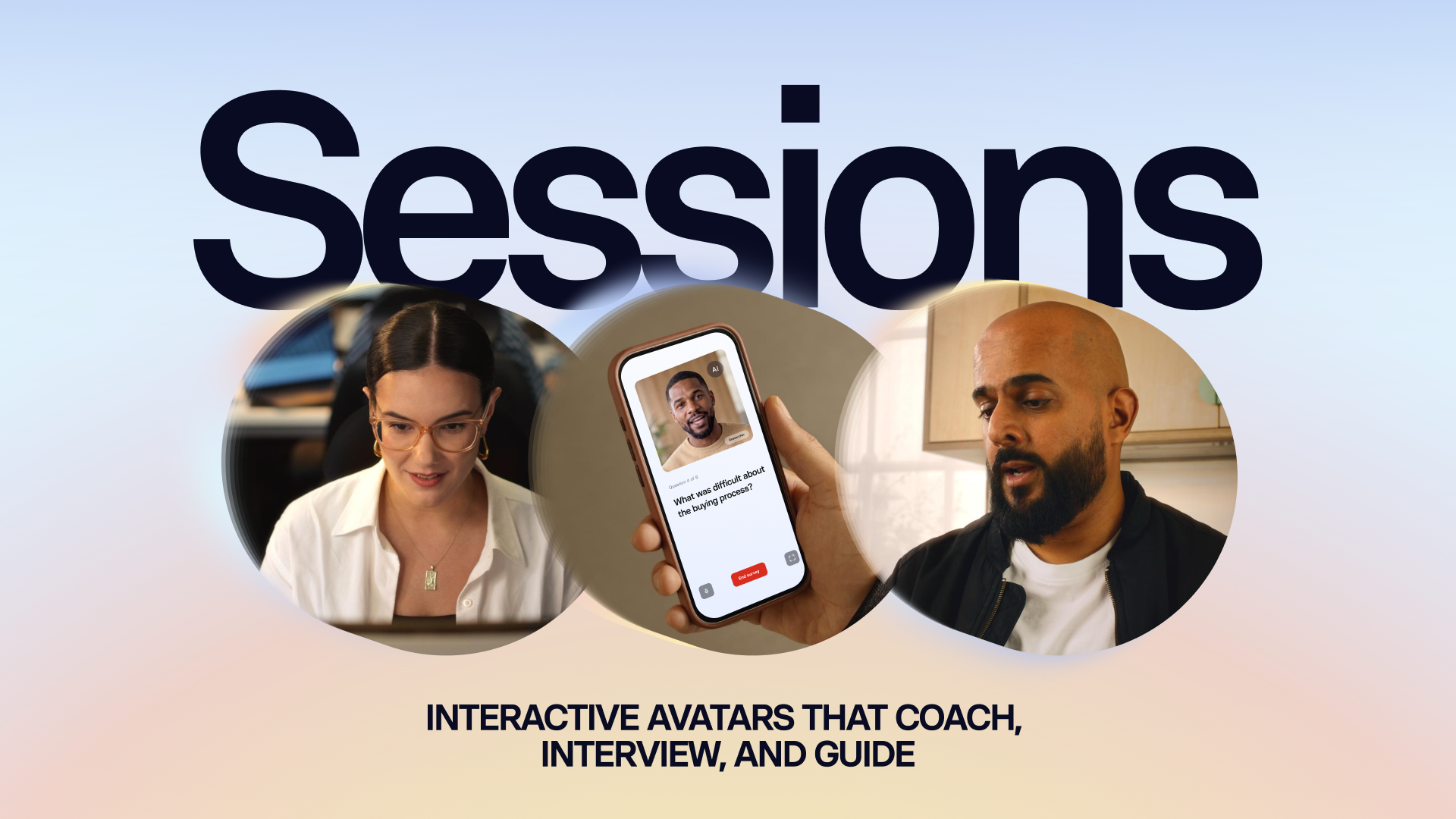
Introducing Sessions: Interactive Avatars that coach, interview, and guide
Real conversations with a lifelike Avatar for practice and gathering insight, at a scale a person never could.

Get the skills, insights, and support to help you scale





