Enterprise
Improvement
Keep XLIFF imports in sync with edits
If the source video changes after you export an XLIFF, we now reconcile safe updates automatically—and flag major changes so you can re-export.
See what Synthesia can do for you
See all updates
We’ve made XLIFF imports smarter, so your translated video stays aligned even if the source video changed after you exported the XLIFF.
This update helps when translations take days (or weeks) and the source video gets small tweaks in the meantime.
How it works and why it matters
When you import a translated XLIFF, we now check whether the source video has changed since that XLIFF was exported:
- If changes are cosmetic (like an updated Avatar look or backdrop), we’ll automatically import against the latest version so you don’t need to re-export
- If changes are structural (like a scene or on-screen element being added or removed), we’ll stop the import and show a clear message so you can re-export from the updated video
For more on how it works, check out our documentation.
More updates
See all updates
New Feature
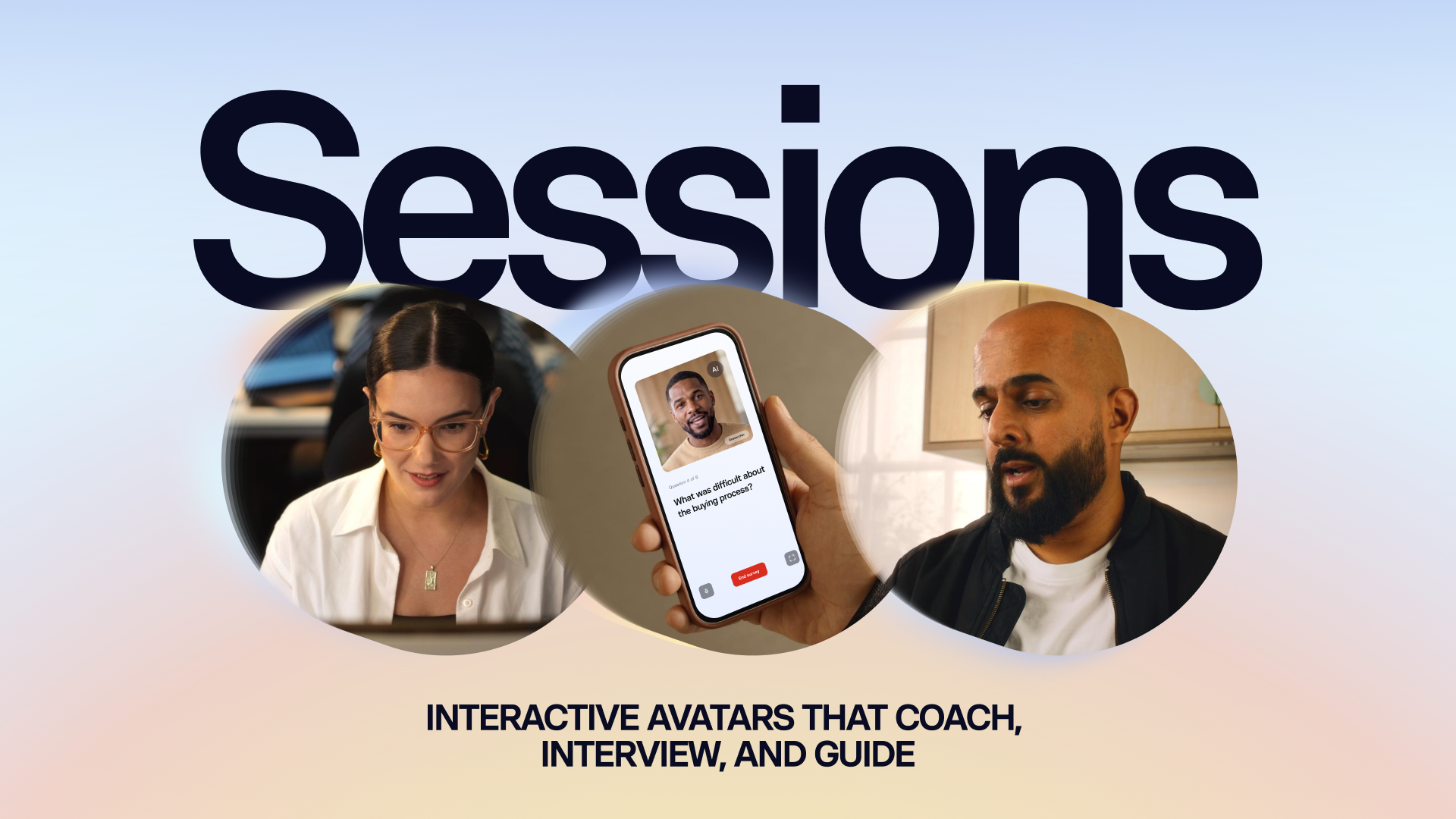
Introducing Sessions: Interactive Avatars that coach, interview, and guide
Real conversations with a lifelike Avatar for practice and gathering insight, at a scale a person never could.
10/1/26

Get the skills, insights, and support to help you scale





