Editor
Improvement
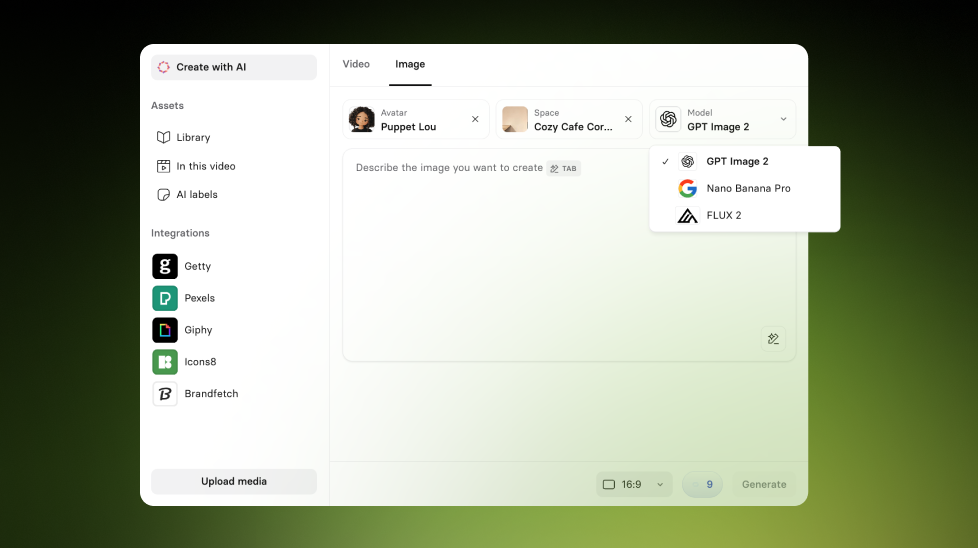
More control in Create with AI
Set custom duration, aspect ratio, and visual references when generating B-roll videos and images.
See what Synthesia can do for you
See all updates
You now have more control in Create with AI, with new generation settings that help you steer B-roll videos and images so they better match your desired output.
What’s new
Instead of generating a single fixed type of output, you can now fine-tune how your generated media looks and feels:
- Choose a custom video duration for generated B-roll video (for example, four, six, or eight seconds)
- Pick an aspect ratio for generated images, including 1:1, 3:4, and 4:3
- Use visual references (an Avatar or Space) so generated images stay more consistent with the style of your scene
- Convert an image to a video directly from the asset menu
This gives you more control over framing, consistency, and pacing, with fewer iterations.
More updates
See all updates
New Feature
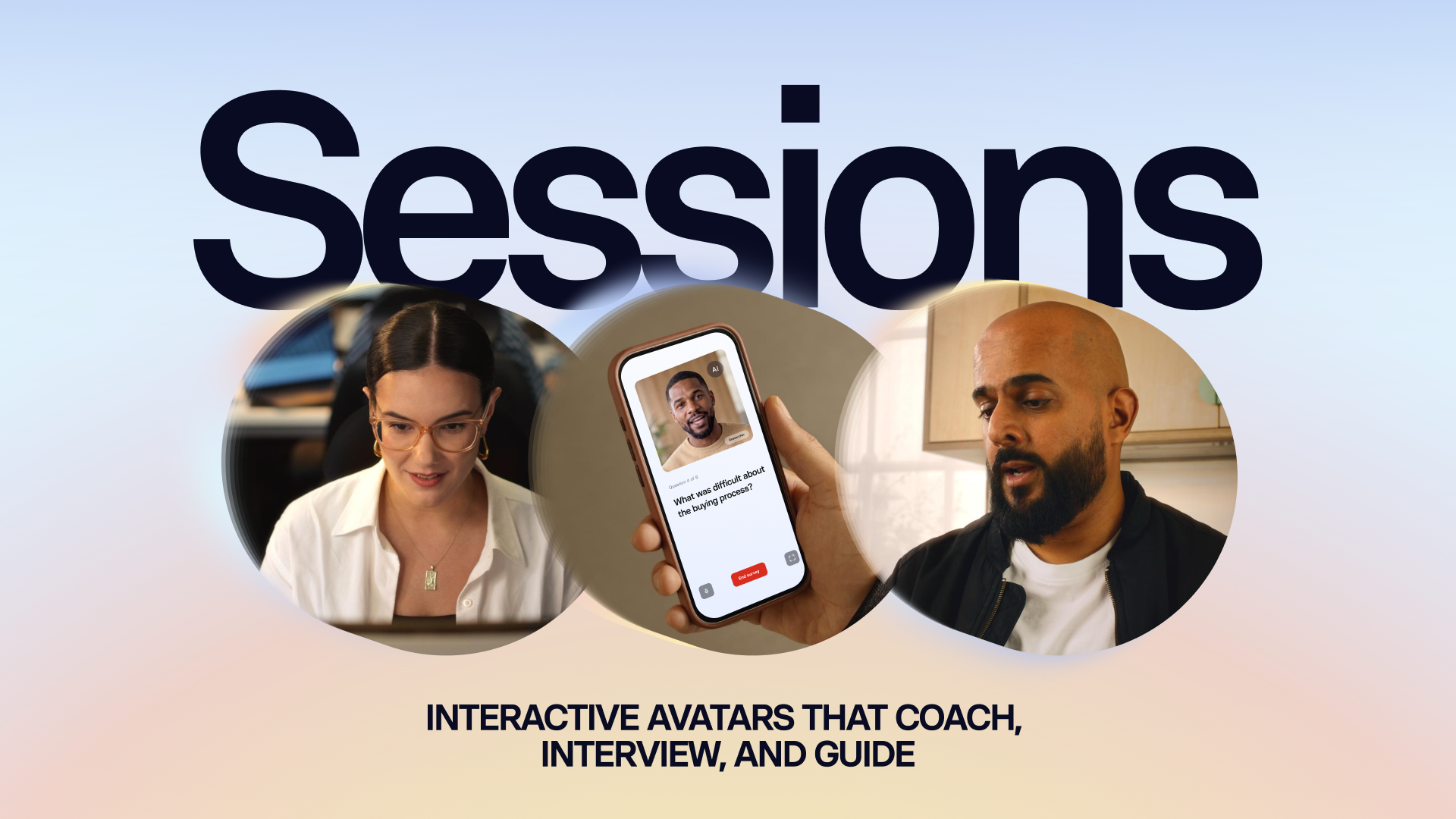
Introducing Sessions: Interactive Avatars that coach, interview, and guide
Real conversations with a lifelike Avatar for practice and gathering insight, at a scale a person never could.
10/1/26

Get the skills, insights, and support to help you scale





