Put an Interactive Avatar on your website
Build an Interactive Avatar that answers from your own content, then embed it on your site or share it by link, so you can go live without a developer.
See what Synthesia can do for you
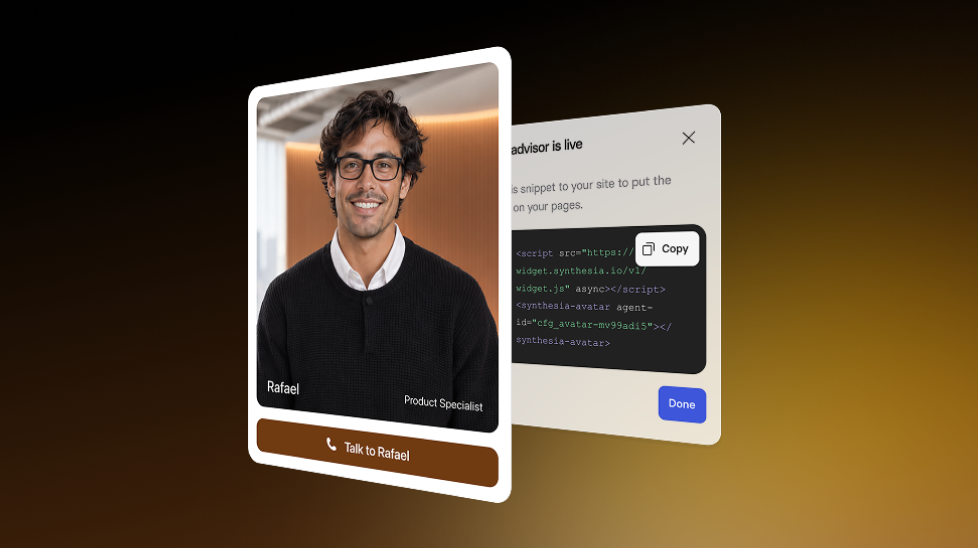
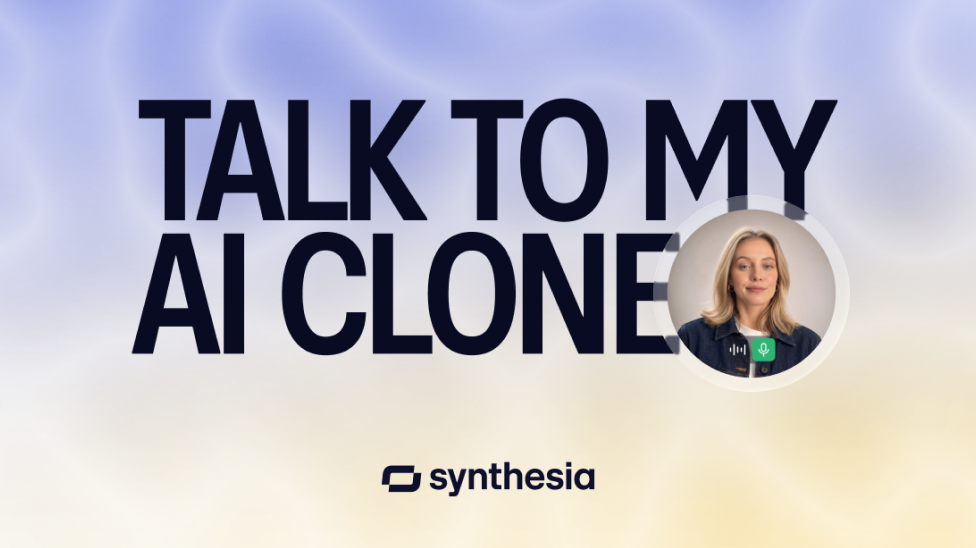
You can now create an Interactive Avatar without writing code or connecting an API. We run the whole conversation for you—listening, thinking, and speaking—so you can focus on what your Avatar should say.
What's new
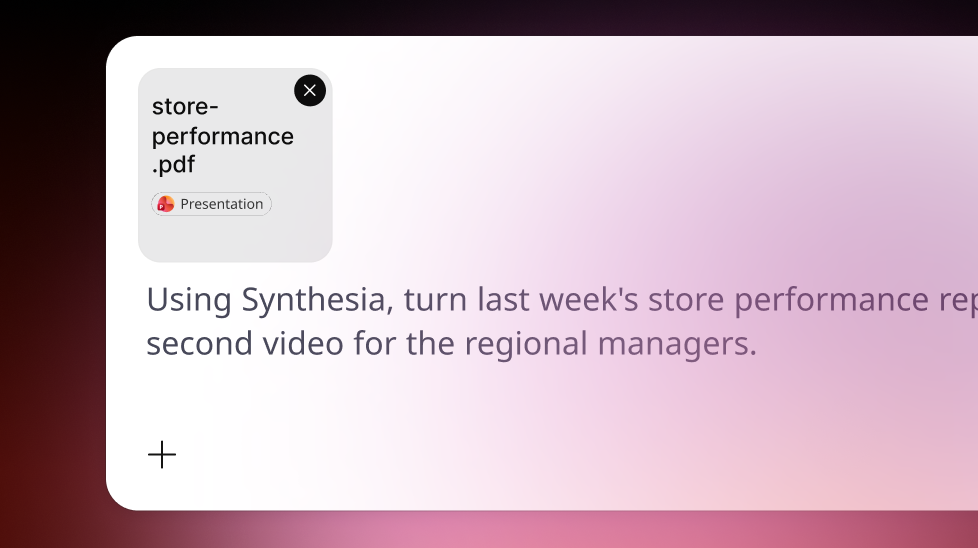
- Build: pick an Avatar and voice, upload a PDF as knowledge, and write instructions that define its role
- Test: try a preview call before you publish
- Widget or embed: copy one snippet to add your Avatar to any web page
- Share: get a link that opens your Avatar in the Synthesia Share app
Visitors can interrupt your Avatar mid-answer, just like in a real conversation. This is especially helpful when you want a website assistant that answers questions from your own content.
To get started, go to Interactive Avatars in Synthesia and select New Interactive Avatar.
For more on how it works, check out our documentation.
More updates

Make cinematic Syren videos with Seedance
Choose cinematic mode when Syren suggests it, and Seedance builds higher-quality, lifelike scenes, so your video feels like a real production.
Get the skills, insights, and support to help you scale