Avatars
Improvement
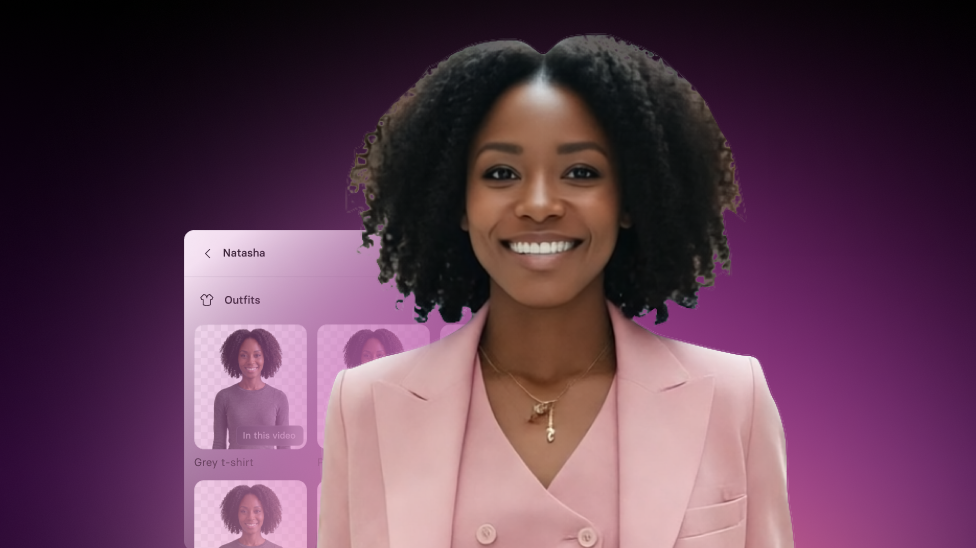
Set transparent backgrounds for Customizable Avatars
Remove the background from Customizable Avatars, or switch to a solid color or gradient background.
See what Synthesia can do for you
See all updates
You can place now add any Customizable Avatar (either a Stock or Personal Avatar from Photo) to your scenes without a built-in background.
What’s new
You can now remove an Avatar’s background (Space) for any Avatar that supports customization—just select your Avatar, then remove the space from the toolbar or inspector.
For more on how it works, check out our knowledge base.
More updates
See all updates
Enterprise
Keep layouts looking polished for your translated videos
Translate videos without text overflow—translations adapt to each text box, and long strings scale down to keep your slides looking polished.
8/21/26
.png)
Get the skills, insights, and support to help you scale





