Turn PowerPoint decks into Syren videos
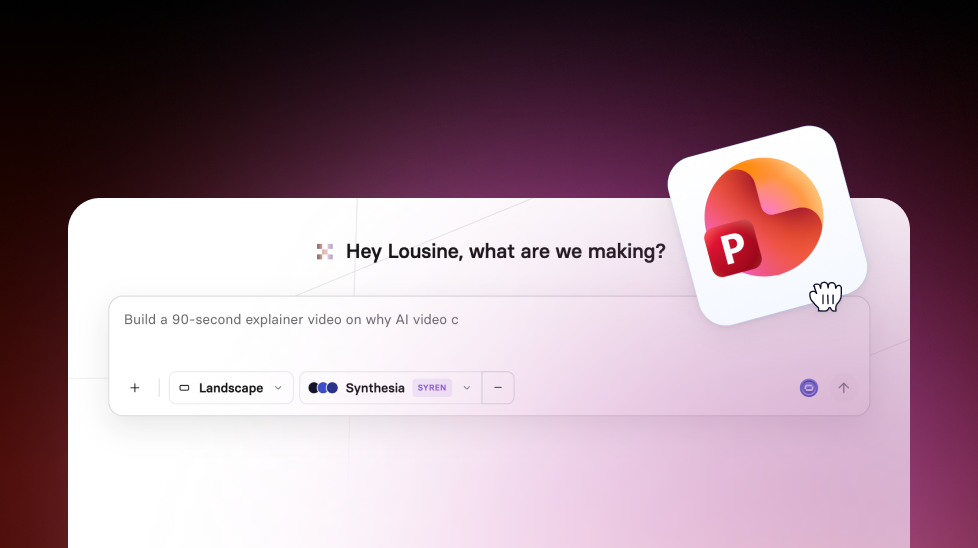
Bring a PowerPoint deck into Synthesia and choose: redesign it as a dynamic Syren video, or keep your slides as editable scenes.
See what Synthesia can do for you
Most videos start life as a deck. Now, when you import a PowerPoint from the Home page, you can turn it into a dynamic Syren video instead of slides with a voiceover.
What's new
Before, importing a deck turned each slide into a scene, so your video still looked like slides. Now you can choose how to convert it:
- Redesign with Syren: Syren turns your deck into a designed video, and offers to keep your design, make a short version, or redesign it with new visuals
- Keep my slides: import each slide as an editable scene, as before
This is especially helpful when you're turning training decks or product updates into videos people actually want to watch.
For more on how it works, check out our documentation.
More updates

Create Syren videos with your Brand Kits
Pick one of your workspace's Brand Kits in Syren, and your videos use its logos, colors, fonts, and Avatars from the very first draft.

Get the skills, insights, and support to help you scale