Improvement
Upload WebP images to your videos
Bring WebP files straight into the editor—use still or animated WebP on the canvas, keep transparency, and skip manual file conversions.

See what Synthesia can do for you
See all updates
We now support WebP uploads, so you can use them in your videos along with PNG, JPEG, and GIF files WebP is a common export format from design tools, browsers, and generative AI tools.
What’s changed
Now you can:
- Upload still or animated WebP files and use them on the canvas
- Keep transparency for still WebP
- Use still WebP for backgrounds
More updates
See all updates
New Feature
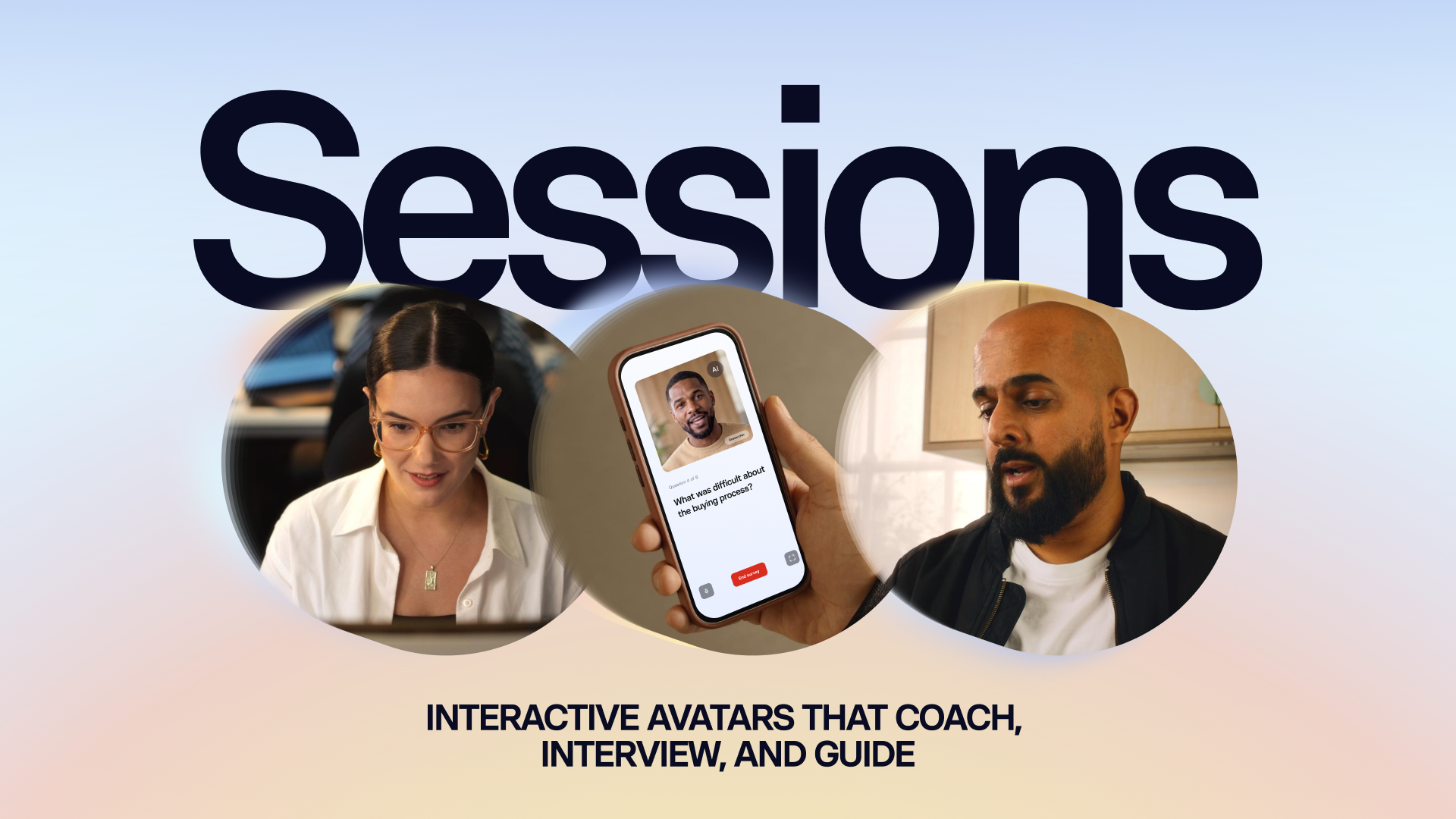
Introducing Sessions: Interactive Avatars that coach, interview, and guide
Real conversations with a lifelike Avatar for practice and gathering insight, at a scale a person never could.
10/1/26
Get the skills, insights, and support to help you scale





