




How to Write an Onboarding Video Script (With AI)

Create engaging training videos in 160+ languages.
If you're responsible for new hire onboarding, you know it's a never-ending project: hiring volume ebbs and flows, offices open, work-from-home policies shift, or you’re asked to reduce training costs.
That means your onboarding videos need to be designed for change, and that starts with the script. Here's how to write a script that adapts with your organization.
Step 1: Decide what type of video to make
Before you can write a script, you need to know what kind of onboarding video you're making. These are the five most common types of onboarding videos I see teams creating.
Each type has a different intent, and with that, a different tone. Welcome and company culture videos should feel warm and personal, with room for creative leeway if your culture is genuinely distinctive. Role-specific, health and safety, and compliance training videos tend to be more formal, grounded in best practices.
Step 2: Plan your video
How you plan depends on the type of video you picked in Step 1.
Role-specific, health and safety, or compliance videos
I highly recommend your script writing process starts by completing this sentence:
After watching this video, [role] should be able to [complete a specific task] in [context], without [common errors or support].
This will be your north star throughout the script-writing process, no matter how you choose to get started.
Welcome or company culture videos
Start by doing some research (e.g., watching a few onboarding videos). A welcome video and a company culture video should be unique to your organization. A tech company might have an informal and direct culture; a financial services company may not. That's okay. There's no prescribed way to script these videos.
Search for inspiration internally.
- Look at the company's history, mission, and values. What's the story behind them?
- Talk to employees and perhaps even customers, noting what stands out.
- Reflect on your own experience of the company. Why are you working there, and how can you convey that to a new hire?
Once you've got your learning objective or your research and direction, you're ready to draft.
Step 3: Draft your script
There are three ways to draft your script: an AI script generator, an LLM, or a template. (You could also draft it by hand, but that's probably not sustainable.)
If you're writing a welcome or company culture video, stick with an LLM. A script generator or template works well when the task is scoped and repeatable, but neither knows your organization, and that's exactly what a welcome or culture video needs to convey. An LLM lets you feed in the research from Step 2 and iterate until it actually sounds like you.
If you're writing a role-specific, health and safety, or compliance video, all three options below work.
AI Script Generator
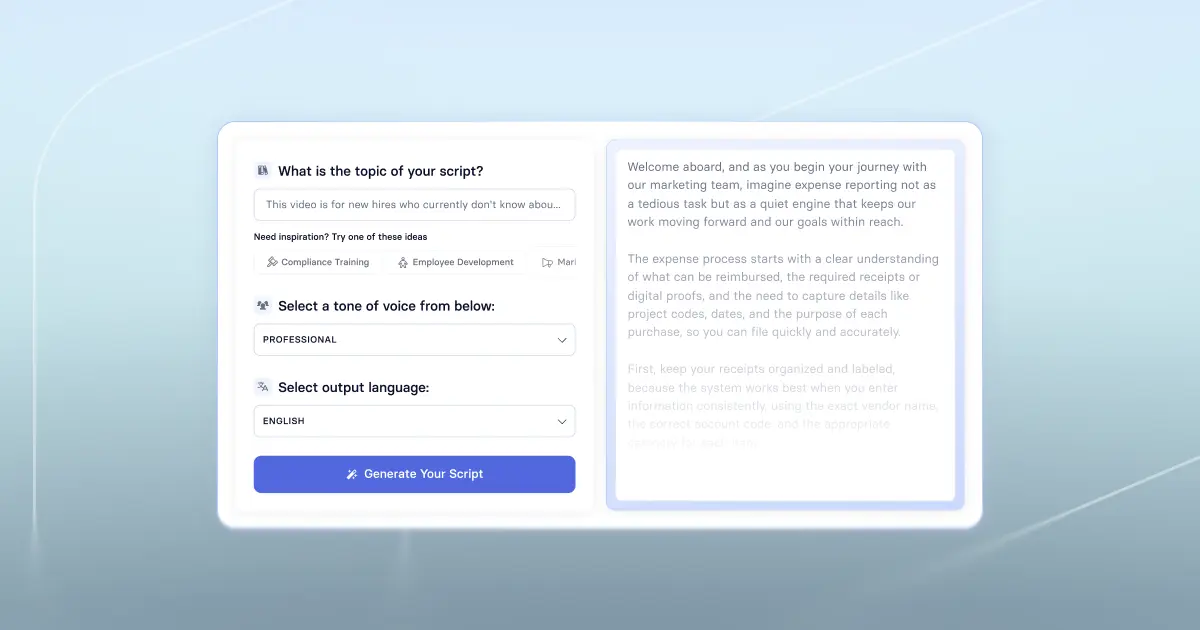
If you're staring at a blank page and struggling to get started, I recommend trying out a free AI script generator. Open the link, copy and paste the sentence you wrote down in Step 2, select a tone of voice and output language, and hit generate. Voilà, a first draft that you can react to.
Sometimes we just need to see an example of a script to know whether it's working or not. Even if you don't like it, dig in. What isn't working? What could be better? Use that feedback to try regenerating again (click the button at the bottom right).
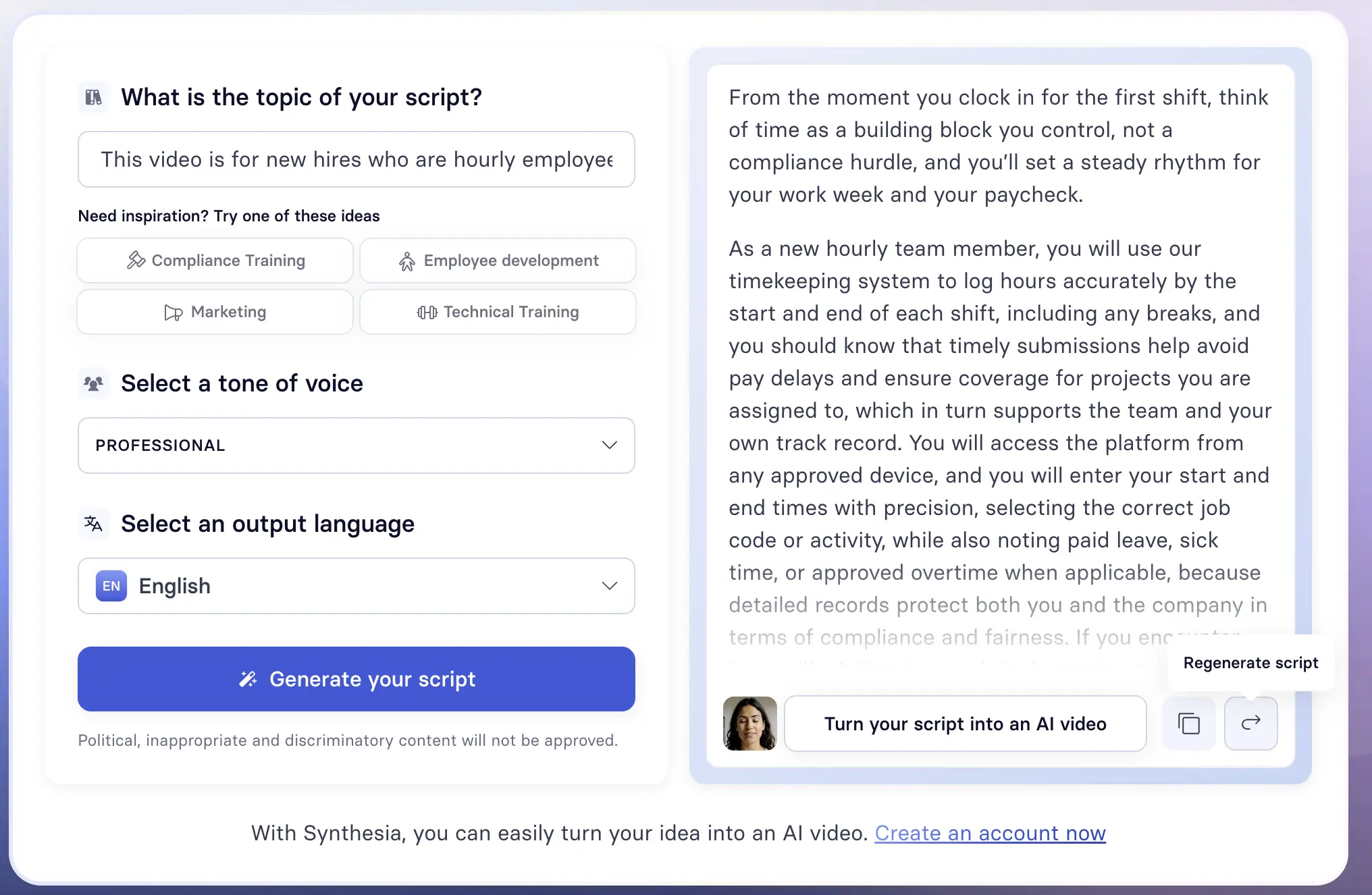
If you're wondering, here's what I used in the example above to get this output.
After watching this video, new hires who are hourly employees should be able to log and submit their hours by the weekly deadline in our timekeeping system, without corrections that delay their first paycheck.
LLM
If you prefer a more hands-on approach to script writing, you can use an LLM to write a first draft. Go to whichever LLM is approved by your company (since you're likely going to be using sensitive information), and prompt the AI to generate a first draft.
CIDI is a helpful framework for writing a good prompt.
Here are two sample prompts that use the CIDI framework. Replace the bracketed text and try them out for yourself.
Be sure to treat the output as a first draft. Ask the LLM to evaluate how well it did, and have it regenerate based on your feedback.
Template
The last way I recommend drafting a training video script is using a template. A template is a structured starting point for your writing process that you can modify as needed. There are two templates you can try to get started: a universal script template that lends itself well to compliance or safety training, and a script template tailored to onboarding how-tos.
While not every training video needs all of these components, they provide scaffolding for what to include in your script.
Step 4: Polish your script
Effective video scripts, whether they're designed for information transfer or training, distribute the cognitive load for viewers. That means carefully choosing what you narrate and what you show on screen. You don't need to narrate everything you show, and you don't need to show everything you narrate.
A good rule of thumb is one topic per scene.
No matter how you draft your script, treat the output as a first draft. Read it aloud (or have an AI tool read it to you). It's the only way to catch awkward sentence structure or word choice that feels off.
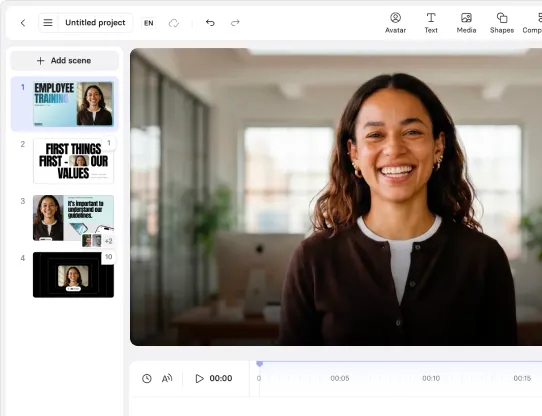
If you're curious how the script could translate into a video, you can always try using our free AI video generator tool.
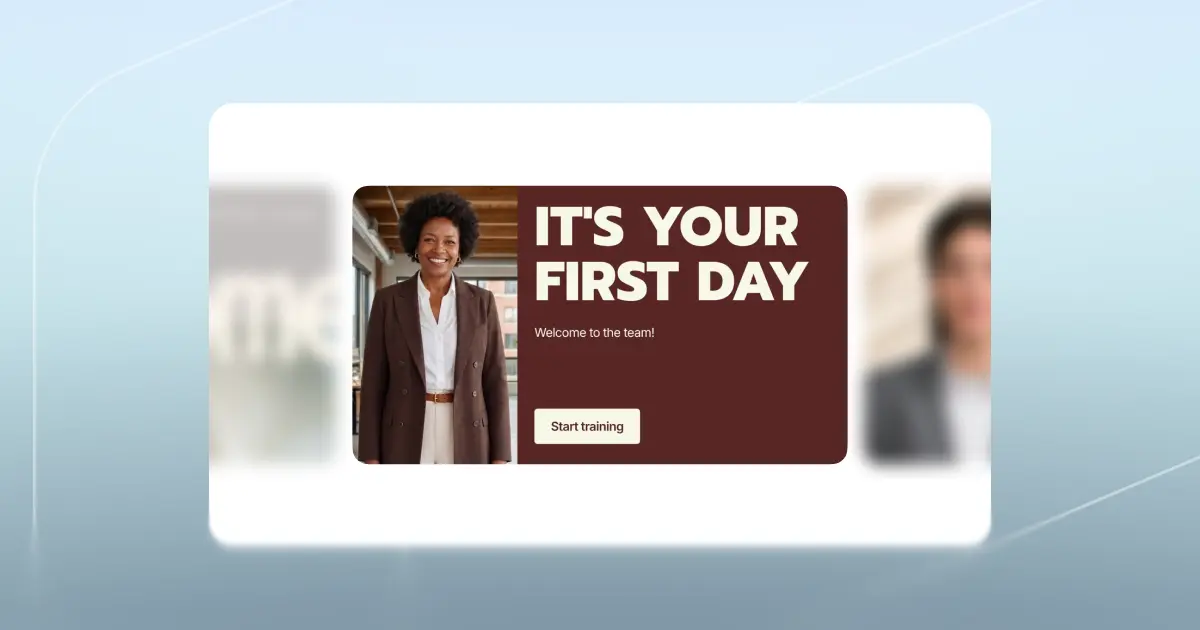
Here's an example of an onboarding video that follows the script-writing best practices I've shared.
Amy Vidor, PhD, is the Learning and Development Evangelist at Synthesia, where she researches learning trends and helps organizations apply AI at scale. With 15 years of experience, she has advised companies, governments, and universities on skills.
Frequently asked questions
Can I use AI to write an onboarding video script?
Yes, you can use an AI script tool or an LLM to take an onboarding video plan and turn it into a first draft of a script. No matter which approach you use, be sure to review the script, iterating on the content as well as pacing, to ensure it aligns with the objectives of your video. Before you finalize anything, do one last read through to polish for tone.
How long should an onboarding video script be?
There's no onboarding-specific research on ideal script length, but a large-scale study found that engagement drops sharply after the six-minute mark.
I recommend keeping onboarding videos under five minutes to stay safely ahead of that drop-off. Say what you need to say as concisely as possible.
How do I adapt an onboarding script for different roles or regions?
When you're localizing a script (whether adding regional or role-specific nuance, or translating the content), write one script as the source of truth, noting what needs to be modified. That way, whether you're updating the original or a localized version, you have clear version control.
An AI video platform, like Synthesia, helps you track these iterations, with one-click localization for enterprise teams.
What makes a good onboarding video script?
A good onboarding video script distributes cognitive load between narration and on-screen visuals, focuses on one topic per scene, and stays easy to update, whether that's a content change or a new localized version.

.webp)



