Free AI Script to Video Maker
Turn your script into a finished video in minutes, from presenter-led training to animated product promos.
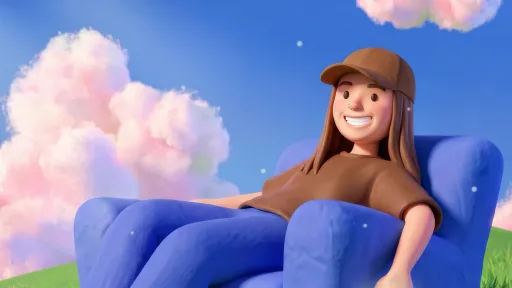
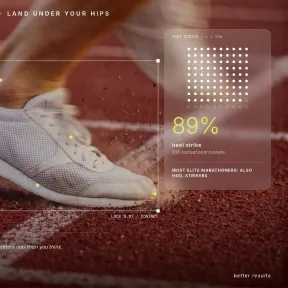










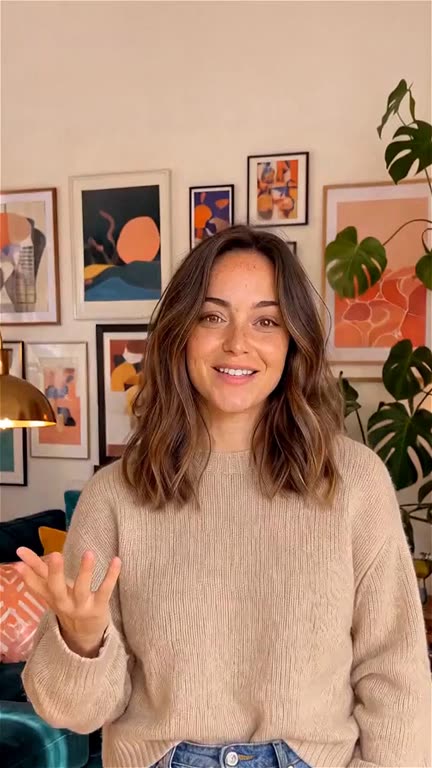






Turn any script into a finished video
Paste your script, describe any changes you want, and watch your video take shape.
Start with the script you have
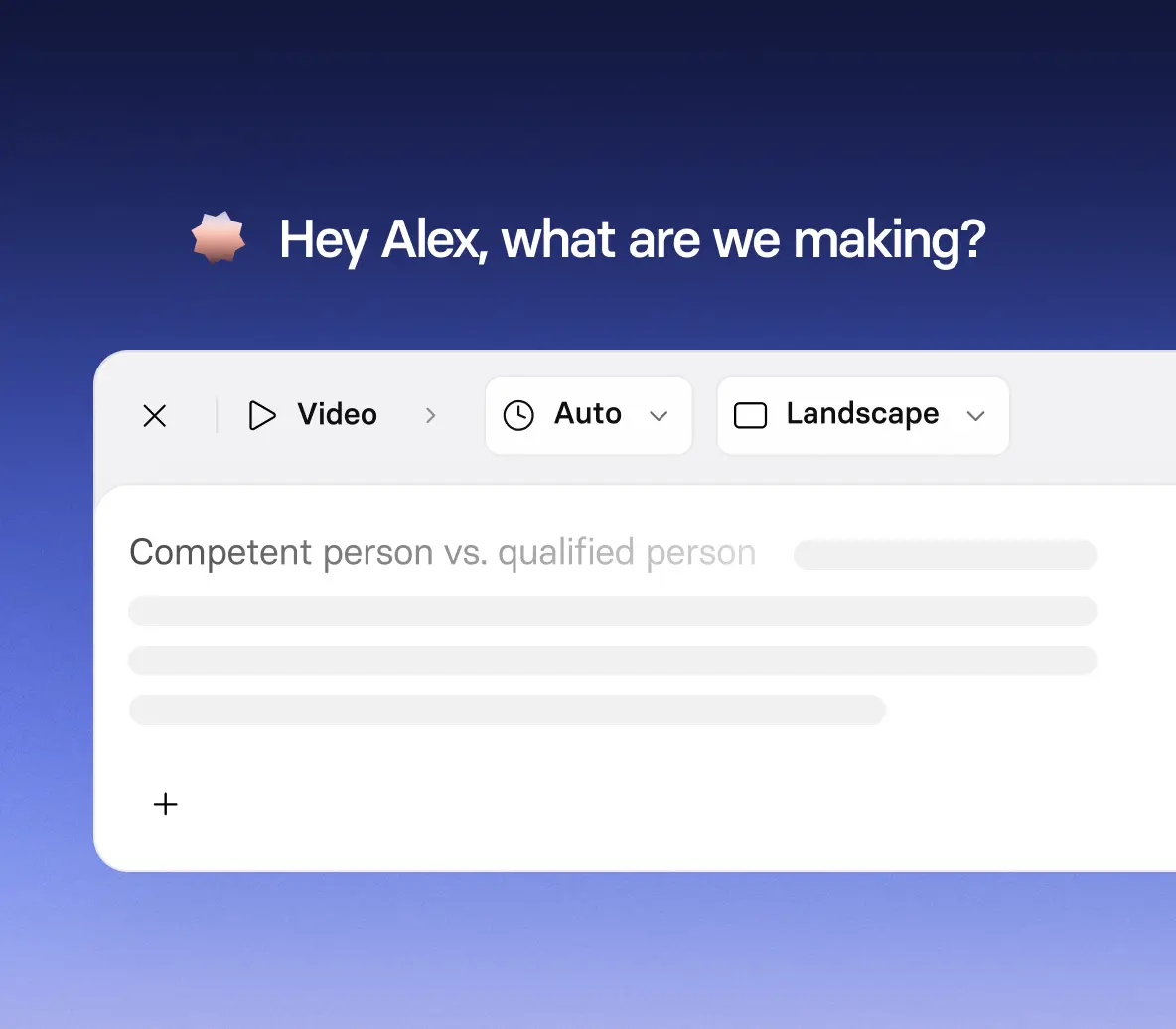
- Paste a finished script, a scene-by-scene outline, or just an idea
- Add images, logos, documents, or YouTube links to guide the result
- Watch a live preview as each scene comes together
Shape the look and feel of every scene
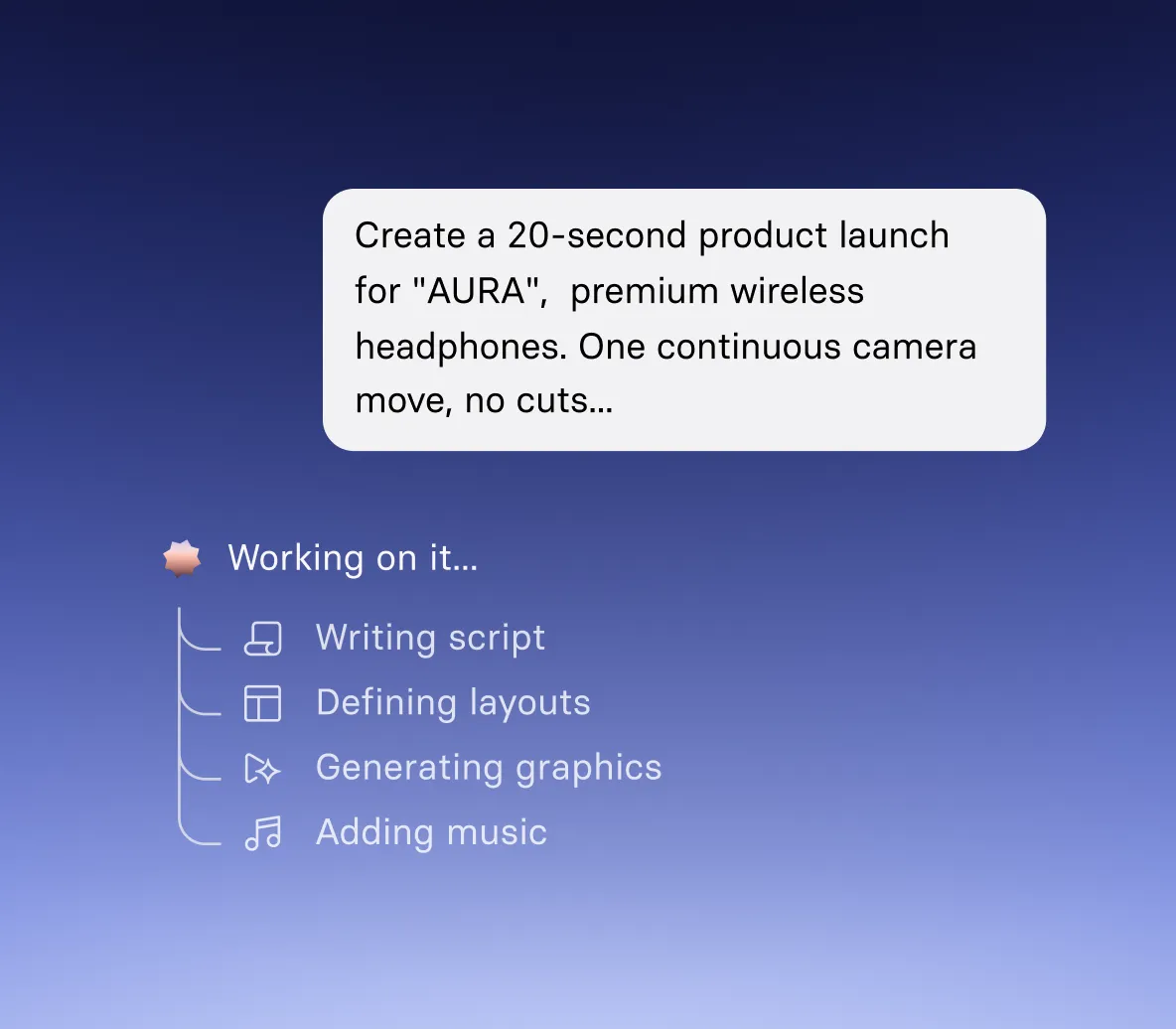
- Describe the visual style, tone, and mood you want
- Bring scenes to life with B-roll, motion graphics, and images
- Generate dialogue, narration, and sound effects
Add realistic AI avatars and voiceovers

- Bring your script to life with realistic AI avatars that present your narrative clearly
- Create AI avatar-led presenter videos for training and corporate videos
- Choose from a range of natural-sounding AI voices that match your tone, audience, and message
Refine your video by chatting
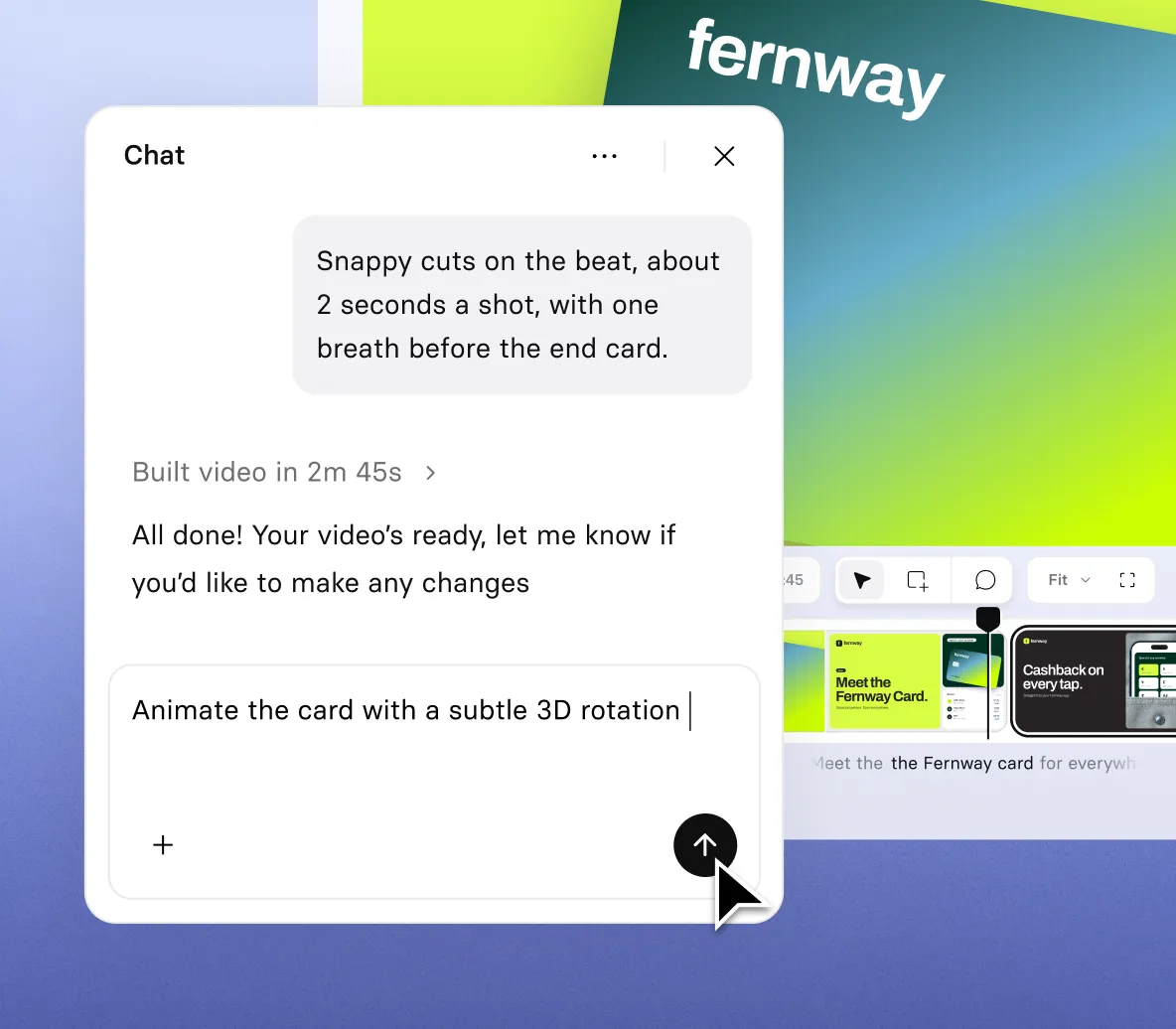
- Ask for changes to the script, avatar, voice, music, or visuals
- Pause on any scene and say what to change, and Syren updates your video
- Select any element on screen to move it or retype it
Pick your shape, length, and resolution, then share
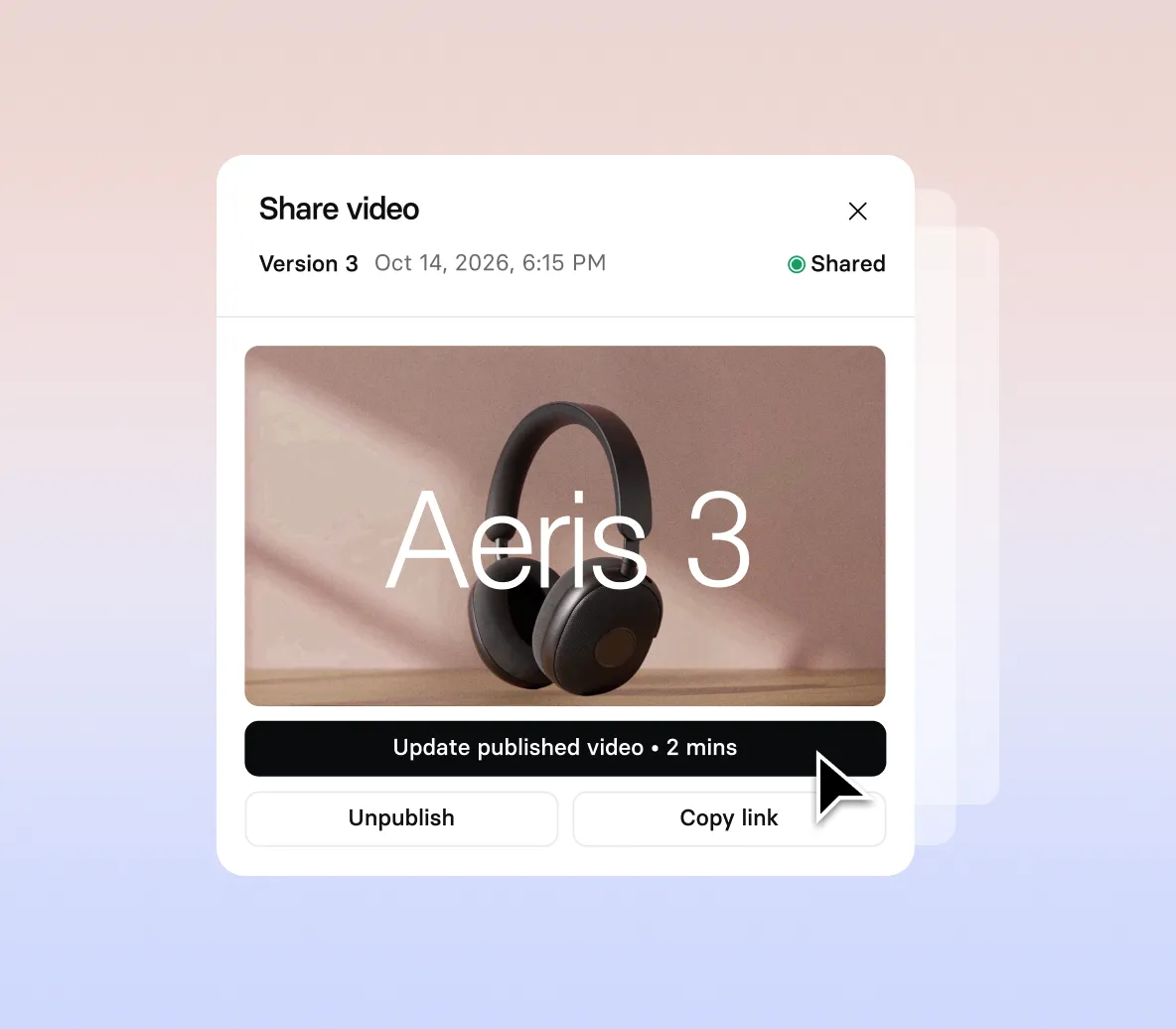
- Choose from landscape 16:9 or portrait 9:16
- Generate videos in 1080p up to an hour long
- Translate into 140+ languages, then download or share a link
How to turn a script into a video
Three steps to go from a script to a finished video you can share.
1. Paste your script
Paste your script into the prompt box and add any files or links you want Syren to use. Mention your audience, tone, and style.
2. Refine it in chat
Watch the live preview build, then ask for changes to the visuals, script, voice, or avatar in the Chat panel.
3. Download or share
Download your video as an MP4, or share it with a link.

Generate videos from any script
From a short story to a lesson plan, paste your script and Syren builds the right kind of video around it.

Bring a short story, fantasy scene, or screenplay to life with narration, music, and visuals that match the tone and style you describe.

Create a tall 9:16 video from a fun fact, a what-if story, or a quick take, sized for short-form viewing.

Make a business promo or product ad from a short script, in wide 16:9 or tall 9:16, using your own images and logos.

Teach a topic, from a science concept to a history lesson, by turning your notes or lesson plan into a step-by-step video.

Explain a product, service, or idea with a script, then add screenshots, diagrams, or clips to show it in action.

Walk new hires through a process, policy, or tool by turning your training script into a video, with your documents and screenshots as reference.

The best script to video tool for modern teams

Over 2000+ five star reviews on G2
Script to video FAQs
Is the script to video maker free?
Yes, the script to video maker is free to start. Sign up and your first video is free, with no credit card required.
Can I control what the narration says?
Yes. Paste your script and Syren builds the video around it. To change any line, tell Syren in chat what it should say and it updates the narration.
What can I add to my script to guide the video?
Add documents, images, videos, PowerPoint files, or YouTube links alongside your script, and describe the audience, tone, visual style, narration, and music you want. If your prompt is short and you haven’t added files, Syren will offer you three creative directions to choose from before it generates.
How long can the video be?
Videos can be up to 60 minutes long. For anything longer than 15 minutes, Syren asks you to confirm before it plans the video. If a change would push your video past your limit, Syren tells you the limit and how long the change would have made it.
Can I choose the avatar and voice?
Yes. Syren picks a suitable avatar automatically, and you can name one in your prompt, such as “Use [avatar name] as the presenter.” After the first draft, you can ask for a different avatar or voice in chat.
Can I edit my video after Syren creates it?
Yes. Ask Syren in chat to change the script, avatar, voice, music, shot types, or pronunciation. Drag the playhead or select an element to show Syren exactly what you mean, or move and retype elements yourself, which applies at once. Each round of chat edits uses credits, the same as building the draft.
What aspect ratios and resolutions does are supported?
Syren supports wide 16:9 or tall 9:16 aspect ratios and can generate at 1080p resolution.
Can I translate my video into other languages?
Yes. Ask Syren to translate your video into any of 140+ languages, and it updates the voiceover, the on-screen text, and the avatar’s lip-sync. You can then share each language version with its own link.
Can I turn a script into a presenter-led video?
Yes. Include your narration in the prompt, and Syren will build your video around it with an avatar performing your script. You can pick your presenter and preview voices before it builds. The script panel shows the narration as the video comes together, and you can reword any line by asking in chat.
Can I choose the visual style?
Yes. Describe the style, tone, and mood you want in your prompt, and Syren builds the scenes to match. If your prompt is short and you haven’t added files, Syren shows three creative directions to choose from, each with a preview image, the avatars it would use, and a music sample. If a scene isn’t right, ask Syren to restyle it in chat.
Not just a script to video tool
Synthesia is an end-to-end AI video platform for creating, localizing, and managing video at scale. The AI video generator turns prompts and documents into finished video, realistic AI avatars present your message without a shoot, and the AI screen recorder records and narrates your screen.
The AI script generator drafts a script when you don’t have one, AI video dubbing takes finished videos to audiences in other languages, and PowerPoint to video turns decks into video. One platform, from idea to audience.

Ready to convert your script to video?
Join 2M+ users and turn your script into a video worth watching.
It takes just minutes to turn your script into an engaging video.