Free Marketing Video Maker
Create engaging, on-brand marketing videos in minutes. No video editing skills required.
0/500 characters


Choose your input method and let AI create your video.
By using this service, you confirm that you have all necessary rights, licenses, and permissions to upload or generate content, and that your use of any generated videos will comply with the Acceptable Use Policy and applicable regulations related to intellectual property and data privacy.
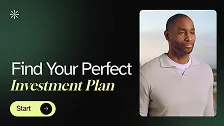
Trusted by over 50,000 companies








Create any type of marketing video


Easily create professional marketing videos with AI
Use editable marketing video templates
Creating engaging videos with no design experience can be hard at first. Use our professionally-designed video templates to speed up the process.
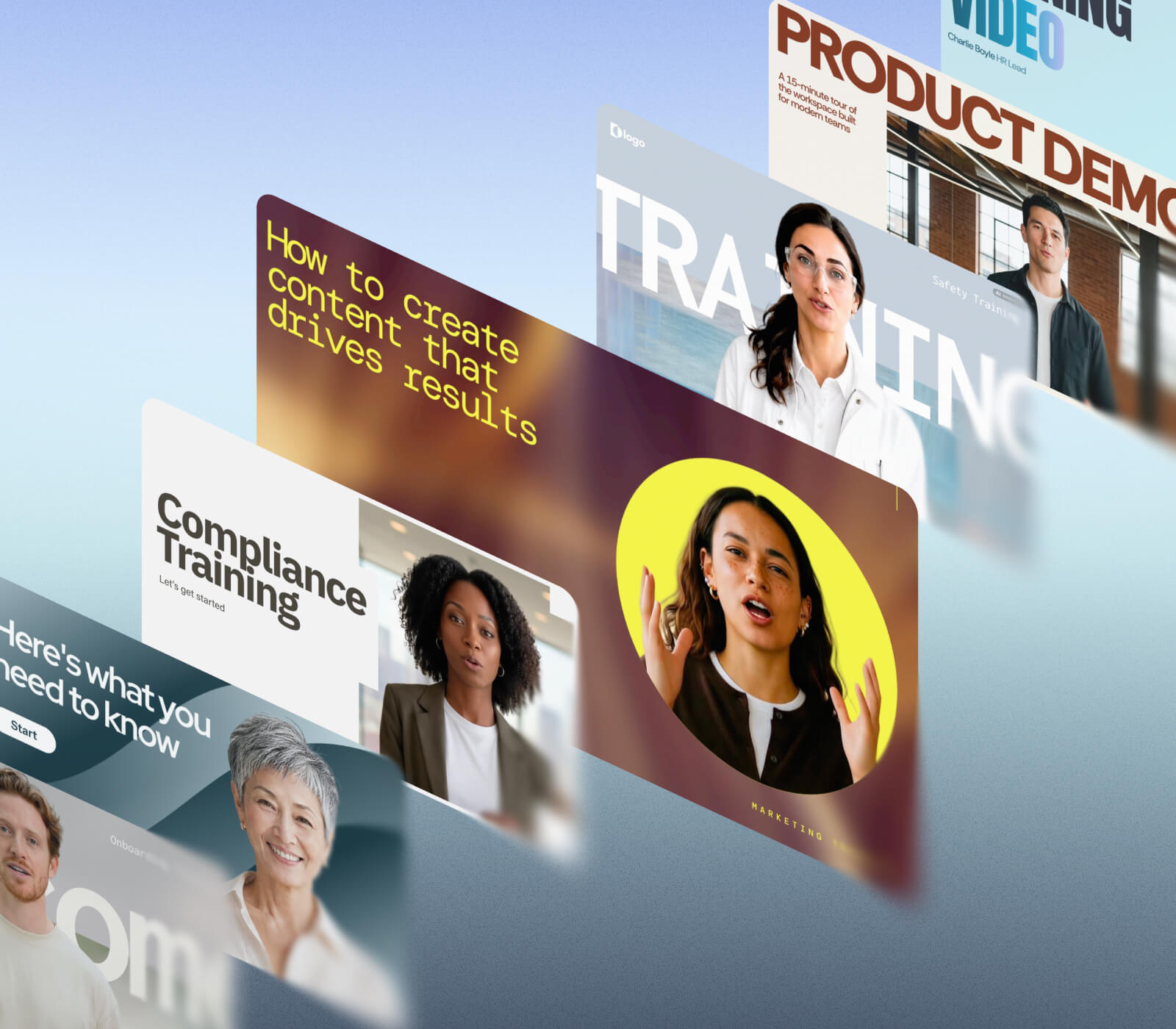
- 60+ professional templates
- Dedicated templates for marketing videos
- Fully-customizable
Generate assets or use premium stock media
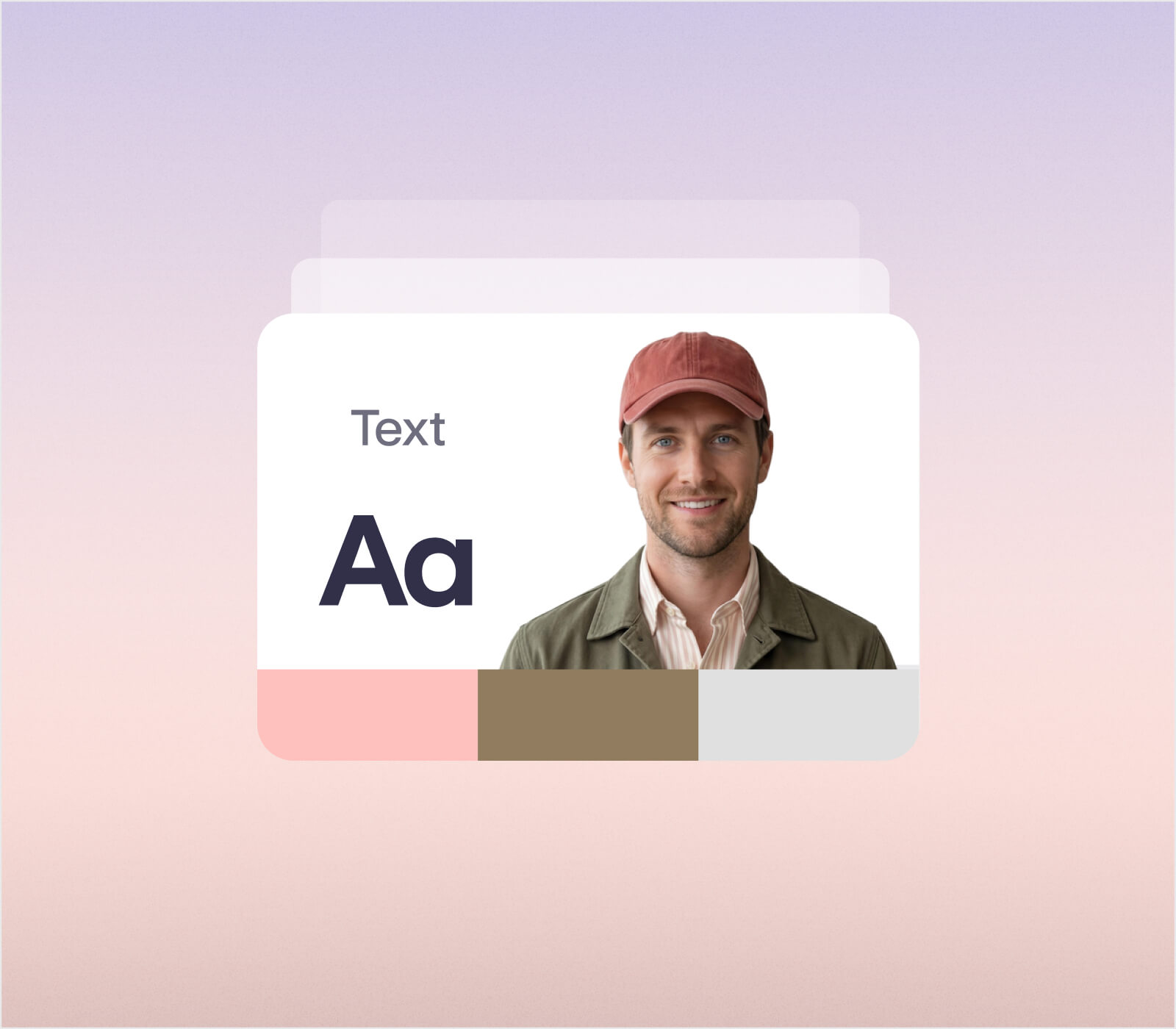
Generate video with Veo, Gemini Omni, and Flux. Add stock images, videos, animations, and music. Upload your own brand assets like logos, photos, footage, audio, or fonts.
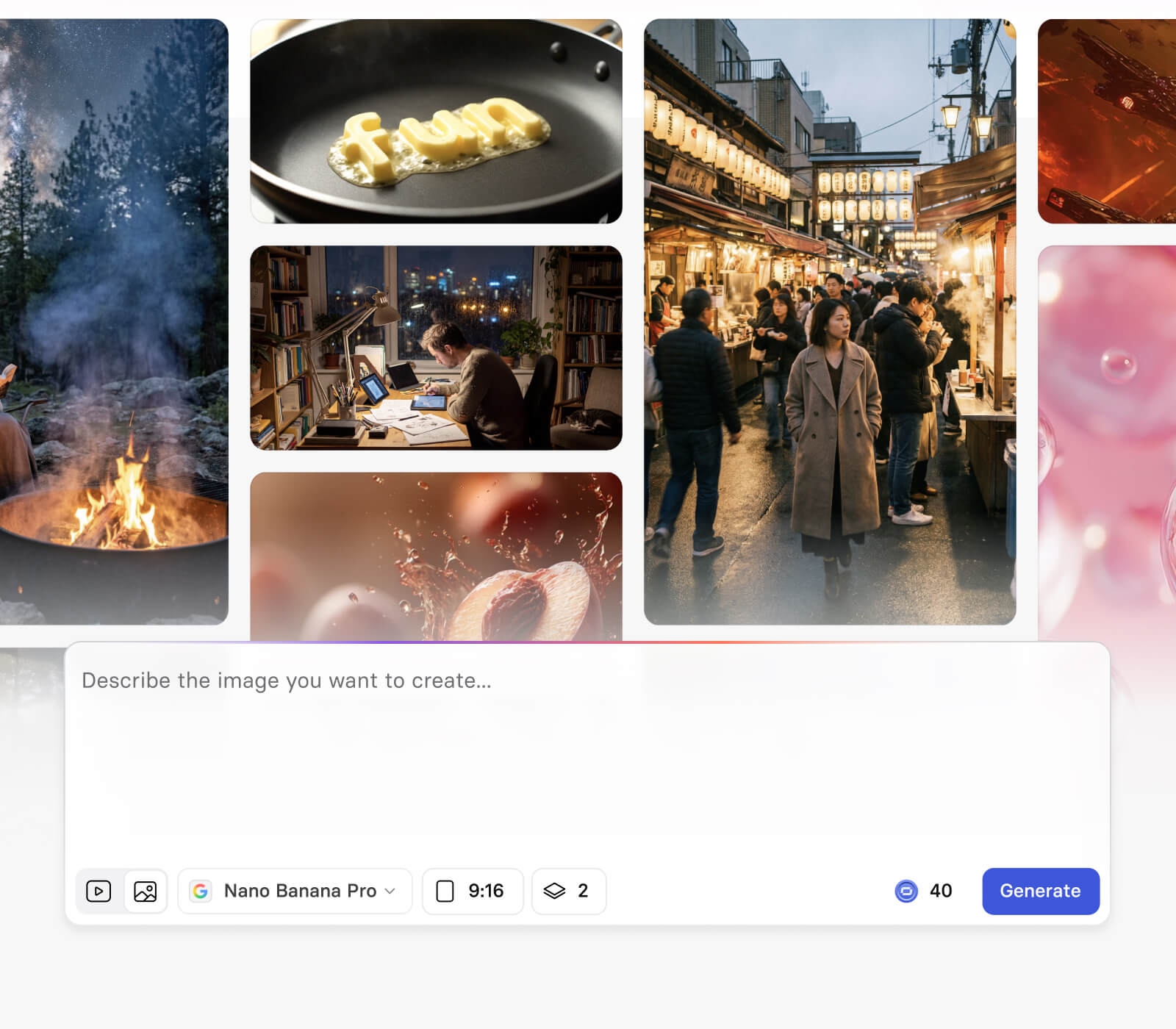
- Customize assets as needed
- Images, videos, music, animations included
- Generate your own custom B-roll
Make marketing videos in 5 minutes
Create marketing videos, explainer videos, brand videos, promotional videos, and product videos, simply by typing in text in your browser.
- Built-in AI script generator
- 60+ video templates
- Text-to-speech for easy voiceovers
Easily create social media videos
Create a video ad or promo video for all social media platforms using our handy aspect ratio presets. Promote and share marketing videos on YouTube, IG, Facebook, TikTok, and other platforms.
- 5 aspect ratio presets
- Optional auto subtitles
- Perfect for YouTube, IG, TikTok

Create a compelling marketing video with branded assets that tells your brand's story. Drive sales and audience engagement with your video content.

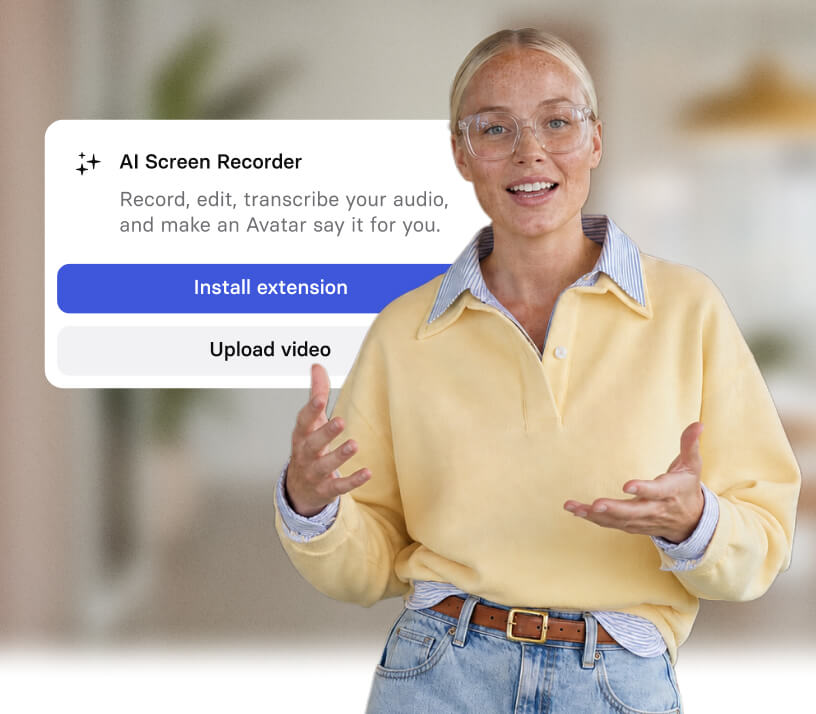
Personalize your video ads with a realistic custom avatar of yourself. No need for actors, cameras, or studios.

Quickly create marketing videos with an AI voiceover. No need for microphones and recorded voiceovers.
Engaging AI marketing videos for any use case

Turn a script or a document into a clear explainer or demo, with an avatar walking viewers through what your product does and why it matters.

Create the same marketing video in 160+ languages so one campaign reaches every market, choosing from 2,000+ AI voices, with no re-recording and no voice actors.

Create social-first videos to launch a product, share an update, or build brand awareness, sized for every channel with 5 aspect ratio presets and optional captions.

The best AI marketing video maker for modern teams

Over 2000+ five star reviews on G2
How to make marketing videos
Here's how easy it is to create videos in just a few clicks using our AI video editor.
1. Choose a marketing video template
Choose a professionally-designed and customizable marketing video template, or create a new video from scratch.
2. Edit your marketing video
Customize your marketing video by adding stock or own images, video clips, music, and animations. You can also add an AI avatar of yourself to personalize it even more.
3. Generate voiceover
Paste in your marketing video script to generate auto-voiceovers in 160+ languages. No need to record your voiceover separately. You can also add auto-subtitles for accessibility.
4. Download and share
Download your marketing video directly to your computer and embed on your landing page, or share on social media platforms.
Video marketing questions answered
How do you make an AI marketing video?
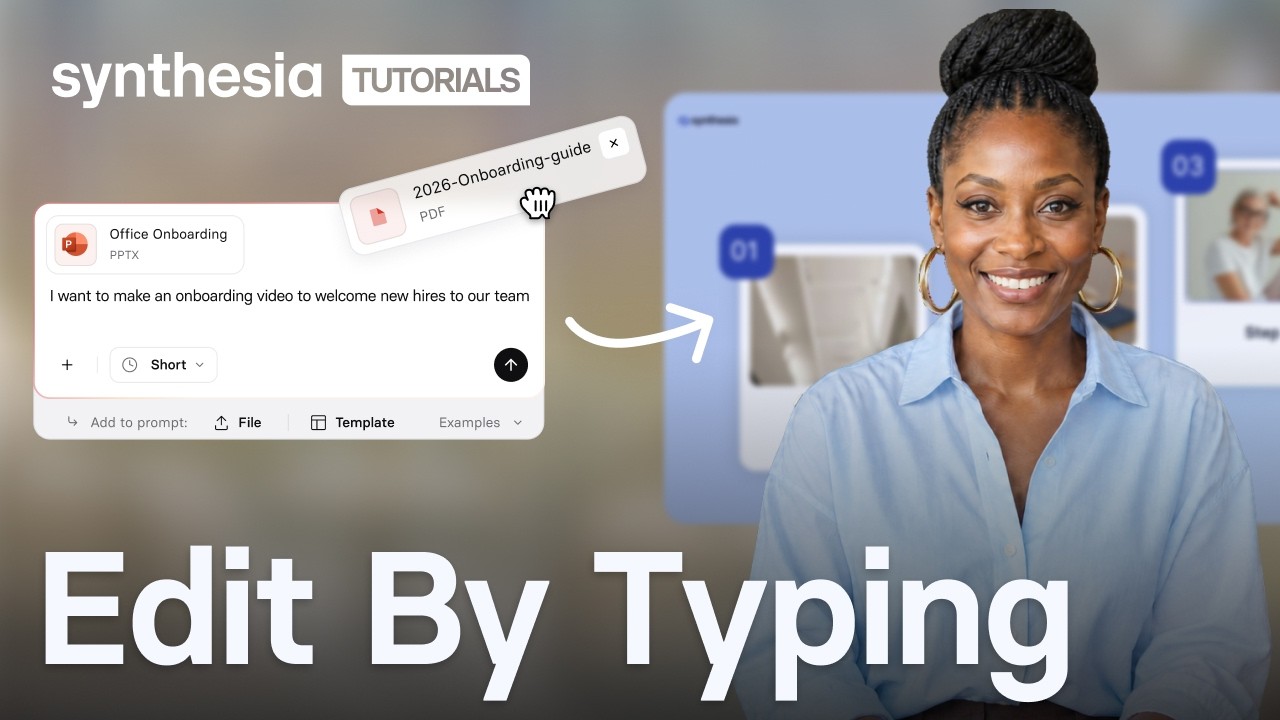
Start by choosing how you want to begin: describe your video in a prompt, paste a script you already have, or upload a file like a PDF, PowerPoint, or Word document. Assistant turns that into a script, scenes, and visuals, then shows you an editable outline before it generates anything. From there you refine the script and visuals by chatting in plain language, add an avatar and voiceover, brand it, and download or share the finished video. No cameras, actors, or editing experience needed.
Is the AI marketing video generator free?
Yes, you can create a marketing video for free, with no credit card required. The free video lets you try the full flow: type a prompt or paste a script, pick an avatar, and generate a real video with an AI voiceover. Paid plans start at Starter and add more minutes, avatars, and features when you are ready to make videos regularly.
What is the best AI marketing video generator?
The best tool depends on what you are making, but Synthesia is built for business video at scale, with 240+ avatars, AI voiceovers in 160+ languages, and 60+ editable templates. It is rated 4.7 out of 5 from more than 2,000 reviews on G2, and it is used by over 50,000 companies. For marketing teams, the draw is speed and reuse: write once, generate in minutes, then update the same video and reshare without re-recording anything.
What files can I turn into a marketing video?
You can upload PDF, PowerPoint (.ppt, .pptx), and Word (.doc, .docx) documents, plus plain text (.txt) files, up to 10MB each. You can also add a URL to a public article or blog post, or combine files, links, and a prompt in one request. Assistant reads your source material and writes a fresh script from it, so a deck or a doc becomes a starting point rather than a word-for-word transcript. Documents over 4,500 words are not supported, so trim longer source material first.
How long can my marketing video be?
A single Synthesia video can run up to 4 hours in total, with a maximum of 150 scenes and up to 5 minutes per scene, whichever limit you reach first. For marketing, shorter usually works better, and when you generate with Assistant you can set the length to Short, Medium, or Long, then tighten it further by asking it to make scenes snappier.
Can I create marketing videos in other languages?
Yes, Synthesia supports 160+ languages and accents, so you can generate the same marketing video for different regions without recording new audio. You choose from 2,000+ AI voices, add captions during setup, and pair a voice with an avatar for a consistent presenter across every version. Full 1-Click Translation of the script and on-screen text is available on Enterprise plans.
Can I make animated marketing videos with Synthesia?
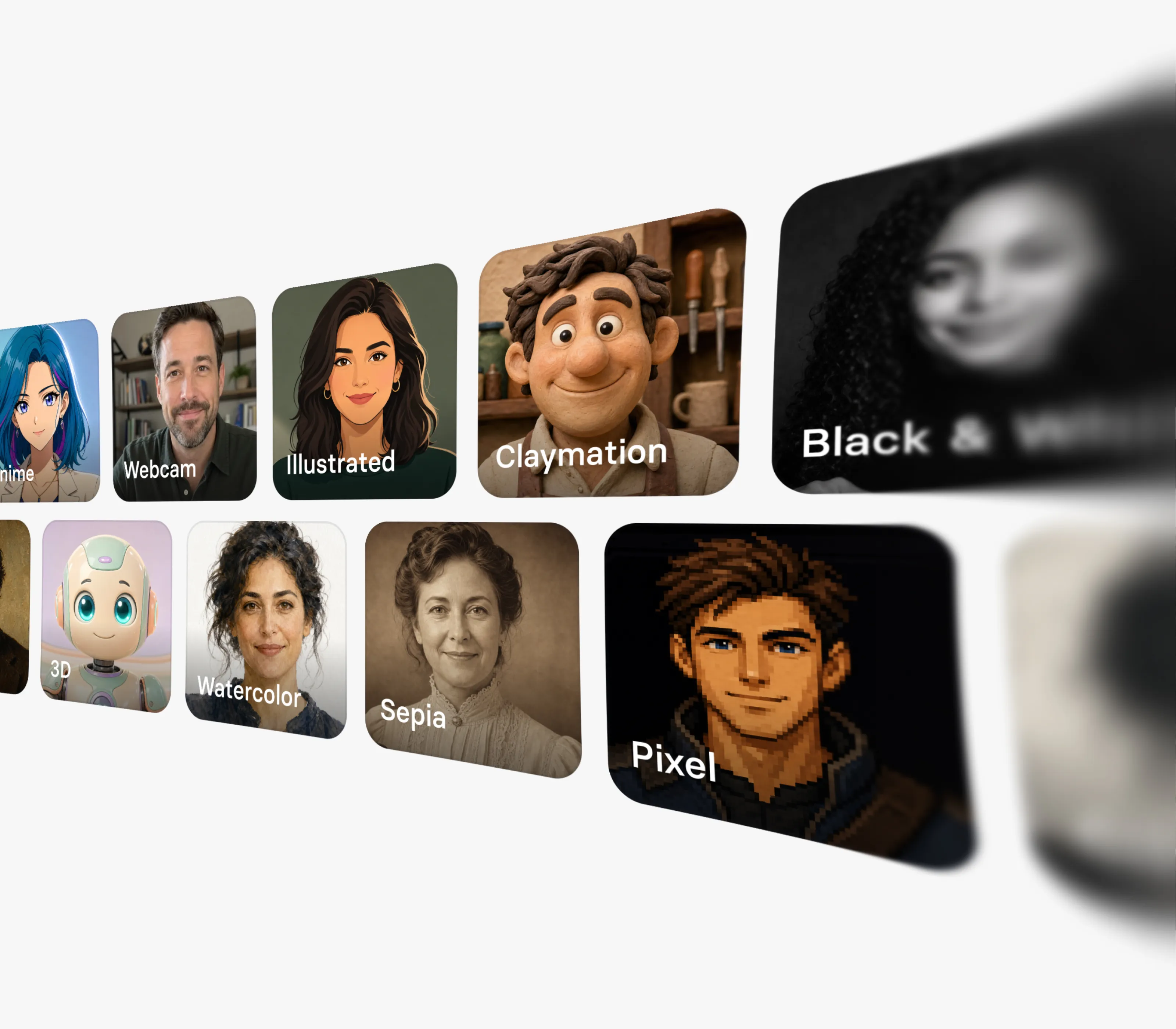
Yes. Avatar Builder lets you create custom avatars in animated and stylized looks, from Anime and Comics to Claymation and illustrated 2D or 3D, plus mascots and other non-human characters. You can also pick from 240+ realistic avatars, generate B-roll and motion graphics with the latest AI video models, and animate text, shapes, and images in the editor. It is avatar-led video rather than hand-drawn cartoon animation, but the range of styles is wide.
How do I share or download my finished marketing video?
Once your video is ready, you can download it as an MP4 in up to Full HD 1080p, create a shareable link, or copy an embed code to add it to a landing page or blog. You then share that file or link wherever you need it, on social platforms, in email, or on your site. If you re-edit a shared video, the link and embed update to your latest version automatically, while a downloaded MP4 needs to be re-downloaded and replaced.
Does Synthesia use my prompts or content to train its AI?
No. The prompts you send to Assistant are not used to train models, and your conversations with Assistant stay private to you, not shared with other people in your workspace. Prompts are retained for up to 30 days for abuse monitoring, then deleted unless the law requires otherwise. Synthesia is SOC 2 and GDPR compliant, which is why over 50,000 companies use it for business content.
Not just a marketing video maker
Synthesia is an end-to-end AI video platform for creating, localizing, and scaling business video. The AI video generator turns text into a finished video, realistic AI avatars put a presenter on screen without a shoot, and the AI voice generator narrates it in a natural voice.
From there you can translate a video into 160+ languages, add interactive buttons and quizzes so viewers act instead of only watching, and refine every scene in the AI video editor. One platform, from the first script to the finished, on-brand video.