

Translate a video from English to Spanish
Translate your video from English to Spanish in minutes, while preserving each speaker’s voice with perfect lip-sync.


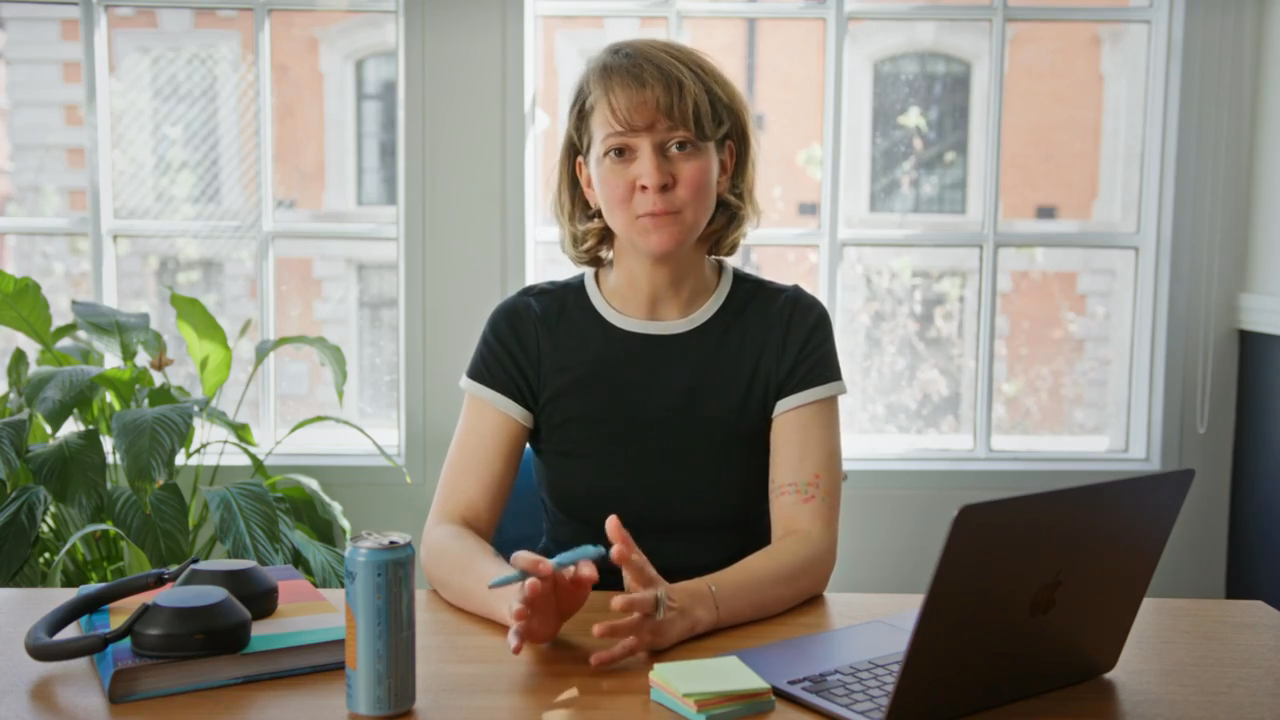
Translated video examples

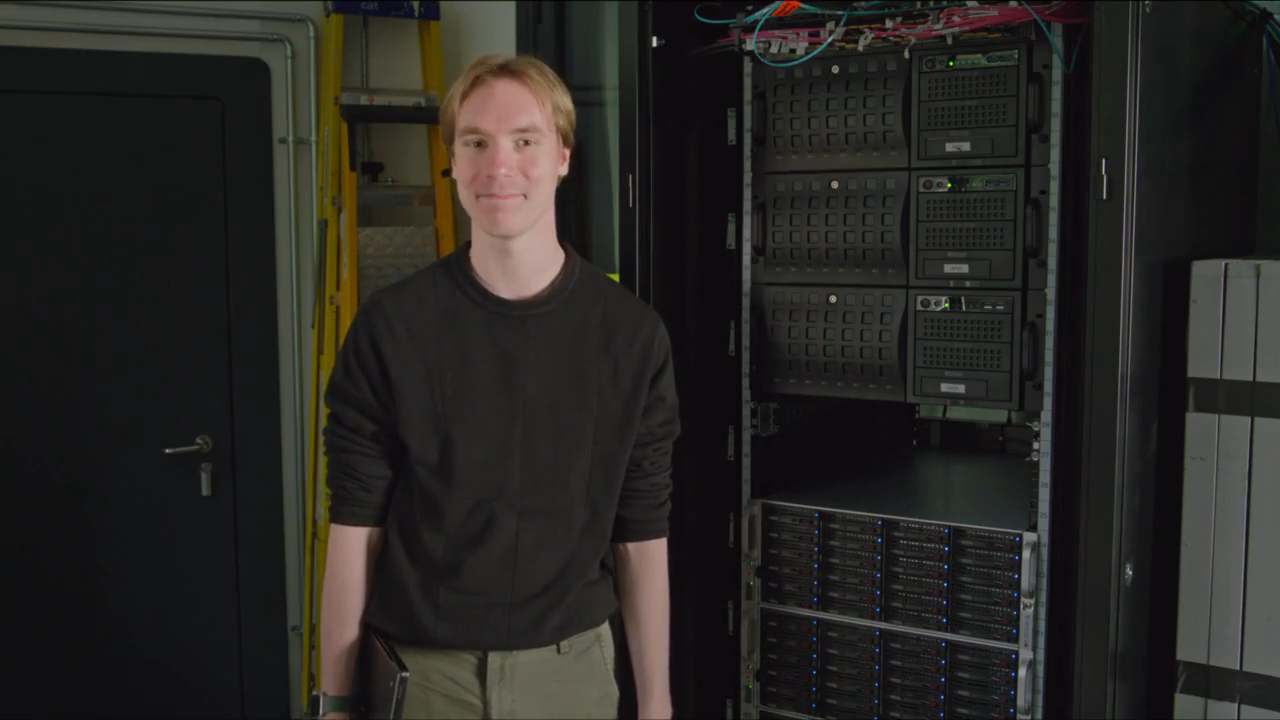
Upload your video
Your first minute of video is completely free. We’ll trim any longer videos.


Choose a file
Use a YouTube video that clearly shows someone speaking.

Translate to
If your video features people speaking, we'll sync their lip movements to the translated audio.
Upgrade to generate your translated video without a watermark.
Subtitles are auto‑generated for dubbed videos and viewers can toggle them on or off in the Multilingual Player.
AI dubbing supports multiple speakers and automatically preserves each speaker’s voice.
Control whether the video duration stays fixed or adjusts for translation.
By using this service, you confirm you have all necessary rights, licenses and permissions to upload and dub this content, and that your use of any dubbed content will be in accordance with the Acceptable Use Policy and in compliance with applicable regulations related to intellectual property and data privacy.


Remove watermarks and elevate your videos.
- Deliver translated videos without watermarks.
- Edit translations easily and securely.
- Dub videos in all available languages and dialects.
- Perfect for training, marketing and sales videos.
Fast and accurate English to Spanish video translator

Original voices, now in Spanish
Clone every speaker's voice so your Spanish version keeps the same tone, warmth, and identity your audience already trusts.

Lip sync that looks native
Advanced lip sync reshapes on-screen mouth movements to match the Spanish audio, so nothing looks dubbed or out of step.

Subtitles in both languages
Auto-generate Spanish and English subtitles so viewers can read along, watch on mute, or switch captions with a single click.
How to translate a video from English to Spanish
Turn any English video into a polished Spanish version in four steps. Upload a file or drop in a YouTube link, and let Synthesia handle the voice, translation, and lip sync.
Upload your video
Upload an MP4, MOV, or WEBM file, or paste a YouTube link. Synthesia detects the English audio automatically, with no transcript or setup required.
Pick your target languages
Select Spanish and toggle on lip sync if your video shows someone speaking. Hit Translate for Free and the AI gets to work dubbing your video.
Review and fine-tune
Preview the Spanish dub, tweak any wording in the transcript, or swap in a different AI voice until the delivery sounds exactly right for your audience.
Publish with one smart link
Export in minutes and share one player link. Viewers land on the Spanish version by default and can flip back to the original English whenever they want.

How teams translate with Synthesia


“It's enterprise-ready and makes video creation easy.”


"What used to take 4 hours now takes 30 minutes."


"The platform is so easy to use and intuitive."


“We make videos fast and use them every day.”


“Updating 10,000 courses? Totally doable now.”


"100 hours of translation done in 10 minutes!"


"I don't need a third party anymore. I do it myself"


“50% faster content. Without sacrificing quality”


"Teams adopt it fast and use it across the company."


“Interactive video is redefining training for us”


“We push updates without touching the LMS.”


"We saved $56K and hit 100+ custom videos."


"With Synthesia, we get lightning-fast results."


"180 videos. 5 languages. 0 hassle."

Rated 4.7/5 from 2,000+ reviews





Translate videos in 140+ languages
All your video translation questions answered
How does English to Spanish translation work?
Upload your English video and Synthesia's AI transcribes the audio, translates it into Spanish, clones the speaker's voice, and re-syncs their lip movements, producing a natural Spanish dub without a studio or voice actor.
Is it free to translate my video from English to Spanish?
Yes. Your first minute is free to translate right here, and you can dub longer videos for free inside the app.
Will English and Spanish subtitles be generated for my video?
Subtitles are auto-generated in the language of your script, so you get both Spanish and English captions that viewers can toggle on or off in the Multilingual Player.
Will lip movements match the Spanish audio if the video was filmed in English?
Yes. When lip sync is enabled, Synthesia reshapes the speaker's mouth movements to fit the Spanish audio, so the delivery looks like it was recorded in Spanish from the start.
Will my translated video keep the original voice in Spanish?
Yes. Voice cloning carries the original speaker's tone and character into the Spanish version, so it still sounds like them.
How accurate is the AI English to Spanish translation?
Synthesia delivers highly accurate Spanish translations that preserve meaning and speaker identity, and you can edit the transcript directly for technical terms, brand names, or regional phrasing before you export. You can also edit translations after video generation.
Can I translate YouTube videos from English to Spanish
Yes. Paste a YouTube link and Synthesia handles transcription, translation, and lip sync automatically, with no download or upload needed.
Can I translate a podcast or multi-speaker video into Spanish?
Yes. Synthesia detects each speaker, dubs them into Spanish with their own cloned voice, and keeps every part lip-synced. Ideal for podcasts, interviews, and panels.

