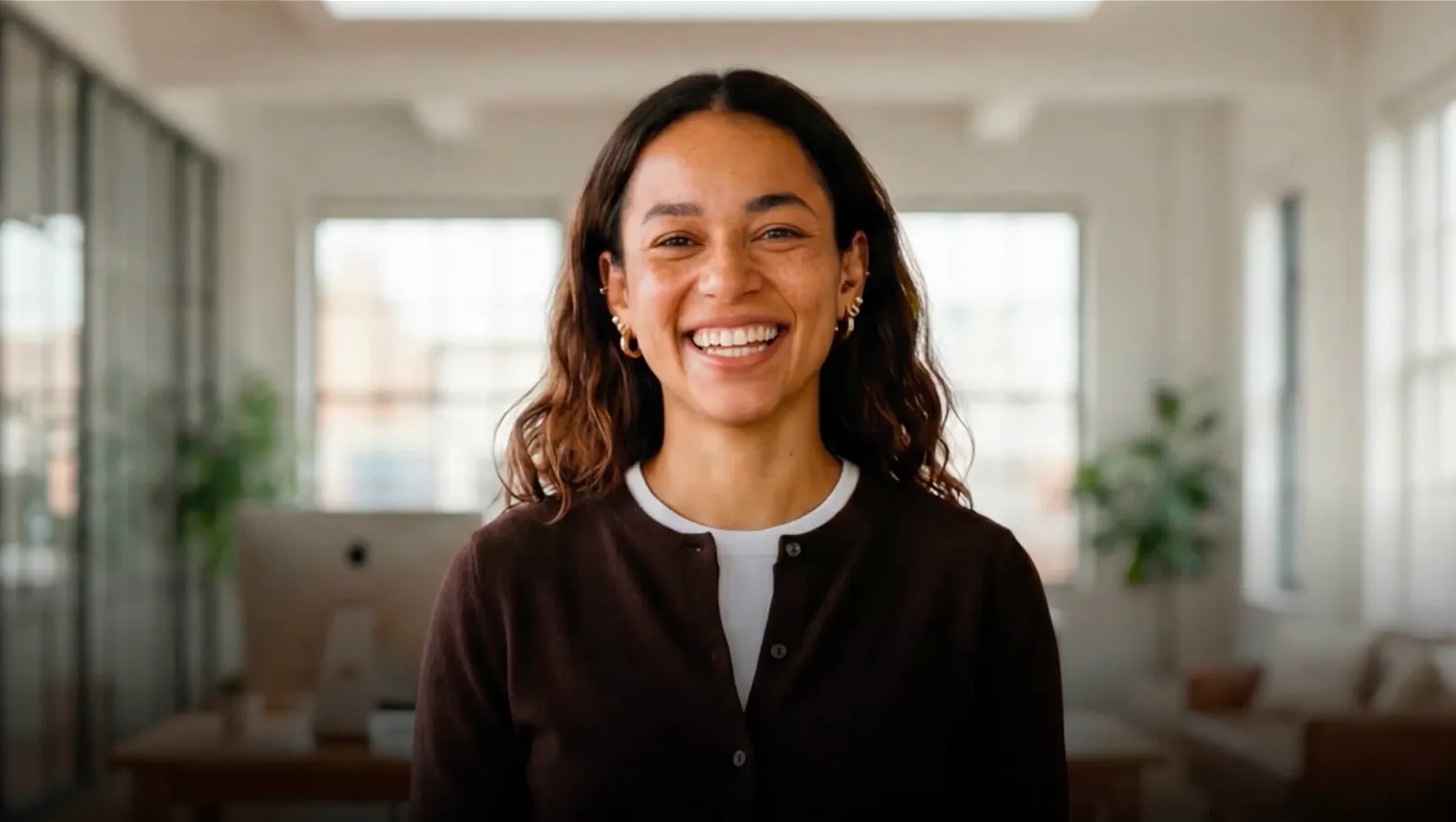
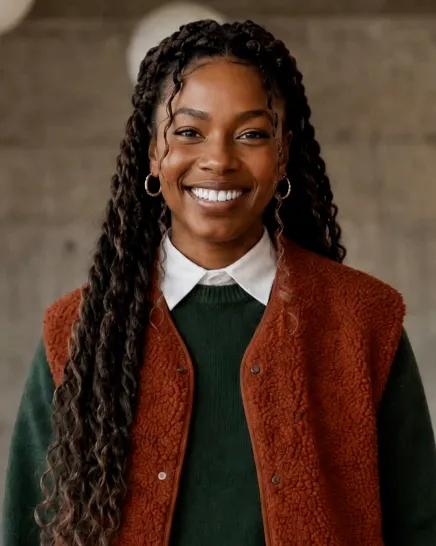
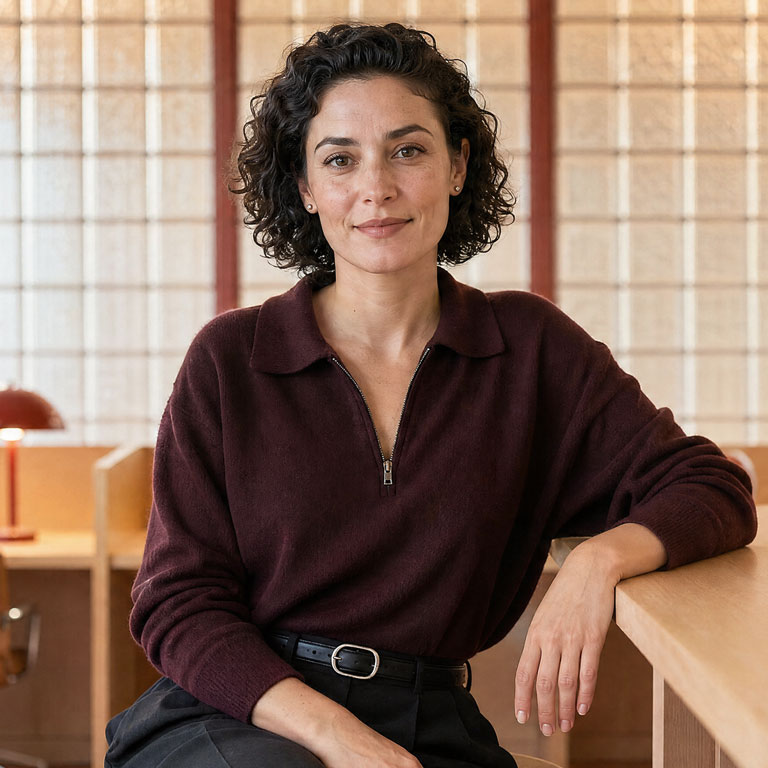
Free AI Avatar Generator
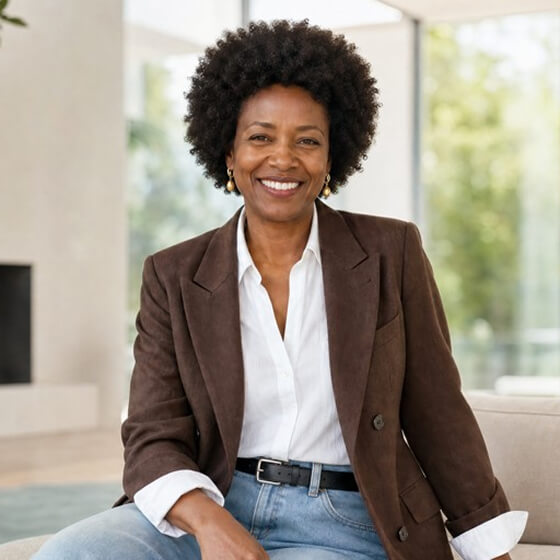
Create realistic AI avatars that act, not just talk. Build any avatar or character from a prompt, clone yourself, or pick from 240+ ready-made avatars.







Trusted by over 50,000 companies








The world's most realistic AI avatar generator
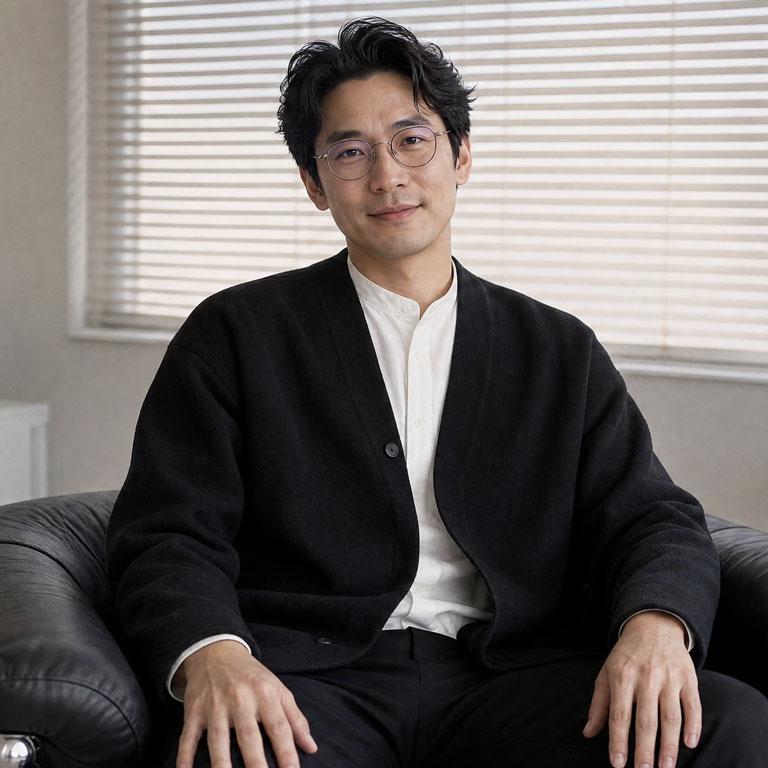
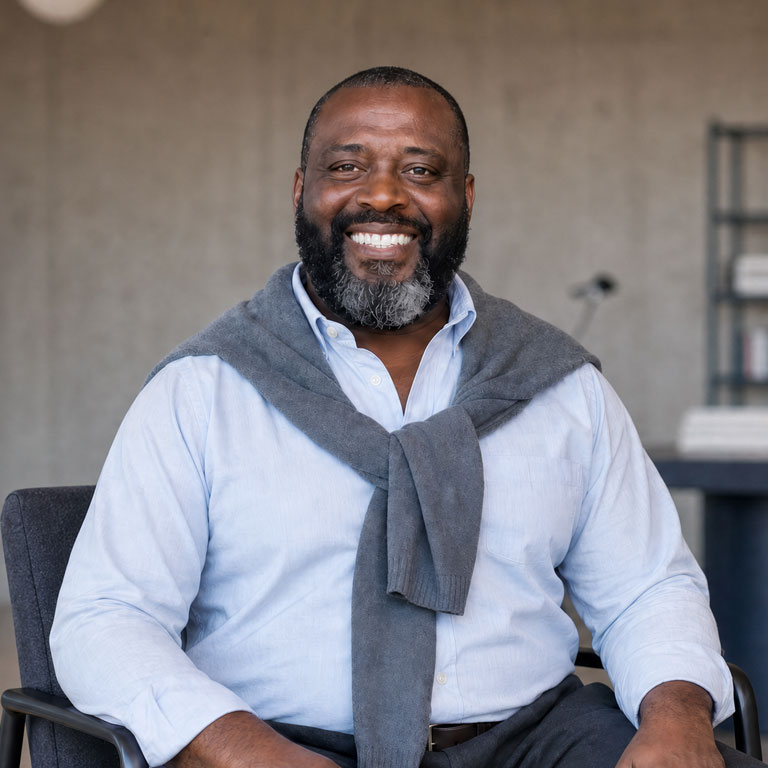
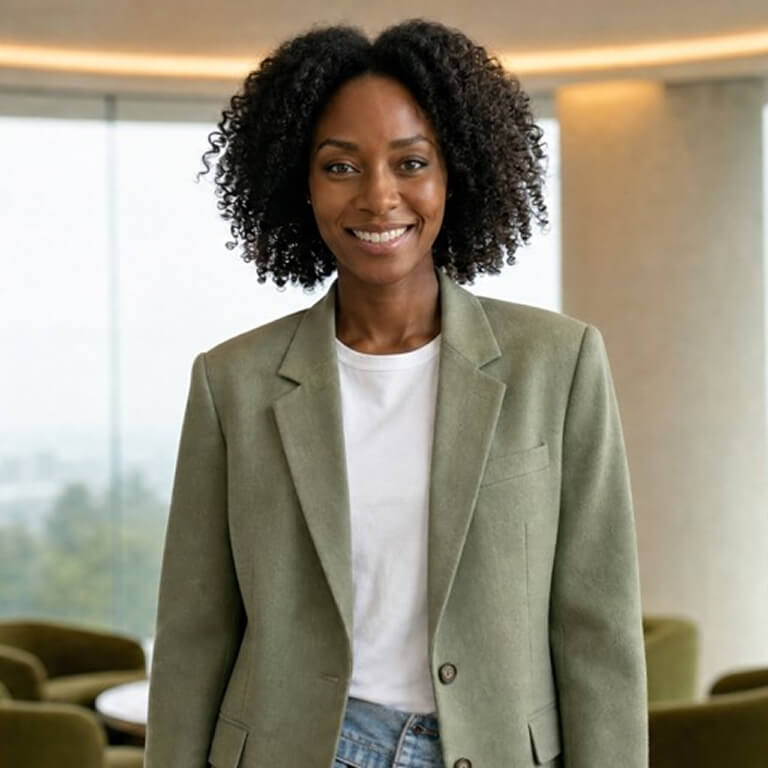
Expressive AI avatars built to move, gesture, and speak naturally. Choose ready-made avatars, build any character from a prompt, or create your digital twin.
Generate AI avatars for any scene or setting
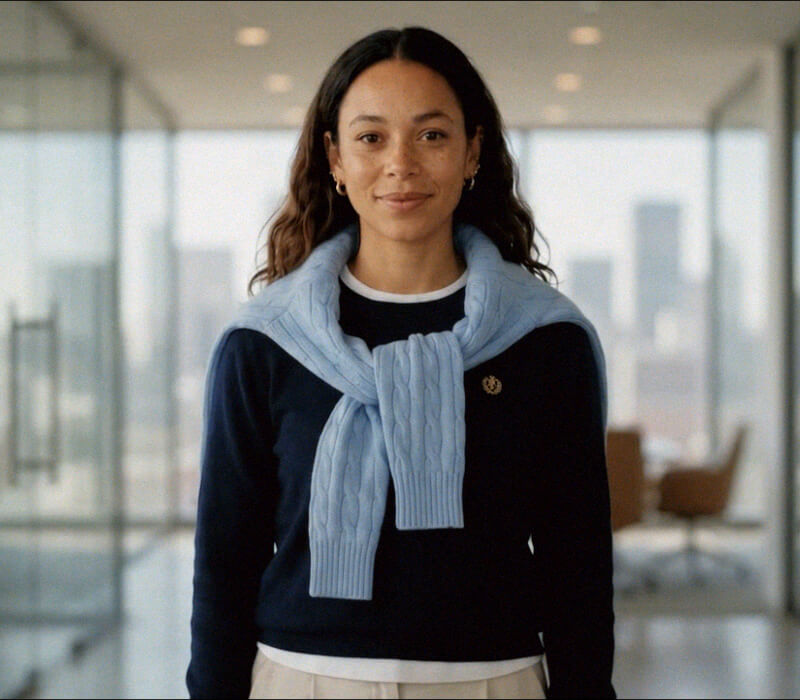
- Change avatar outfits and backgrounds, including with your own brand assets
- Prompt avatars to move and act in AI-generated scenes powered by Veo 3
- Create dynamic, on-brand visuals without filming or manual editing
Use 240+ ready-made AI avatars

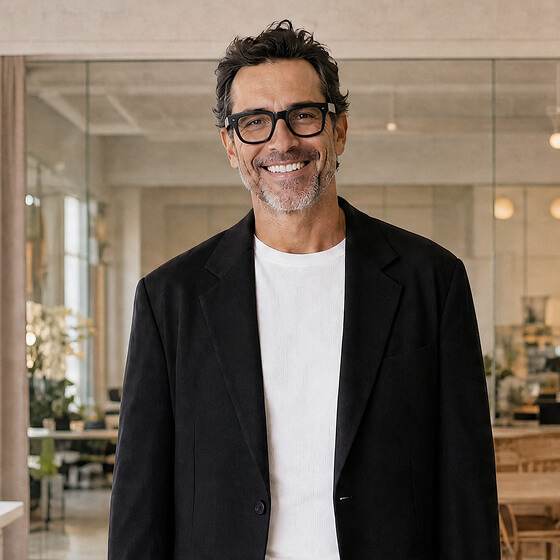
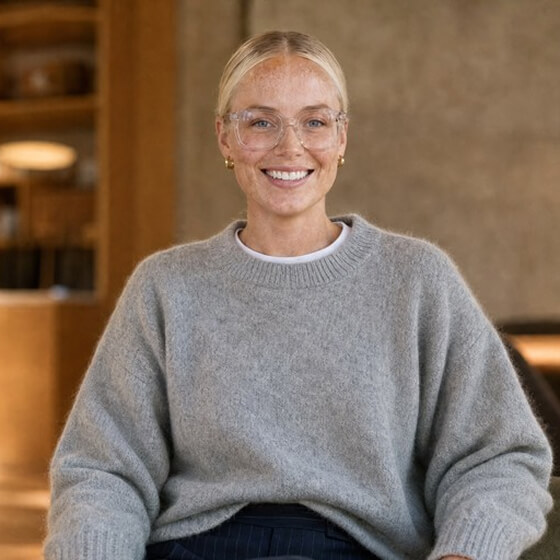
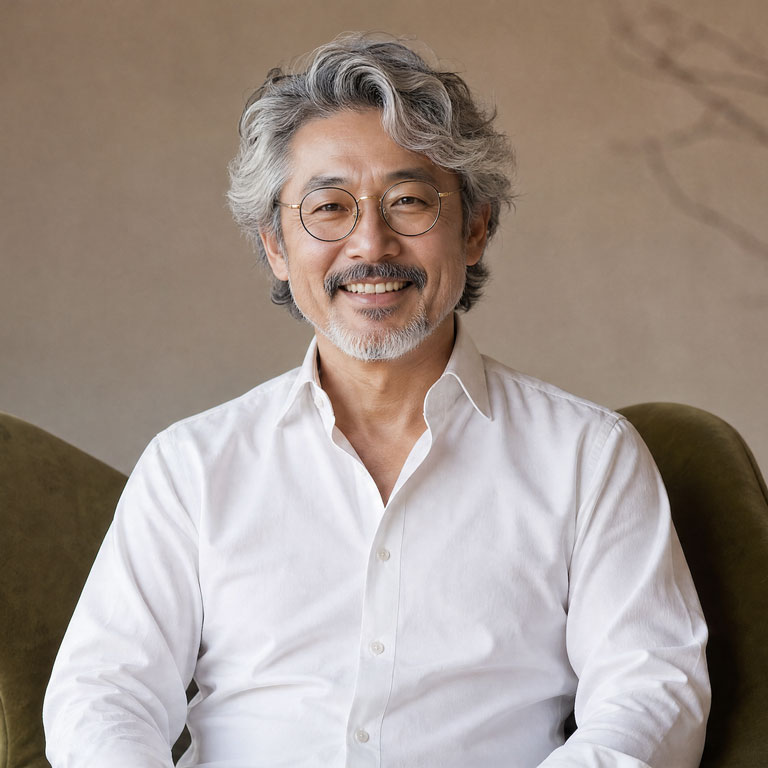
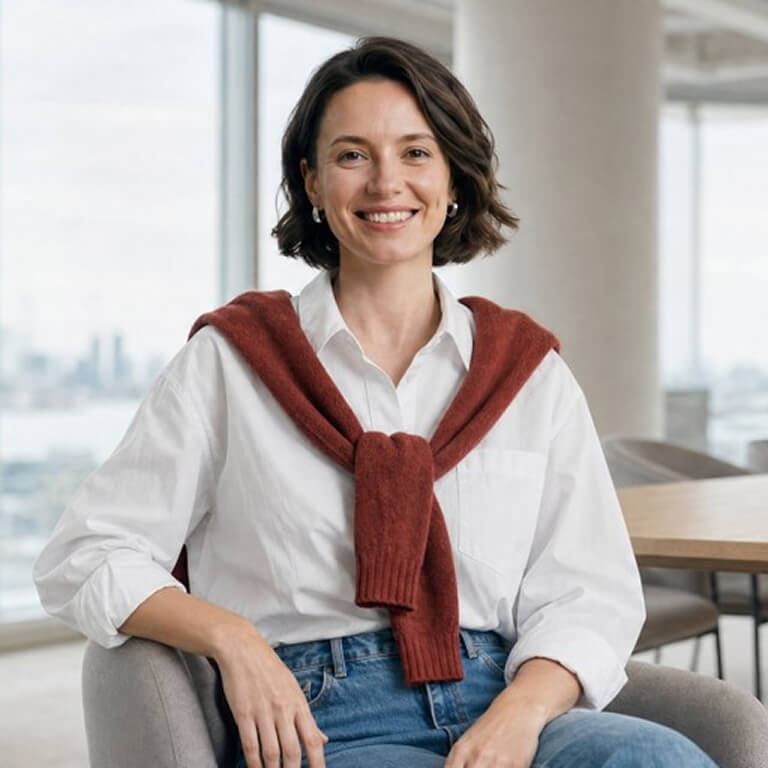
- Choose from a diverse library of full-body avatars with natural gestures and expressions
- Get accurate lip-sync and voices that convey emotion and intent, straight out of the box
- Start your first video instantly, with no filming, consent process, or configuration needed
Turn yourself into an AI avatar from a single photo
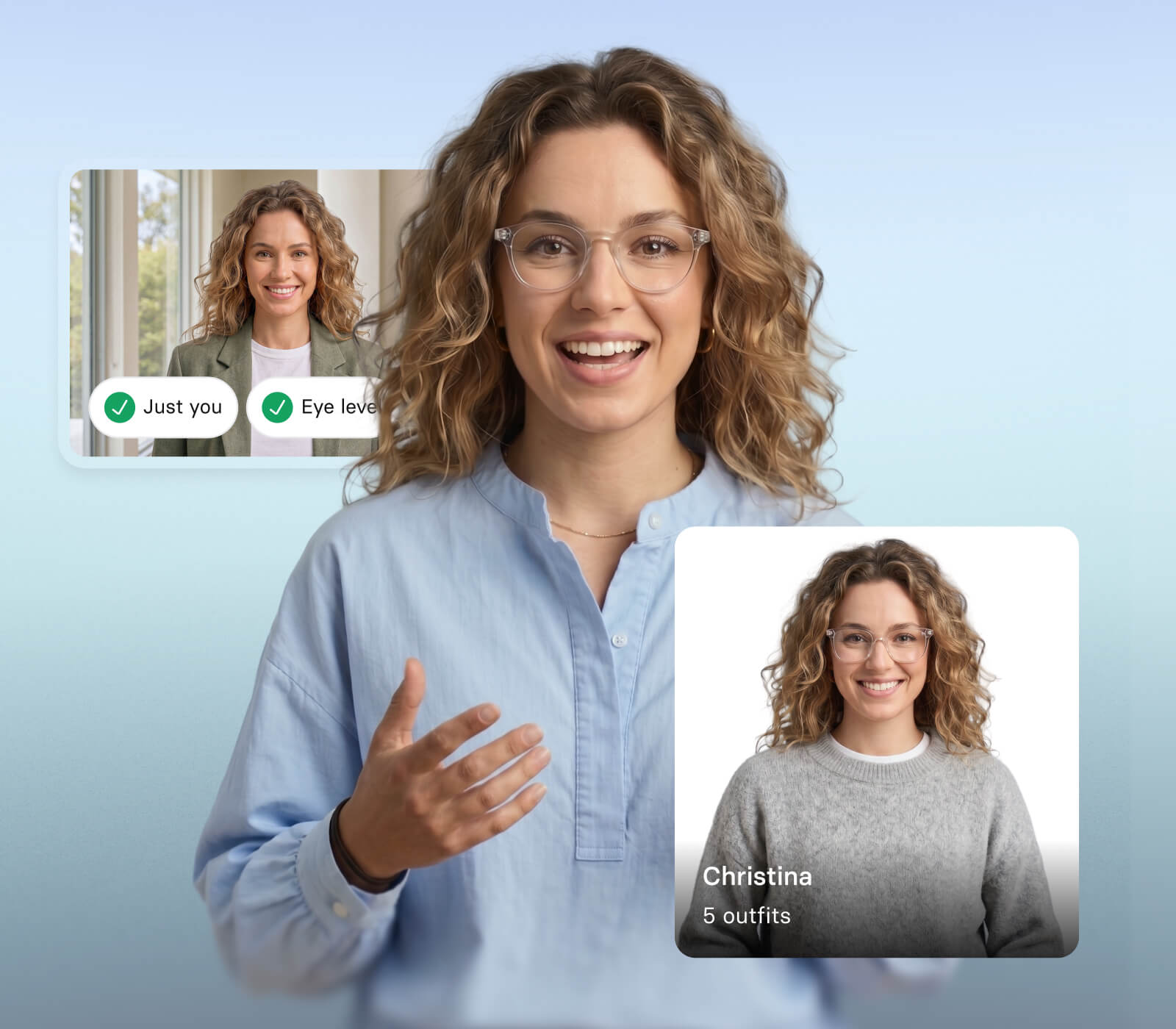
- Upload a photo and optionally clone your voice, so every video looks and sounds like you
- Keep your presence, delivery, and tone consistent across every video without being on camera
- Use your AI avatar across training, comms, marketing, and sales without additional filming
Create any AI avatar or character from a prompt
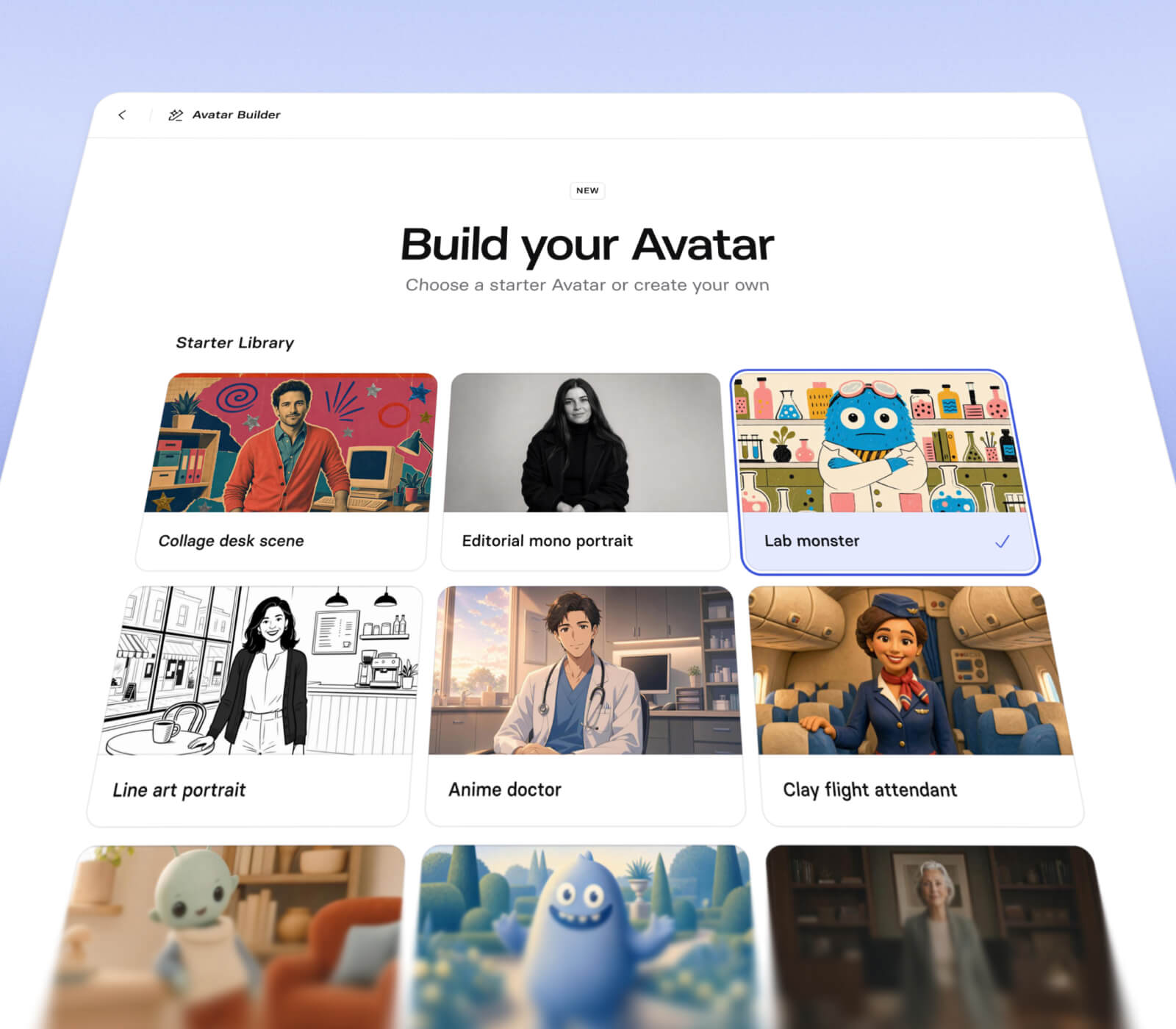
- Generate a realistic or stylized avatar from a prompt or preset
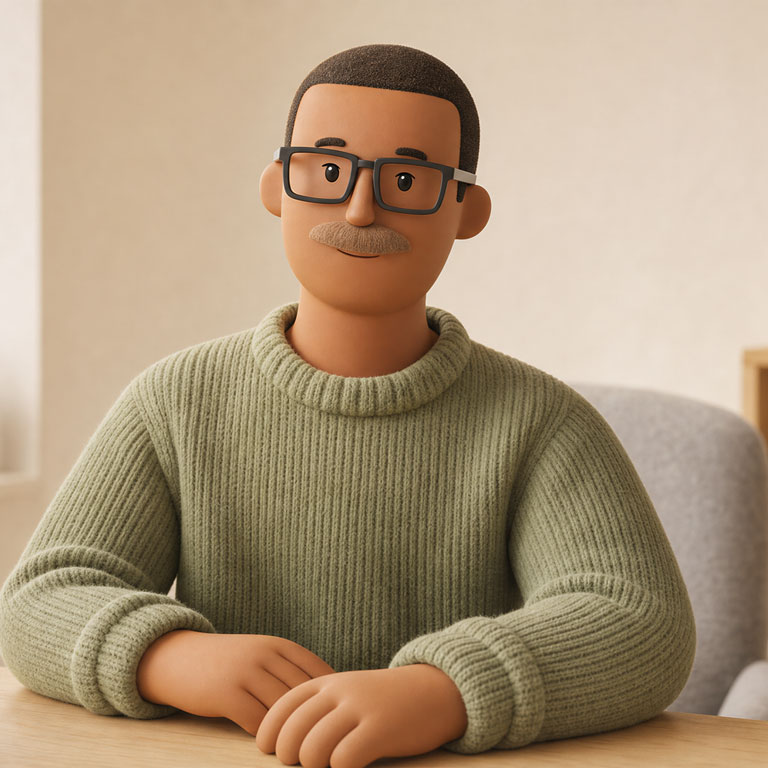
- Create AI characters in any style, from cartoon to fully lifelike
- Name your avatar, pair it with a voice, and drop it into any video
Launch avatars that listen and respond in real time
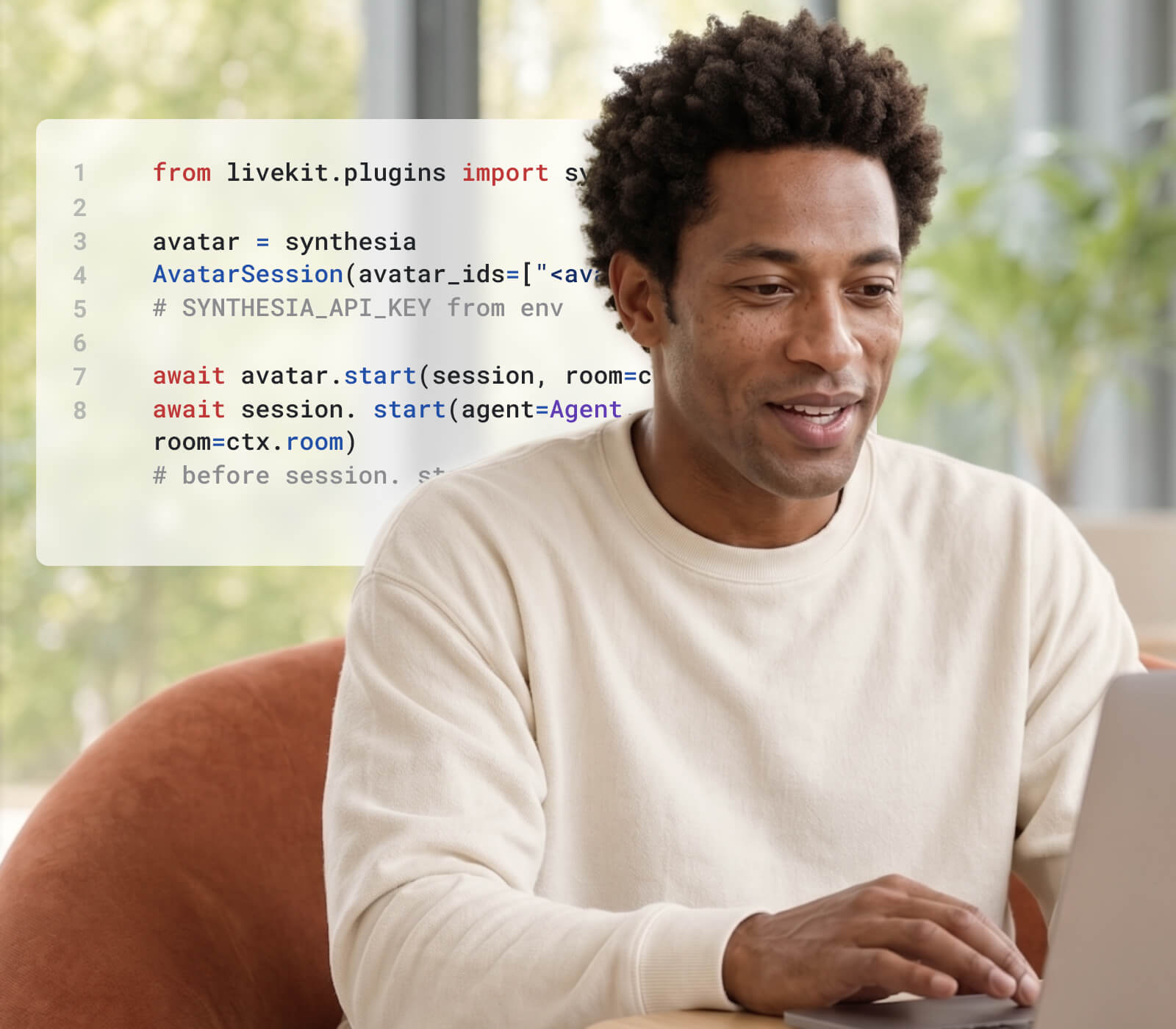
- Create avatars that listen, talk, and respond live in your product or tools
- Connect your own LLM or agent while Synthesia powers the avatar layer
- Deploy across sales, customer support, training, and onboarding conversations
Why use AI avatars?
AI avatar videos are proven to drive results, cost less to produce, and scale to any language.

Your audience won't disengage
A UCL research report studying 500 adult learners found no significant difference in engagement or retention between an AI avatar video and human instructor video. Viewers completed the AI version around 20% faster.

Cut production costs, not quality
An independent peer-reviewed study at USC Marshall tested AI avatar videos against human presenters across 250+ professionals and found identical knowledge transfer across both groups.

Scale across every language
With AI avatars, the same video publishes across 140+ languages without a new recording. In our 2026 AI in L&D Report, 54% of respondents said global localization is where they expect AI to deliver the most value.
How to generate your own AI avatar
Upload a photo or short video
Simply upload a high-quality photo for the quickest result or record a brief video to capture your avatar’s natural and lifelike movements.
Select your voice and record consent
Optionally clone your unique voice for a perfect match or select a stock voice for your avatar before recording a live consent statement.
Generate and use your custom avatar
Once processing finishes, your avatar is ready to narrate any script in over one hundred languages with custom outfits and professional backgrounds.
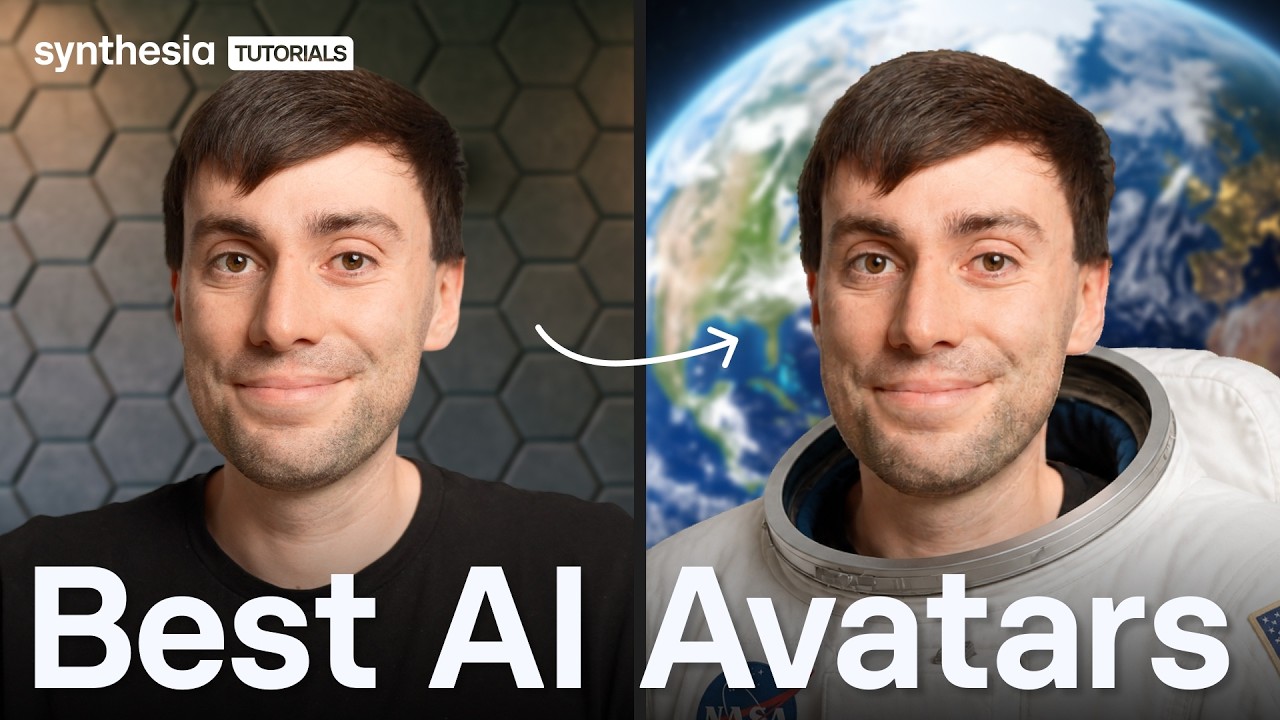


“I love Synthesia's avatars and the flexibility they offer in changing backgrounds and outfits. The new expressive avatars are really great for making the content look more human by expressing emotions, which adds enthusiasm to our videos.”
“Synthesia currently has the most realistic AI avatars on the market. That realism matters because it helps the content feel more professional, more engaging, and more credible for the audience.”
“I'm able to create my own avatar, which gives my messages a personal touch without having to sit behind a camera. As someone self-conscious, this has opened up a whole new world for me.”
What are AI avatars perfect for?

Training content
Create onboarding, compliance, and skills training videos at scale, in any language, without filming.

Product explainers
Turn complex features and workflows into clear, watchable videos with a professional AI avatar presenter.

Internal communications
Give leaders and managers a consistent on-screen presence for company updates, without the logistics of filming.

Marketing launches
Produce polished launch videos with an on-screen spokesperson, without the cost or lead time of a production shoot.

Social media content
Create scroll-stopping avatar videos for any platform, fast enough to keep up with your content calendar.

Video ads
Generate and test multiple ad variations with AI avatar characters, without reshooting every time something changes.
Built on the foundations of AI ethics and security
People first, always. Since 2017, we've prioritized secure, safe and ethical use of Artificial Intelligence.

SOC 2 & GDPR compliant
Our data handling systems and processes are independently audited and certified.

Trust & Safety team
A dedicated team ensures the protection of your data and ethical application of AI.

Content moderation
We use a combination of human and AI moderation to safeguard our users.

AI policy and regulations
We engage with regulatory bodies and welcome robust AI policies and regulations.
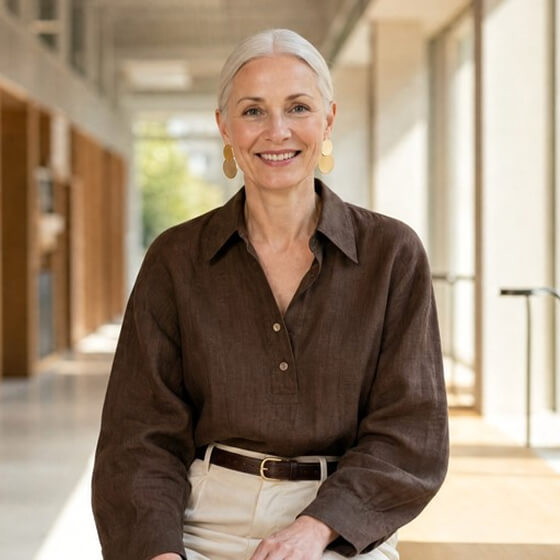





One platform to create, localize, and scale AI video

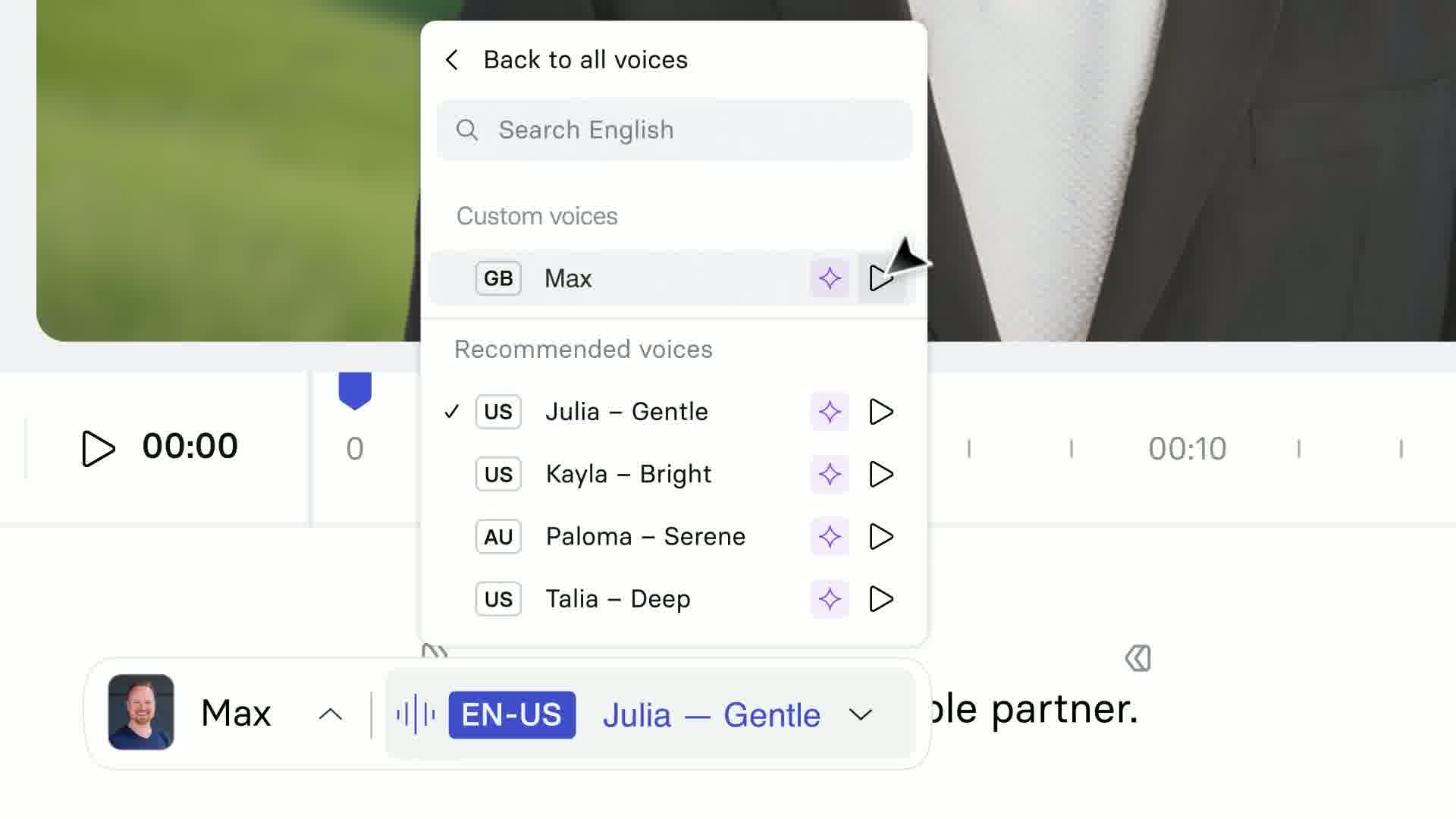
AI Voice Cloning
Clone your voice from a short recording and use it across every video you create, in any language.
Smart Updates
When you embed a video or share it using a link, it will automatically update with your latest edits.

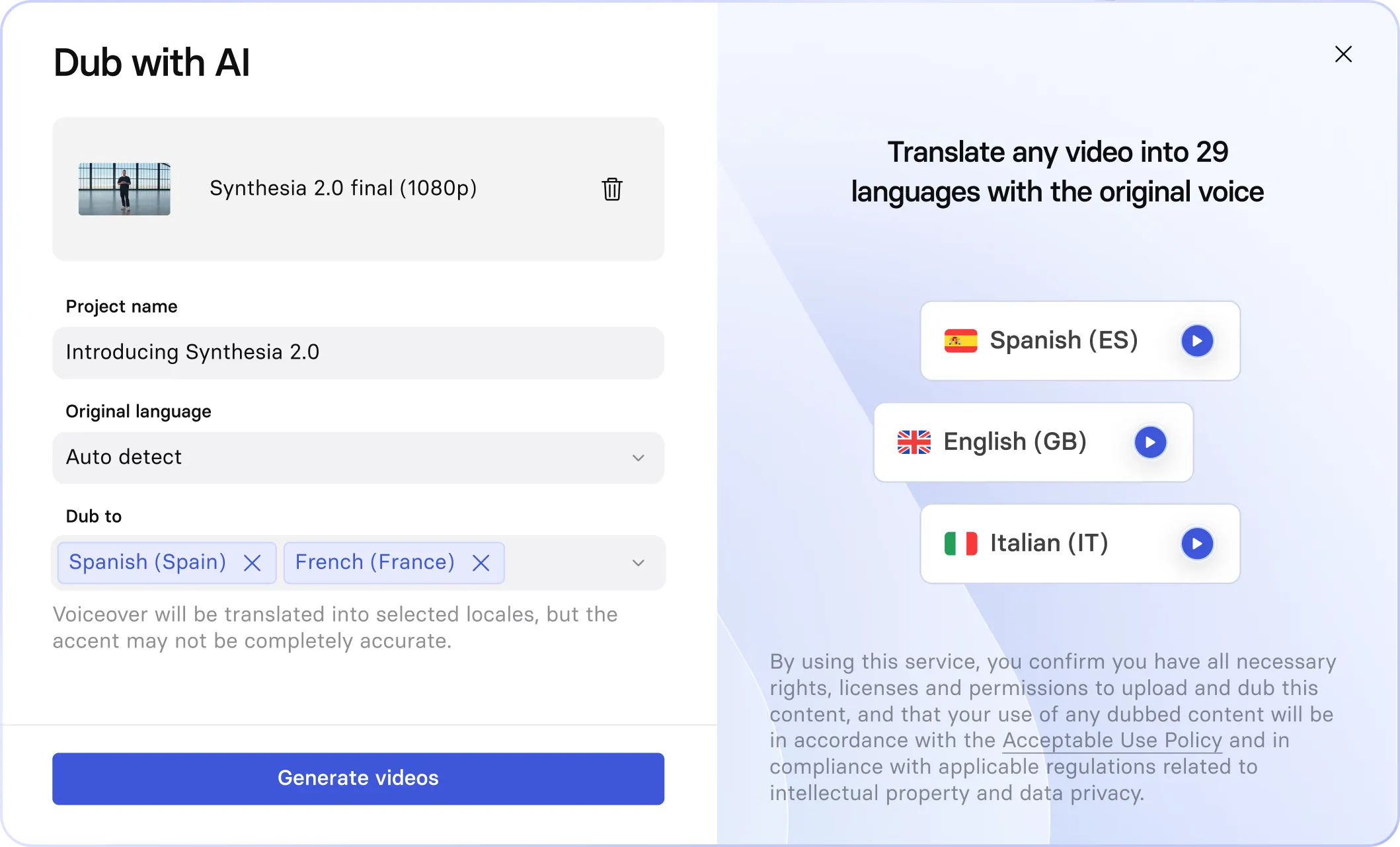
AI Dubbing
Translate and dub any existing video into 130+ languages, with lip-sync that matches the new audio.

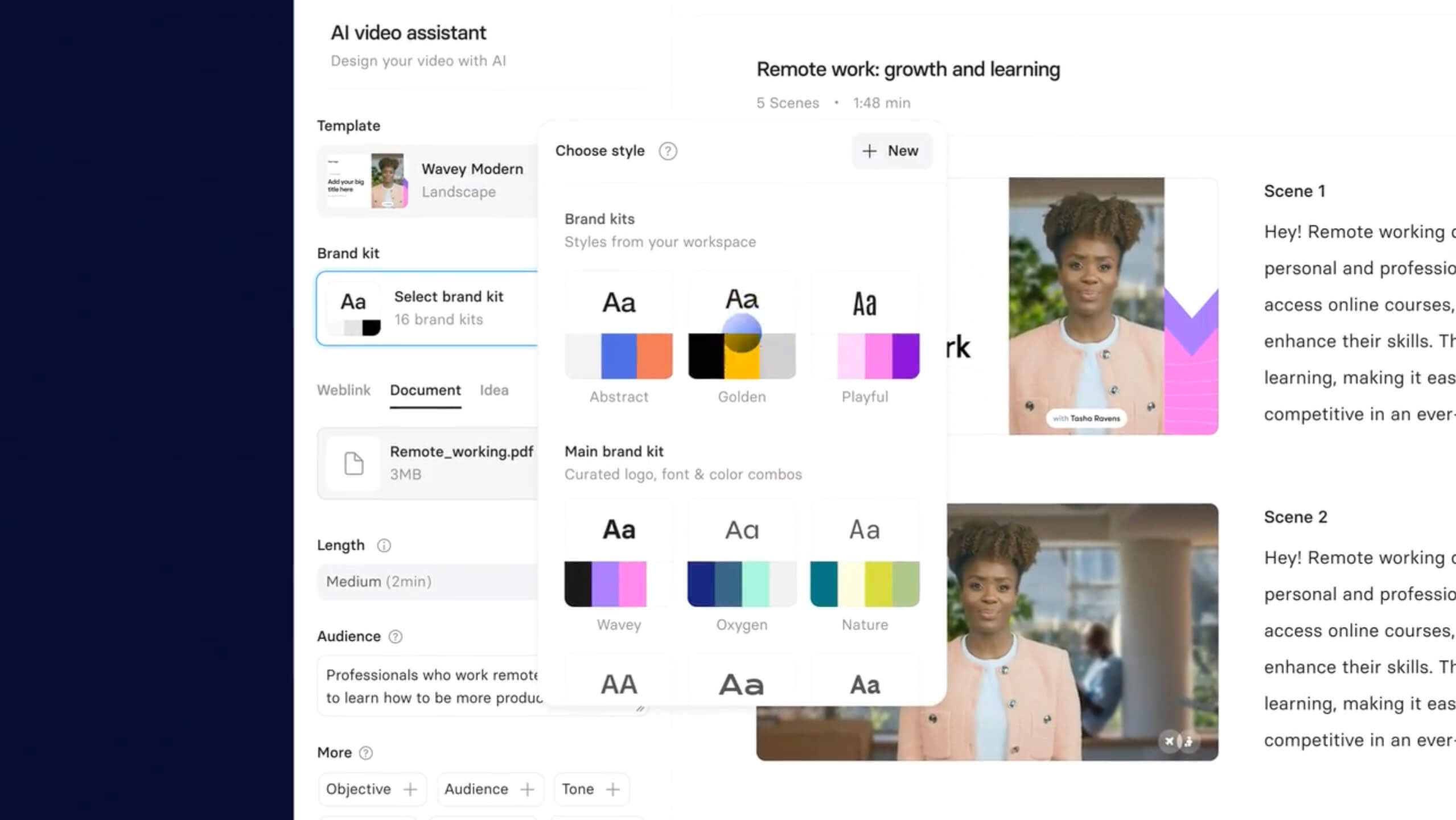
Brand Kit
Apply your brand colors, fonts, logo, and preferred avatars to every video automatically.

Analytics
Track views, watch time, and completion rates to see exactly how your videos are performing.



Frequently asked questions about AI avatars
What is an AI avatar and how does it work?
An AI avatar is a digital presenter, generated by artificial intelligence, that speaks your script and acts out scenes you prompt, without a camera, studio, or filming session. Avatars can be photorealistic people or fully stylized characters, and each one performs with natural lip-sync and expression in any of 140+ languages.
Synthesia's stock avatars are ready to use immediately, built from either real actor performances or AI-generated identities, each trained to deliver natural lip-sync, expressions, and body language matched to your script. For a custom look, Avatar Builder generates an avatar in any style, from lifelike to illustrated, from a prompt or reference image.
Personal avatars work differently: upload a photo or short video of yourself, complete a live on-camera consent recording (this step can't be skipped or uploaded after the fact), and Synthesia builds a digital twin using your own likeness and a cloned version of your voice.
Can I create an AI avatar video for free?
Yes. Synthesia's free plan gives you access to stock and customizable avatars, Avatar Builder, the core editor, and video generation in 140+ languages, with no credit card required. You can start from 240+ ready-made avatars, build your own avatar or character from a prompt, and prompt custom outfits, scenes, and on-screen actions generated with Veo 3.
Which is the best AI avatar generator?
Synthesia is the best AI avatar generator according to G2. The platform is trusted by 90% of Fortune 100 companies and 2M+ users, with over 20M avatar videos generated.
Compared to other AI avatar generators, Synthesia combines the most advanced avatar technology with an interface anyone can use from day one, enterprise-grade security, and a free plan to get started without a credit card.
What type of avatar is right for me?
It depends on your use case and how much you want the avatar to represent you or your brand.
- Stock avatars are the easiest starting point. Choose from 240+ ready-made avatars and start creating immediately, with no setup required. Best for teams who want to produce video content quickly without any configuration.
- Customizable avatars are ideal if you need the avatar to reflect a specific role, industry, or brand. Describe the outfit, setting, and actions in natural language and Veo 3 generates the scene. Or use Avatar Builder to build an avatar from scratch from prompts. Best for creative, scene-based, or heavily branded visual content.
- Personal avatars are the right choice if you want video content that looks and sounds like you, without being on camera. Create your avatar from a single photo and optionally clone your voice. Best for individuals who communicate regularly and want to scale their presence across training, comms, or marketing.
- Studio avatars are for organizations that need the highest level of realism. Work with our team in a professional studio session to capture your likeness in full detail. Best for executives, spokespeople, and enterprise teams where on-screen presence and credibility matter most.
Can I create cartoon, stylized, or character avatars?
Yes. Avatar Builder covers the full range, from photorealistic people to fully stylized and illustrated characters.
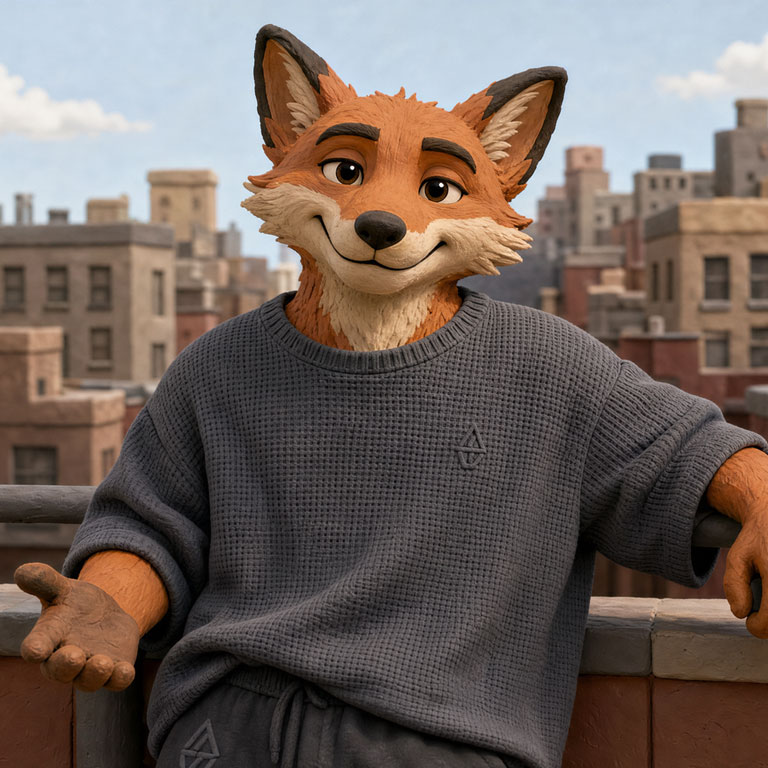
You can start from the Starter Library of ready-made looks, which spans styles like line art, editorial portraits, anime, 3D clay, and cartoon characters and creatures, or create your own by describing the character in a prompt or uploading a reference image to match a specific look.
Once it is generated, you name it and pair it with a voice from the 1,000+ library, then reuse the same character across your videos in any of 140+ languages.
Standard content moderation applies to everything you create, including stylised characters.
Can I customize AI avatars with my own branding, outfits, and style?
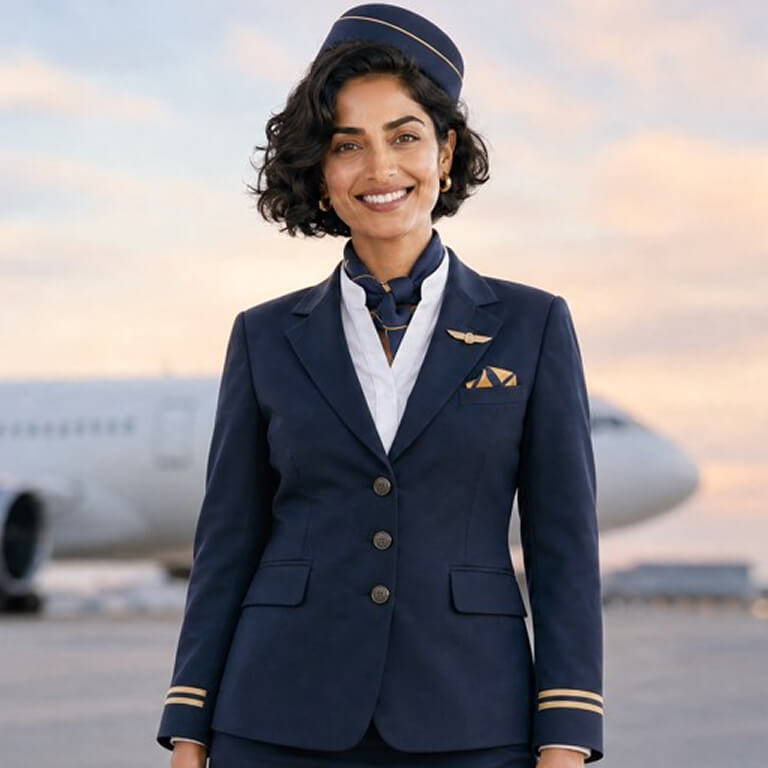
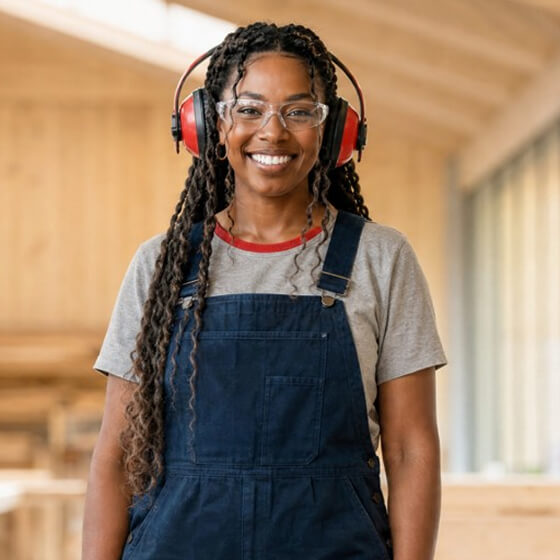
Yes, extensively. With customizable avatars, you prompt the outfit, setting, and on-screen actions in natural language and Veo 3 generates the scene. That includes industry-specific clothing like uniforms, hard hats, safety glasses, or lanyards, as well as branded outfits featuring your company colors and logo.
Apply your Brand Kit to layer logos, colors, and other assets across every video automatically.
Are AI avatars safe to use?
Yes, with multiple layers of protection built in. Every video goes through content moderation before delivery. Personal avatars require a live on-camera consent verification that cannot be uploaded or bypassed: the person shown in the consent video must match the person in the avatar footage, and they must be at least 18 years of age.
Synthesia is SOC 2 Type II, ISO 27001, ISO 42001, and GDPR compliant, with a dedicated Trust and Safety team. The platform is also a member of the Content Authenticity Initiative, and avatar owners can request deletion of their data at any time.
Can I make these AI avatars say anything?
Synthesia's AI video generator is used for business purposes with strict content moderation. We ask all our users to keep scripts professional and business related. Political, sexual, personal, criminal and discriminatory content won't be allowed.
Can I create an AI avatar of a colleague or team member?
Yes, through Synthesia's Personal Avatar Requests feature, available on Enterprise plans. You send the person a unique link by email, they complete the recording and live consent verification themselves, and the avatar is created on your account. The person does not need their own Synthesia account to complete the process.
The consent video must always be recorded live. You cannot upload a pre-recorded consent clip on someone else's behalf, and the person shown in the consent video must be the same individual as in the avatar footage. Once created, avatars and voices can be shared across your workspace on Enterprise plans.
What voices do the AI avatars have?
Synthesia includes 1,000+ AI voices across 140+ languages and accents, available across our avatar library. Some voices include multiple emotional styles, so you can match tone to content, whether that is a calm instructional delivery or a more energetic announcement. Specific avatars including Ellie, Michael, and Zola offer multiple voice styles, paired with script-synced body language. If you create a Personal Avatar, you can also record a voice sample to clone your own voice.
Do I need video editing experience to create AI avatar videos?
No. Synthesia is designed for people who have never made an avatar video before. You can start from a document, a prompt, a PowerPoint, or a blank canvas, and the AI generates the script, picks the scenes, and produces a finished avatar video with lip-sync and voice included.
If you want to go further, the editor lets you add animations, images, music, captions, motion graphics, interactivity, and more, but none of that requires technical skills. Most users create their first AI avatar video within minutes of signing up.