

Free AI Video translator
Translate videos in any language while preserving each speaker’s voice with perfect lip-sync.
Upload your video
Your first minute of video is completely free. We’ll trim any longer videos.


Choose a file
Use a Youtube video that clearly shows someone speaking.

Translate to
If your video features people speaking, we'll sync their lip movements to the translated audio.
Upgrade to generate your translated video without a watermark.
Subtitles are auto‑generated for dubbed videos and viewers can toggle them on or off in the Multilingual Player.
AI dubbing supports multiple speakers and automatically preserves each speaker’s voice.
Control whether the video duration stays fixed or adjusts for translation.
By using this service, you confirm you have all necessary rights, licenses and permissions to upload and dub this content, and that your use of any dubbed content will be in accordance with the Acceptable Use Policy and in compliance with applicable regulations related to intellectual property and data privacy.


Remove watermarks and elevate your videos.
- Deliver translated videos without watermarks.
- Edit translations easily and securely.
- Dub videos in all available languages and dialects.
- Perfect for training, marketing and sales videos.
Trusted by over 90% of the Fortune 100.






Translated video examples


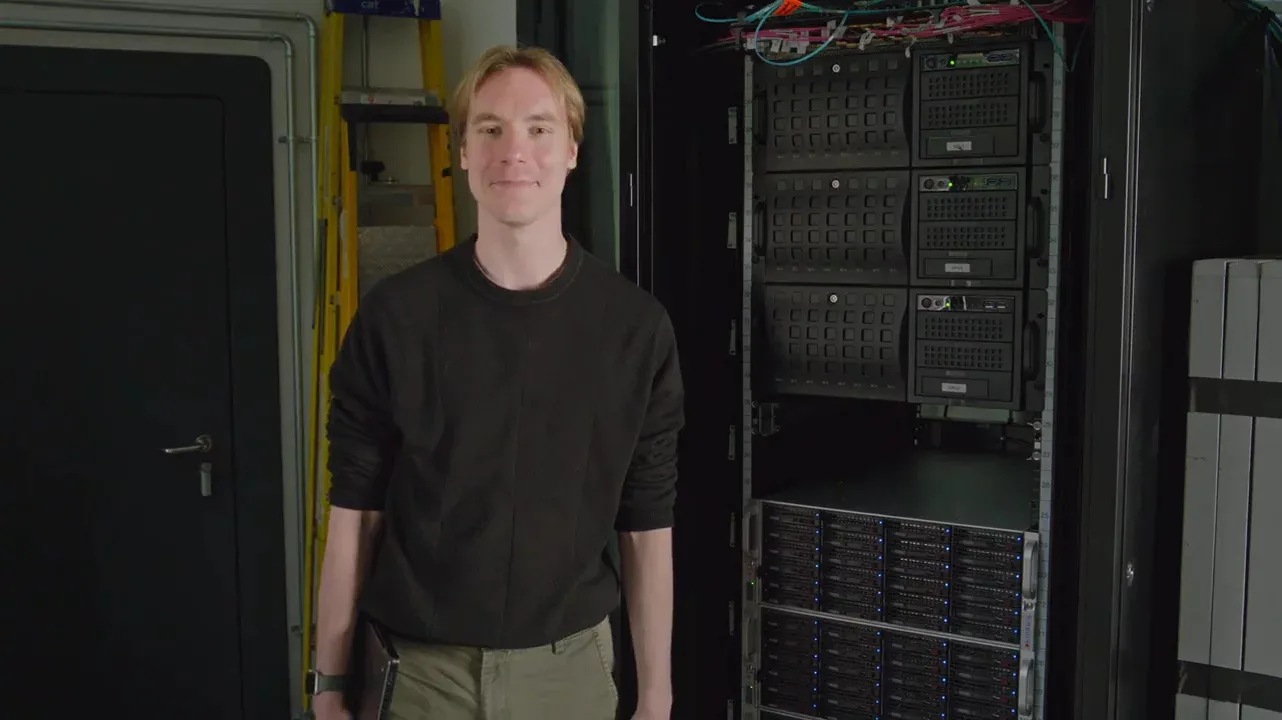
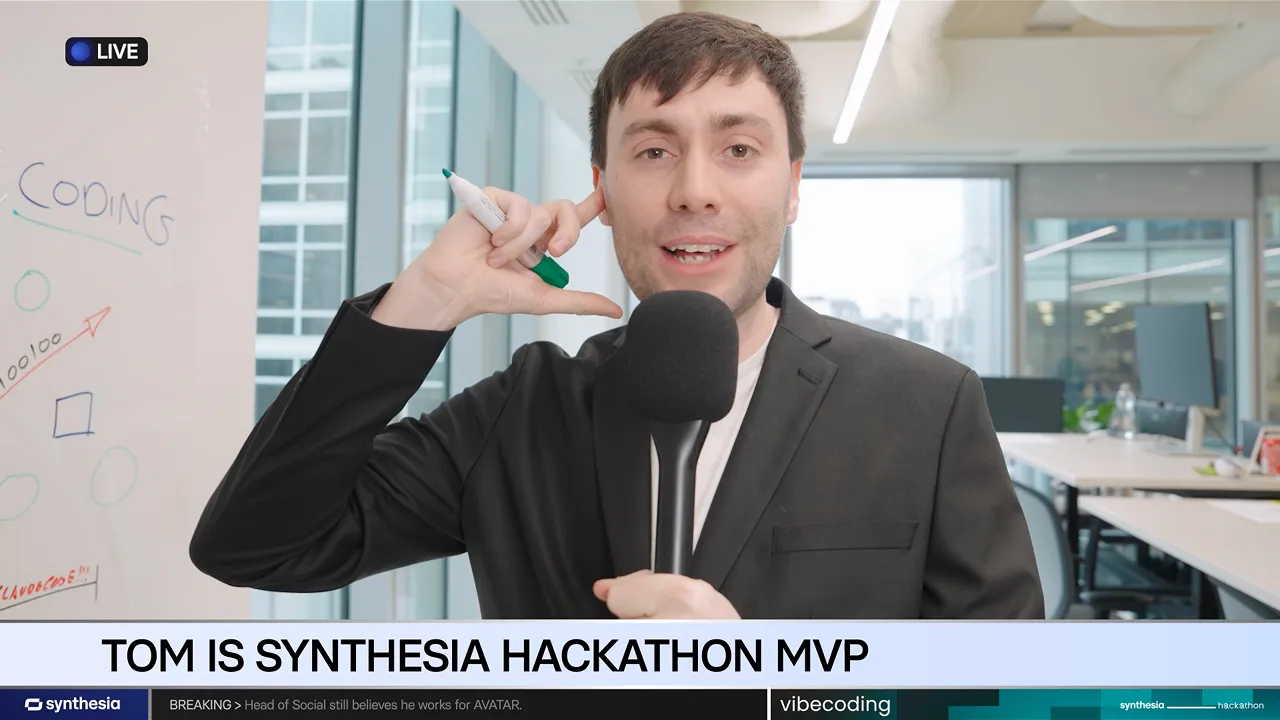
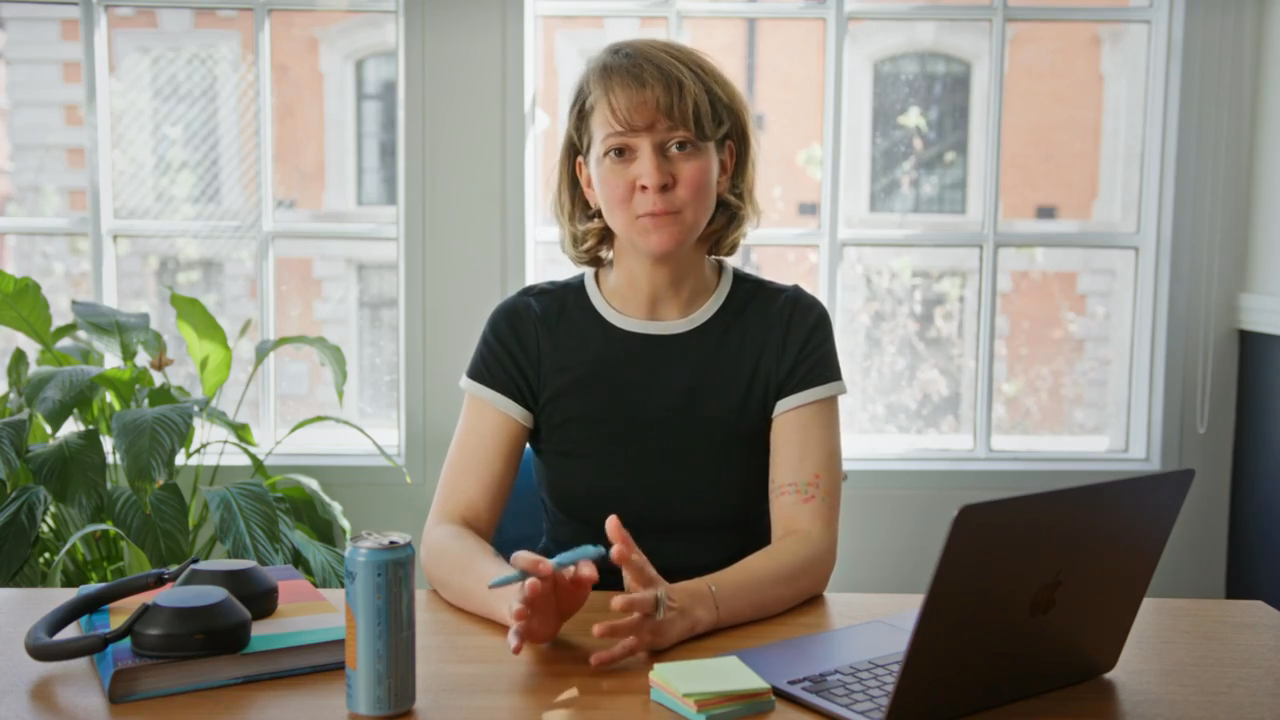
The world's best AI video translator
Upload your video and get a production-ready dubbed translation in minutes.
Reach a global audience in 130+ languages
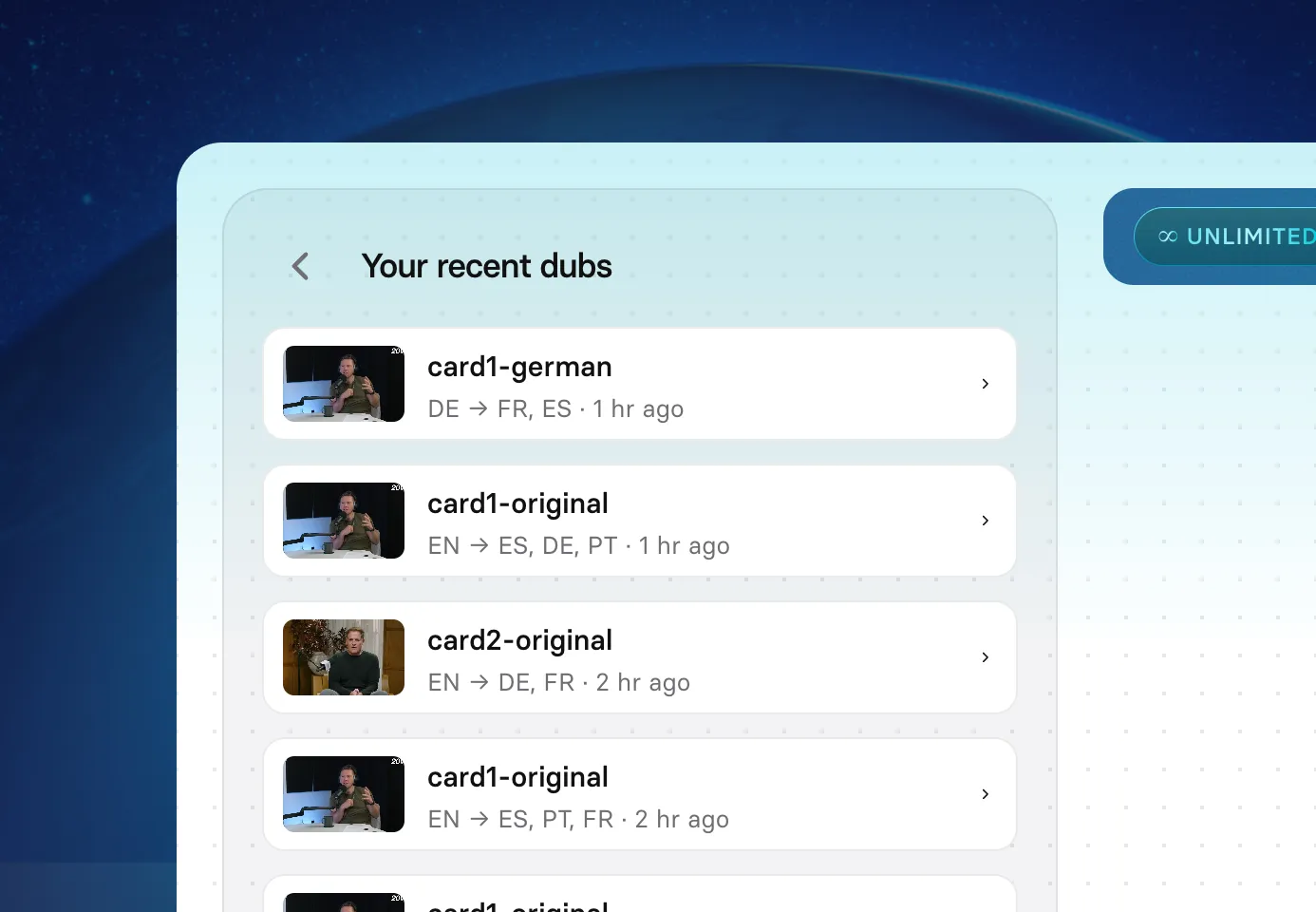
- Translate into 130+ languages and regional variants from a single upload
- Generate all language versions simultaneously without separate jobs per language
- Choose from regional accent options to target each market precisely
Keep each speaker's voice across every language
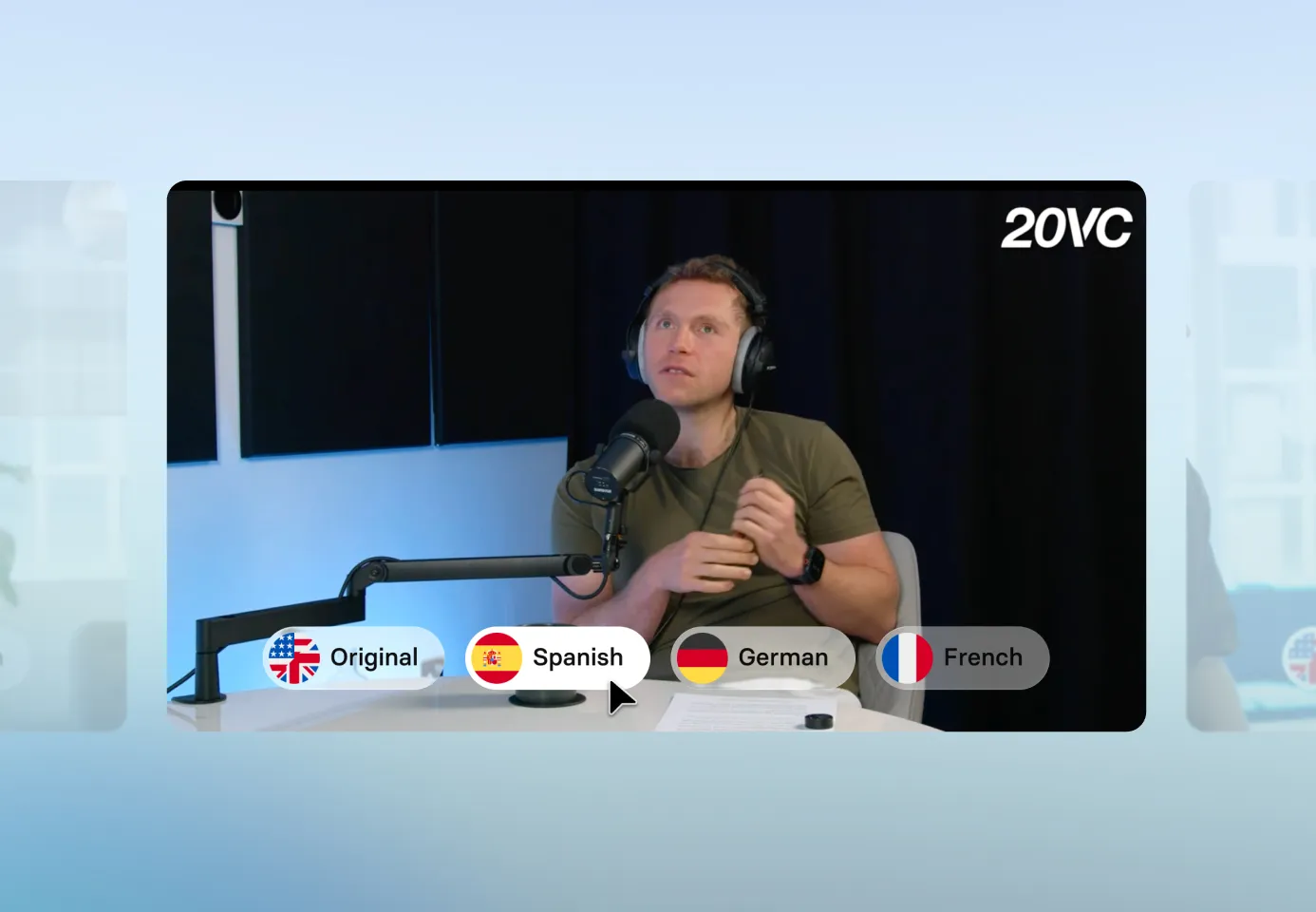
- Capture tone, emotion, pacing, and speaking style from the source audio in every language
- Detect and clone multiple speakers automatically with no manual voice assignment
- Replace any speaker's voice with a stock voice or custom clone if the original audio needs it
Lip-sync that looks completely natural
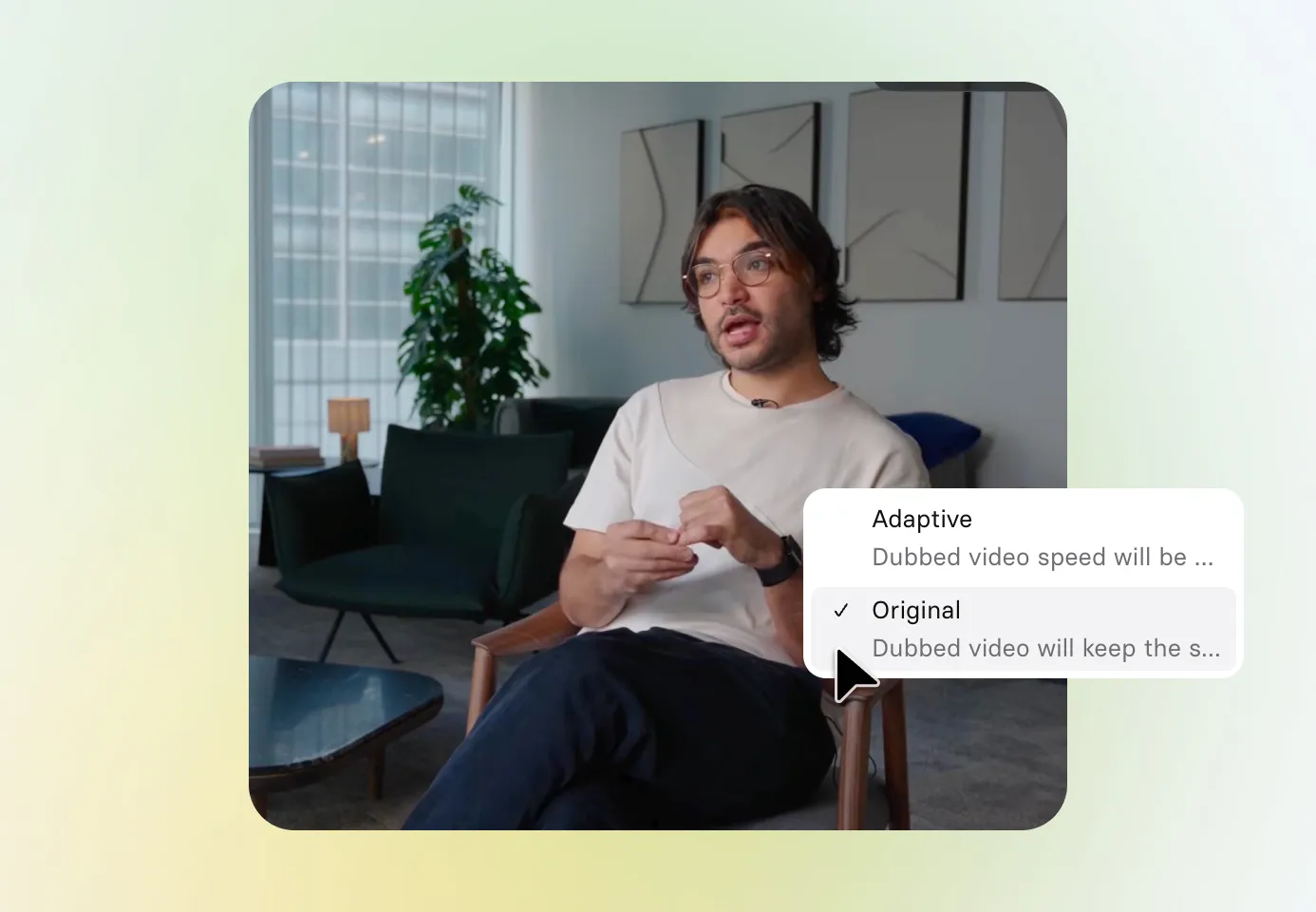
- Deliver flawless lip-sync across fast cuts and transitions in every language
- Match speech to the correct on-screen speaker reliably in every language version
- Select adaptive timing to fit your original video length, or natural-length playback
Edit translations before you publish
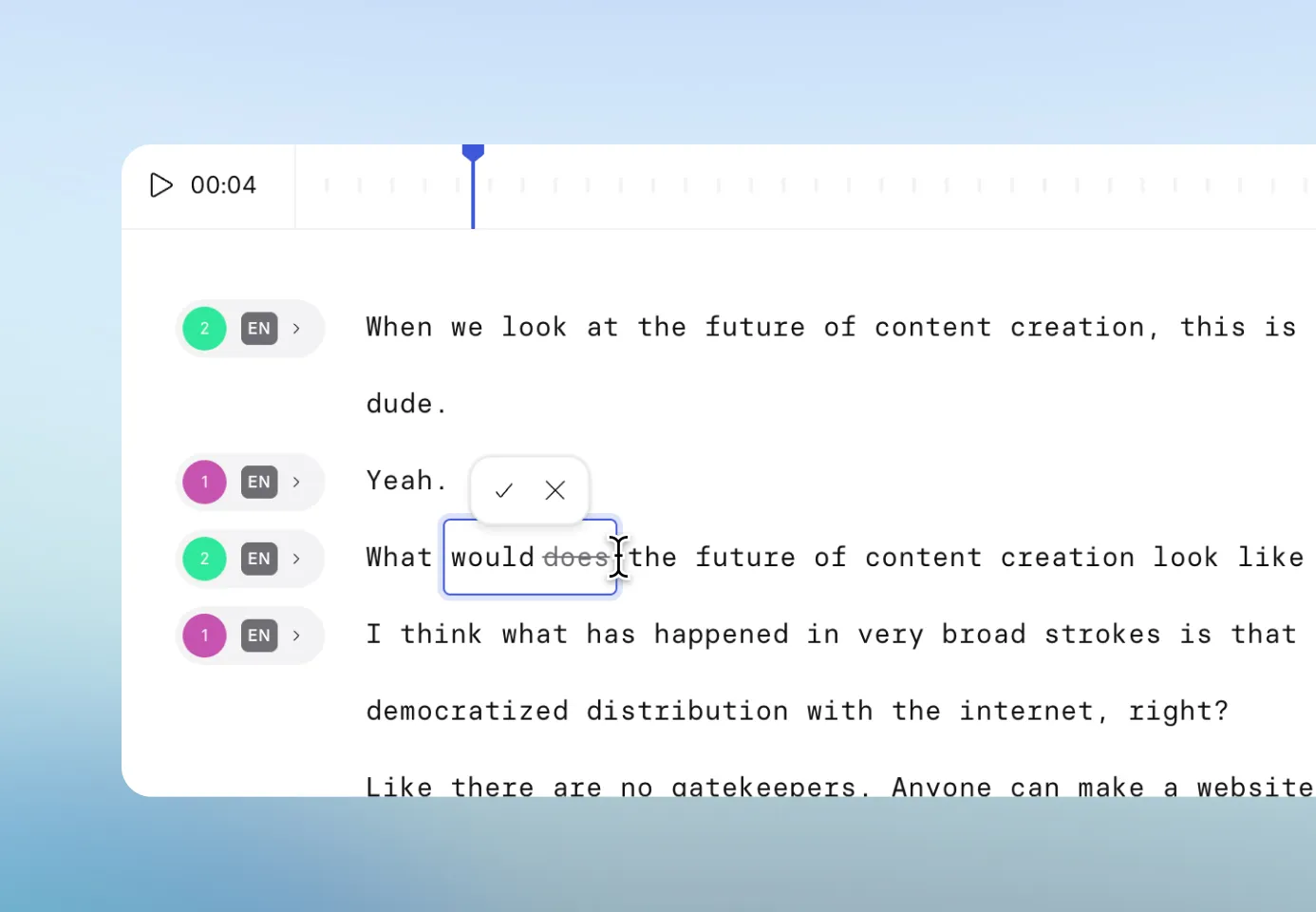
- Correct misheard terms, company names, and technical vocabulary in any language version
- Adapt tone and phrasing for local markets without re-recording the original
- Retranslate the full video in one click after updating the source transcript
Why choose dubbing over subtitles?

Deliver learning that sticks
Subtitles can hurt retention over time. In a study of 247 students, those who watched subtitled video performed worse on transfer tasks than those who watched narrated video without subtitles.

Keep viewers absorbed
A study of 154 adults found dubbed content scored measurably higher for presence, flow, and transportation, three established measures of how absorbed a viewer is in what they are watching.

Reduce cognitive effort
For complex audiovisual content, research found subtitling leads to more effortful processing than dubbing. When viewers are working harder to read, they have less mental capacity left for the content itself.
How to translate a video with AI
Upload your video
Add an MP4, MOV, or WEBM file, or paste a YouTube URL. The source language is detected automatically.
Choose your target languages
Choose from a wide range of languages and accent options, and configure your dubbing settings.
Review and fine-tune
Play each translated video, adjust the transcript, tweak pronunciation, or swap voices in the built-in editor.
Publish with one smart link
Share a single link that automatically serves each viewer the right language version, with the option to switch.

The best AI video translator for modern teams

Over 2000+ five star reviews on G2
What do teams translate with Synthesia?

Marketing content
Translate product demos, how-to videos, and social content for every market without reshooting or rebuilding from scratch.

Employee training
Localize compliance, onboarding, and skills training into every language your workforce speaks, without re-recording the original.

Internal communications
Give leaders a consistent presence across global offices by translating company updates, all-hands recordings, and executive messages.

Sales enablement
Translate outreach videos, product walkthroughs, and sales training so every regional team works from the same content.
Customer education
Turn product tutorials and onboarding videos into localized content that customers can follow in their own language.

Product communications
Translate feature releases and product updates so every market hears the same message at the same time.
Translate English videos into any language
One platform for your entire AI video workflow

Brand Kit
Apply your brand colors, fonts, and logo to every video.

Live collaboration
Review and edit translated videos together in one shared workspace.

AI voices
Access a library of 1000+ natural AI voices or clone your own voice.

Customizable avatars
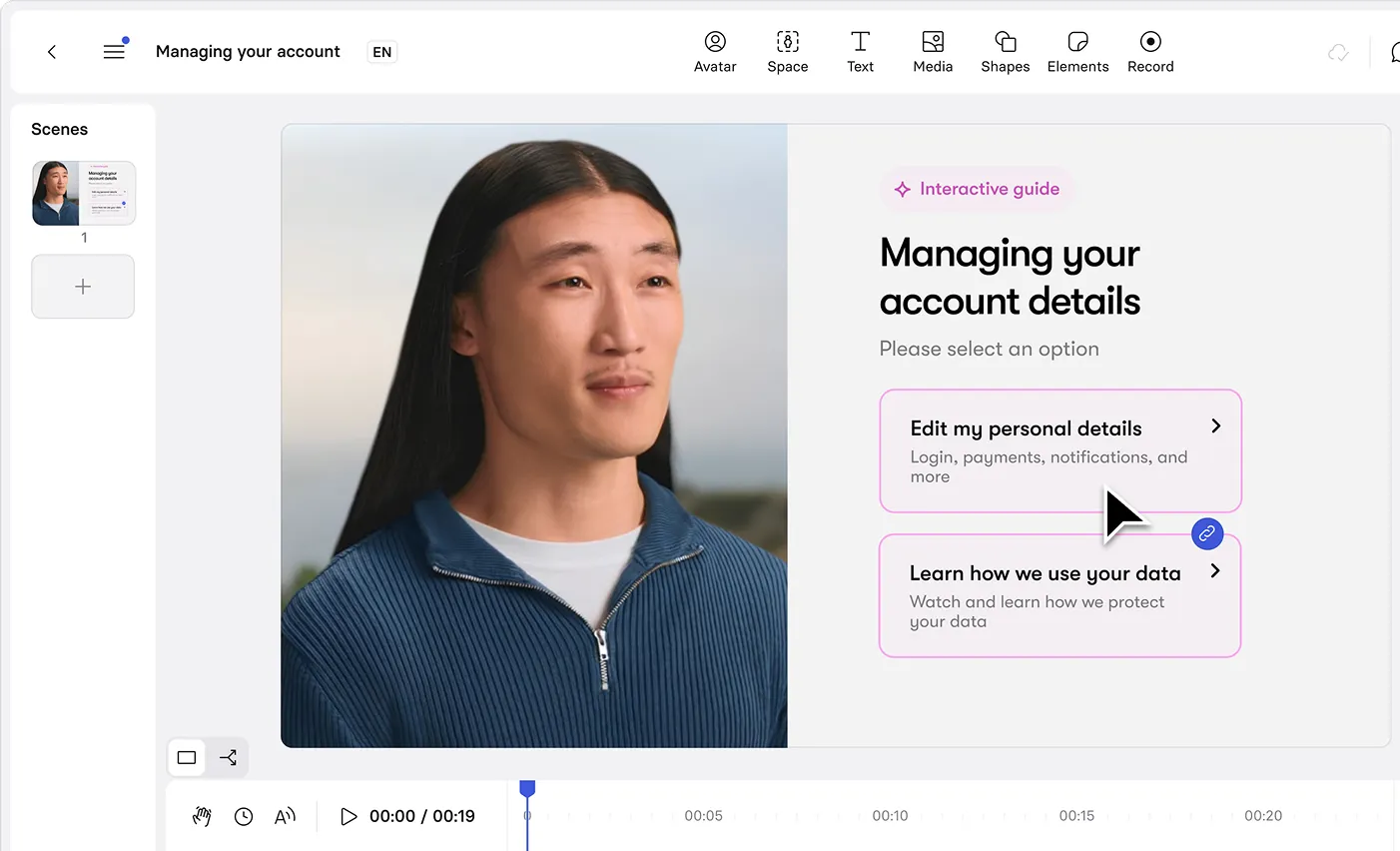
Build a custom AI avatar that presents your content in any language.

Analytics
Measure views, watch time, and engagement for every video you publish.

All your video translation questions answered
What is the best video translation tool?
Synthesia is widely considered the best AI video translation tool for business use. Where most tools stop at subtitle generation, Synthesia produces fully dubbed video with state-of-the-art lip sync, high fidelity voice cloning, and subtitles generated automatically alongside every dubbed version.
The built-in transcript editor lets you refine translations and adapt terminology before publishing. For teams working at scale, Synthesia also offers live collaboration, analytics, and enterprise-grade AI governance controls, making it the only video translation platform that regulated industries can take through procurement with confidence.
A single smart link serves each viewer their language automatically, with no need to manage separate video files per market.
Is Synthesia's video translator free?
Yes, the AI video translator is free to use. Sign up without a payment method and you can run the complete translation workflow on your own content, from upload through to a dubbed, lip-synced output you can review and download.
How many languages can I translate my video into?
Synthesia supports 130+ languages, including English, Spanish, French, German, Portuguese, Italian, Japanese, Korean, Mandarin Chinese, Hindi, Arabic, Turkish, Russian, Polish, Indonesian, Thai, and Vietnamese, among others. Many languages include regional accent options, so you can target British or American English, Latin American or Castilian Spanish, and so on, rather than defaulting to a generic regional variant. See a full list of supported languages here.
You can select multiple target languages in a single translation job and generate all versions simultaneously. Synthesia also auto-detects the source language of your video on upload, so you do not need to specify it manually.
Can I translate a YouTube video?
Yes. Paste your video’s public YouTube URL into the translator and Synthesia pulls the video and transcribes the audio automatically. You then select your target languages and generate dubbed versions exactly as you would with an uploaded file. This is particularly useful for repurposing existing published content such as webinars, product demos, and recorded training sessions, without needing to track down the original source file.
Can AI keep my original voice when translating into another language?
Yes. Synthesia's voice cloning captures tone, timbre, pacing, and speaking style from the source audio and applies those characteristics to the translated version in each target language. The result is high fidelity audio with more expressive, natural-sounding output across a wider emotional range than older AI dubbing systems. Source audio quality affects clone accuracy, so cleaner recordings tend to produce more reliable results. You can also replace any speaker's voice with a stock or custom cloned voice if needed.
How long does it take to translate a video?
Most videos are ready to review within minutes of upload. All target languages are processed in parallel, so translating into 10 languages does not take 10 times as long as a single-language translation. Video length is the main factor affecting processing time.
Traditional dubbing involves script translation, casting, studio booking, recording, and post-production sync, a process that typically takes days to weeks per language.
How accurate is the translation and lip-sync?
Synthesia uses a state-of-the-art lip sync model that delivers tight alignment across fast cuts and transitions, reliably matching speech to the correct on-screen speaker.
One technical challenge in any dubbing system is that languages expand and contract significantly in translation. A 10-word English sentence might become 7 words in Japanese or 14 in German. Synthesia offers two ways to handle this:
- Adaptive mode: adjusts speech speed to fit the original video timing naturally. Best for instructional content where natural voiceover pacing matters most.
- Original mode: maintains the original playback speed and lets the translated audio run at its natural length. Best for fast-paced content where changes in video speed would be noticeable.
Where the result needs refinement, the transcript editor lets you adjust wording and retranslate. Proper nouns, fast speech, and heavy accents in the source are the most common cases where manual refinement helps.
Can I edit the translation after generating it?
Yes. Editing does not consume additional credits. The editor gives you access to the transcript for every language version, and edits to one language do not affect the others.
You can correct mistranslations, localize terminology, fix misheard company names or technical terms, split or merge segments, and replace speaker voices with stock or custom cloned voices. When you are ready, select Generate to apply changes and republish the video.
Do I need existing subtitles to translate a video?
No. Synthesia transcribes your video automatically on upload. If anything needs correcting before translation begins, such as a product name, a technical abbreviation, or a regional term, edit the transcript first and the corrected version becomes the basis for all target language translations.
If you already have an approved transcript or subtitle file you want to use, upload it manually to override the automatic transcription. This is especially useful when source audio quality is poor or the video contains dense technical language that benefits from a pre-approved script.
How do I download or share my translated videos?
Download individual translated video versions as MP4 files, or download subtitles as SRT files per language, which is useful for uploading to YouTube, an LMS, or any platform that handles video distribution separately.
For direct sharing, a single smart link detects each viewer's browser language and serves the matching dubbed version automatically, with a manual language selector for anyone who wants to switch. To embed on a website, Synthesia's multilingual player hosts all language versions under one embed code, so you do not need separate embeds per market or to update the page when you add new language versions.


