Free Image to Video AI Generator
Upload your images and describe the video you want. Get a finished video with motion, voiceover, and music in minutes.




Create any type of video from images







Turn your images into finished videos with AI
Upload your images. Syren, our AI video agent, adds the script, voiceover, and music.
Start with the images you already have
Drop in one image or a whole set, then say what you want to make
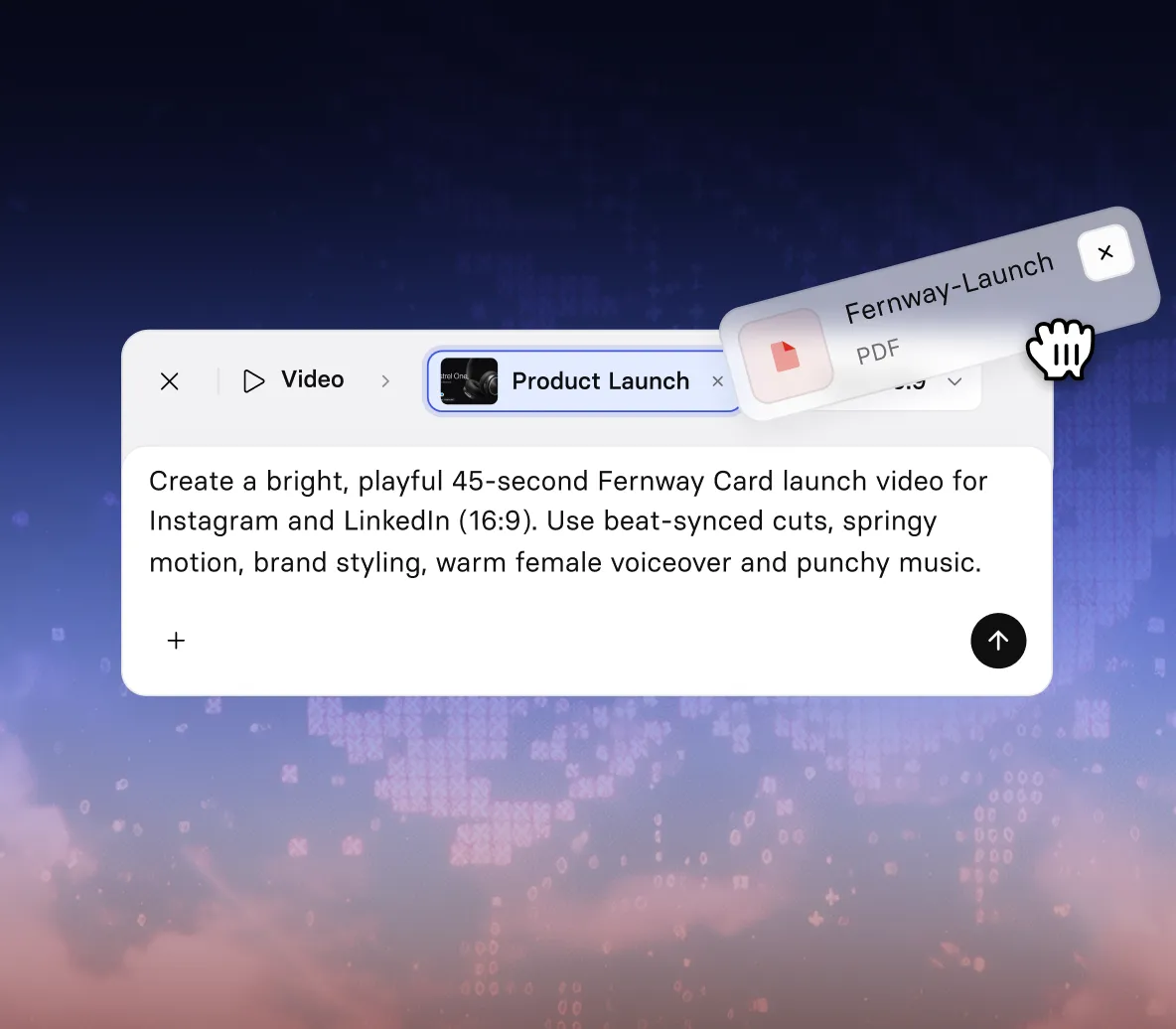
- Use product shots, screenshots, charts, diagrams, or AI images
- Describe your video, like “a feature walkthrough from these screenshots”
- Add a PDF, deck, or link for extra context
Bring your images to life with motion
Syren turns each image into a moving scene.
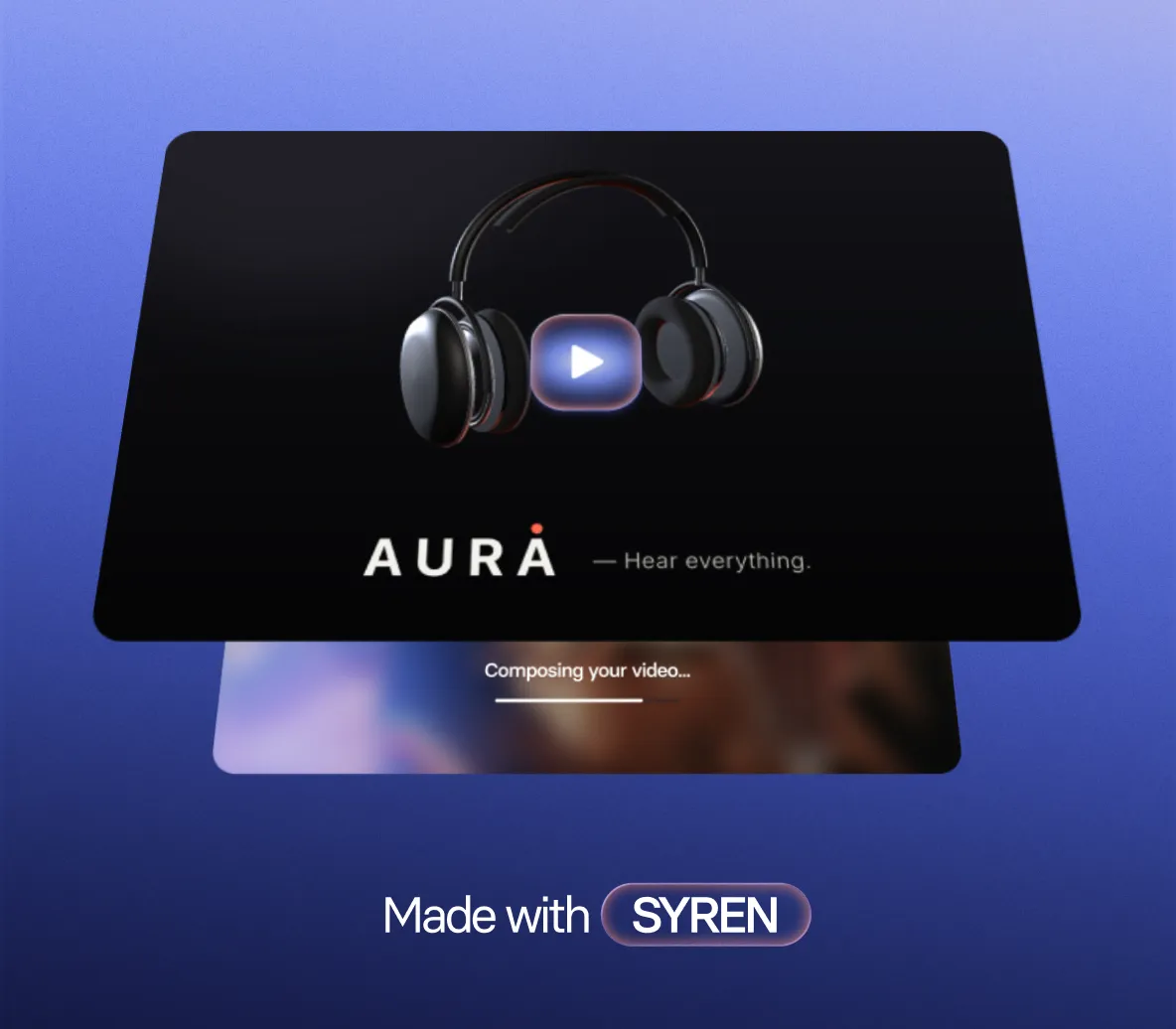
- Charts and graphs animate as the voiceover explains them
- Motion, transitions, and on-screen text added for you
- Describe the style and motion you want, or let Syren choose
Edit your video by chatting
Ask for changes the way you’d brief a designer.
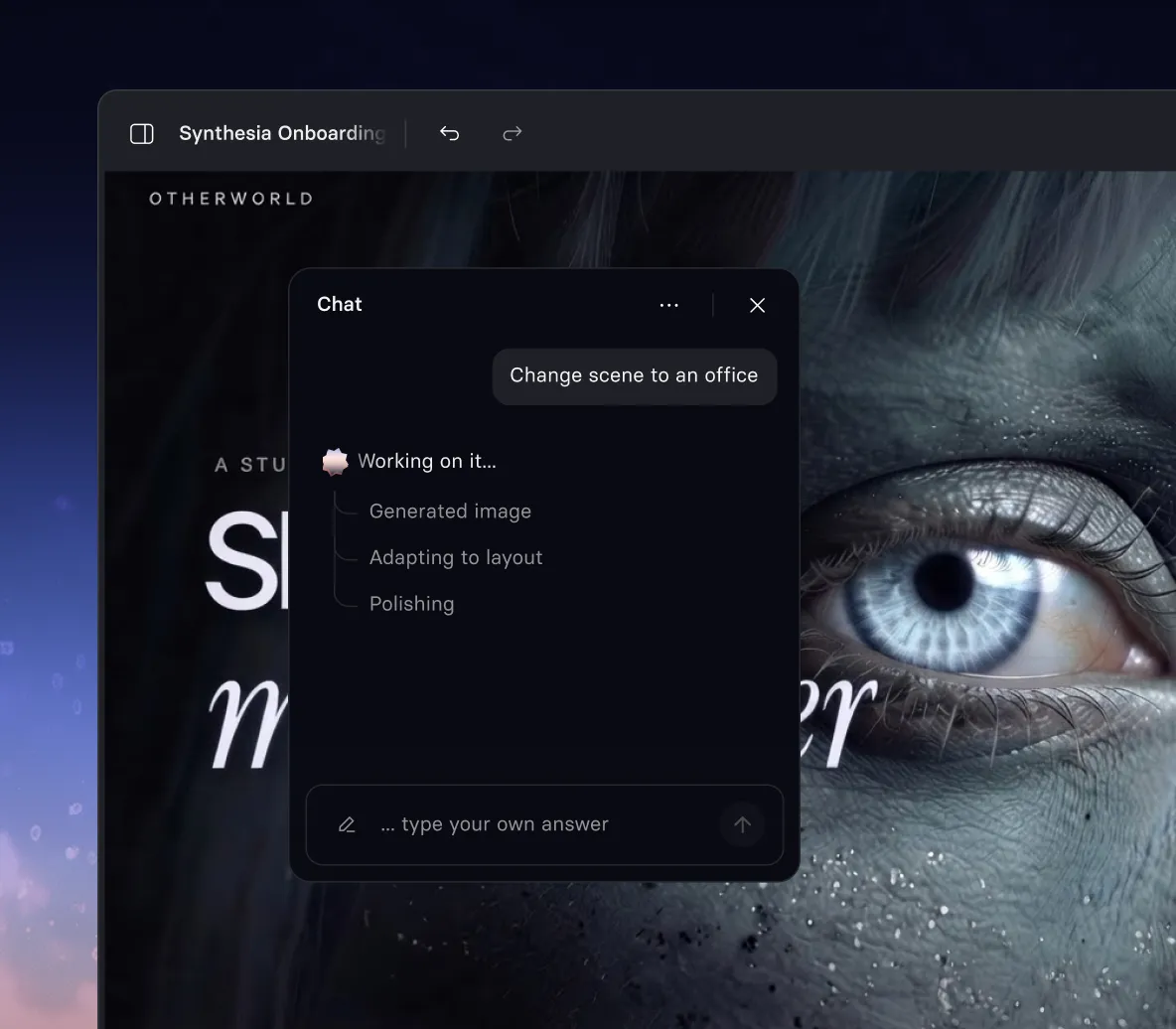
- Keep any image exactly as it is, or let Syren restyle it
- Rewrite the script, change the voice, or add an AI avatar
- Restyle any scene without touching a timeline
Make it fit your brand and channel
Ready for your website, your slides, or your social feed.
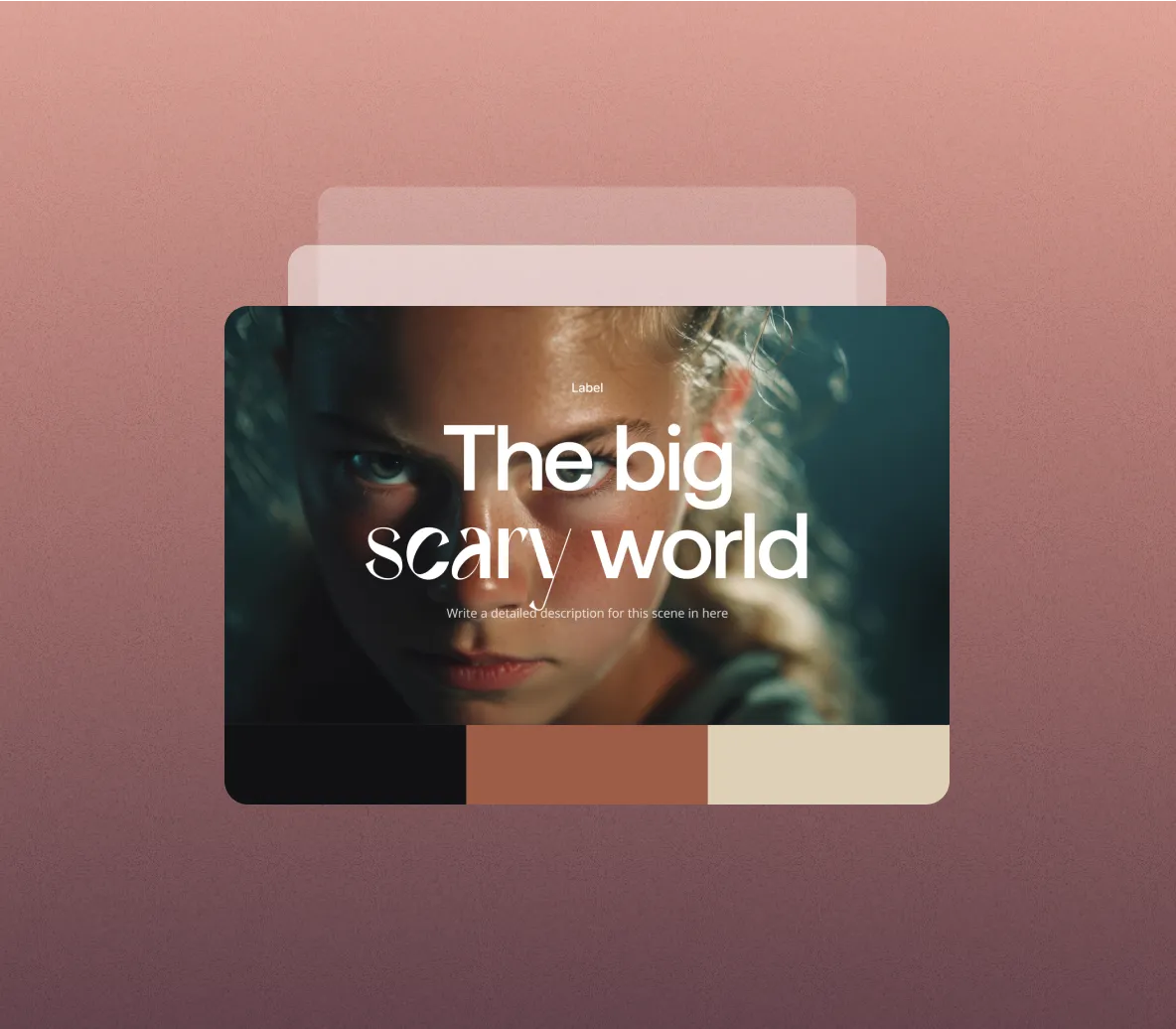
- Your logo, colors, and fonts in every scene
- Landscape for web, portrait for social and mobile
- Anything from a 30-second clip to an hour-long video
Animate a single image into a short clip
Want one quick clip from one image? Use AI Playground.
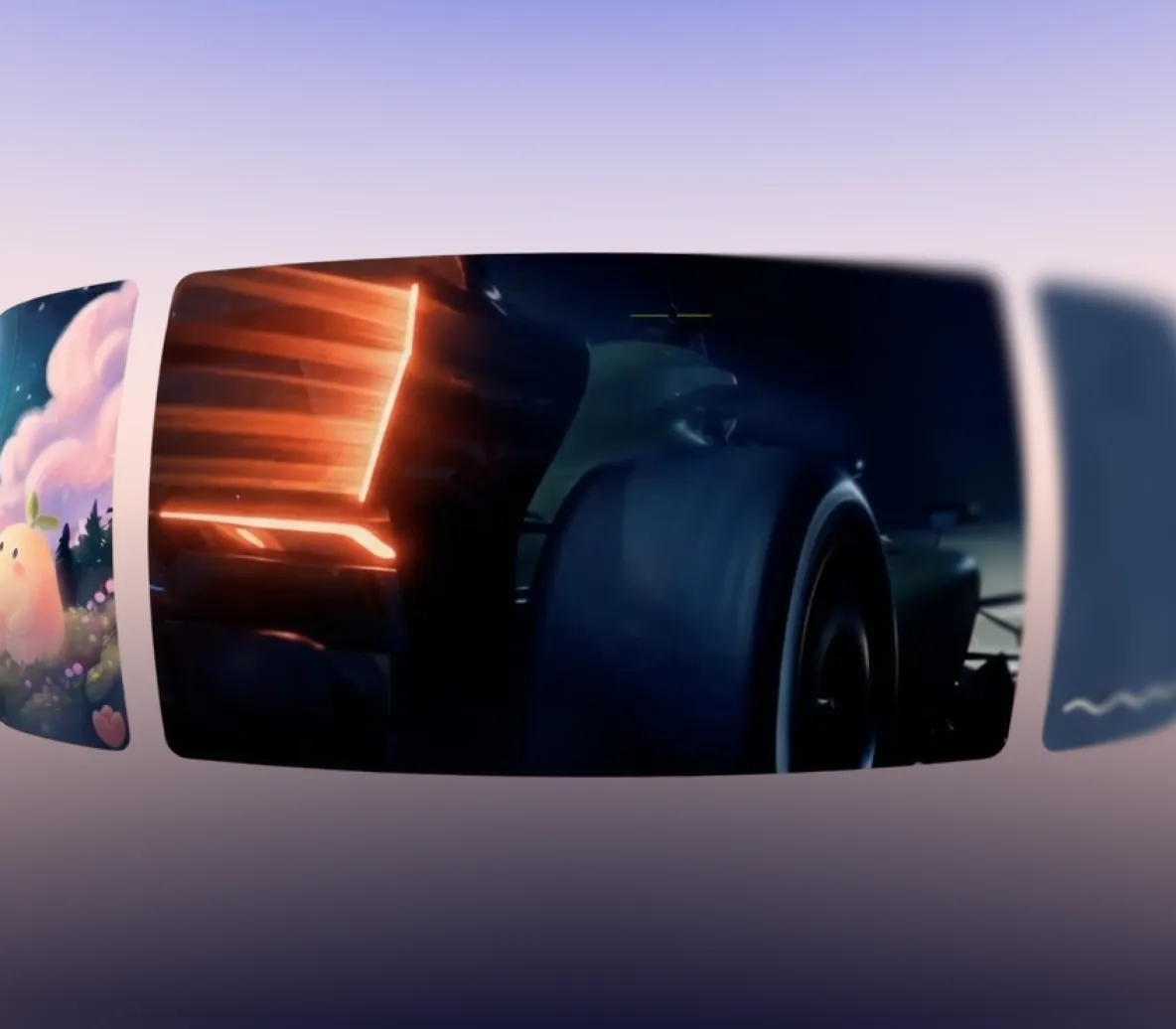
- Generate video clips with Seedance 2.5, Veo 3.1, Gemini Omni, and more
- Use your image as the first frame, or the first and last frame
- Add synced audio, in landscape or portrait
How to turn an image into a video with AI
No editing skills needed. Just follow these four steps.
1. Add your images and a prompt
Upload your images, then tell Syren what to make with them, like “a 60-second quarterly update built around these charts.”
2. Review the plan
Syren shows you a scene-by-scene storyboard. Ask for changes before your video is made.
3. Watch your video build
See each image become a scene, with voiceover and music, as Syren works. Then ask in chat for anything you want changed.
4. Download and share
Download your video as an MP4, or send a share link to anyone.

The image to video generator trusted by modern teams

Over 2000+ five star reviews on G2
What can you make with image to video AI?
If you have the visuals, you have a video. Here's what teams turn their images into.

Turn charts and graphs into a narrated video that walks through the numbers, with our infographic video maker.

Upload a few product shots and get a launch video with motion, music, and voiceover, with our AI product video generator.

Turn app or website screenshots into a step-by-step walkthrough of a feature, with our product demo video maker.

Give your drawings and diagrams motion and a voiceover to explain an idea clearly, with our AI animation generator.

Turn campaign visuals and your logo into short ads for every feed, with our AI video ad maker.

Make the exact image you want with our AI image generator, then turn it into a video in a few clicks.
Image to video AI FAQs
What is image to video AI?
Image to video AI turns still images into video. Most tools animate one image into a few seconds of footage. With Synthesia, Syren, our AI video agent, turns your images into a finished video with a script, scenes, voiceover, and music.
Is the image to video AI generator free?
Yes. You can turn images into videos for free, with no credit card required. The free plan includes 10 minutes of video every month, and each video can be up to three minutes long. To get started, sign up, upload your images, and describe the video you want.
Can I animate a single image into a short clip?
Yes. In AI Playground, upload an image as the first frame, or as the first and last frame, and describe the motion you want. The latest AI video models like Seedance 2.5, Veo 3.1 and Gemini Omni turn it into a shortclip, with optional synced audio. To make a full video from one image instead, upload it to Syren.
What kinds of images work best?
Charts, graphs, product photos, screenshots, illustrations, diagrams, and AI-generated images all work well. You can upload PNG, JPG, WebP, GIF, and SVG files. Clear, high-resolution images give the best results.
Can I add a voiceover, music, or a presenter?
Yes. Syren adds voiceover and music to every video. Ask for a presenter in your prompt and a realistic AI avatar will present your video on screen, with lip-synced voiceover.
How long can a video made from images be?
Up to 60 minutes on paid plans, or three minutes on the free plan. Videos come in landscape or portrait, and you can ask for square.
What's the difference between image to video and text to video?
Image to video starts from visuals you already have, so the video shows your real product, data, or designs. Text to video starts from a prompt or script, and the AI creates the visuals for you. With Synthesia, you can combine both in one video.
Can ChatGPT turn an image into a video?
Yes, with Synthesia. Add the Synthesia app in ChatGPT, attach your images, and ask for the video you want. Syren builds it right in the chat, where you can refine it, download it, or share a link.
Can I use videos made from images commercially?
Yes. You own the videos you create with Synthesia and can use them for launches, marketing, and company communications. Make sure you have the rights to the images you upload.
Is it safe to upload my images?
Yes. Synthesia is SOC 2 Type II and ISO 42001 certified, GDPR compliant, and trusted by 90% of the Fortune 100. Enterprise plans add SSO and admin controls.
Ready to turn your images into video?
Join 2M+ users today and start creating videos with AI avatars in 140+ languages.