
Animated Infographic Video Maker
Turn facts, figures or a report into animated infographics with our infographic video maker. Try it free.









Examples
Make infographic videos your audience can easily follow
Give Syren your facts and figures. It animates them on screen with a narrator, and you control every number.
Hand Syren your facts and figures
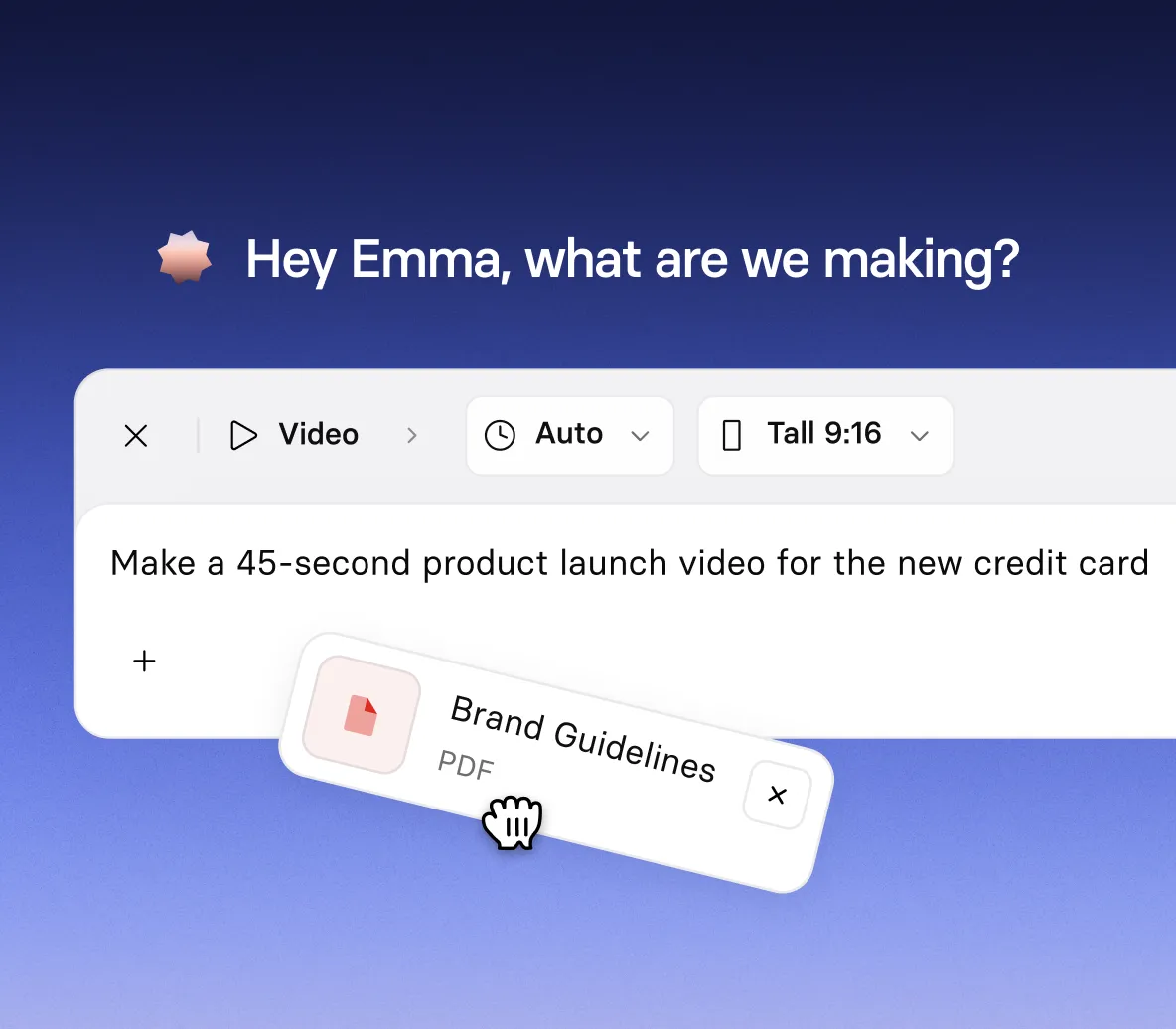
- Type your figures into the prompt, or add a report as a document
- Tell Syren the audience and tone, so the story fits who’s watching
- Add images, a PowerPoint file, or a YouTube link for extra context
See your data come to life
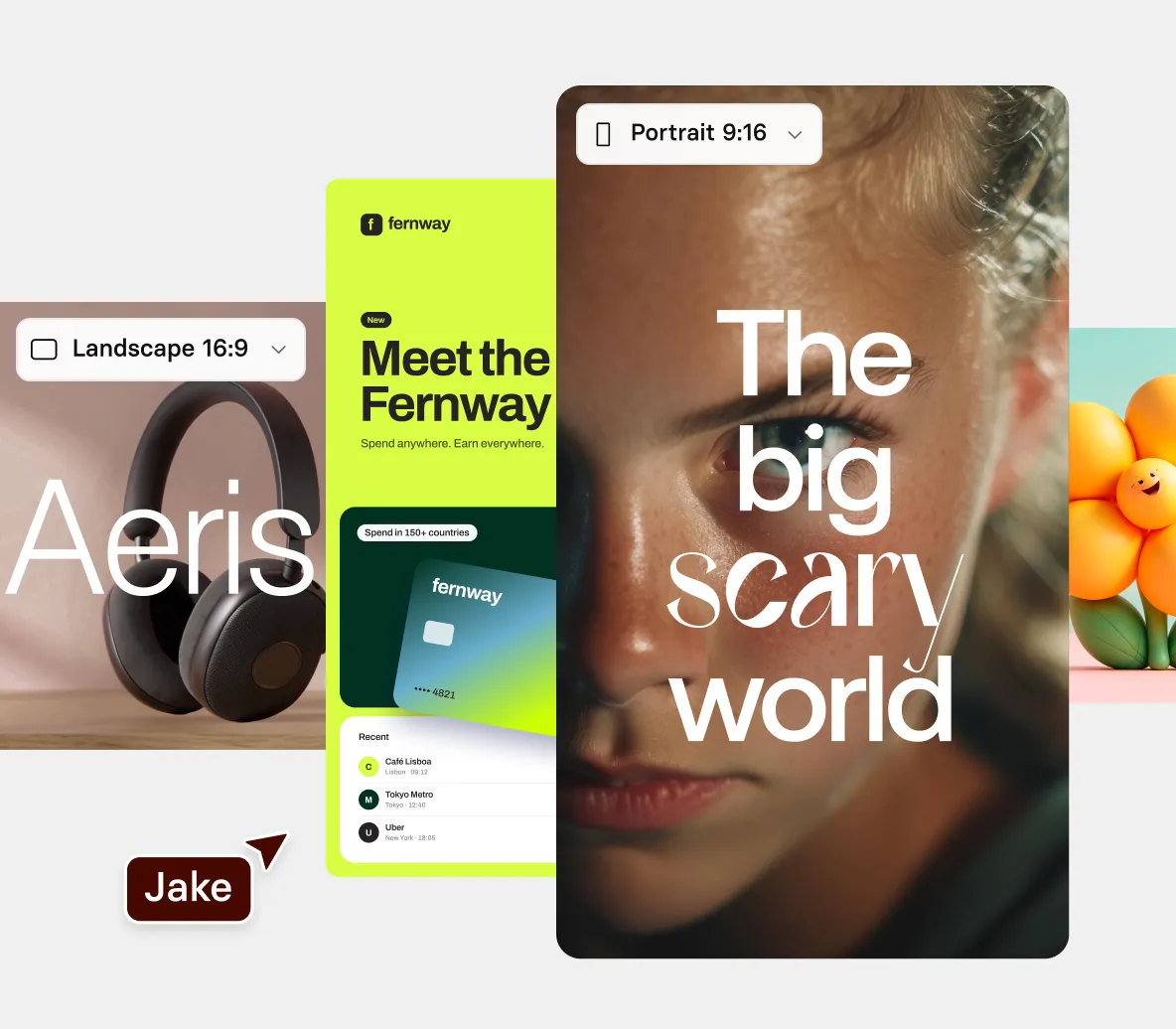
- Ask for charts, numbered points, or big on-screen figures
- Watch each figure build in the live preview as Syren writes the narration
- Pick the look, from clean icons to bold kinetic type
Add a narrator who explains your numbers
- Describe the narration you want, from plain and calm to upbeat
- Bring in a presenter avatar to introduce the numbers and sum up the key takeaways
- Fix how a number or a name is pronounced by telling Syren
Edit and share your infographic
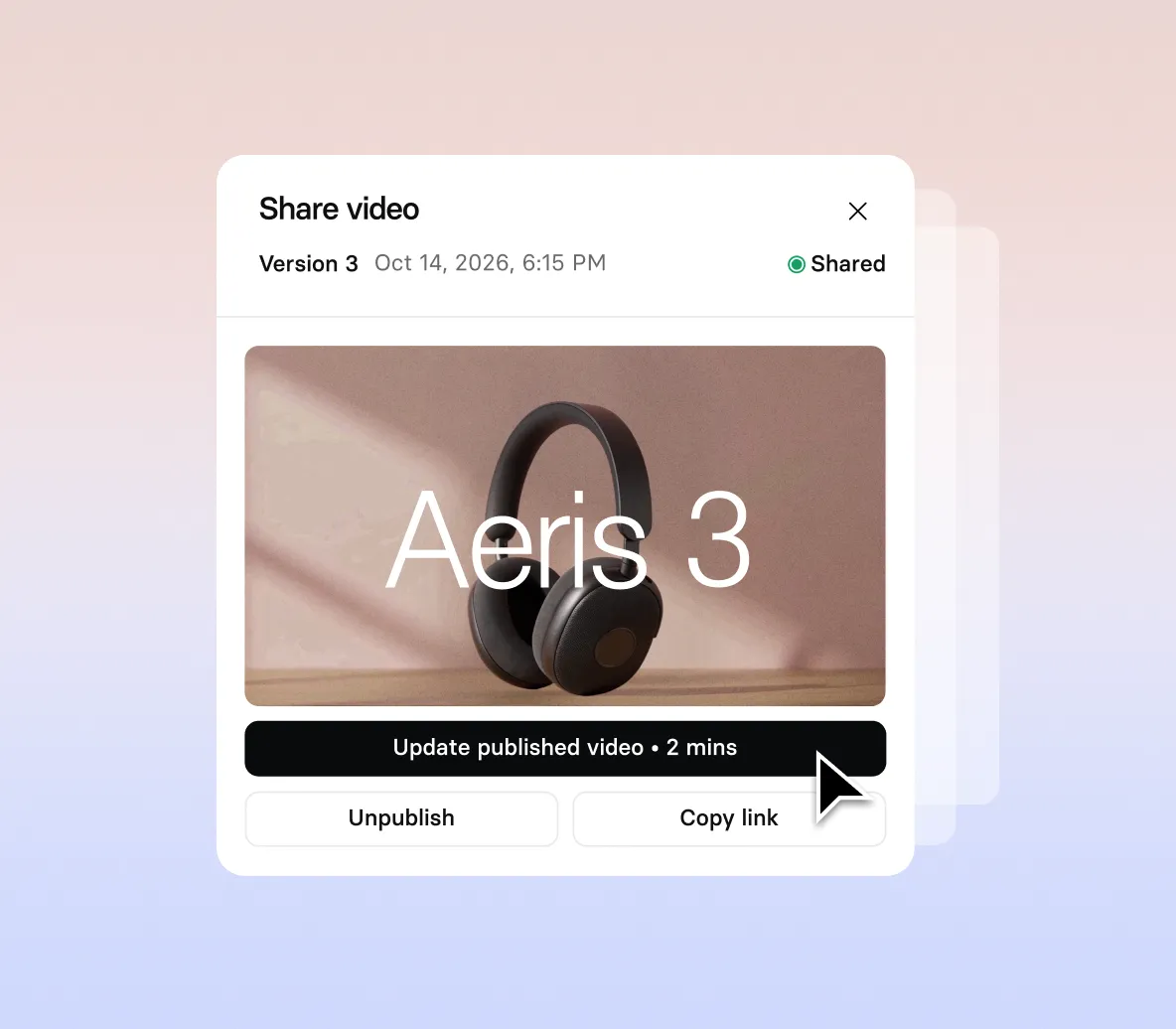
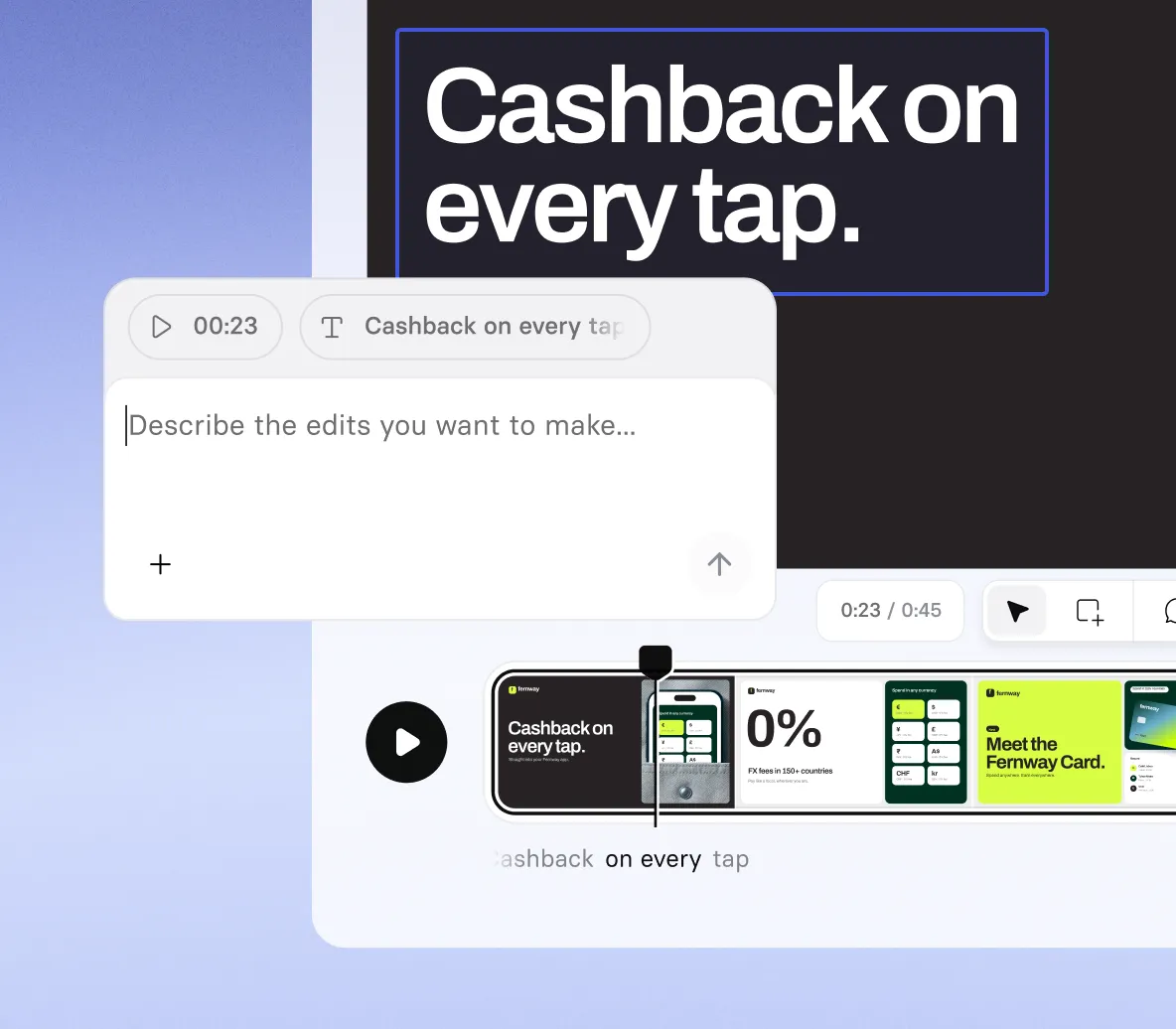
- Retype any number on screen and watch it change at once
- Ask Syren to correct a label, a title, or the wording around a figure
- Publish your video, then share or download at up to 1080p
How to make an infographic video with AI
Four steps from your facts and figures to a finished animated infographic video.
1. Open Syren and set the scene
Select Syren under Tools, choose wide 16:9 or tall 9:16, then describe what the video should explain and who it’s for.
2. Add your facts and figures
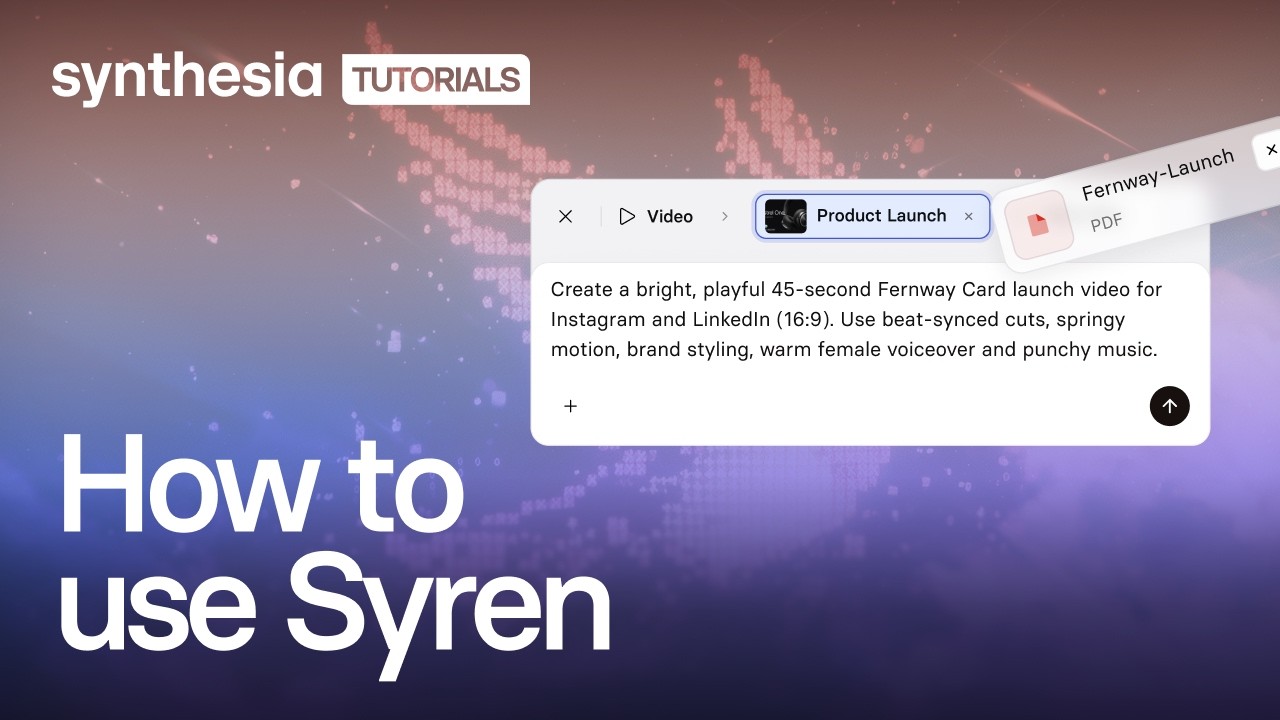
Type your figures into the prompt, or select + to add a report or PowerPoint file, then select Send.
3. Watch the numbers build
Answer any follow-up questions, then watch your figures animate in the live preview as the narration appears.
4. Check, generate, and download
Check every number and fix any in chat, then select Generate and download.

The infographic video maker trusted by modern teams

Over 2000+ five star reviews on G2
Infographic videos for every story in your data
From a few key statistics to a full report, our infographic video maker turns your facts and figures into animated videos in minutes.

Turn your key figures into animated visuals, with a voiceover that explains what each number means.

Show how a process works one step at a time, from the first input to the final result, with simple diagrams.

Break down an industry trend into the few numbers that matter, with a narrator explaining what changed and why.

Distill a long report into its headline findings, shown as figures on screen, so stakeholders get the point fast.
Infographic video maker FAQs
How does the infographic video maker work?
You describe the video you want in Syren, Synthesia’s AI video agent, and it writes and renders it live while you watch. Add your facts and figures to the prompt, along with the audience, tone, and visual style you want. Then you steer it by chat or by editing elements directly.
Is the infographic video maker free?
Yes, you can try the infographic video maker for free. A two-minute video with up to two rounds of edits typically uses 1,000 to 2,000 credits. Videos on the Basic plan carry a watermark, while Starter and Pro videos have no watermark.
What can I turn into an animated infographic?
Type your figures into the prompt, or add documents, images, videos, PowerPoint files, or YouTube links with the + button.
Does Syren check the numbers in my infographic video?
Syren builds from the figures you give it, so check each number against your source before you download. If one is wrong, retype it on screen or ask Syren to fix it in chat.
Can I make static animated infographics with the infographic video maker?
No, Syren makes videos, so you get a video file and not a static image or PDF. Select Generate, choose a resolution up to 1080p, and download your video.
What shape and length can an infographic video be?
A video from the infographic video maker can run up to three minutes, in wide 16:9 or tall 9:16. You choose the shape before you send your first prompt, and you can’t choose it when you start from an example video.
Can I use Syren videos commercially, and who owns them?
Yes. You can use Syren videos for marketing, product launches, and ads, and you own the videos you create, the same as any video made in Synthesia. Make sure you have the rights to anything you upload, such as images, footage, or other companies’ logos.
Can I edit my infographic video after Syren makes it?
Yes. Select a number, heading, or shape on the picture to move it or retype it, and the change applies at once. You can also ask Syren in chat to change the script, voice, music, or pronunciation.
Can I use my infographic video on my website or social media?
Yes, Synthesia allows use on your website and sharing on social media. You own the videos you create with Syren, but make sure you have the rights to anything you upload.
Not just an infographic video maker
Synthesia is an end-to-end AI video platform for creating, localizing, and managing video at scale. Syren turns your figures into animated videos, PDF to video turns a report into a full video, and AI motion graphics adds on-brand animated visuals to any scene.
Then translate every video into new languages, add a narrator with the AI voice generator, and refine it all in the AI video editor. One platform, from the first figure to a finished story.
Discover more

Ready to create infographic videos?
Join 2M+ users today and go from facts and figures to animated video with Syren.