
Free AI Text to Video
Turn a prompt, script, blog post or document into a presenter-led AI video in minutes.
0/500 characters
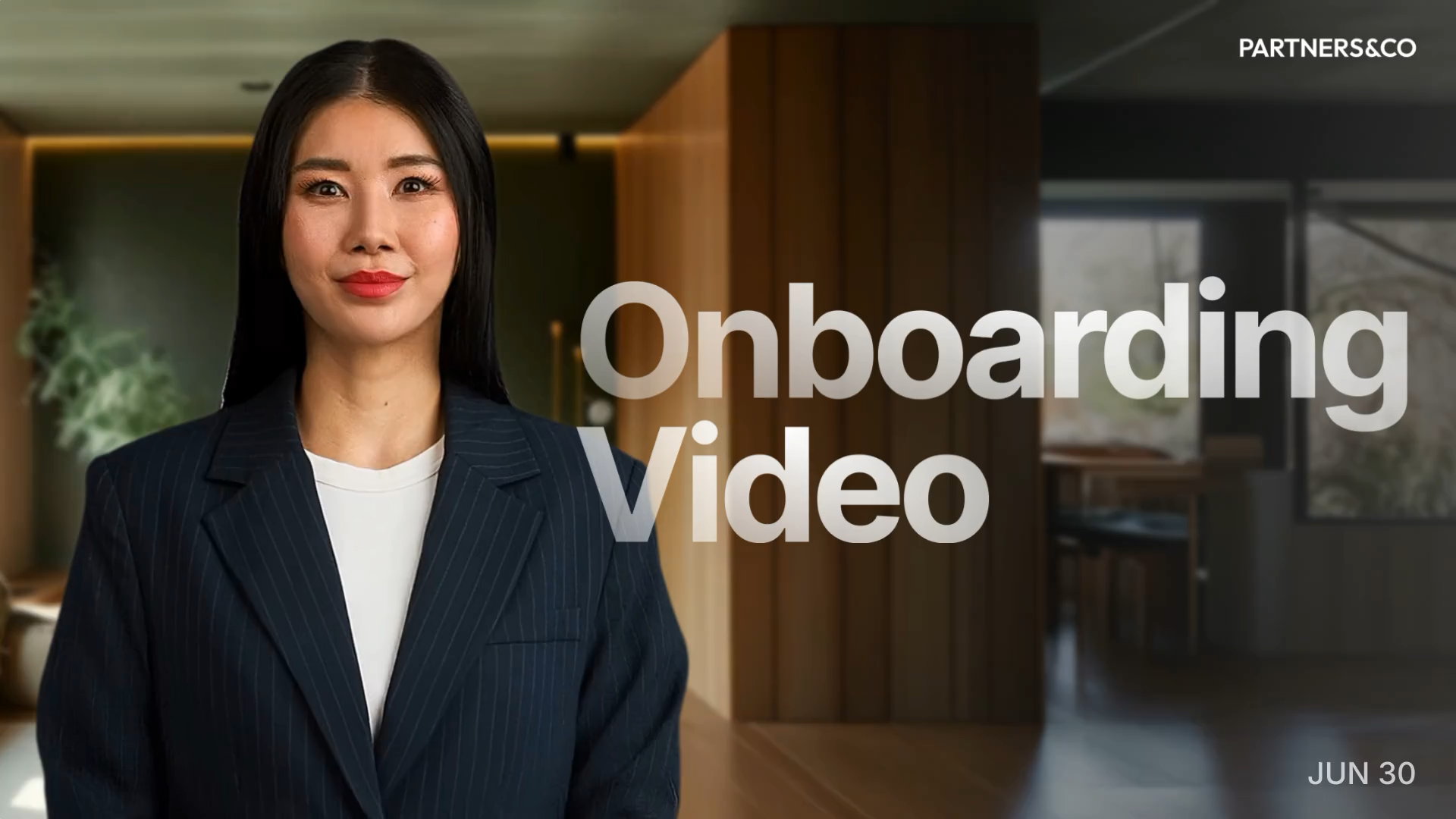

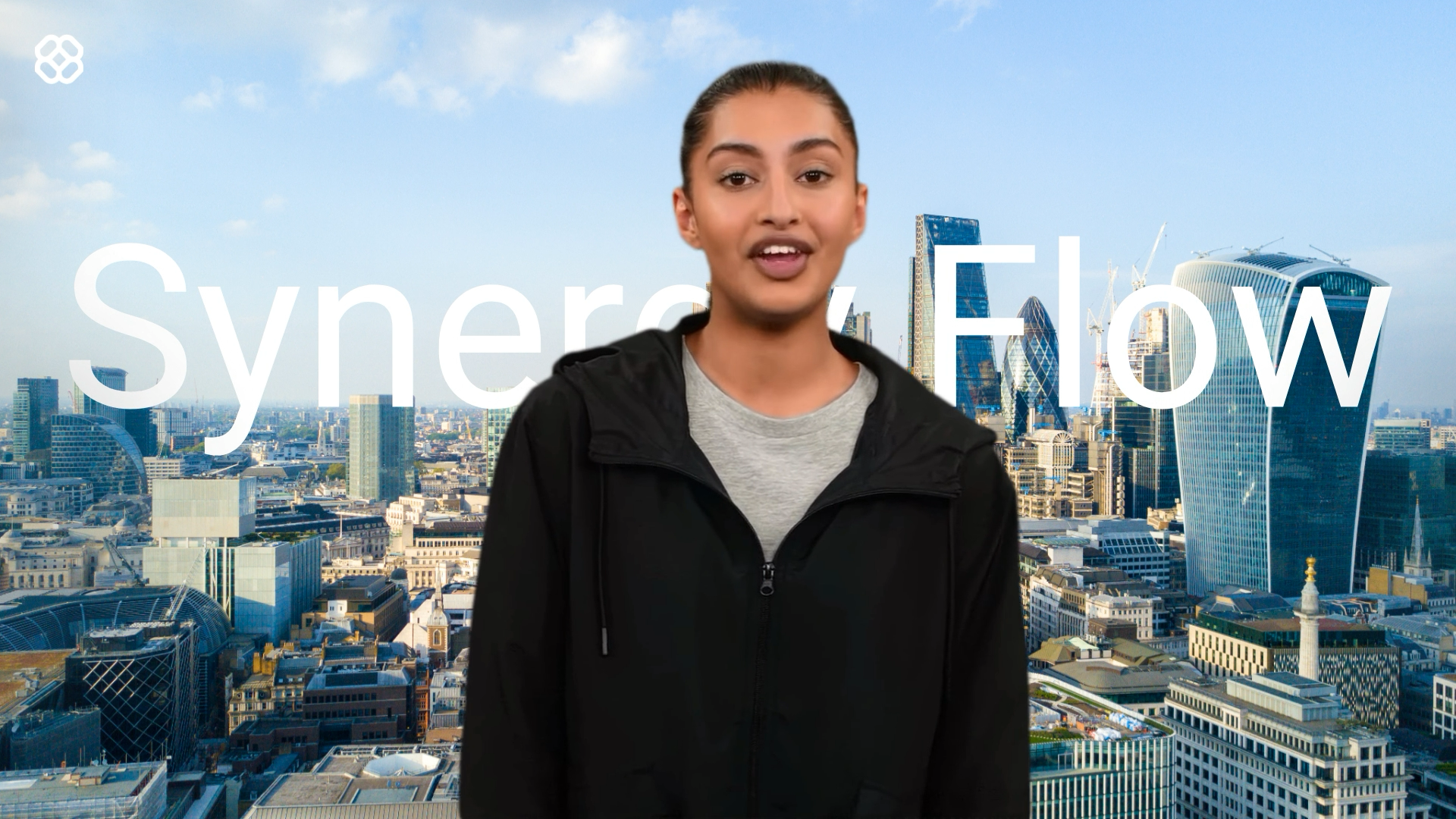
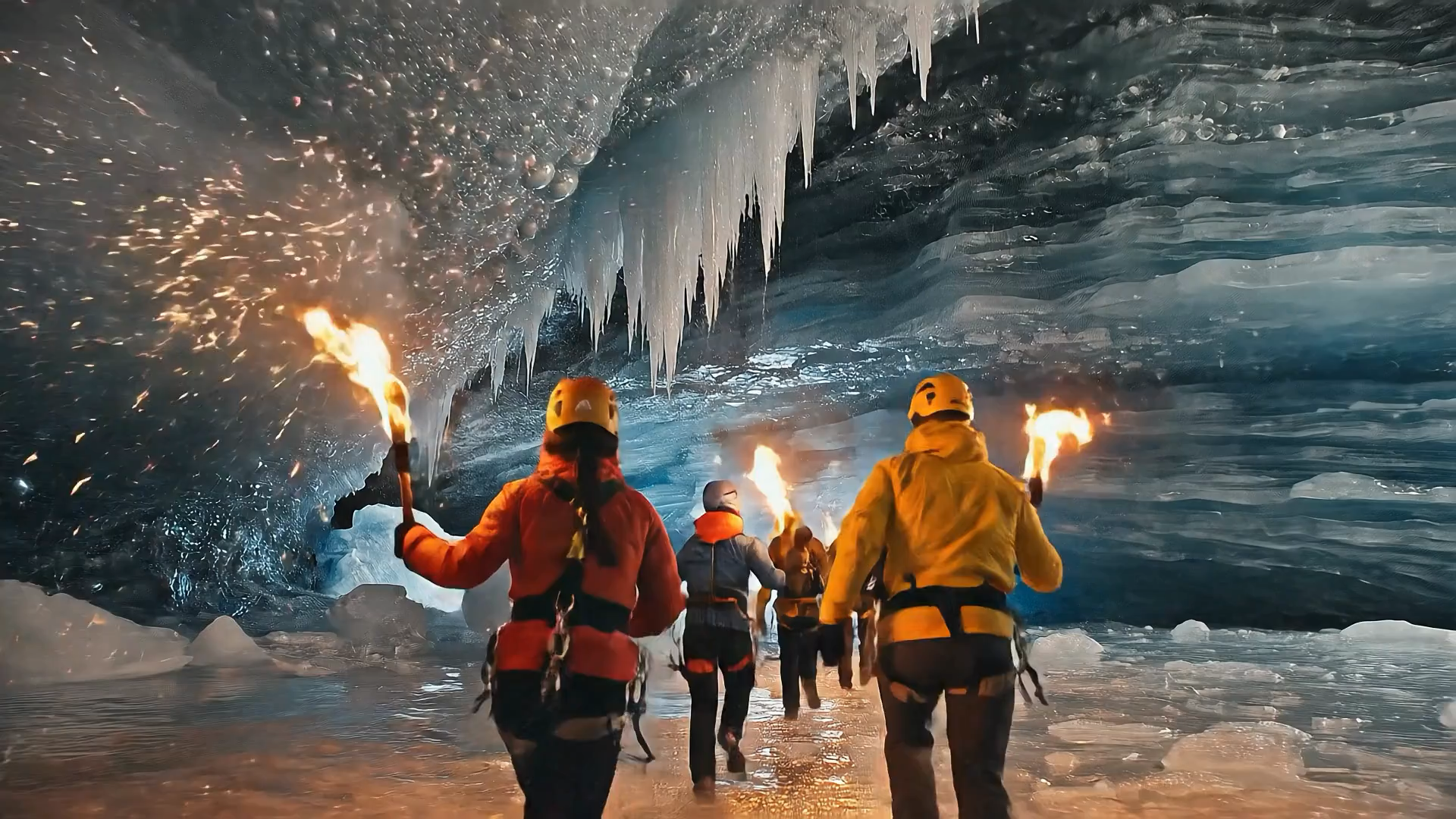
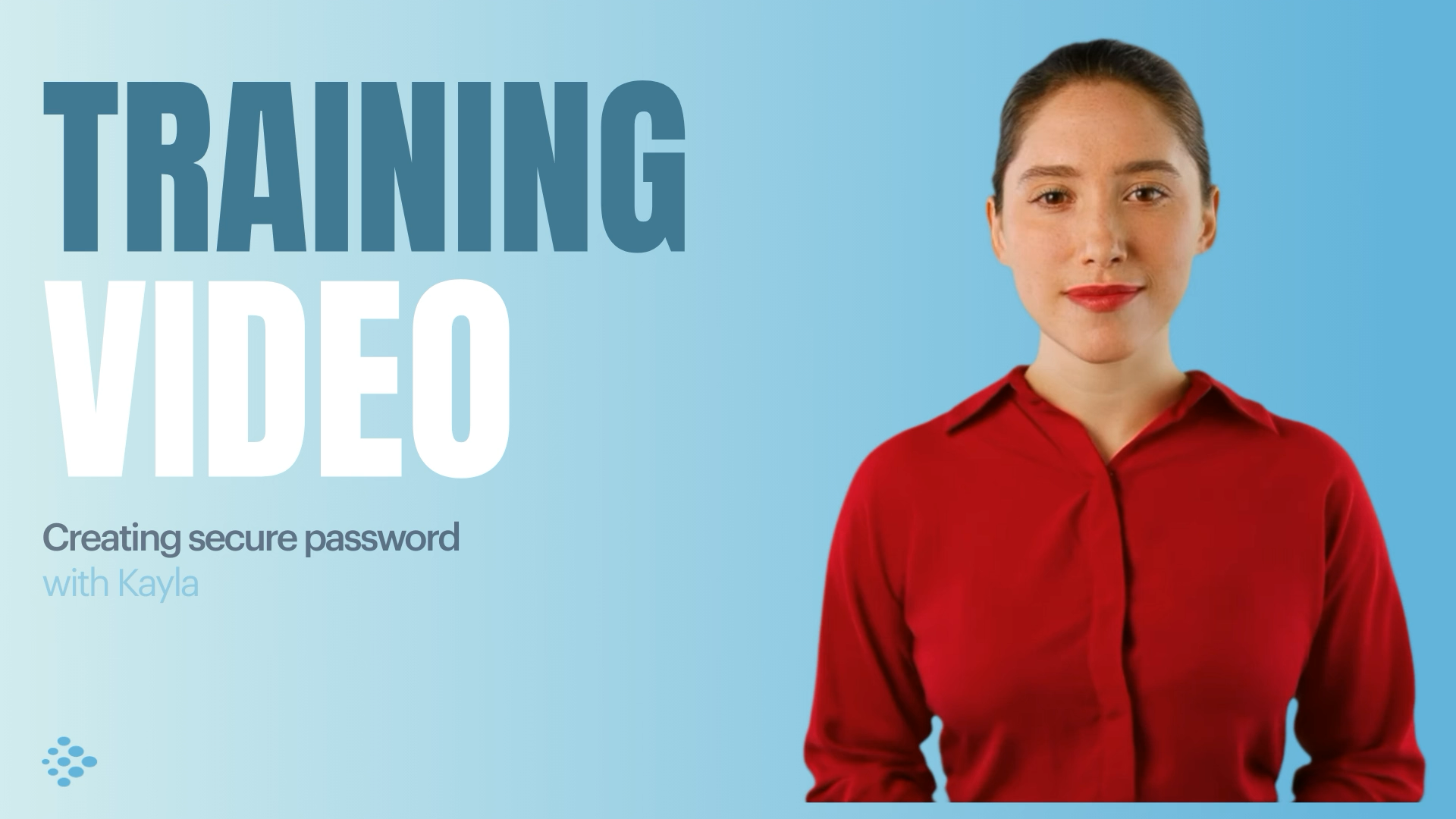
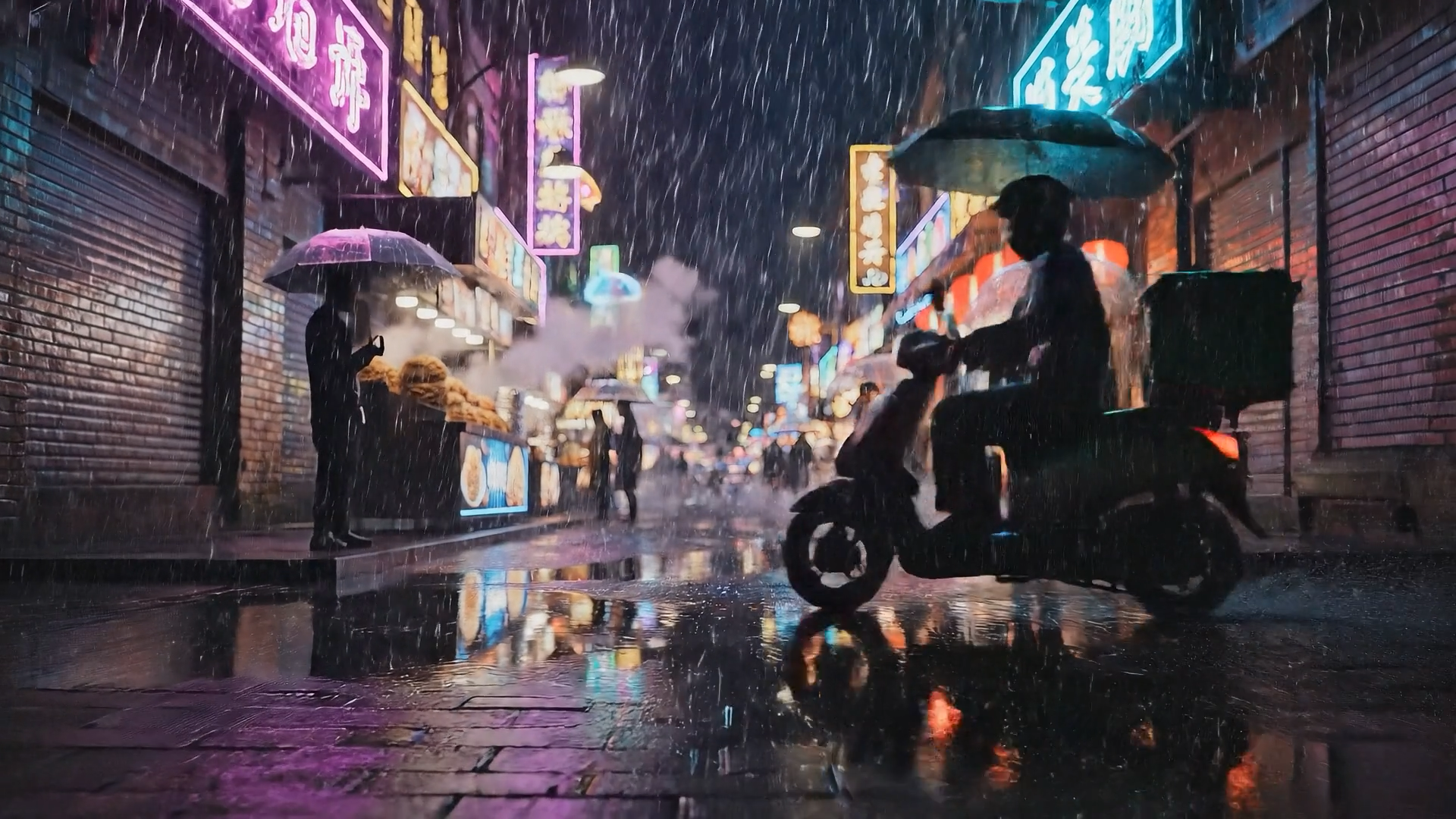

Choose your input method and let AI create your video.
By using this service, you confirm that you have all necessary rights, licenses, and permissions to upload or generate content, and that your use of any generated videos will comply with the Acceptable Use Policy and applicable regulations related to intellectual property and data privacy.
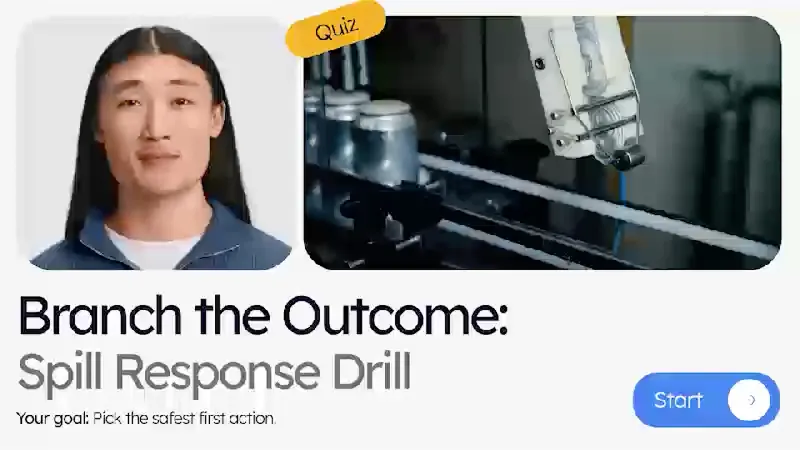
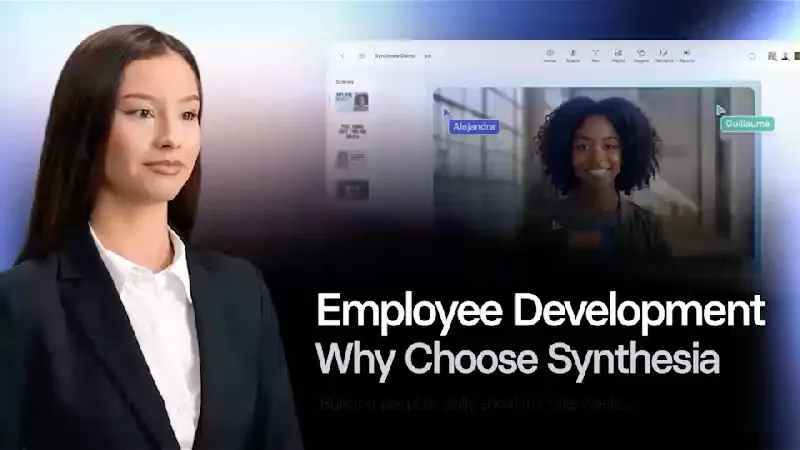

Trusted by over 50,000 companies








Create any type of video
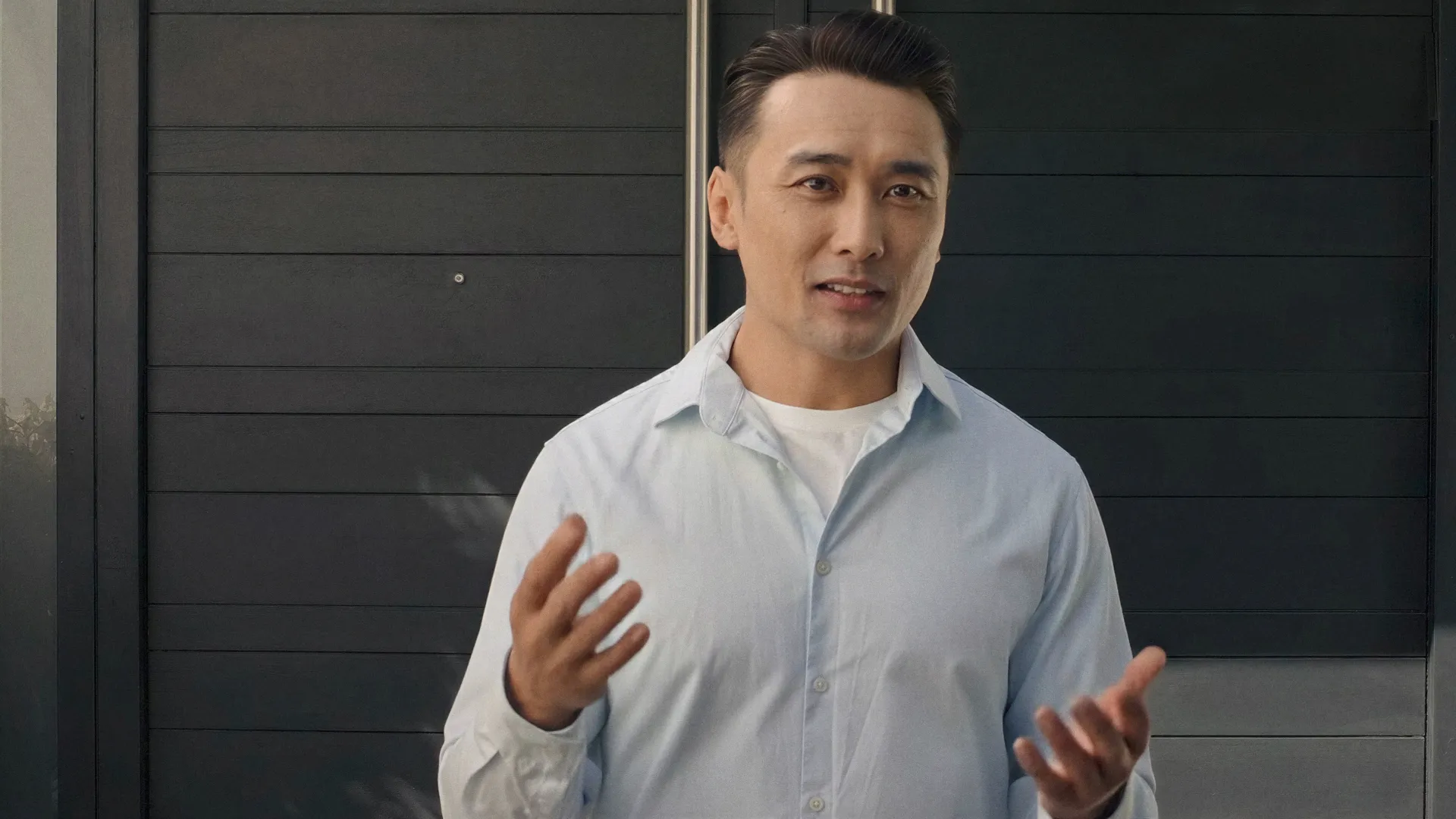


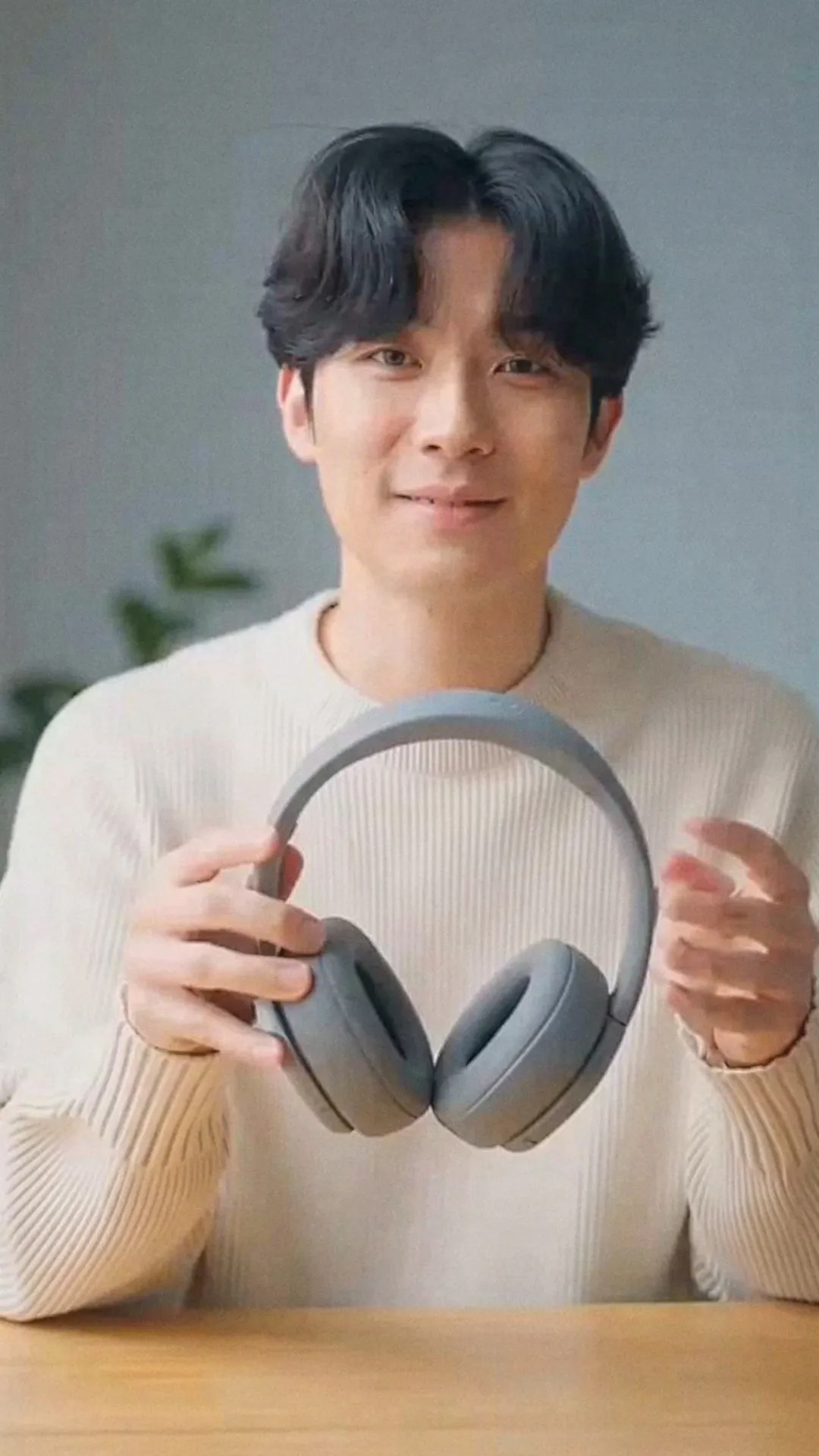
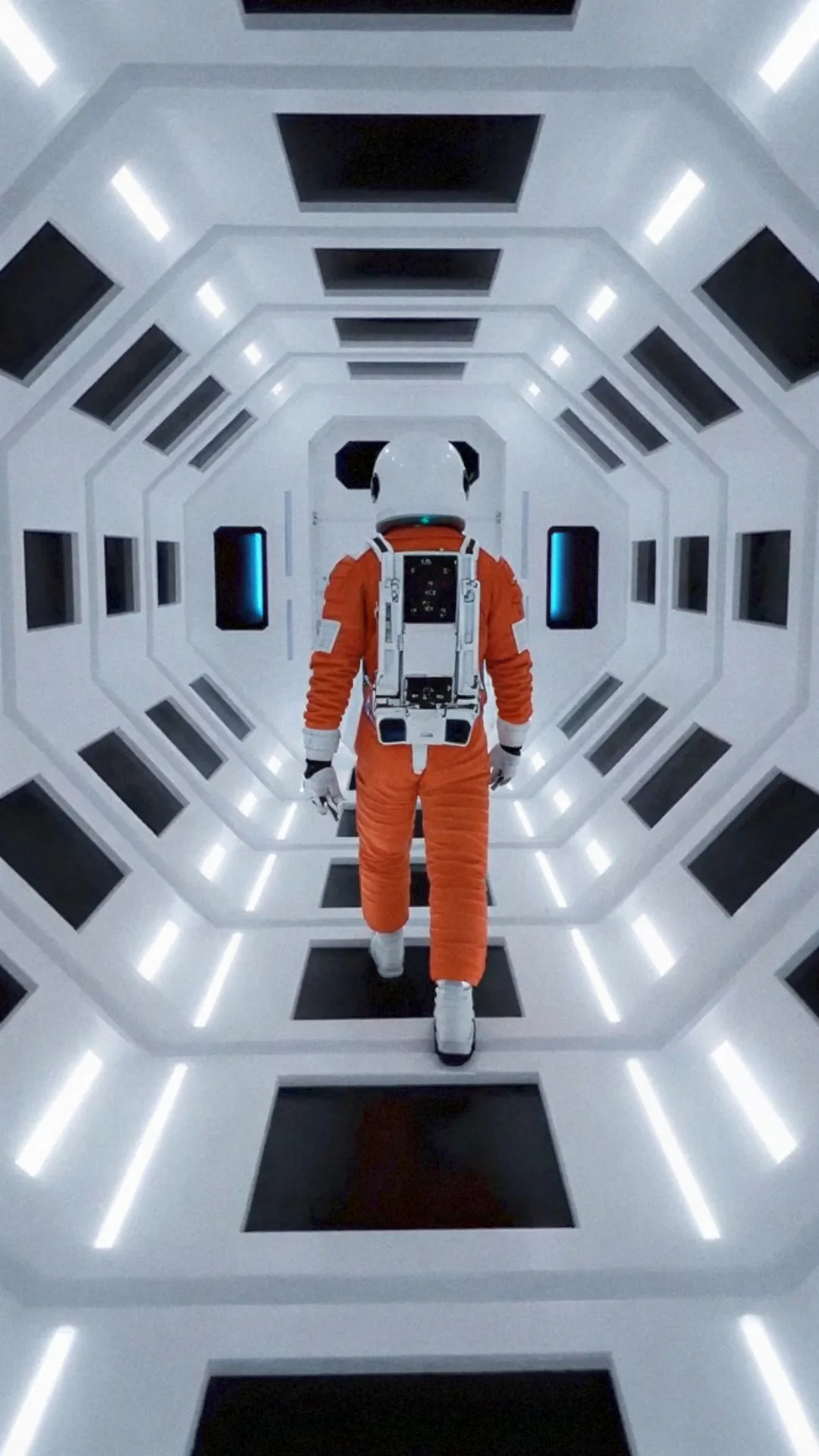
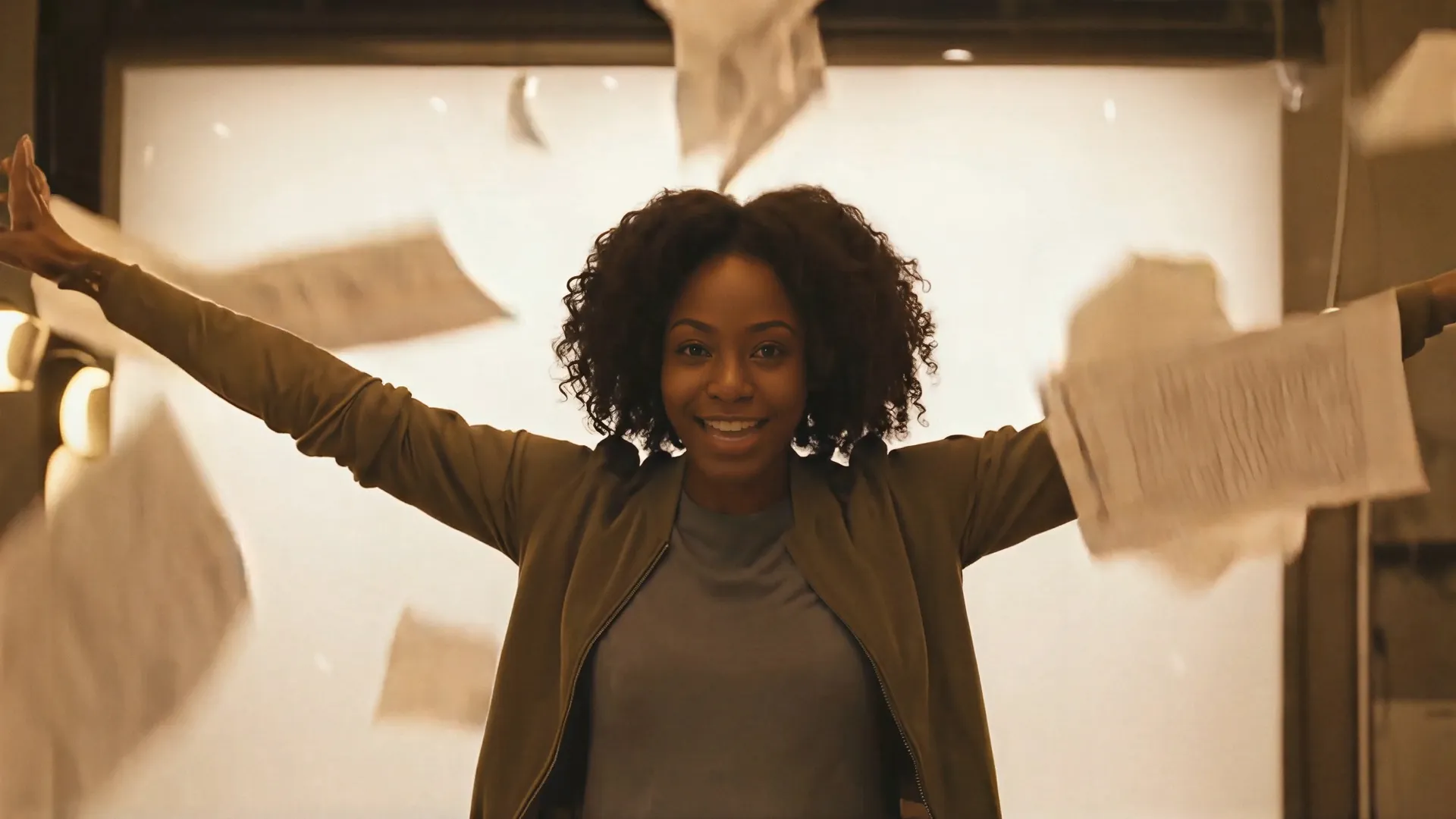
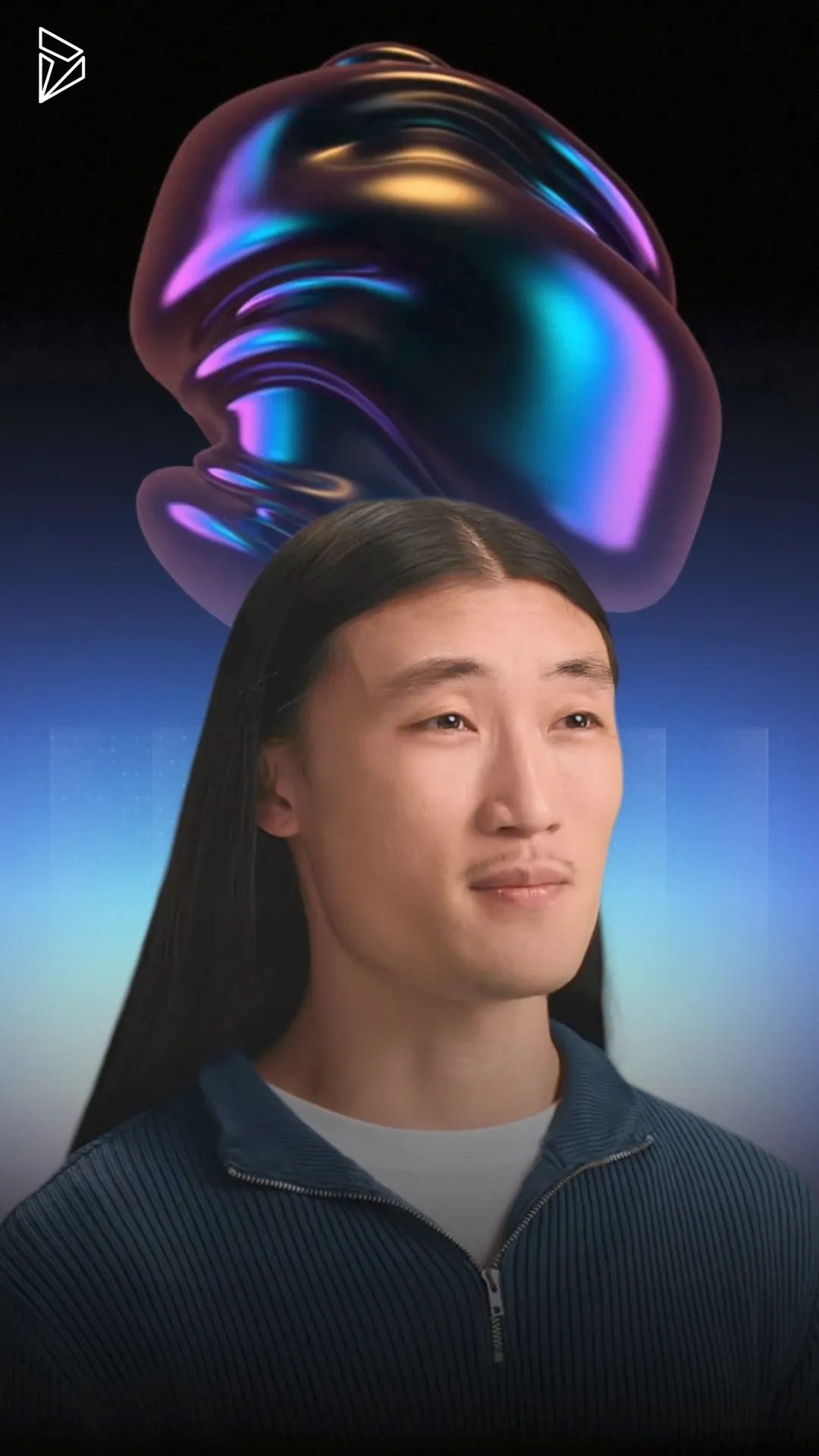
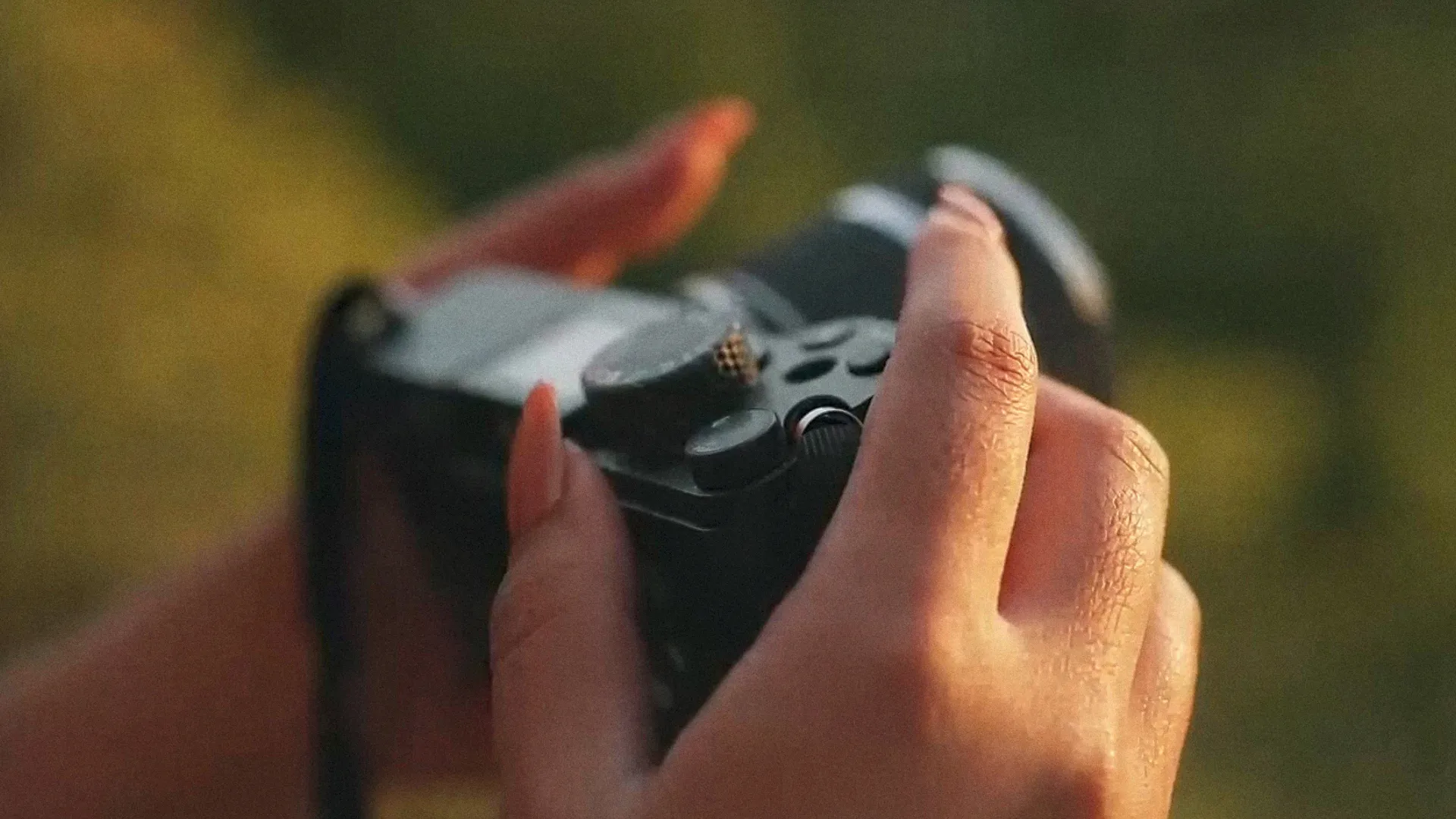
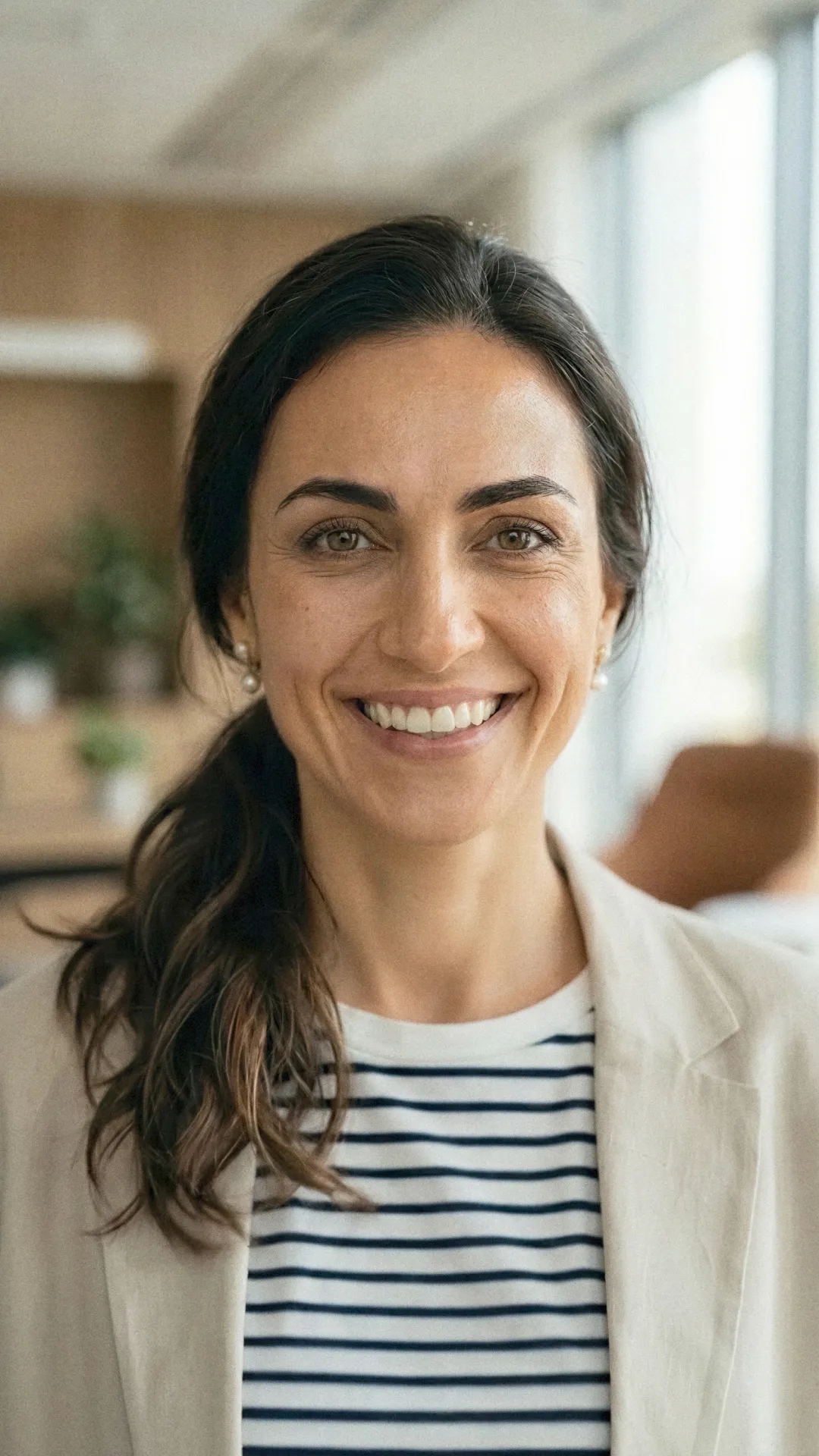
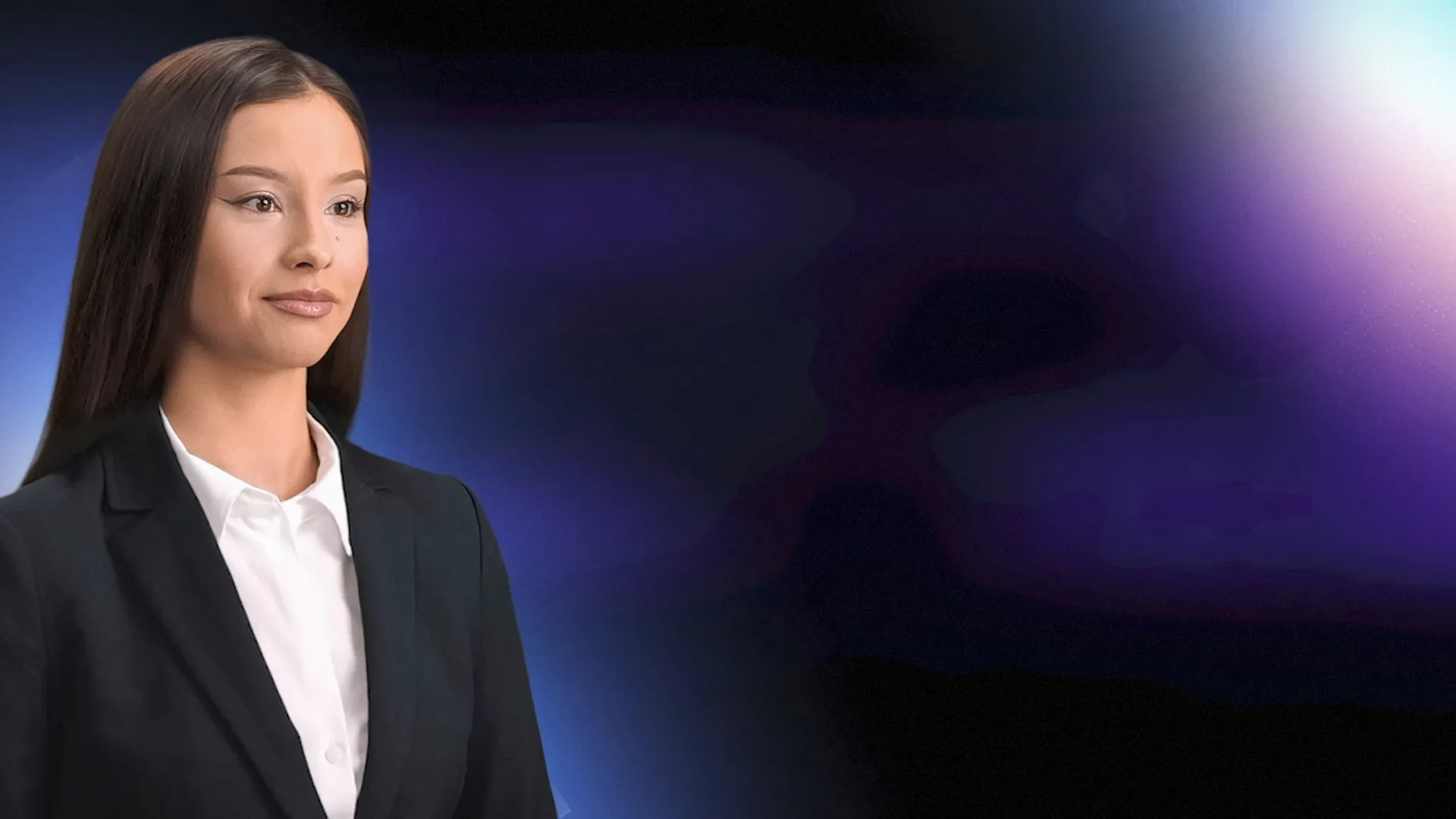
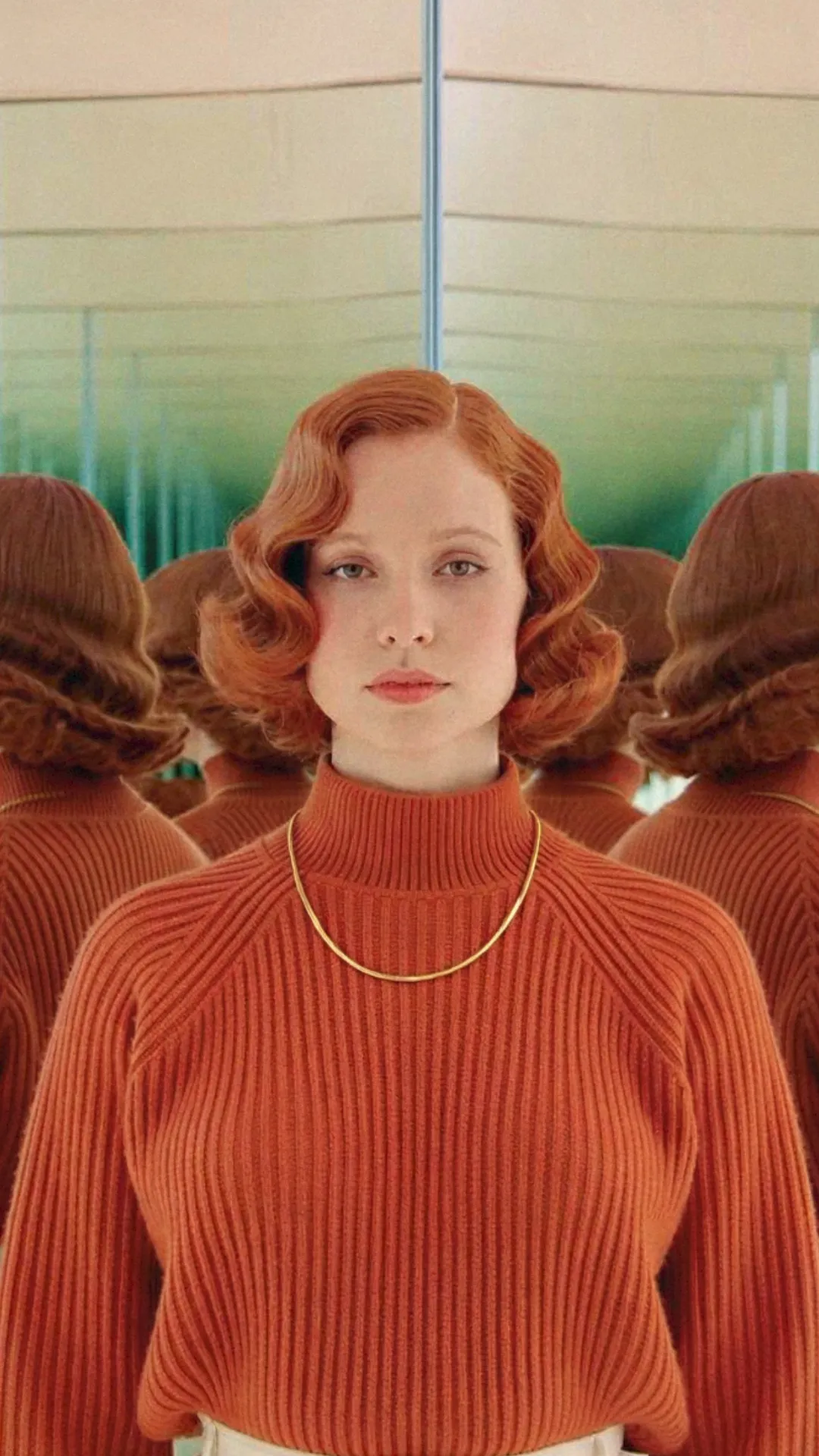
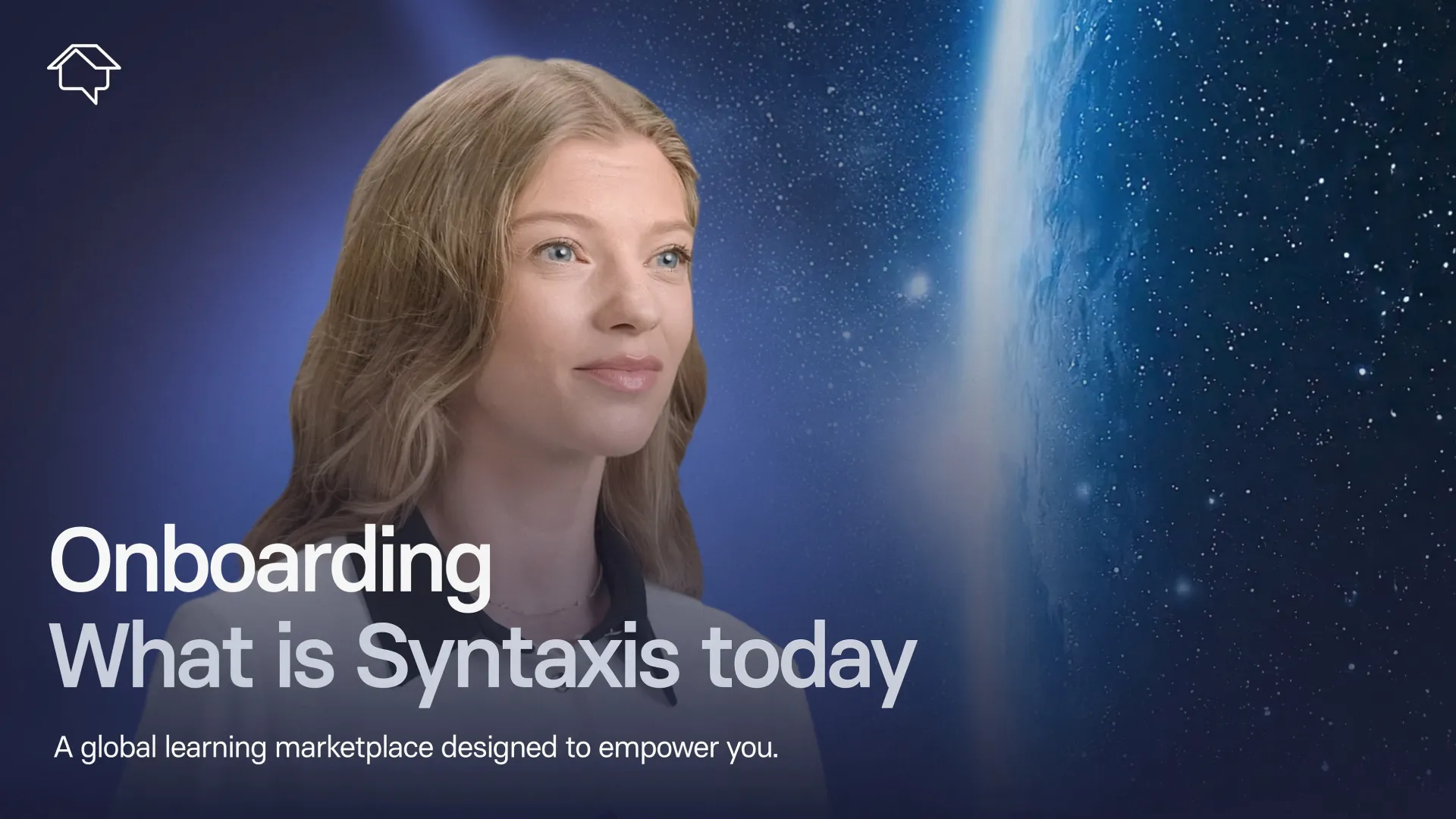
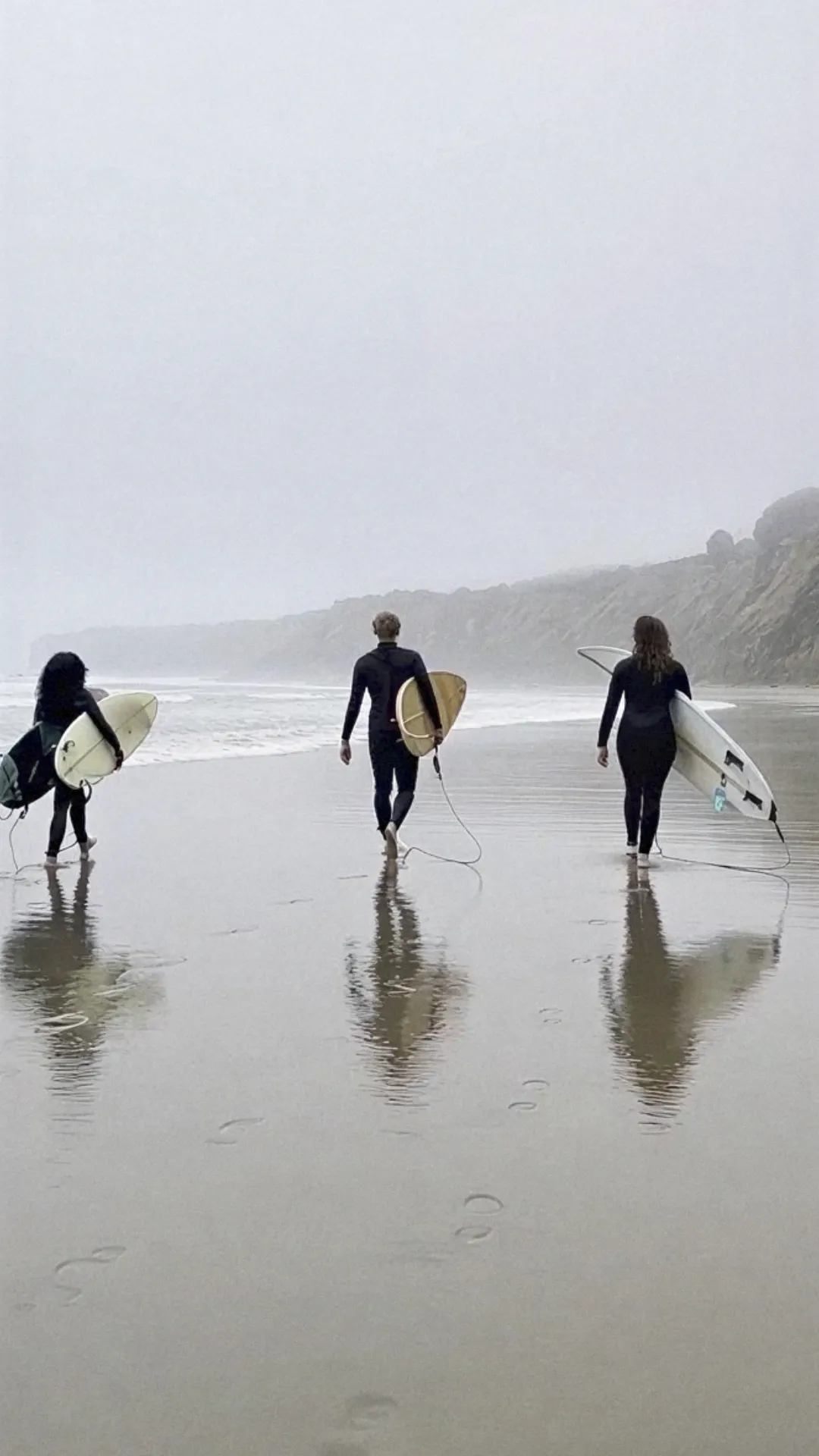
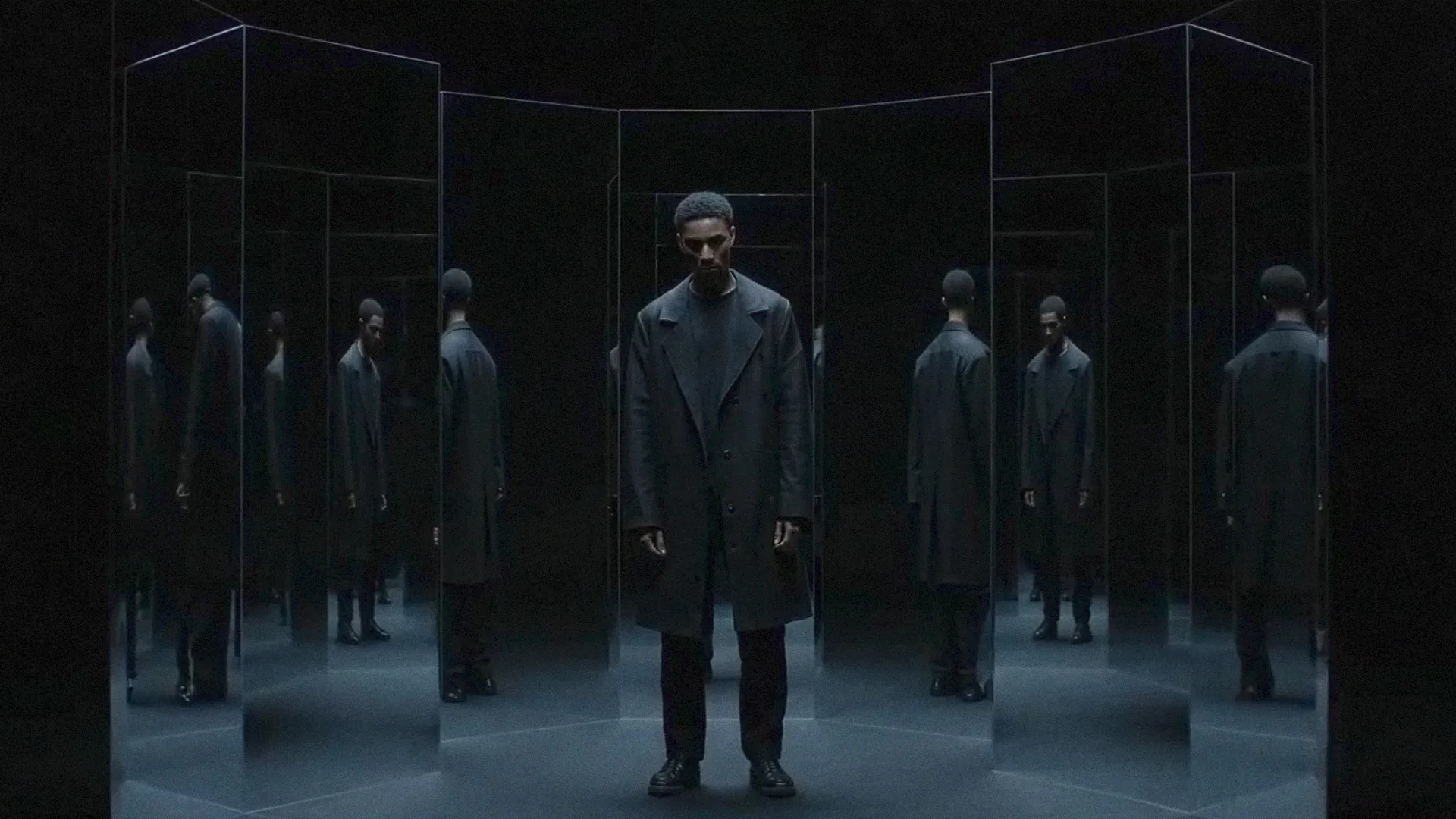
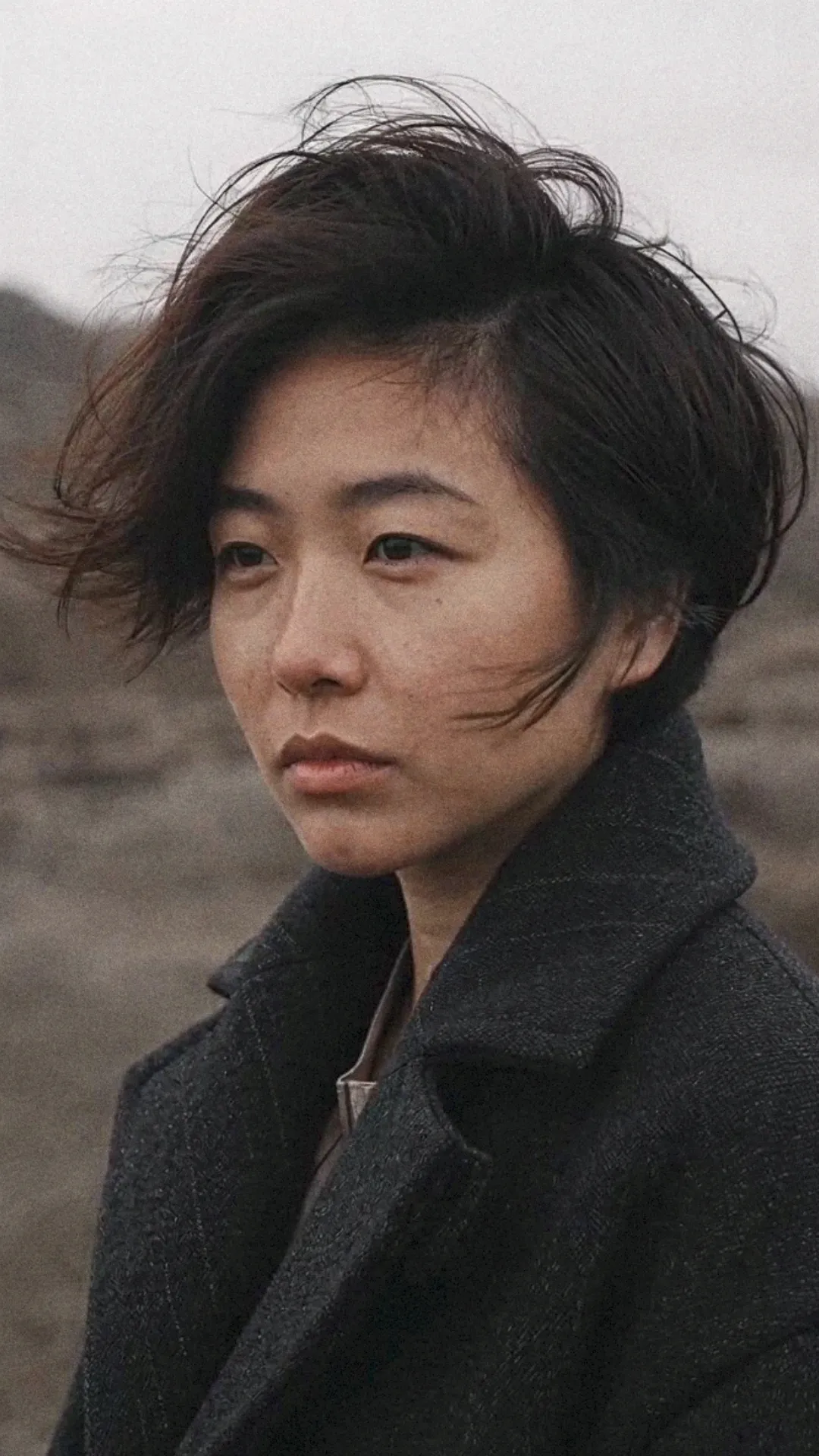
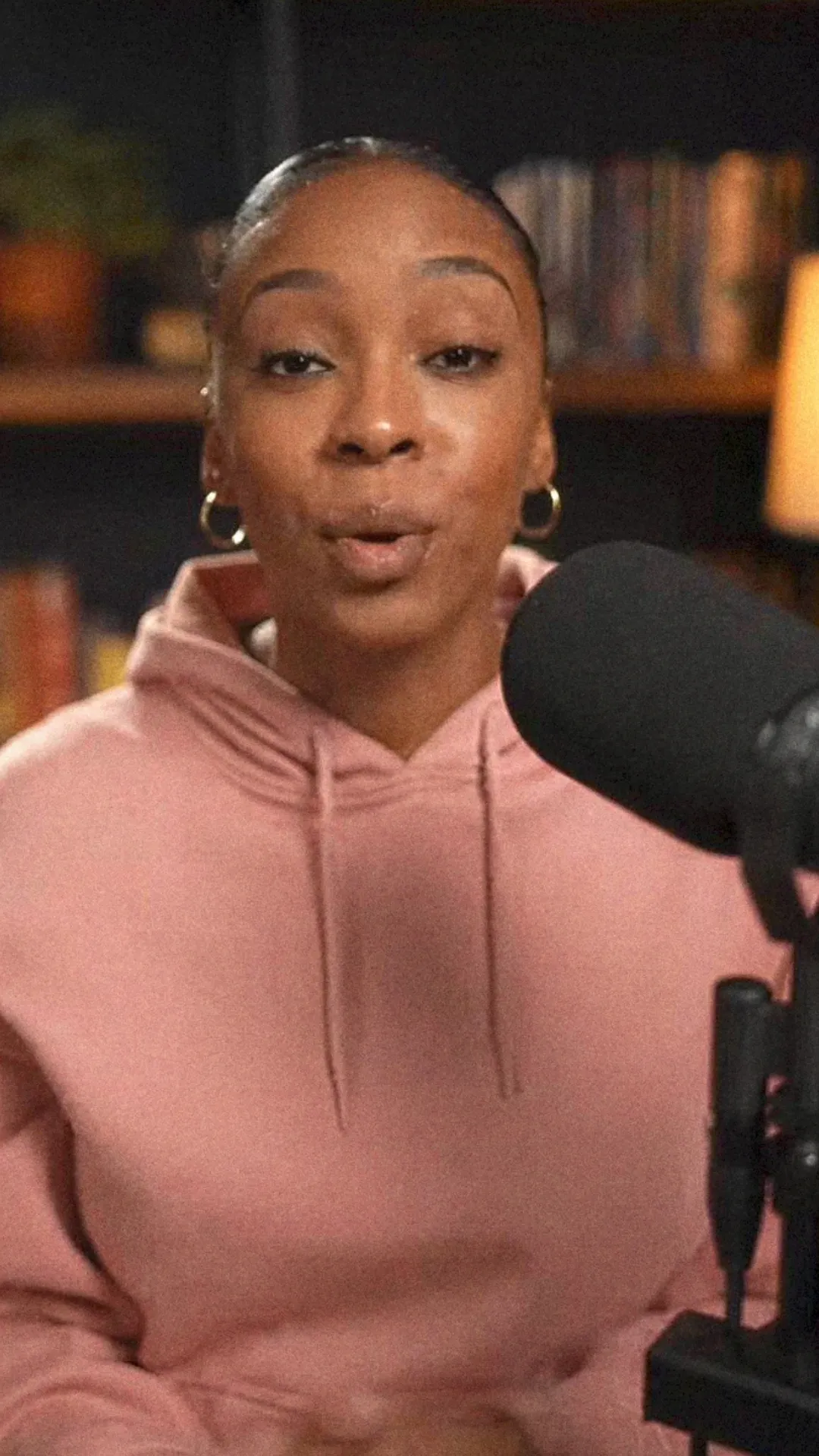
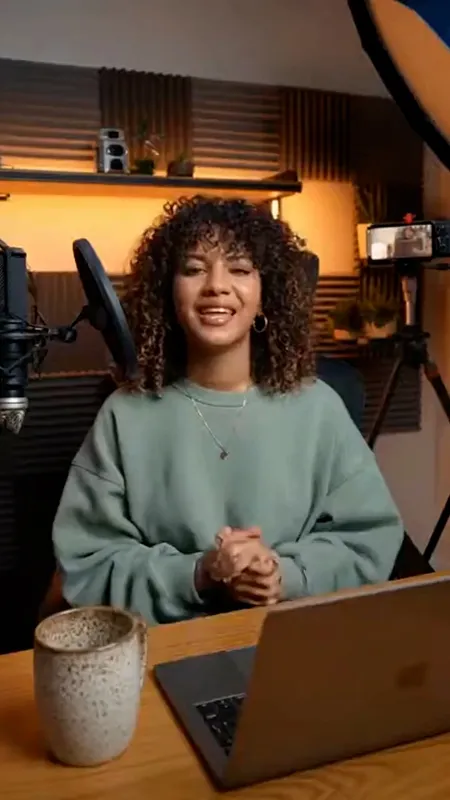
Turn any text into a finished AI video
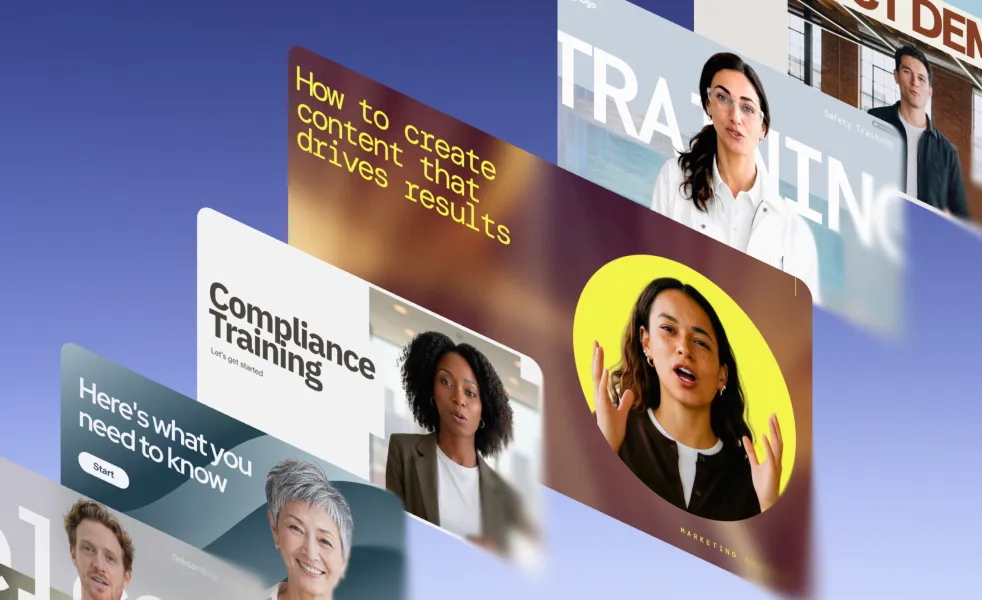
Get a presenter-led video with an AI avatar, multilingual voiceover, visuals and music.
Generate AI videos from simple text prompts
Start with a prompt and add as much context as you like.
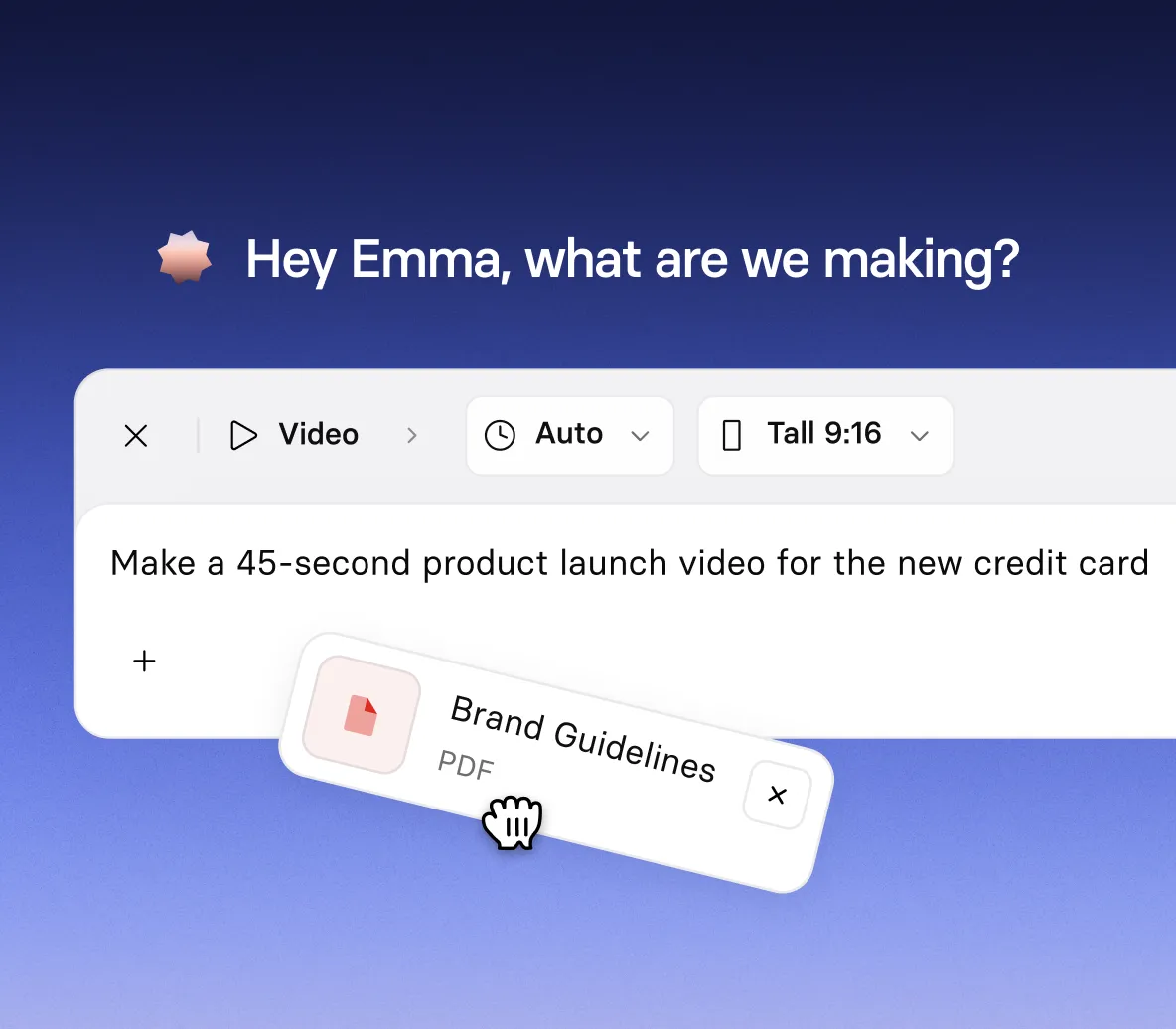
- Use PDFs, PowerPoints, Word docs, and your website URL as source material
- Add images, video clips, and YouTube links for extra context
- No camera, crew, or video skills needed
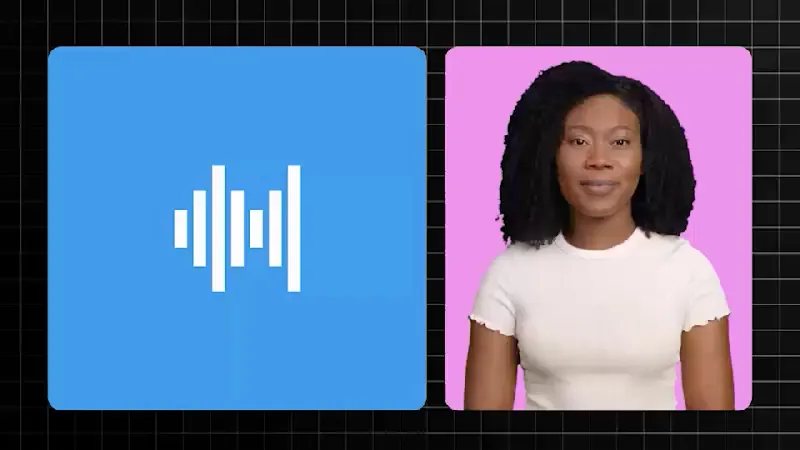
Get a complete video, presented by an AI avatar
Let AI build a presenter-led video for you, or create it scene by scene in our AI video editor.
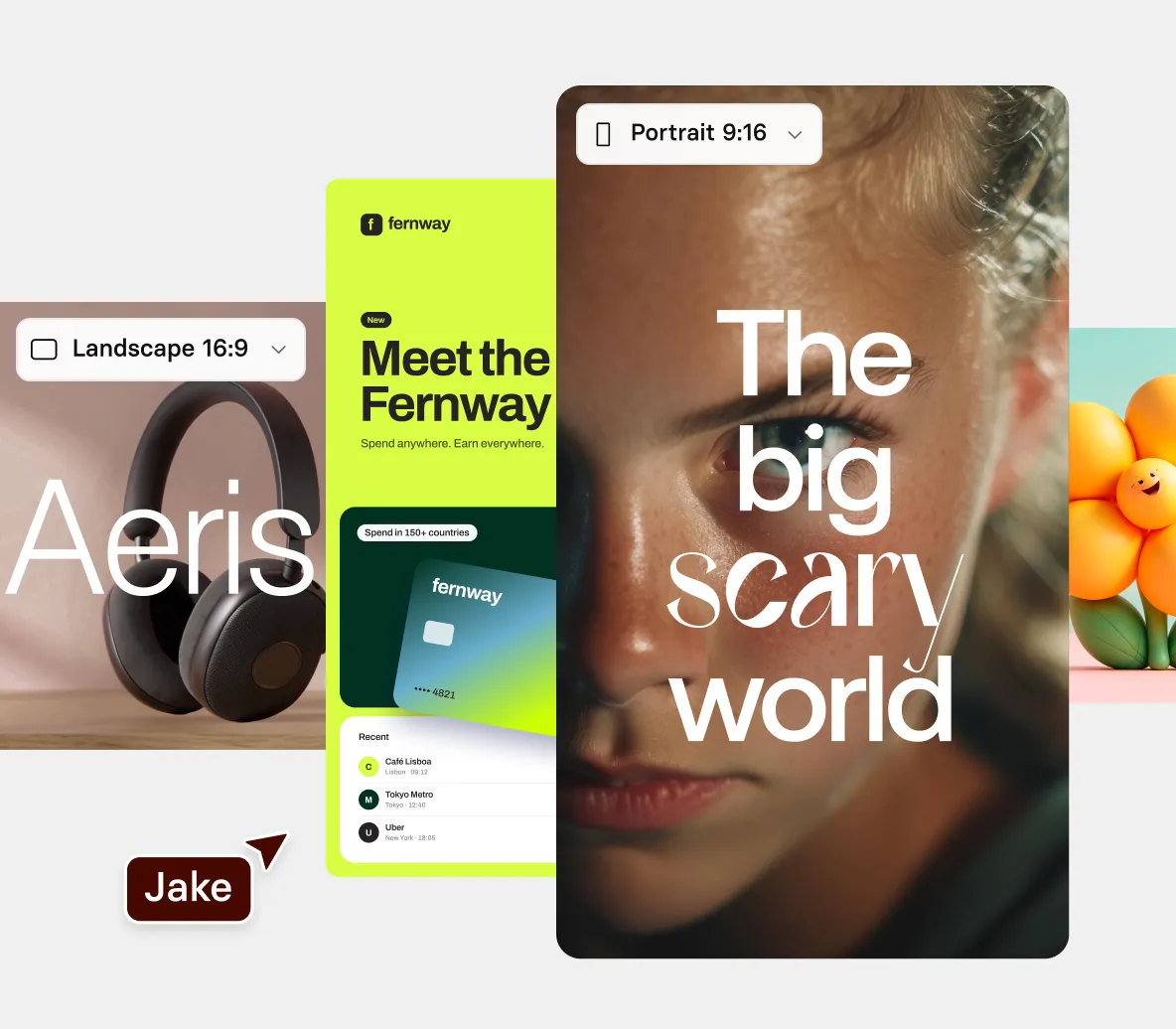
- Script, scenes, B-roll and motion graphics planned from your text
- An AI avatar presents it, or describe a new one and AI creates it
- In the editor, add an avatar to present your script in 140+ languages
Edit your video just by typing
Ask for changes in chat and generate a new version on demand.
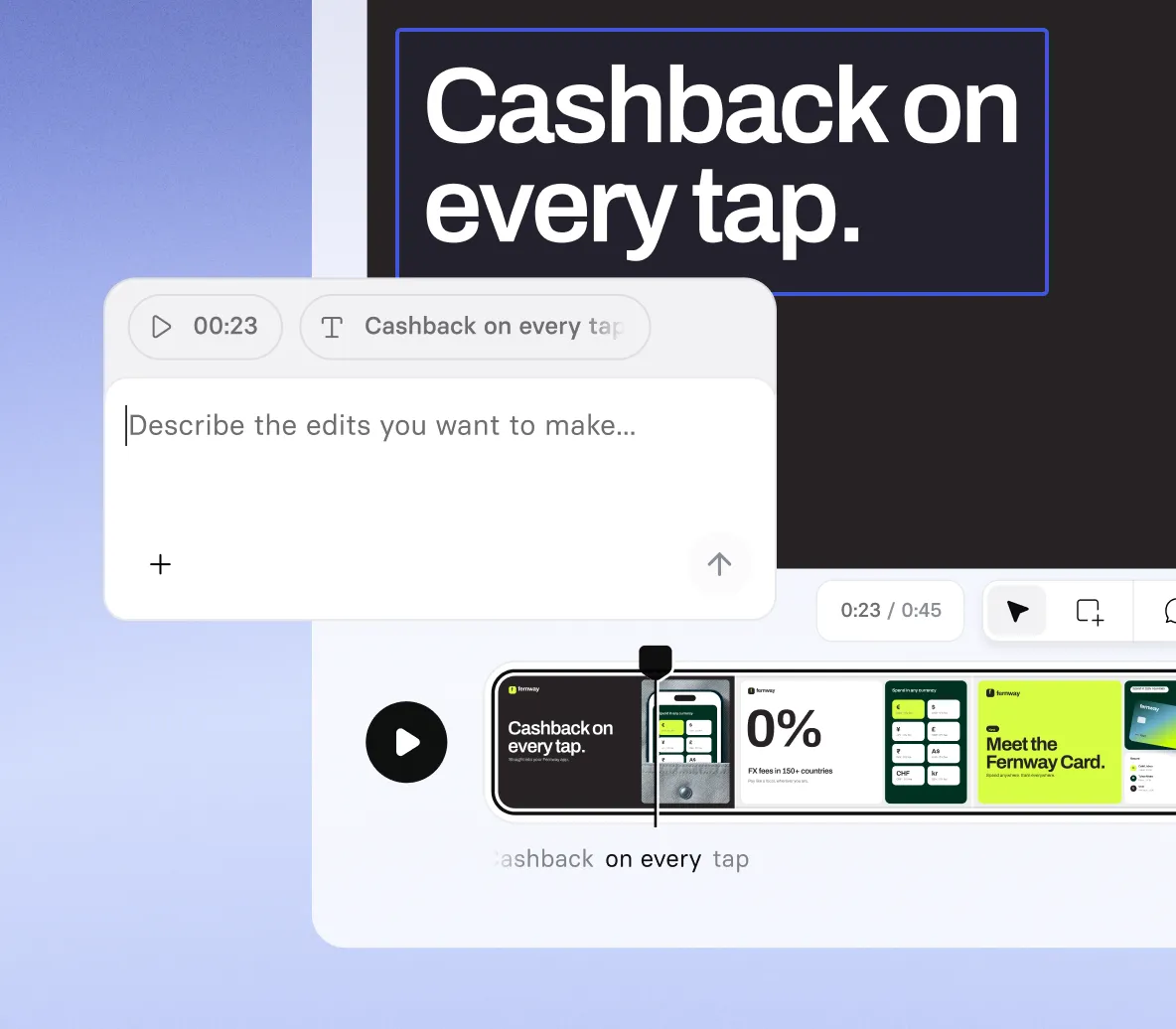
- Update the script whenever your source text changes
- Switch to a different AI avatar or voice anytime
- Change the look of any scene without an editing timeline
On brand and ready for any channel
Every video picks up your brand colors and fits wherever you’ll share it.
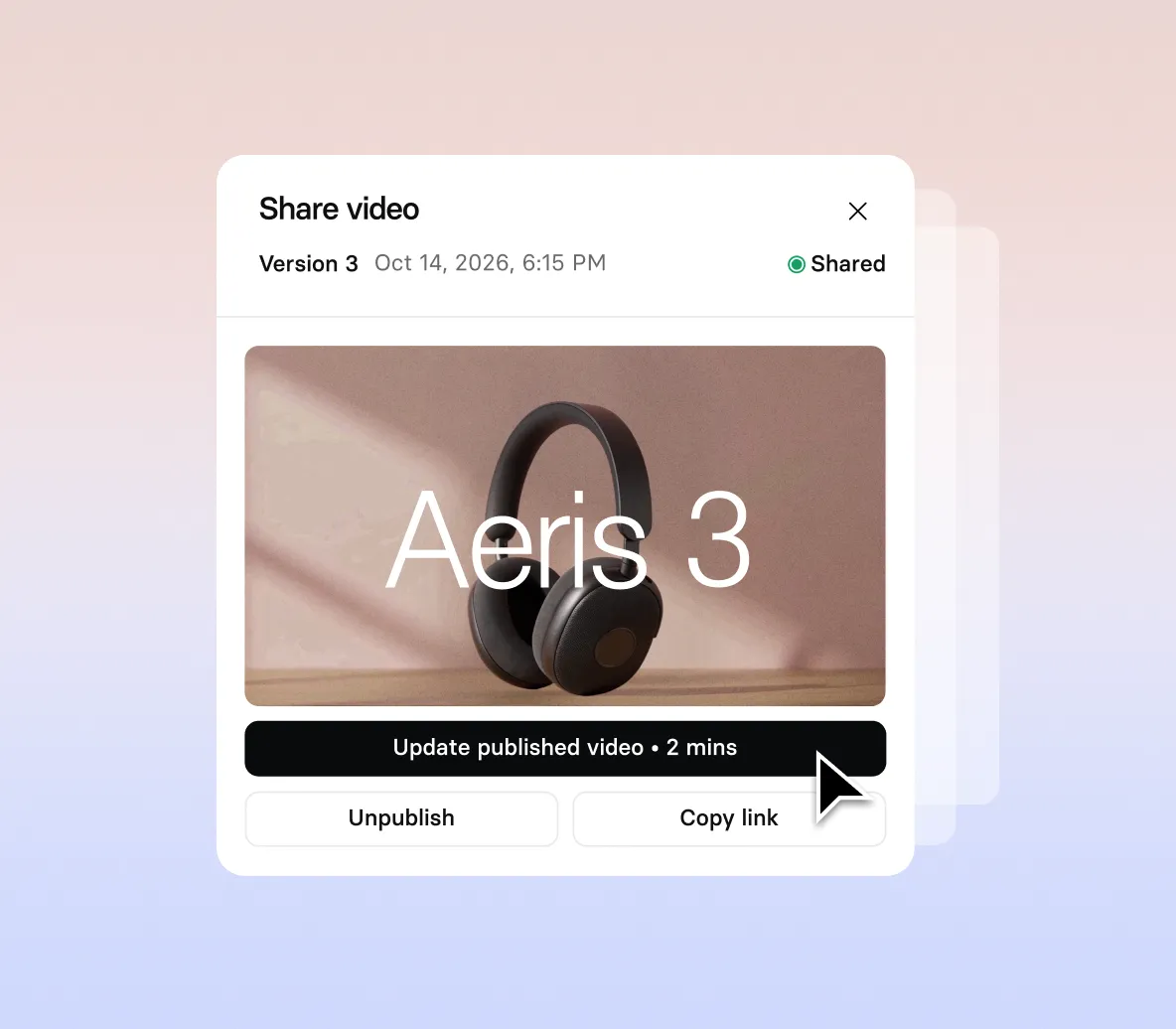
- Your Brand Kit’s colors, fonts and avatars, applied automatically
- Landscape for websites and decks, portrait for social feeds
- Anything from a quick teaser to a video up to an hour long
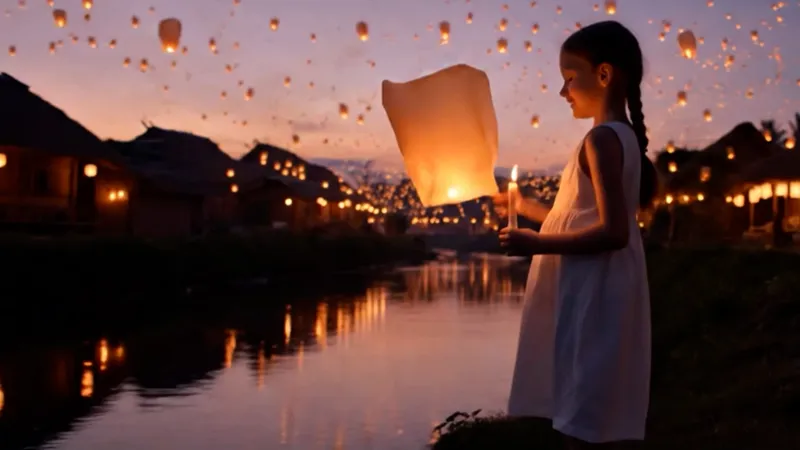
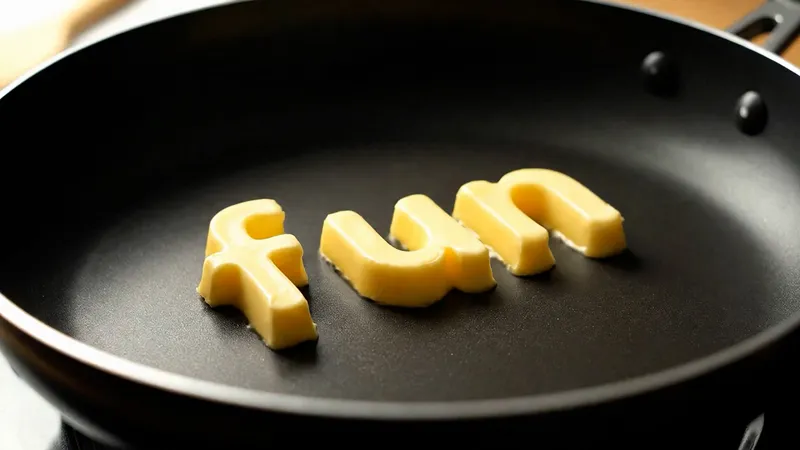
Create text to video clips with leading AI models
Prefer a specific model? Type a prompt and get a cinematic clip, right inside AI Playground.
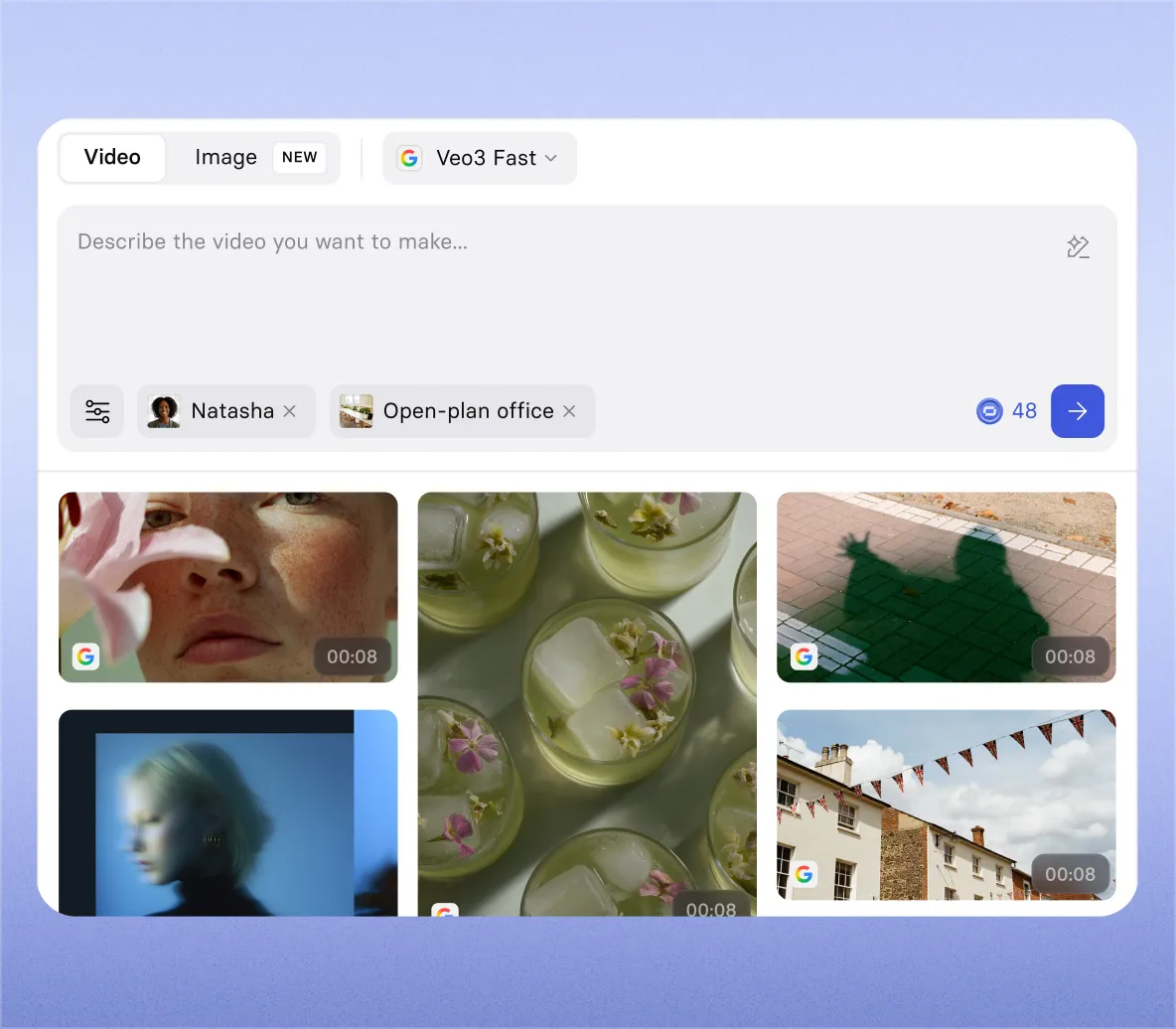
- Pick from Veo 3.1, Gemini Omni, and FLUX 3
- Choose 720p, 1080p, or 4K, with optional audio
- Animate your own images into cinematic video clips
How to convert text to video with AI
1. Start with any text
Type a prompt, plus add a script, PDF, PowerPoint, or webpage link. The AI reads everything and plans your video.
2. Watch your video take shape
Get a complete video with script, AI avatar, voice, motion graphics, B-roll, and music, built around your text.
3. Customize your video
Ask in chat to change anything. Rewrite the script, swap the AI avatar or voice, adjust the music and pacing, update on-screen text, or restyle a scene.
4. Download and share
Download your finished video as an MP4, or create a share link to send it to anyone.


Text to video AI use cases
If it’s written down, it can become a video. Start from whatever text you already have.

Hand over a brief or script and get a video ready for launch day with our script to video maker.

Repurpose articles for social and email with our blog post to video and article to video converters.

Turn step-by-step guides into tutorials with our URL to video converter. Just paste the link.

Make reports, guides, and policies easy to watch with our PDF to video converter.

Add narration and motion to any deck with our PowerPoint to video converter, keeping your slides' look.

No text yet? Describe your idea to our AI video generator and get the script and video made for you.

Training, marketing and sales teams use text to video

Over 2000+ five star reviews on G2
Frequently asked questions about AI text to video
What is text to video AI?
Text to video AI is software that creates a video from written text, like a prompt, script, document, or webpage. With Synthesia, Syren, our AI video agent, turns that text into a finished video with an AI presenter, scenes, visuals, voiceover, and music.
How does text to video AI work?
You describe the video you want and add any text you already have, like a script, PDF, or webpage. The AI reads it and plans a storyboard you can review. For short prompts, you can also pick from three creative directions, each with a preview, avatars, and a music sample. Then every scene is generated with an AI avatar, voiceover, motion graphics, B-roll, and music, and you refine the result by chatting. Most videos are ready in minutes.
What’s the best AI text to video converter?
According to G2, Synthesia is the best AI video generator, ranked #1 out of 1,000+ tools in its Best AI Video Generators list. It turns any text into a finished video, not just a short clip, with script, scenes, voiceover, and music, and you can add realistic AI avatars as presenters. It’s trusted by 90% of the Fortune 100.
Is Synthesia’s text to video AI free?
Yes. You can make your first text to video for free, with no credit card required. The free plan lets you turn prompts, scripts, and documents into videos, add AI avatars and voiceovers in 140+ languages, and generate clips from text in AI Playground with models like Veo 3.1 and FLUX 3.
How long can a video be?
Videos can be up to 60 minutes long, depending on your plan, in landscape or portrait. For anything longer than 15 minutes, you’ll be asked to confirm the plan before the video is built.
How is Synthesia different from AI video models like Veo 3.1?
AI video models like Veo 3.1 turn text into short clips. Synthesia turns your text into a whole video, with a script, scenes, voiceover, and music. If you’d rather generate individual clips, Veo 3.1, Gemini Omni, and FLUX 3 are built into AI Playground.
Can I make text to video in other languages?
Yes. Synthesia supports AI voiceovers in 140+ languages, so you can turn text into videos for audiences around the world. You can also use AI dubbing to translate finished videos with natural-sounding voices.
Can ChatGPT convert text to video?
Yes, with the Synthesia MCP. In ChatGPT, add the Synthesia app. In Claude, add the Synthesia connector. Sign in to your Synthesia account, then paste your text or attach a file and ask for a video. The video appears in the chat, where you can refine it, download it, or publish a share link for your team.
Can I use text to video AI for commercial projects?
Yes. You own the videos you create with Synthesia and can use them for commercial projects like marketing, sales, and company communications. Make sure you have the rights to anything you upload, such as images, footage, or logos.
Is Synthesia suitable for enterprise use?
Yes. Synthesia is trusted by 90% of the Fortune 100, is SOC 2 Type II and ISO 42001 certified, and is GDPR compliant. Enterprise plans add SSO, Brand Kits, and admin controls.
Not just an AI text to video tool
Synthesia is the AI video platform for business, built for creating, localizing, and sharing video at scale. Alongside text to video, you can put a presenter on screen with AI avatars, record and narrate your screen with the AI screen recorder, and reach new markets with AI video translation.
Discover more

Ready to try text to video generation?
Join 2M+ users today and start creating videos with AI avatars in 140+ languages.